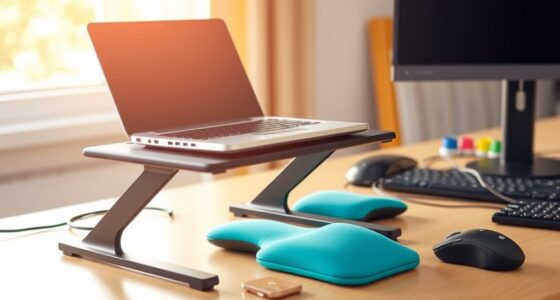
Many believe that just sitting in an ergonomic chair or using an adjustable desk will prevent discomfort, but that’s a myth. Comfort and safety depend on how you set up your workspace, move regularly, and adopt good habits. Relying solely on shortcuts or static positions can cause strain. To truly improve your workspace, understanding and applying ergonomic principles is essential. Keep exploring to discover how small changes can make a big difference for your comfort and health.
Key Takeaways
- An ergonomic chair alone doesn’t guarantee comfort or prevent injury; proper workspace setup and habits are essential.
- Adjusting your desk height without optimizing monitor and keyboard positions can lead to strain.
- Keyboard shortcuts don’t replace ergonomic practices; workstation setup should support natural, comfortable posture.
- Staying in the same position all day is a myth; regular movement and breaks are crucial for health.
- Understanding ergonomic principles helps create a sustainable workspace that reduces discomfort and injury risk.
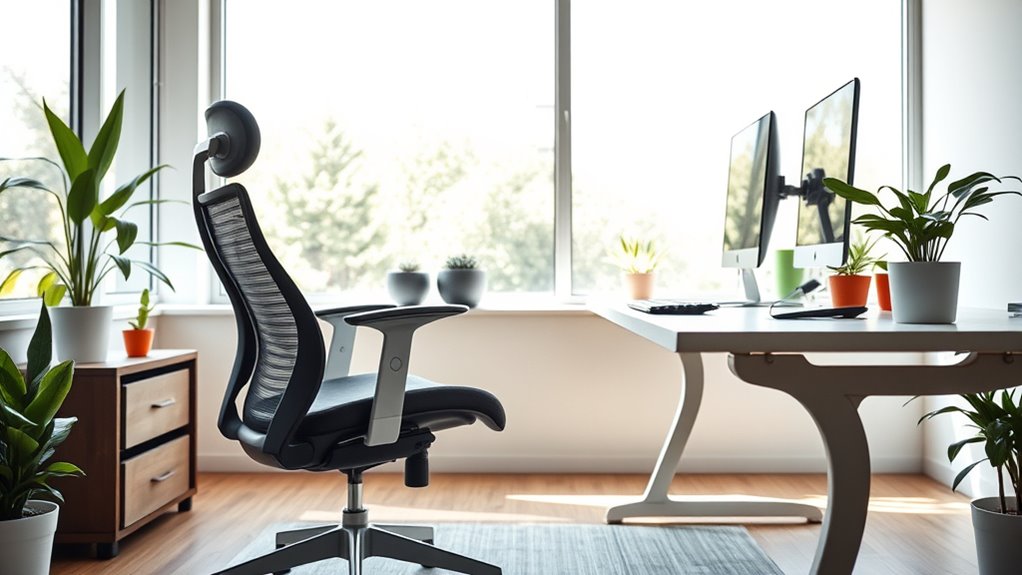
Have you ever believed that sitting in a perfectly ergonomic chair guarantees comfort and prevents injuries? It’s a common misconception. While an ergonomic chair can help support your back and promote better posture, relying solely on it isn’t enough. True comfort and injury prevention come from a combination of factors, including how you set up your workspace and how you work within it. For example, many people assume that once they have an adjustable desk, they’re automatically protected from strain. But an adjustable desk is only effective if you know how to use it correctly. Raising or lowering your desk without adjusting your monitor height, keyboard, or chair can create more problems than it solves. It’s essential to find the right height so that your elbows are at a 90-degree angle, your feet are flat on the floor, and your monitor is at eye level. This setup minimizes neck and shoulder strain and encourages better posture.
Many workplace myths suggest that ergonomic accessories like keyboard shortcuts can replace good ergonomic practices. But keyboard shortcuts, while handy, don’t compensate for poor workstation setup. Relying solely on shortcuts to speed up work might tempt you to stretch or reach awkwardly for your mouse or keyboard, especially if your setup isn’t optimized. Instead, learn to use keyboard shortcuts to reduce repetitive movements, but always ensure your workspace supports natural, comfortable positions. An ergonomic setup isn’t about quick fixes; it’s about creating a sustainable environment that encourages movement and proper alignment. Additionally, understanding the importance of workstation ergonomics can help you make more informed adjustments for long-term comfort.
People also believe that once they’ve adjusted their desk and chair, they can stay in the same position all day. That’s another myth that can lead to discomfort. No matter how ergonomic your furniture, staying in one static position for hours isn’t healthy. Your body needs regular movement to prevent stiffness and improve circulation. Incorporate short breaks, stretch, and change positions frequently. Use your adjustable desk to alternate between sitting and standing, but do so thoughtfully. Rapidly switching between positions without proper adjustments can cause new issues. Take the time to set your desk height, monitor, and keyboard to suit each position.
Frequently Asked Questions
Do Ergonomic Chairs Automatically Prevent Back Pain?
Ergonomic chairs don’t automatically prevent back pain, but they do support proper posture correction if used correctly. To maximize their benefits, you should adjust the chair to match your desk height and ensure your feet rest flat on the floor. Remember, maintaining good posture and frequent movement are key. An ergonomic chair is a helpful tool, but it’s not a cure-all—your habits matter just as much.
Is Standing While Working Always Better Than Sitting?
Standing while working isn’t always better than sitting. You should incorporate posture variations and movement strategies to prevent strain. Alternating between sitting and standing helps reduce fatigue and promotes better circulation. Make sure to take breaks, stretch, and change positions often. This approach keeps your muscles engaged, reduces discomfort, and supports overall ergonomic health. Remember, balance and movement are key to a healthier workspace.
Are Expensive Ergonomic Products More Effective Than Cheaper Options?
Think of ergonomic products like shoes: expensive ones often last longer and fit better, but cheaper options can still provide comfort if chosen wisely. While higher-cost items usually offer better quality and longevity, they’re not always necessary for everyone. You can find effective, affordable ergonomic solutions that meet your needs without overspending. Focus on proper fit, adjustable features, and durability to truly enhance your workspace—cost doesn’t always equal effectiveness.
Can Ergonomic Adjustments Fully Eliminate Discomfort During Long Work Hours?
Ergonomic adjustments can substantially reduce discomfort during long work hours, but they can’t fully eliminate it. Focus on posture correction and use ergonomic accessories like adjustable chairs and monitor stands to improve support. Regular breaks, stretching, and proper positioning are essential. Combining these strategies helps prevent strain, but understanding that some discomfort may remain encourages you to stay proactive about your ergonomic setup and overall health.
Is Perfect Ergonomics Achievable for All Body Types?
Perfect ergonomics isn’t fully achievable for all body types because of individual differences. You should look for adjustable features in your workspace, such as chair height, lumbar support, and armrests, to customize your setup. By tailoring these elements to your unique body, you can optimize comfort and reduce discomfort. Remember, ergonomic adjustments should evolve with your needs, making it a continuous process rather than a one-time fix.
Conclusion
Don’t let these myths be the invisible chains holding you back. As you clear away misconceptions, you’ll open a workspace that feels like a breath of fresh air—free, supportive, and tailored to you. Embrace the truth and craft a zone where comfort blossoms and productivity soars. Your best work starts with understanding what’s real; let go of the myths and step into a healthier, happier your workspace.