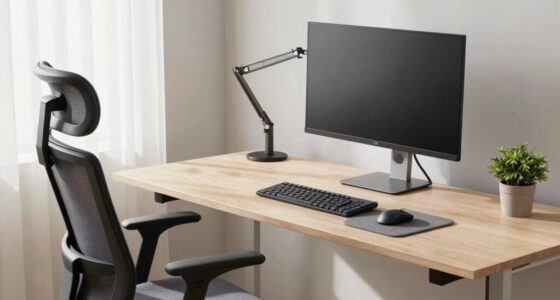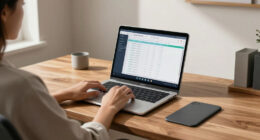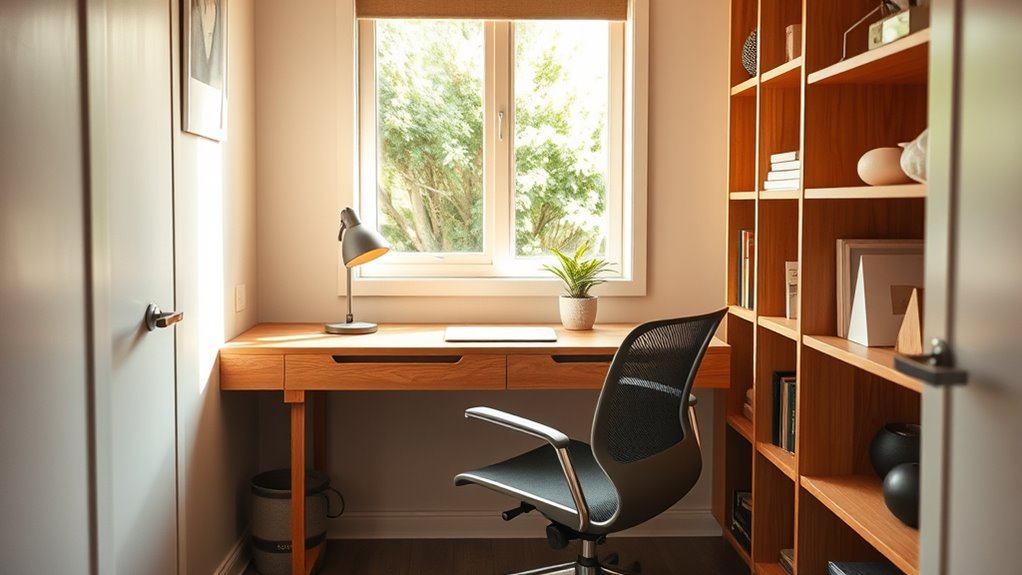
To make your tiny home office comfortable, focus on space-saving furniture that’s ergonomic, like adjustable desks and compact chairs with proper lumbar support. Use vertical storage and wall-mounted shelves to keep clutter low, while adjustable lighting reduces eye strain. Choose a chair that fits well in small spaces and offers easy adjustments. Incorporate ergonomic accessories such as monitor arms and footrests. Keep posture in check, and explore smart layout tips to maximize both comfort and productivity.
Key Takeaways
- Use adjustable, space-saving ergonomic furniture like compact chairs and fold-away desks to optimize comfort without crowding the space.
- Position monitors at eye level and keep essential tools within arm’s reach to maintain proper posture and reduce strain.
- Incorporate wall-mounted shelves and vertical storage to maximize space while keeping frequently used items accessible.
- Ensure proper lighting with natural sources and adjustable fixtures to prevent glare and support good visual ergonomics.
- Take regular breaks and perform ergonomic exercises to promote circulation and reduce musculoskeletal discomfort in limited areas.

HUANUO 32×19 Inch Small Electric Standing Desk, Adjustable, Light Walnut
- Compact 32” x 19” Desktop: Fits small spaces and corners
- 4 Memory Presets: Easy one-touch height adjustments
- DIY Mobile Setup: Install casters for mobility
As an affiliate, we earn on qualifying purchases.
As an affiliate, we earn on qualifying purchases.
Choosing Space-Saving Furniture for Ergonomic Comfort
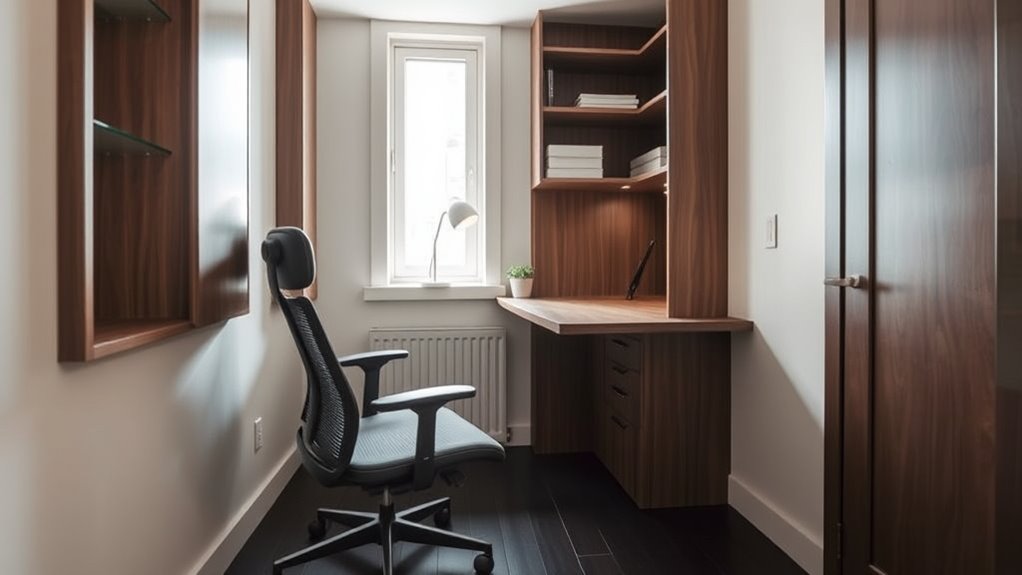
When designing a small space, selecting the right furniture is crucial for maintaining both comfort and functionality. Space-saving layouts help you maximize every inch without clutter, making your workspace feel more open. Look for multifunctional furniture that serves dual purposes, like a desk that doubles as storage or a chair with built-in compartments. These pieces reduce the need for extra furniture, freeing up valuable room. Opt for compact designs with adjustable features to guarantee ergonomic support while saving space. Wall-mounted desks or fold-away tables can be tucked away when not in use, keeping your area neat and efficient. Incorporating Free Floating elements can also help create an illusion of openness and flexibility. Additionally, choosing furniture with adjustable ergonomic features ensures you can customize your comfort even in tight spaces. To further enhance space efficiency, consider modular furniture that can be reconfigured as needed. Selecting space-efficient furniture is key to creating a comfortable workspace that promotes productivity without sacrificing style or comfort. Incorporating proper lighting can also improve the overall ambiance and reduce eye strain in small work areas.

ALLGOD Ergonomic Office Chair, Breathable Mesh Ergonomic Desk Chair with Adjustable Lumbar Support, Flip-up Armrests, Computer Chairs Comfortable for Home, Office, Work, 300lbs, Black, Upgrade
- Ergonomic Lumbar Support: Adjustable for all-day comfort and back pain relief
- Space-Saving Flip-up Armrests: Easily tuck under desk to save space
- Breathable Mesh Seat and Back: Promotes airflow and keeps you cool
As an affiliate, we earn on qualifying purchases.
As an affiliate, we earn on qualifying purchases.
Optimizing Your Desk and Work Surface in a Small Area
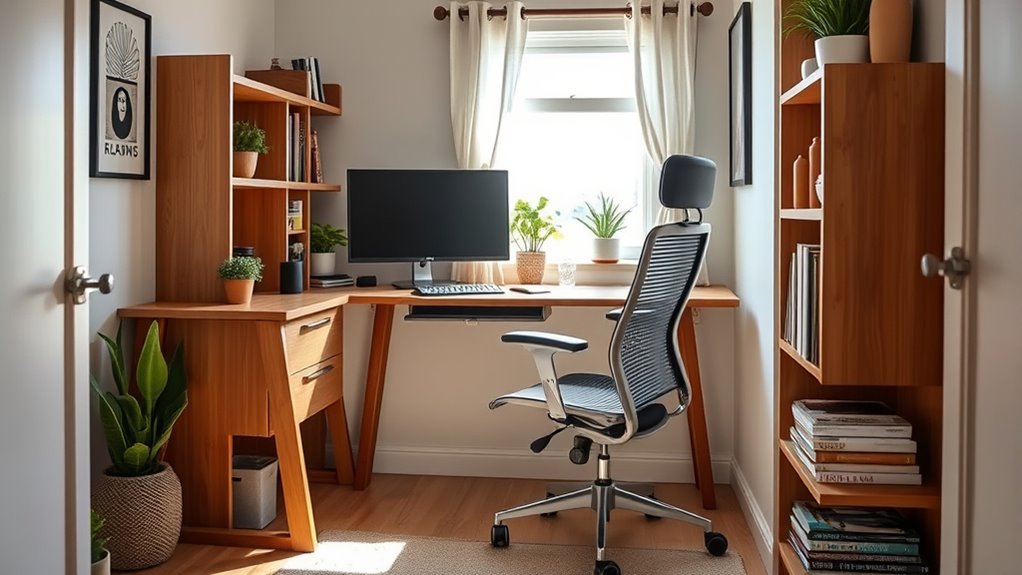
Maximizing your desk and work surface in a small area requires strategic planning to guarantee everything you need is within easy reach. Start by prioritizing desk organization to keep clutter at bay, using containers or trays for supplies. Proper monitor placement is key—position your monitor at eye level and about an arm’s length away to reduce neck strain. Use vertical space by adding wall-mounted shelves or pegboards for frequently used items. Keep your keyboard and mouse close to avoid reaching and maintain a comfortable arm angle. Consider a fold-away or multi-purpose surface that can serve as an additional workspace when needed. These small adjustments make your desk more efficient, comfortable, and ergonomic within limited space.

MKO 8" Small Floating Shelves for Wall, Metal Wall Mounted Shelf for Bathroom, Bedroom, Living Room, Kitchen, Little Mini Tiny Display Hanging Shelves for Books/Storage/Room Decor 2 Packs, Black
- Lightweight and Durable Material: Made of high-strength aluminum alloy
- Space-Saving Slim Design: Each shelf measures 8" L x 5" W
- 2-Pack Versatile Shelves: Includes two shelves for various uses
As an affiliate, we earn on qualifying purchases.
As an affiliate, we earn on qualifying purchases.
Proper Chair Selection and Adjustments for Limited Spaces
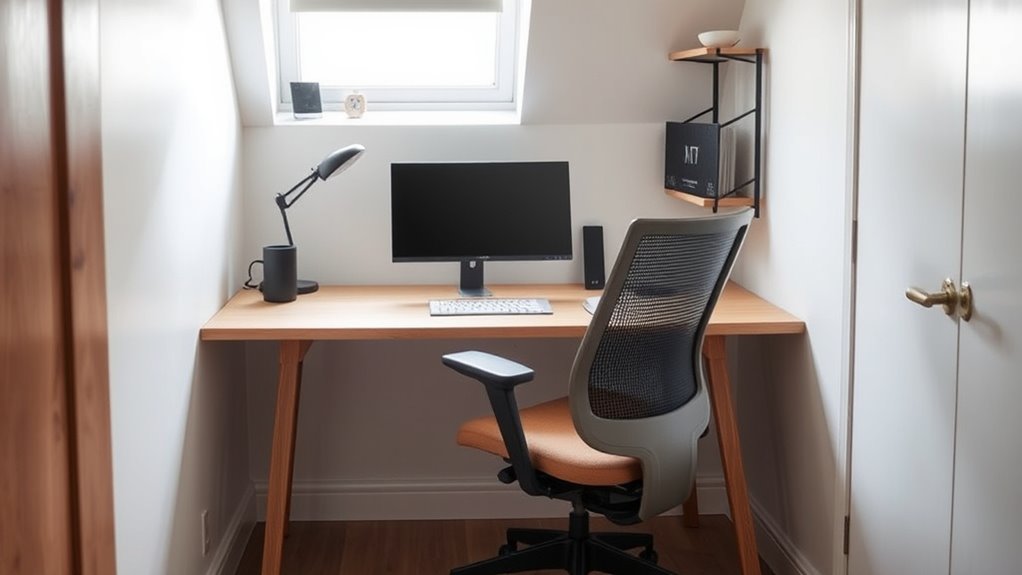
Choosing the right chair for small spaces means looking for compact features that fit comfortably without sacrificing support. You want a chair that offers customizable ergonomic adjustments, so you can tailor it to your body’s needs. These options guarantee you stay comfortable and maintain good posture, even in tight quarters. Additionally, selecting chairs with local automation capabilities can help you easily adjust settings via voice or app, enhancing convenience in your small home office. Incorporating ergonomic principles into your chair choice ensures better long-term comfort and supports proper spinal alignment, especially in confined environments. Understanding home energy considerations can also help optimize your workspace setup for efficiency and comfort. Employing performance metrics when choosing your chair can help assess its long-term durability and comfort levels.
Compact Chair Features
Selecting the right compact chair is essential for making the most of limited space without sacrificing comfort or support. Look for features that enhance ergonomics while fitting into tight areas. A good ergonomic chair offers adjustable height, lumbar support, and breathable material to keep you comfortable during long work sessions. Compact seating options should be lightweight yet sturdy, allowing easy maneuvering and storage. Prioritize chairs with a small footprint that don’t compromise on support or adjustability. Features like a tilting mechanism and adjustable armrests can improve ergonomics without taking up extra space. Remember, the goal is to find a chair that promotes good posture while fitting seamlessly into your tiny home office. These compact features ensure comfort and support, even in tight quarters. Additionally, choosing a space-saving design can maximize your limited area while maintaining ergonomic benefits. Incorporating ergonomic principles into your chair selection can further enhance comfort and reduce strain during extended work periods. Ensuring proper lumbar support is crucial for long-term comfort and spinal health in small spaces. Moreover, selecting chairs with adjustable components allows customization to individual needs, enhancing overall ergonomic benefits.
Customizable Ergonomic Adjustments
Have you considered how customizable ergonomic adjustments can transform a small space into a comfortable and supportive work area? By choosing a chair with adjustable features, you can tailor your seating to fit your body perfectly. An adjustable keyboard allows you to position your hands comfortably, reducing strain during long hours. A customizable monitor ensures your screen is at eye level, preventing neck pain. Use the table below to see key adjustments:
| Adjustment | Benefit |
|---|---|
| Adjustable Keyboard | Reduces wrist strain |
| Customizable Monitor | Prevents neck and eye strain |
| Seat Height | Supports proper posture and comfort |
In addition, selecting ergonomic components designed for limited spaces can further enhance comfort and productivity.

Single Monitor Arm for 17-32 Inch Screens, Holds up to19.8 lbs
- Compatible Monitor Sizes: Fits 17-32 inch monitors up to 19.8 lbs
- VESA Compatibility: Supports 75x75mm and 100x100mm VESA holes
- Easy Installation Options: Supports C-clamp and grommet mounting
As an affiliate, we earn on qualifying purchases.
As an affiliate, we earn on qualifying purchases.
Enhancing Lighting to Reduce Eye Strain and Boost Focus
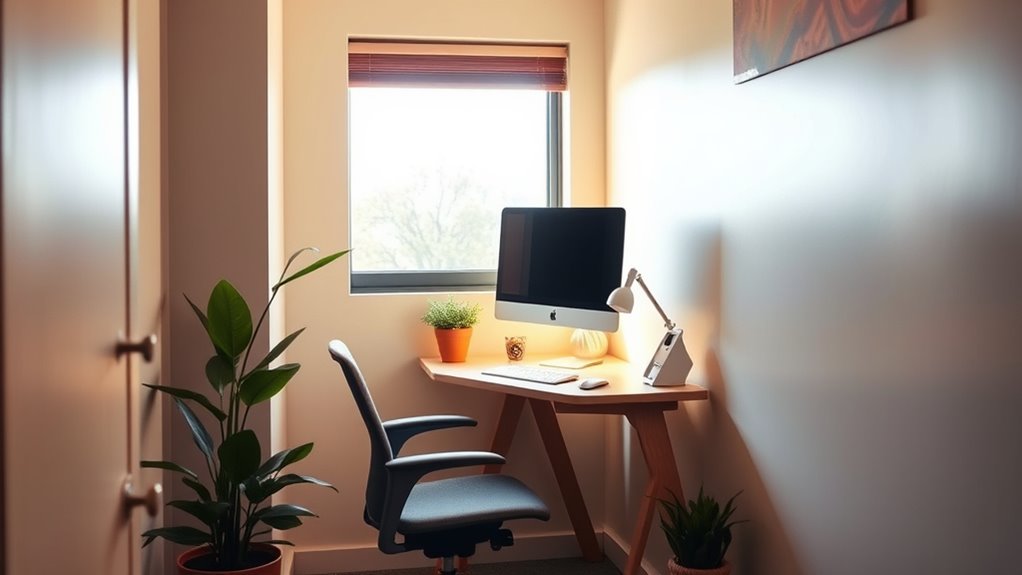
Proper lighting setup can make a big difference in reducing eye strain and improving your focus. You should consider the best placement for your lights to avoid glare and shadows. Additionally, adjustable lighting options give you control to customize brightness as needed throughout the day.
Optimal Light Placement
To minimize eye strain and improve focus, arranging your lighting effectively is essential. Proper light placement ensures a balanced environment that reduces glare and shadows. Maximize natural light by positioning your desk near windows, but avoid direct sunlight that causes glare. Use artificial lighting strategically, like overhead lights or desk lamps, to supplement natural light without creating harsh shadows. Place lights behind or to the sides of your workspace rather than directly overhead. Adjust the height and angle of lamps to prevent reflections on screens and work surfaces. Incorporate soft, diffused lighting to create a calming atmosphere. Remember, well-placed lighting enhances visibility and comfort, helping you stay focused without straining your eyes. Proper light placement can also help reduce fatigue and improve overall productivity.
Adjustable Lighting Options
Adjustable lighting options give you the flexibility to tailor your workspace to your needs, helping to reduce eye strain and improve focus. Wall-mounted fixtures are a great way to add task lighting without cluttering your small space, allowing you to direct light exactly where you need it. Incorporate natural light strategies by positioning your desk near windows or using sheer curtains to maximize daylight, which can lessen reliance on artificial light. Dimmable lamps or adaptable overhead lights also let you change brightness levels throughout the day, creating a comfortable environment. Implementing lighting controls such as timers or smart switches can further enhance your ability to customize lighting settings efficiently. By combining wall-mounted fixtures, natural light strategies, and adjustable brightness, you can customize your lighting setup for ideal comfort and productivity in your tiny home office.
Organizing Your Small Office to Minimize Clutter and Maximize Efficiency

Creating an organized small office starts with evaluating your space and identifying areas of clutter. To maximize efficiency, focus on smart storage solutions that keep essentials within reach and out of sight. Use vertical space with wall-mounted shelves or pegboards to free up desk area. Incorporate decor ideas that double as organization, like stylish bins or multifunctional furniture. Regularly declutter by sorting items into keep, toss, or donate piles. Label containers clearly for quick access and avoid piling items on your desk. Consider compact storage units that fit tight corners. Keep frequently used items at eye level, and store less-used supplies elsewhere. Additionally, understanding field-of-view and imaging‑scale examples can inspire creative storage ideas for small spaces. Taking into account ergonomic principles can help you design a workspace that minimizes strain and boosts comfort. Proper lighting and visual ergonomics are also essential to reduce eye strain and improve productivity. Using multi-functional furniture can further optimize limited space and add versatility to your office setup. With these tips, your tiny office stays neat, functional, and inspiring. A clutter-free space boosts productivity and creates a more comfortable work environment.
Incorporating Ergonomic Accessories in Compact Spaces
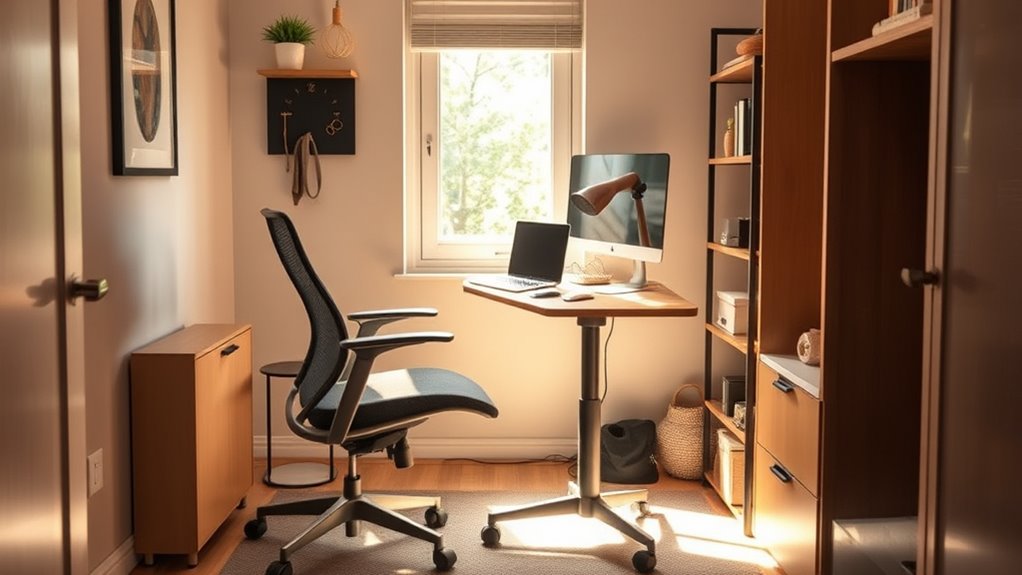
In small spaces, incorporating ergonomic accessories is essential to maintain comfort and prevent strain during long work hours. Compact ergonomic accessories, like adjustable keyboard trays, space-saving monitor arms, and compact footrests, help maximize your limited area while supporting proper posture. Small space solutions focus on multifunctionality and minimal clutter, so choose accessories that serve multiple purposes or can be easily stored away when not in use. Ergonomic accessories should be easy to adjust, allowing you to customize your workspace quickly. By integrating these small space solutions, you’ll create a more comfortable, health-conscious environment that promotes productivity without sacrificing precious space. Remember, well-chosen ergonomic accessories make a significant difference in maintaining comfort and reducing fatigue in tight quarters.
Tips for Maintaining Good Posture in a Tiny Home Office
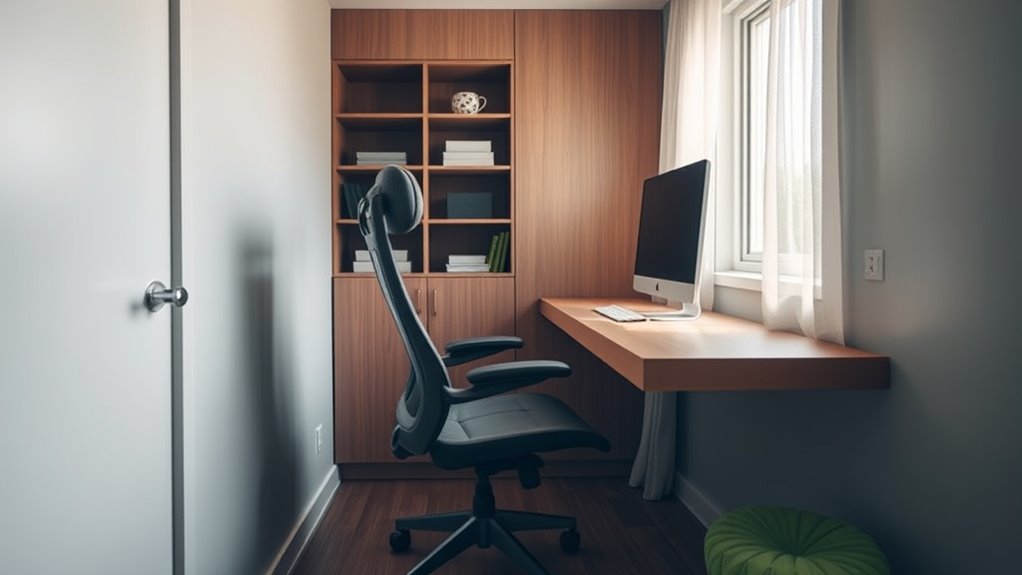
When working in a tiny home office, maintaining good posture becomes even more important to prevent discomfort and long-term strain. To achieve this, focus on posture correction and incorporate quick ergonomic exercises into your routine. Keep your monitor at eye level to avoid neck strain, and sit with your feet flat on the floor. Take regular breaks to stretch and reset your posture. Practice simple ergonomic exercises like shoulder rolls, neck stretches, and back extensions to stay comfortable throughout the day. Here are some tips to help maintain proper posture:
- Adjust your chair for lumbar support
- Keep your keyboard and mouse at elbow height
- Use a footrest if your feet don’t reach the floor
- Take short breaks every 30 minutes
- Do quick stretches to relieve tension
- Be mindful of your ergonomic setup, which can help prevent musculoskeletal issues and discomfort during long work sessions. Incorporating ergonomic principles can further optimize your workspace for comfort and productivity. Additionally, selecting ergonomic office furniture designed for small spaces can enhance support and reduce fatigue.
Frequently Asked Questions
How Can I Improve Air Circulation in a Tiny Office Space?
To improve air circulation in your tiny office, you should use a quality air purifier to remove pollutants and circulate clean air. Additionally, maximize natural ventilation by opening windows and doors whenever possible. Combining these methods helps create a healthier workspace. You can also place fans strategically to promote airflow, ensuring fresh air flows continuously, making your small office more comfortable and reducing stuffiness.
What Are Space-Efficient Solutions for Cable Management?
Imagine transforming chaos into calm—your tiny office, clutter-free and sleek. You start with smart cord management by using wall-mounted clips and under-desk trays to keep cables out of sight. For cable concealment, opt for cable sleeves or raceways that hide cords along walls and furniture. These space-efficient solutions not only free up your workspace but also create a clean, professional look, making your small office both functional and stylish.
How Can Soundproofing Be Effectively Implemented in Small Offices?
You can effectively implement soundproofing by installing acoustic panels on your walls to absorb noise and reduce echo. Adding soundproof curtains over windows helps block external sounds and muffle indoor noise. Combining these solutions creates a quieter environment, perfect for focus. Make sure to position panels strategically and choose heavy curtains to maximize sound absorption, transforming your small office into a peaceful, productive space.
Are There Ergonomic Considerations Specific to Standing Desks in Small Areas?
Like a tightrope walker balancing carefully, you should prioritize ergonomic considerations for your standing desk in small spaces. Make certain it has adjustable height to suit your comfort and prevent strain. Use a foot support to reduce lower back stress and improve posture. Keep enough room to shift your weight and move freely, making your tiny office feel more spacious and comfortable while maintaining ergonomic health.
How Do I Personalize My Small Office Without Cluttering the Space?
To personalize your small office without cluttering, add decorative accessories like small plants or stylish organizers that reflect your personality. Incorporate personal touches such as framed photos or unique stationery to make the space feel inviting. Keep clutter at bay by choosing multifunctional furniture and storage solutions. This way, your workspace stays functional and cozy, making it easier to stay motivated and comfortable throughout your workday.
Conclusion
With smart space-saving solutions and simple setup strategies, you can create a comfortable, clutter-free corner that keeps you focused and fulfilled. By choosing compact furniture, customizing your chair, and controlling lighting, you’ll craft a cozy, clutterless workspace that works wonders. Remember, maintaining mindful posture and organizing efficiently transforms your tiny home office into a productive paradise. Make your small space a superb space—where comfort and creativity collide with cleverness!