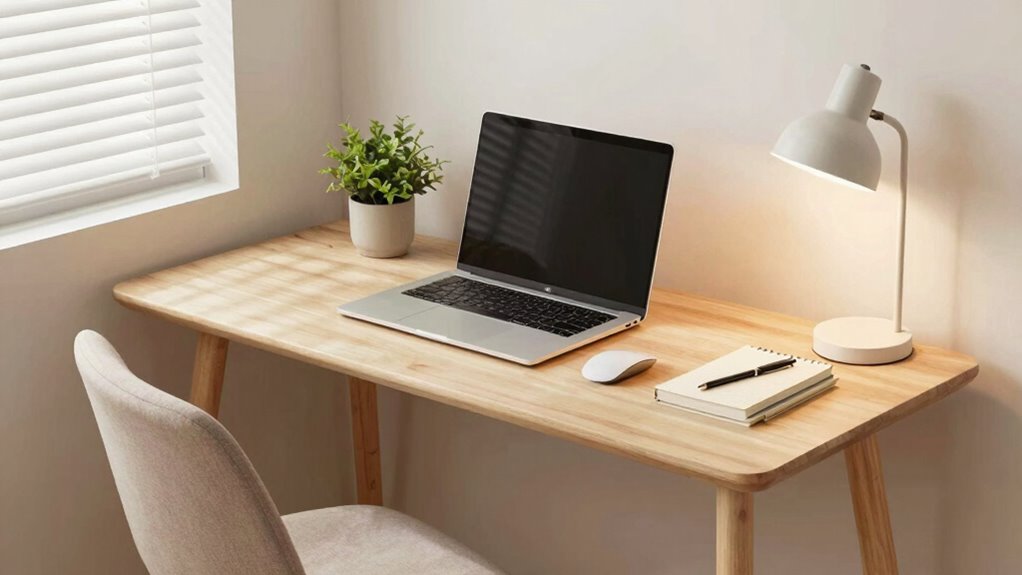

To make your compact workspace less stressful, focus on ergonomic setups like an adjustable chair, sit-stand desk, supportive keyboard, and footrest to prevent strain. Maximize lighting with natural sources and soft, layered lamps to reduce eye fatigue. Keep your space organized with storage solutions, and take regular breaks to stretch and move, maintaining good posture. Small, strategic adjustments can improve comfort greatly—continue exploring ways to enhance your workspace for even better results.
Key Takeaways
- Incorporate ergonomic accessories like adjustable chairs, supportive keyboard/mouse, and footrests to promote proper posture.
- Maximize natural light and use layered, adjustable lighting to reduce eye strain and improve focus.
- Optimize space with multi-functional furniture and organized storage to minimize clutter and enhance comfort.
- Take regular breaks, stretch, and perform simple exercises to prevent stiffness and promote movement.
- Combine ergonomic setup, lighting, organization, and movement habits for a healthier, less stressful workspace.
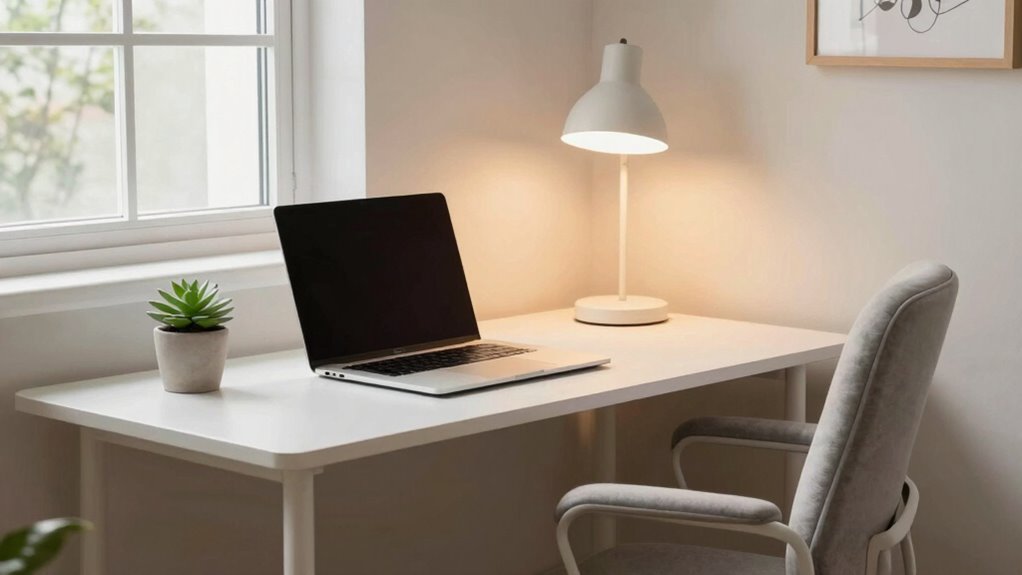
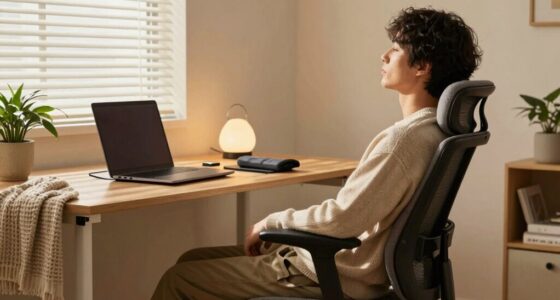
When your workspace is small, it’s easy to feel cramped and overwhelmed, but with a few strategic adjustments, you can make it feel more open and comfortable. One of the first steps is to focus on ergonomic accessories. These tools are designed to support your body and reduce strain, helping you work more comfortably for longer periods. Invest in an adjustable chair that offers proper lumbar support, so your lower back isn’t strained after hours of sitting. A sit-stand desk converter can give you flexibility, allowing you to switch positions throughout the day. A supportive keyboard and mouse can prevent wrist pain, while a footrest ensures your legs are properly aligned. These small changes might seem minor, but they make a significant difference in how your body feels during work.
Prioritize ergonomic accessories to support your body and reduce strain in small workspaces.
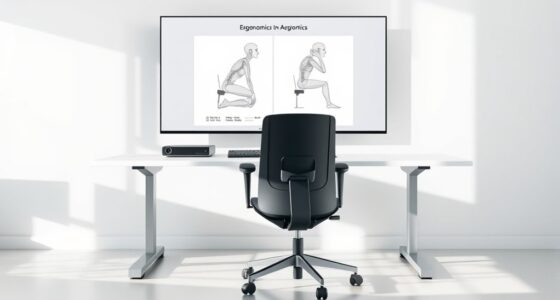
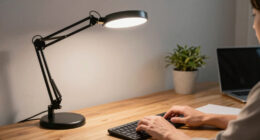
Lighting solutions also play a vital role in reducing physical stress in a compact workspace. Poor lighting can cause eye strain, headaches, and fatigue. Aim to maximize natural light by positioning your desk near a window if possible. When natural light isn’t enough, incorporate layered lighting—combine ambient, task, and accent lights. Use adjustable desk lamps with soft, warm bulbs to illuminate your workspace without creating glare. Avoid harsh fluorescent lights that can cause flickering and eye discomfort. Proper lighting not only eases your eyes but also helps you stay alert and focused, reducing the mental and physical fatigue that often accompanies poor illumination. Additionally, considering ergonomic design principles can help optimize your space for comfort and efficiency. Incorporating proper lighting techniques can further reduce eye strain and enhance your overall comfort during work. Furthermore, using space-saving furniture options can maximize your limited area without sacrificing functionality. Paying attention to aesthetic appeal can also boost your mood and motivation, making your workspace more inviting and less stressful. Small adjustments like efficient storage solutions can also create a more streamlined environment, reducing clutter and visual chaos. Paying attention to your overall posture and movement habits is equally important. Take regular breaks to stretch and shift your position. Even in a small space, you can incorporate simple exercises to relieve tension, like shoulder rolls or neck stretches. Being mindful of how you sit and move helps prevent long-term strain and discomfort. Combining ergonomic accessories, thoughtful lighting solutions, organized space, and mindful habits transforms your compact workspace into a more comfortable, less stressful environment. It’s about working smarter, not harder, even when space is limited.

HOLLUDLE Ergonomic Mesh Office Chair – 3D Adjustable Lumbar Support & 3D Armrests, V-Shaped Back, Adjustable Desk Chair for Office & Home, White
[Advanced 3D Lumbar Support] Customize your comfort with Holludle's unique 3D lumbar support. Adjust it up, down, forward,…
As an affiliate, we earn on qualifying purchases.
As an affiliate, we earn on qualifying purchases.
Frequently Asked Questions
How Can I Improve Air Quality in a Small Workspace?
To improve air quality in your small workspace, add air-purifying plants like snake plants or pothos—they naturally filter toxins and boost oxygen. Use air quality monitors to keep track of pollutants and guarantee the air stays fresh. Keep windows open when possible for ventilation, and avoid clutter that traps dust. Regularly clean surfaces and change filters to maintain a healthier environment, making your workspace more comfortable and less stressful.
What Are Space-Saving Storage Solutions for Compact Offices?
To maximize your compact office space, use vertical organization by installing wall-mounted shelves and pegboards to keep essentials within reach without cluttering your desk. Opt for multifunctional furniture like desks with built-in storage or fold-away tables to save space. These solutions help you stay organized and create a more open, less stressful environment, making your workspace feel larger and more efficient without sacrificing functionality.
How Does Lighting Affect Physical Comfort in Small Work Areas?
Lighting considerably impacts your physical comfort in small work areas. Natural light helps reduce eye strain and boosts your mood, making your space feel more open. Incorporate adjustable brightness options so you can tailor the lighting to your needs, whether for detailed tasks or relaxing. Good lighting minimizes fatigue and discomfort, ensuring you stay focused and comfortable throughout your workday. Proper illumination creates a welcoming, stress-free environment.
What Ergonomic Furniture Is Best for Limited Spaces?
Imagine slipping into an ergonomic chair that molds perfectly to your back, freeing you from discomfort. Pair it with an adjustable desk that rises and lowers with a simple click, transforming your cramped space into a versatile workspace. These pieces optimize limited areas, providing support and flexibility. With these ergonomic furniture choices, you’ll boost comfort and productivity, turning even small spaces into efficient, stress-free zones.
How Can I Reduce Noise Levels in a Tiny Workspace?
You can reduce noise levels in your tiny workspace by using soundproofing options like acoustic panels or draft stoppers on doors and windows. Adding a thick rug or curtains also dampens sound. Invest in noise-canceling devices such as headphones or desk-mounted white noise machines to block out distractions. These solutions help create a calmer, more focused environment, making your small workspace more comfortable and less stressful.

VIVO 32 inch Desk Converter, K Series, Height Adjustable Sit to Stand Riser, Dual Monitor and Laptop Workstation with Wide Keyboard Tray, Black, DESK-V000K
Create Instant Active Standing – VIVO’s desk riser provides on-demand standing throughout the day for the freedom to…
As an affiliate, we earn on qualifying purchases.
As an affiliate, we earn on qualifying purchases.
Conclusion
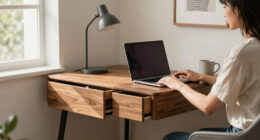
By implementing simple changes, like adding a small plant or using vertical storage, you can transform your cramped workspace into a more comfortable zone. Imagine Sarah, who struggled with clutter and tight spaces, but after decluttering and introducing a compact desk with shelves, she now feels calmer and more focused. Small adjustments make a big difference, helping you feel less stressed and more productive. Start today, and turn your workspace into a stress-free haven.

Logitech Ergo K860 Wireless Ergonomic Keyboard – Split Keyboard, Wrist Rest, Natural Typing, Stain-Resistant Fabric, Bluetooth and USB Connectivity, Compatible with Windows/Mac, Black
Improved Typing Posture: Type more naturally with a curved, split keyframe and reduce muscle strain on your wrists…
As an affiliate, we earn on qualifying purchases.
As an affiliate, we earn on qualifying purchases.

CasaZenith Foot Rest, Six Heights Adjustable Foot Rest for Under Desk at Work, Ergonomic Foots Stool for Under Office Desks, Under Desk Footrest with Foot Massage Roller, Chair Footrest for Leg Rests
Desk Foot Rest with 6 Six Height Adjustment: Our foot stool can be adjusted according to your height,…
As an affiliate, we earn on qualifying purchases.
As an affiliate, we earn on qualifying purchases.