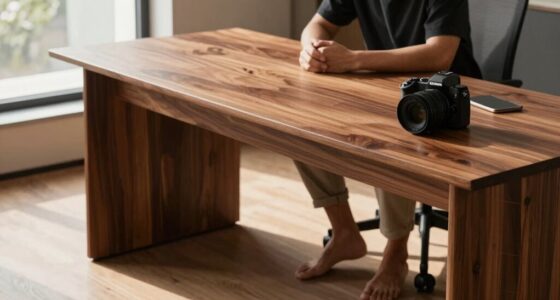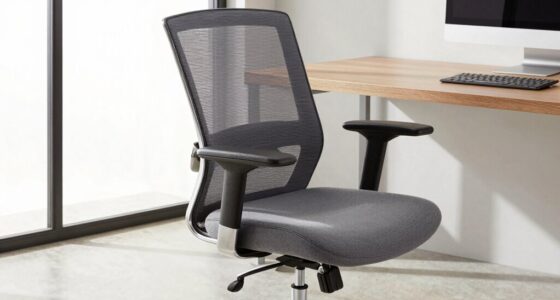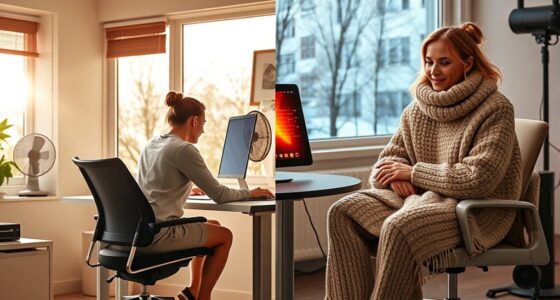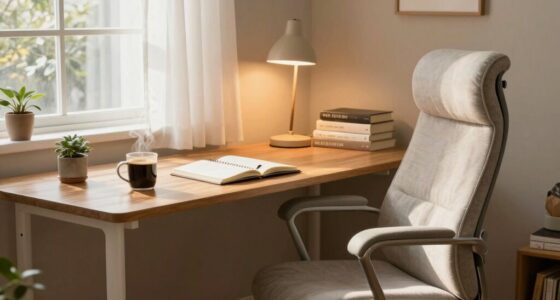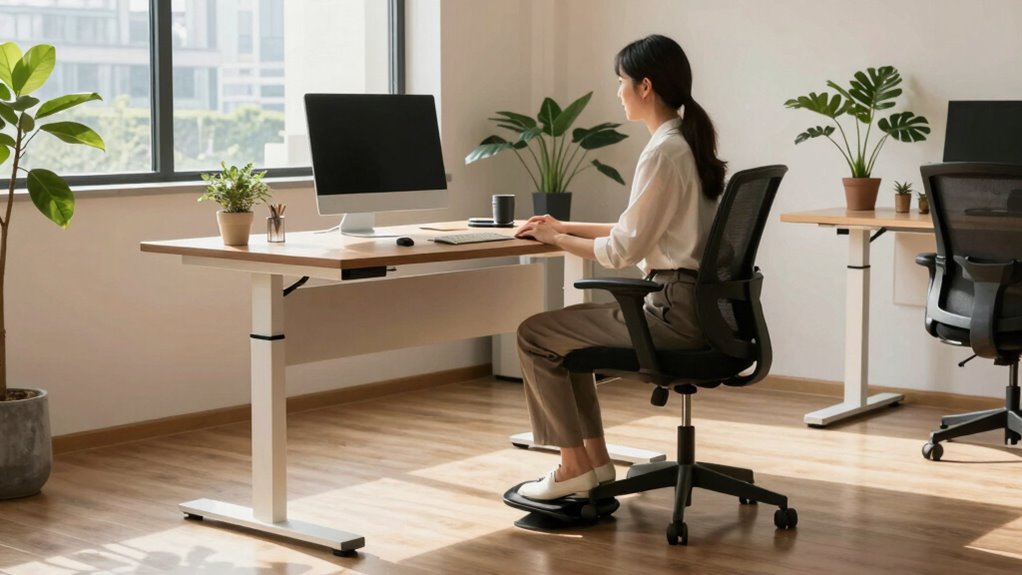
To smartly alternate sitting and standing all day, set a routine like standing for 15-30 minutes every hour, and use ergonomic accessories such as adjustable desks, sit-stand converters, and anti-fatigue mats. Pay attention to your body signals and use proper posture guidelines, like keeping your monitor at eye level and feet flat on the ground. Incorporating simple stretches and small adjustments can boost comfort and reduce fatigue—if you’re interested, you’ll discover more effective strategies ahead.

Get comfort and recovery gear delivered free — and shop member deals
- Fast, free delivery on millions of items
- Access to Prime Big Deal Days deals on October 6–7
- Prime Video, Amazon Music and more included
Key Takeaways
- Establish a consistent schedule, e.g., stand for 15-30 minutes every hour, to promote balanced movement.
- Use ergonomic accessories like adjustable desks and sit-stand converters for smooth transitions.
- Maintain proper posture with monitor at eye level and feet flat on the ground during all positions.
- Incorporate short stretching breaks to alleviate stiffness and prevent musculoskeletal discomfort.
- Utilize anti-fatigue mats and footrests to enhance comfort during standing periods.
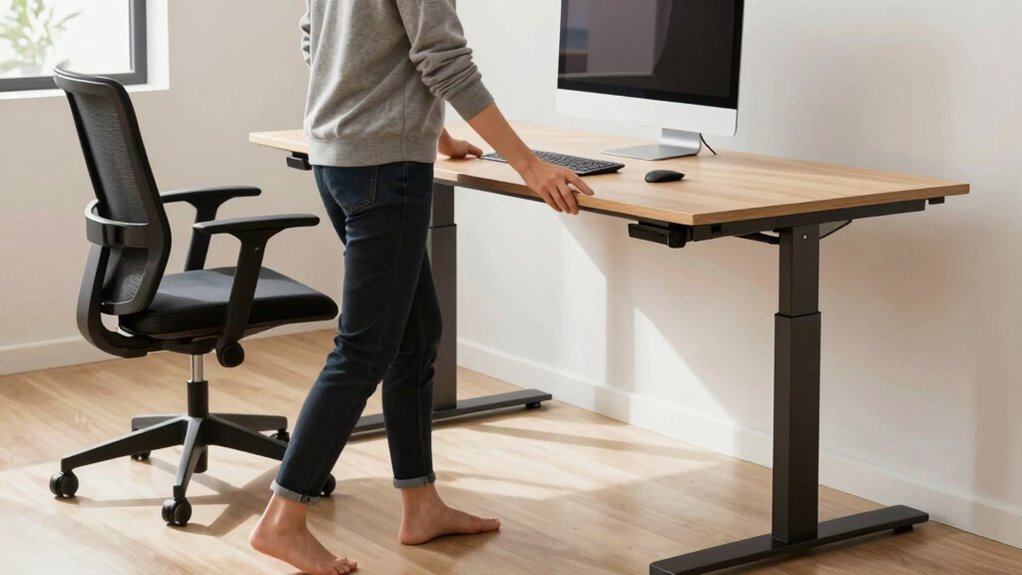
If you spend most of your workday sitting at a desk, finding ways to alternate between sitting and standing can boost your energy and reduce discomfort. Sitting for long periods strains your muscles and can lead to poor posture, which impacts overall comfort and productivity. To make this transition easier, ergonomic accessories are key. Adjustable desks, sit-stand converters, and supportive anti-fatigue mats help you switch positions smoothly and comfortably. These tools not only make standing less tiring but also encourage better posture, preventing common issues like back pain and neck strain.
One effective approach is to set a schedule, such as standing for 15 to 30 minutes every hour. Using ergonomic accessories like a height-adjustable desk allows you to change positions without hassle. When you stand, make sure your monitor is at eye level, your keyboard is at a comfortable height, and your feet are flat on the ground. This setup promotes posture improvement and reduces the risk of developing musculoskeletal problems. Remember, the goal isn’t to stand all day but to alternate intelligently, so your muscles stay active without becoming fatigued.
Alternate sitting and standing every hour with ergonomic setups to boost comfort and prevent strain.
Incorporating sit-stand routines into your workday also involves paying attention to your body’s signals. If you notice discomfort or stiffness, change your position. Take short breaks to stretch your legs, back, and shoulders. Simple stretches can alleviate tension and keep your blood flowing. Ergonomic accessories like footrests or anti-fatigue mats can make standing more comfortable, helping you maintain proper posture and reduce fatigue over extended periods. These small adjustments make a big difference in how your body feels by the end of the day. Additionally, understanding ergonomic principles can guide you in creating a healthier workspace environment, especially as they relate to multi-unit setups for standing desks or ergonomic accessories. Incorporating workplace ergonomics can further enhance your comfort and prevent injury, and being aware of musculoskeletal problems can help you take proactive steps to avoid them.
As an affiliate, we earn on qualifying purchases.
Frequently Asked Questions
How Long Should I Stand Versus Sit During the Day?
You should aim to stand for about 15-30 minutes every hour, balancing with sitting periods of 30-60 minutes. This helps prevent strain and promotes good posture correction. Incorporate ergonomic habits by adjusting your desk to hip height and keeping your monitor eye level. Regularly shifting between sitting and standing keeps your muscles engaged, reduces fatigue, and supports overall comfort throughout the day.
What Are the Best Ergonomic Accessories for Sit-Stand Workstations?
You should prioritize ergonomic accessories like an adjustable desk and an anti-fatigue mat. An adjustable desk lets you seamlessly switch between sitting and standing, promoting comfort and flexibility. An anti-fatigue mat reduces strain on your legs and feet when standing for extended periods. Together, these accessories enhance your workspace, support your posture, and keep you energized throughout the day. Invest in these tools for a healthier, more productive work routine.
How Can I Stay Motivated to Switch Positions Regularly?
To stay motivated to switch positions regularly, use motivation strategies like setting timers or reminders, and track your progress. Habit formation helps make this routine second nature, so consider associating standing or sitting with certain tasks or times of day. Reward yourself for consistent changes, and stay mindful of the benefits. Over time, these strategies will make alternating a natural part of your workday, keeping you energized and focused.
Are There Health Risks Associated With Excessive Standing?
Yes, excessive standing can pose health risks like varicose veins, foot pain, and poor posture. To minimize these, focus on posture correction by keeping your spine aligned and shoulders relaxed. Also, choose supportive footwear that cushions your feet and promotes good circulation. Alternating between sitting and standing helps, but paying attention to your posture and footwear guarantees you avoid the risks associated with prolonged standing.
What Exercises Can I Do to Reduce Discomfort From Standing?
You might find that incorporating stretching routines and posture correction exercises eases discomfort from standing. Simple stretches like calf raises, hamstring stretches, and hip openers can relieve tension. Focus on maintaining proper posture by engaging your core and keeping shoulders relaxed. Regularly shifting weight, stretching, and practicing these exercises during breaks will help reduce fatigue and improve comfort, making your standing hours more manageable and less painful.
As an affiliate, we earn on qualifying purchases.
Conclusion
By switching between sitting and standing throughout the day, you can boost your energy and reduce discomfort. Imagine a busy professional who sets a reminder to stand every 30 minutes, feeling more alert and less stiff by day’s end. Incorporating simple strategies like this helps you stay active without disrupting your workflow. So, give it a try—your body will thank you for the smarter, healthier way to work all day long.
As an affiliate, we earn on qualifying purchases.
As an affiliate, we earn on qualifying purchases.
Fall Picks
fall essentials
As an affiliate, we earn on qualifying purchases.