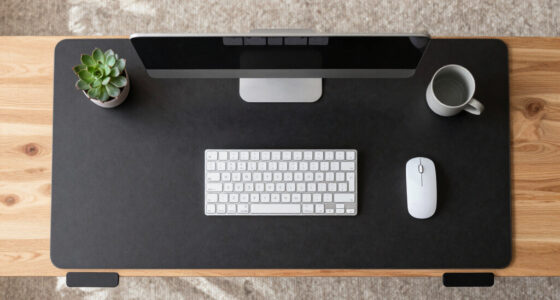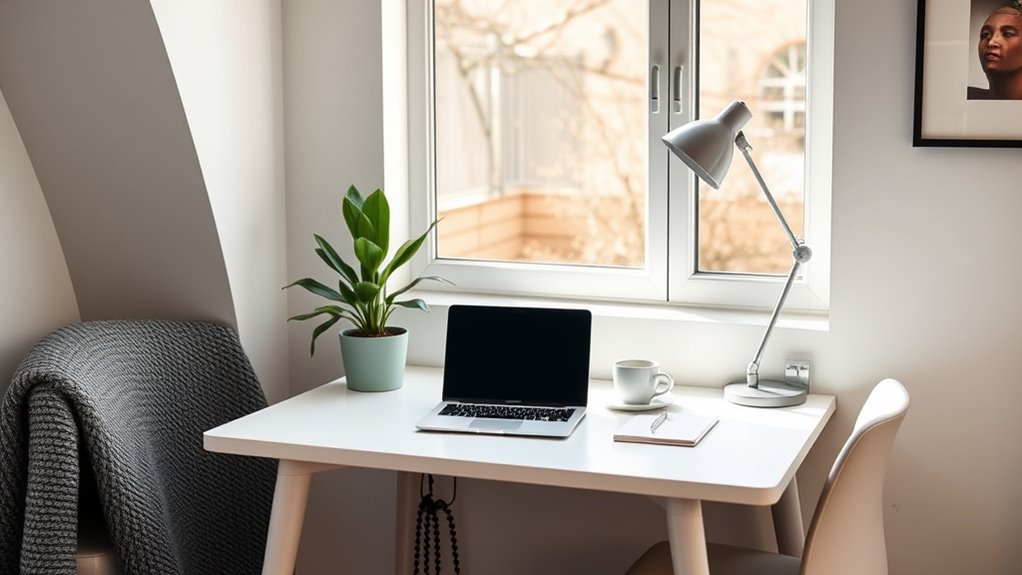

To set up a mobile home office, choose an ergonomic chair and desk that fit your space and support good posture. Use noise reduction techniques like soundproofing or noise-canceling headphones to stay focused. Create a dedicated area that’s separate from living spaces, and keep it organized with shelves and storage solutions. Maximize natural light and incorporate adjustable lighting for comfort. If you want tips on how to make your workspace flexible and productive, keep exploring these ideas.

Get comfort and recovery gear delivered free with Prime
- Fast, free delivery on millions of items
- Prime Video, Amazon Music and more included
- Member-only deals all year
Key Takeaways
- Choose a lightweight, ergonomic desk and chair for easy mobility and adjustable comfort anywhere in your home.
- Create a dedicated, clutter-free zone with soundproofing and proper lighting for focused work sessions.
- Use portable organizers and storage solutions to keep essentials accessible and maintain organization on the go.
- Maximize natural light and add adjustable lighting to adapt to different spaces and times of day.
- Incorporate noise-canceling headphones and soundproofing techniques to minimize distractions in various locations.
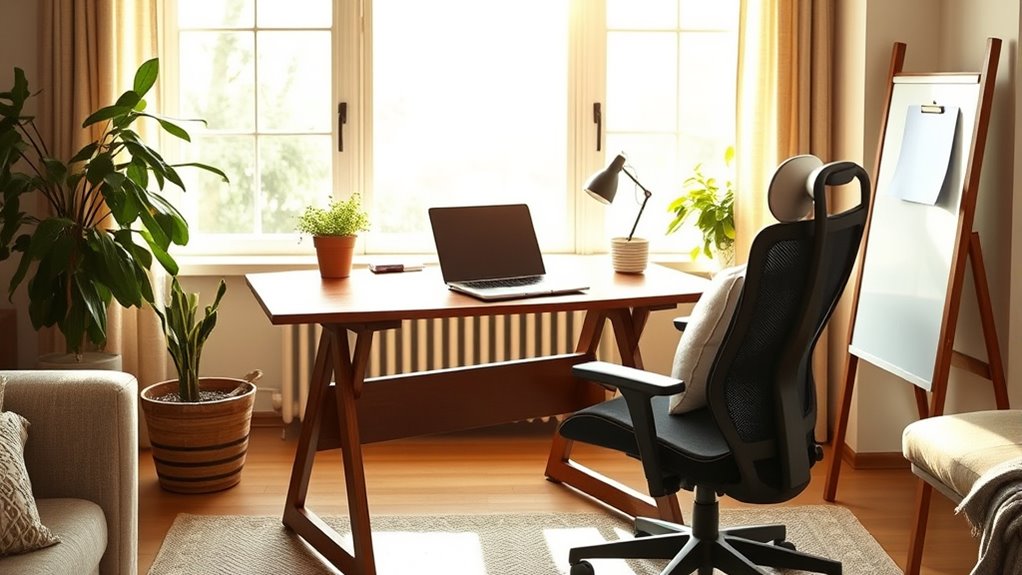
Setting up a mobile home office allows you to work efficiently from anywhere while maintaining a professional environment. Whether you’re transforming a spare room, a corner of your living space, or a dedicated shed outside, creating a comfortable and functional workspace is key. The foundation of this setup involves choosing the right ergonomic furniture. An ergonomic chair and desk are essential because they support good posture, reduce strain, and keep you comfortable during long work sessions. Look for a chair with adjustable height, lumbar support, and breathable fabric to prevent discomfort and fatigue. Pair it with a desk that fits your space and allows you to keep your equipment at the right height, avoiding slouching or reaching too far.
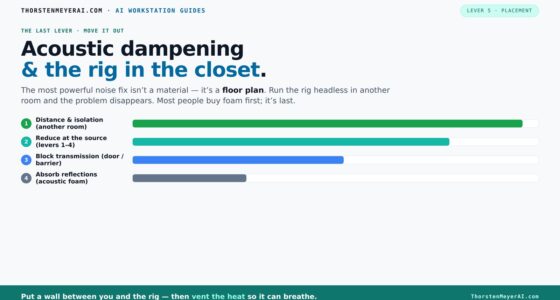
In addition to furniture, noise reduction plays a crucial role in establishing a productive environment. When working from home, distractions are inevitable, but you can minimize them by using soundproofing techniques. Think about installing weatherstripping around doors, adding thick curtains, or placing rugs on the floor to absorb sound. If noise from neighbors or household activities is a persistent issue, investing in noise-canceling headphones can make a significant difference. These help block out background noise so you can focus on your tasks without interruption. Creating a designated workspace within your home that’s separate from high-traffic areas further helps to establish boundaries, both physically and mentally. When you have a dedicated space, it signals your household that you’re in work mode, which reduces distractions and helps you switch into productivity mode more easily.
Another aspect to contemplate is the layout and organization of your mobile home office. Keep your most-used items within arm’s reach to avoid unnecessary movement, which can cause strain or fatigue. Use storage solutions like shelves, filing cabinets, or desk organizers to keep clutter at bay, ensuring your workspace remains neat and efficient. Proper lighting is also crucial—maximize natural light when possible, and supplement with adjustable task lighting to reduce eye strain during long hours. Remember to take regular breaks, stretch, and change positions to prevent stiffness or discomfort, especially when working on ergonomic furniture. Incorporating organized storage strategies can further enhance your workspace by making it easier to locate supplies quickly and maintain a clutter-free environment.
ergonomic adjustable office chair
As an affiliate, we earn on qualifying purchases.
As an affiliate, we earn on qualifying purchases.
Frequently Asked Questions
How Can I Ensure My Mobile Office Stays Secure?
To keep your mobile office secure, you should implement strong security protocols like using complex passwords and enabling two-factor authentication. Keep your Wi-Fi protected with a secure password, and avoid public networks for sensitive work. Additionally, establish privacy measures such as using a VPN and encrypting your files. Regularly update your software and security tools to defend against potential threats, ensuring your work stays safe wherever you set up.
What Are the Best Portable Devices for Remote Work?
You should choose portable devices like a lightweight laptop or tablet that offer excellent device compatibility with your favorite apps. Look for models with strong battery optimization to guarantee they last through your workday without constant charging. Opt for devices with fast processors, ample storage, and good connectivity options, so you can stay productive anywhere. Prioritize these features to make remote work seamless and efficient on the go.
How Do I Manage Internet Connectivity on the Go?
To manage internet connectivity on the go, you should carry Wi-Fi hotspots for reliable access wherever you go. Use signal boosters to enhance weak signals in areas with poor reception, ensuring stable internet. Keep backup options like portable routers or tethering from your phone. Regularly check coverage maps and update your devices to maximize connection quality. This way, you stay connected and productive no matter where your work takes you.
What Ergonomic Tips Are Best for Mobile Workspaces?
You should prioritize ergonomic accessories like wrist rests, laptop stands, and footrests to support proper posture. Choose an adjustable chair to customize height and lumbar support, reducing strain during long work sessions. Keep your monitor at eye level and maintain a neutral wrist position. Regularly stretch and change positions to prevent discomfort. These tips help you stay comfortable and productive, even in a mobile workspace.
How Can I Personalize My Mobile Office Environment?
Imagine your mobile office as a cozy cabin in the woods—you can make it uniquely yours. Add decorative accents like artwork or plants, and use personalized organization to keep things tidy yet reflective of your style. Incorporate favorite colors or meaningful items to boost your mood. This creates an inviting space that energizes you and makes work feel less like a chore and more like a personal retreat.
As an affiliate, we earn on qualifying purchases.
Conclusion
Now that you’ve set up your mobile home office, you’re ready to work comfortably from anywhere. Remember, it’s all about making your space work for you and being adaptable. Think of it as having a secret weapon that turns any spot into a productivity hub. With a little creativity and some smart planning, you’ll find yourself working more efficiently and enjoying your space. So go ahead, spread your wings and make your home office truly your own!
soundproofing door weatherstripping
As an affiliate, we earn on qualifying purchases.
As an affiliate, we earn on qualifying purchases.
noise-canceling headphones for work
As an affiliate, we earn on qualifying purchases.
As an affiliate, we earn on qualifying purchases.
Halloween Picks
halloween
As an affiliate, we earn on qualifying purchases.