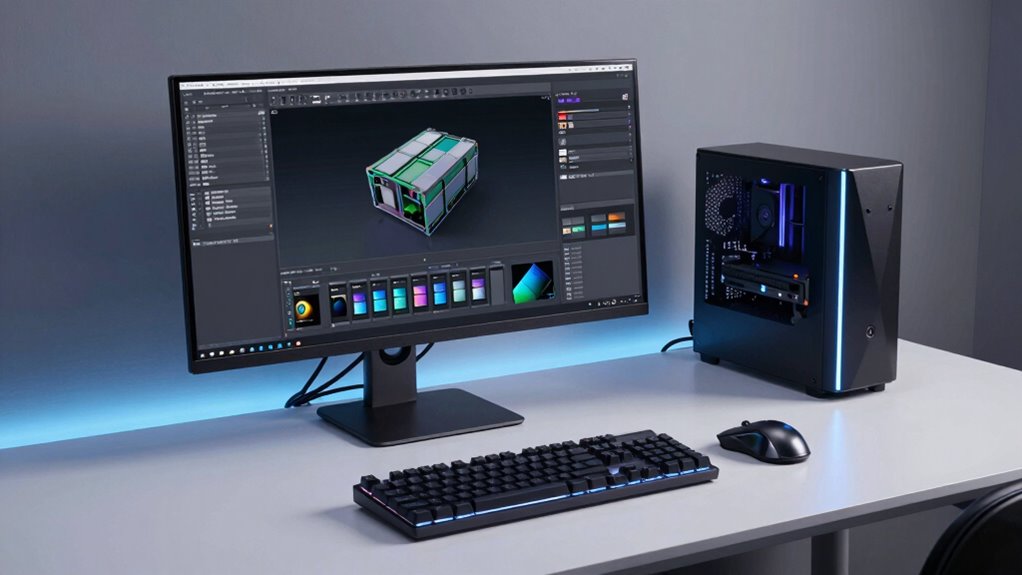

Power planning in high-end workstations is vital because it guarantees your components get the right amount of power for reliable and efficient performance. It helps prevent system crashes, overheating, and thermal throttling. Proper thermal management and cable routing keep your system cool and stable, while choosing the right power supplies minimizes energy waste. Investing in good power planning boosts your workstation’s longevity and ability to handle demanding tasks. Keep going to discover key tips that make this easier.
Key Takeaways
- Ensures components receive stable, adequate power for optimal performance and prevents system instability.
- Proper power planning enhances thermal management, reducing overheating and extending hardware lifespan.
- Strategic power supply selection improves energy efficiency, lowering operational costs.
- Effective cable management and component placement optimize airflow and system cooling.
- Overall power planning guarantees reliability and stability during demanding workloads in high-end workstations.
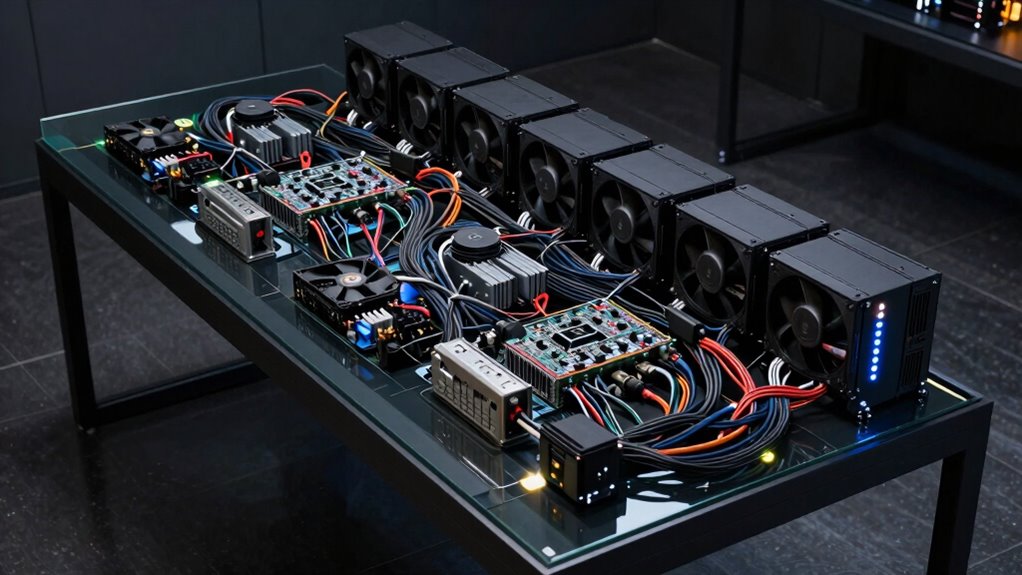
Effective power planning is essential for high-end workstations, especially when handling demanding tasks like 3D rendering, video editing, or scientific simulations. You need to guarantee that every component receives the right amount of power to operate efficiently without risking instability or overheating. You should also consider Free Floating techniques to optimize power distribution and reduce energy waste, ensuring each part operates at peak efficiency. Proper power planning directly influences energy efficiency, meaning your workstation consumes less power for the same high performance, which can considerably reduce operational costs over time. It also plays a critical role in thermal management; efficient power distribution minimizes excess heat generation, helping keep your system cooler and more stable during intense workloads. Additionally, understanding power supply efficiency ratings can guide you toward choosing components that maximize energy savings and system reliability.
When designing or upgrading a high-end workstation, you should prioritize power supplies that match the system’s peak demands. Oversized or underpowered units can cause fluctuations that lead to system crashes or hardware damage. You want a power supply that not only provides enough wattage but also offers high efficiency ratings, such as 80 Plus Gold or Platinum. These certifications indicate that your system converts power more effectively, wasting less energy as heat and reducing your electricity bills. In this way, energy efficiency becomes a key factor in maintaining a reliable and cost-effective workstation. Additionally, staying informed about emerging trends in energy-efficient components can help you adopt innovative solutions that further improve your system’s performance and sustainability.
Thermal management is equally essential. High-performance components like CPUs and GPUs generate significant heat under load, and poor thermal regulation can lead to thermal throttling, which hampers your workstation’s performance. By planning your power setup carefully, you can guarantee adequate cooling solutions are in place—whether through enhanced airflow, advanced heat sinks, or liquid cooling systems. Good thermal management not only improves performance but also extends hardware lifespan, preventing damage caused by excessive heat. Incorporating advanced cooling technologies can significantly boost your system’s efficiency and longevity.
Moreover, good power planning involves thoughtful cable management and component placement. Proper cable routing reduces airflow obstructions, aiding in thermal regulation, while strategic component placement ensures hot spots are minimized. You should also consider future upgrades; selecting a power supply with headroom allows you to add more components later without redesigning your entire setup. This foresight keeps your workstation flexible and ready for upcoming demands.
In essence, the importance of power planning in high-end workstations cannot be overstated. It influences energy efficiency, thermal management, system stability, and longevity. By investing time into selecting the right power supplies, optimizing cooling solutions, and designing a balanced system, you set yourself up for smooth, reliable performance during your most demanding tasks. Proper power planning ensures your high-performance workstation remains efficient, cool, and capable of handling whatever complex project you throw at it.

HIGH POWER 750W 80 Plus Gold Certified PC Power Supply ATX 3.1 Compatible & PCIe 5.1 Compliant, Active PFC with Whisper 120mm Fan for Quiet Operation, and Reliable Performance
✅High Efficiency & Reliable Power Delivery: Our 750-watt power supply is 80 Plus Gold certified, ensuring exceptional energy…
As an affiliate, we earn on qualifying purchases.
As an affiliate, we earn on qualifying purchases.
Frequently Asked Questions
How Does Power Planning Affect Workstation Upgrade Options?
Power planning directly impacts your workstation upgrade options by guaranteeing power efficiency and component compatibility. When you plan your power supply carefully, you can upgrade to higher-performance components without risking instability or damage. It helps you avoid bottlenecks caused by insufficient power and ensures your system manages energy effectively. Good power planning also future-proofs your workstation, making upgrades smoother and more reliable over time.
What Are the Signs of Inadequate Power Supply in Workstations?
Your workstation’s power supply is essential—if it’s inadequate, you’ll notice power fluctuations that seem to shake your system’s core. These issues cause crashes, especially during overclocking, and hinder stability. Signs include unexpected shutdowns, sluggish performance, or error messages. If your system struggles under load or you see inconsistent behavior, it’s a clear warning that your power supply can’t keep up, risking damage and data loss.
How Often Should Power Supplies Be Evaluated or Replaced?
You should evaluate your power supply’s lifespan and follow maintenance schedules annually or whenever you notice issues like instability or overheating. Regular checks help guarantee your high-end workstation runs smoothly, preventing unexpected failures. Replace the power supply when it nears the end of its expected lifespan or shows signs of wear. Staying proactive with maintenance keeps your system reliable, maximizing performance and avoiding costly downtime.
Can Poor Power Planning Lead to Hardware Damage?
Poor power planning is like sailing into a storm without a compass—you risk hardware damage from power surges and voltage instability. When your power supply isn’t properly managed, sudden surges can fry components, and fluctuating voltage can cause long-term wear. Without solid power planning, your high-end workstation becomes vulnerable, jeopardizing your investment. Ensuring stable power and protecting against surges keeps your system sailing smoothly and safely.
What Role Does Power Management Software Play in Workstations?
Power management software plays a vital role in optimizing your workstation’s performance. It boosts energy efficiency by intelligently adjusting power usage based on your tasks, which prolongs component lifespan and reduces energy costs. Additionally, it enhances battery optimization, ensuring your portable workstation lasts longer between charges. By actively managing power, you prevent overheating and hardware stress, helping you maintain smooth, reliable operation during intensive workloads.

CORSAIR Nautilus 360 RS ARGB Liquid CPU Cooler – 360mm AIO – Low-Noise – Direct Motherboard Connection – Daisy-Chain – Intel LGA 1851/1700, AMD AM5/AM4 – 3X RS120 ARGB Fans Included – White
Simple, High-Performance All-in-One CPU Cooling: Renowned CORSAIR engineering delivers strong, low-noise cooling that helps your CPU reach its…
As an affiliate, we earn on qualifying purchases.
As an affiliate, we earn on qualifying purchases.
Conclusion
In high-end workstations, power planning is the backbone of seamless performance, ensuring your system isn’t just a force to be reckoned with but also a steady ship in turbulent seas. Think of it as a well-tuned engine—without it, even the most advanced components can sputter and stall. By paying attention to power needs now, you’re setting the stage for smooth sailing ahead, turning your workstation into a powerhouse that won’t just meet expectations but exceed them.

N NOROCME 192 PCS Cable Management Kit 4 Wire Organizer Sleeve,11 Cable Holder,35Cord Clips 10+2 Roll Cable Organizer Straps and 100 Fastening Cable Ties for Computer TV Under Desk, black,clear
Cable Management Kit: 4pcs Cable Sleeves( 20 in L x 0.4 in w), 20pcs reusable wire ties,35Cable Clips…
As an affiliate, we earn on qualifying purchases.
As an affiliate, we earn on qualifying purchases.

Innovation Cooling Graphite Thermal Pad – Permanent Replacement for Thermal Paste/Grease (30 X 30 mm)
TOP TIER THERMAL PERFORMANCE – The IC graphite pad features a thermal conductivity of 35W/m-k.
As an affiliate, we earn on qualifying purchases.
As an affiliate, we earn on qualifying purchases.