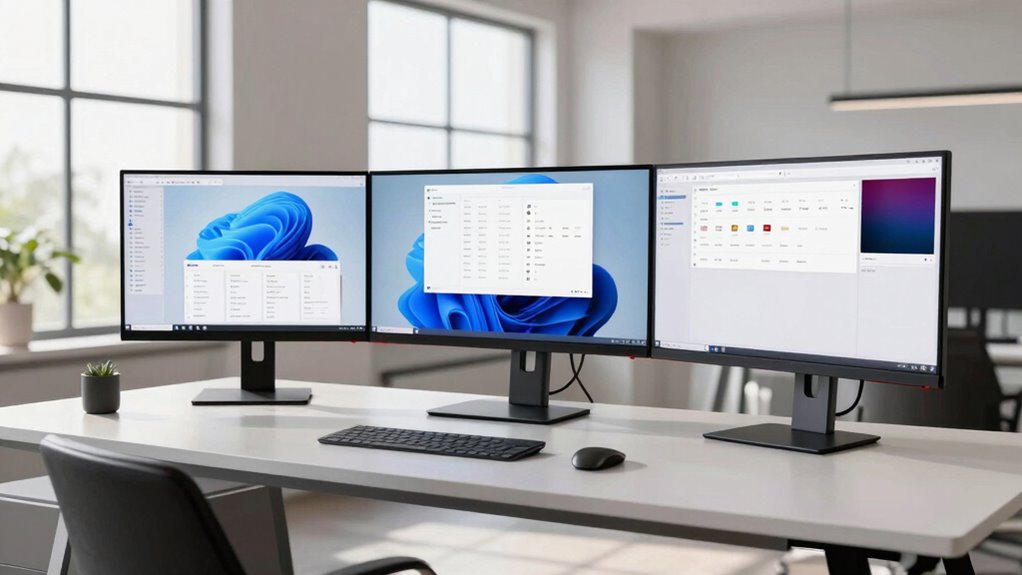
Ultrawide monitors change your desk setup by requiring more space and new ergonomic arrangements to reduce neck and eye strain. You’ll need to optimize monitor placement at eye level and make certain your desk is large enough for comfortable positioning. They also impact cable management and workspace organization, encouraging cleaner, more efficient environments. These monitors boost multitasking with expanded screens, prompting you to adopt new workflow strategies. If you’re curious, you’ll discover more tips to maximize your workspace and productivity.

Get comfort and recovery gear delivered free — and shop member deals
- Fast, free delivery on millions of items
- Access to Prime Big Deal Days deals on October 6–7
- Prime Video, Amazon Music and more included
Key Takeaways
- Ultrawide monitors expand screen space, enabling more efficient multitasking and reducing the need for multiple monitors.
- They require a reorganization of workspace layout for optimal placement and ergonomic comfort.
- The increased display size influences cable management to maintain a tidy, clutter-free desk.
- Proper color calibration becomes more critical to ensure visual accuracy across the larger screen.
- Desk strategy shifts towards maximizing ergonomic positioning and ensuring sufficient space for extended use.
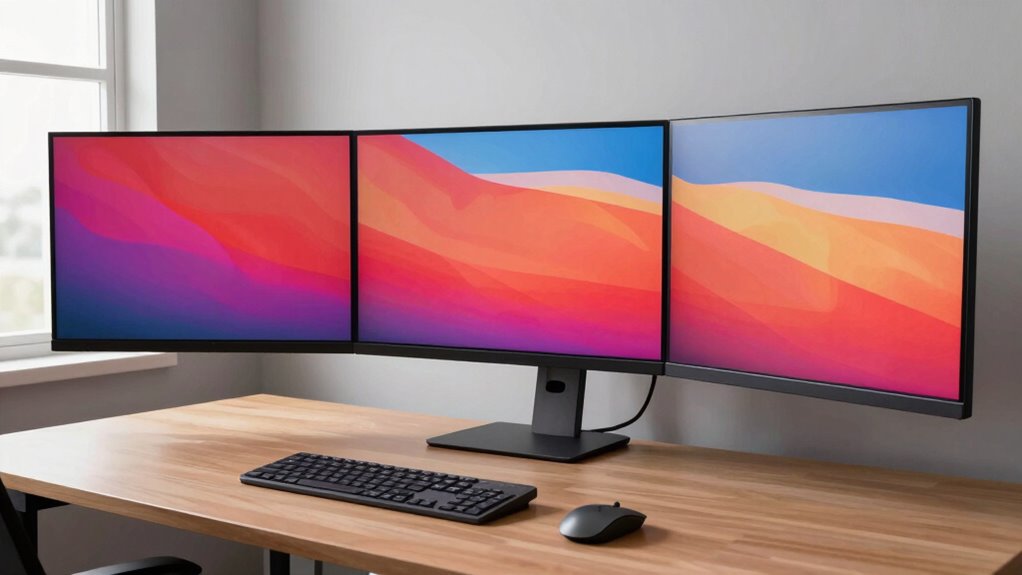
If you’re looking to maximize your workspace and boost productivity, investing in an ultrawide monitor can be a game-changer. These expansive screens transform how you organize your desk, allowing you to see more at once and work seamlessly across multiple applications. But to truly leverage the benefits, you need to rethink your desk strategy. One key aspect is ensuring your monitor’s display quality is refined through proper color calibration. When your monitor is calibrated correctly, colors appear accurate and consistent, which is vital if your work involves design, editing, or any visual tasks. Proper color calibration prevents eye strain and reduces fatigue, keeping you focused longer. It also means you won’t waste time adjusting settings or second-guessing your display’s accuracy. Additionally, paying attention to color temperature adjustments can help optimize your viewing conditions further. Alongside calibration, cable management becomes more important than ever with an ultrawide monitor. These large screens often require multiple cables—power, HDMI, DisplayPort, or USB-C—that can clutter your workspace if left unchecked. Well-organized cables not only improve aesthetics but also prevent accidental disconnections and damage. Using cable clips, sleeves, or under-desk channels keeps everything tidy, creating a clean environment that promotes concentration and efficiency. When your workspace is orderly, you spend less time troubleshooting tangled cords or searching for misplaced accessories, allowing you to stay focused on your tasks. Additionally, ergonomic placement is crucial to prevent discomfort during long work sessions. The size and aspect ratio of ultrawide monitors also influence how you arrange your desk. You may need a wider or deeper desk surface to accommodate the monitor comfortably, ensuring you can position it at an ideal viewing distance. This setup reduces neck and eye strain, especially if you’re working for extended periods. Because ultrawide monitors give you more screen real estate, you might find yourself adopting new strategies for window management. Instead of constantly switching between tabs or applications, you can split your screen into multiple sections, making multitasking more straightforward. This change means you’ll need to contemplate your monitor placement carefully, ensuring it’s directly in front of you and at eye level for ergonomic comfort.
ultrawide monitor ergonomic stand
As an affiliate, we earn on qualifying purchases.
As an affiliate, we earn on qualifying purchases.
Frequently Asked Questions
How Do Ultrawide Monitors Impact Desk Height Adjustments?
Ultrawide monitors influence your desk height adjustments by encouraging you to set your monitor at eye level, promoting ergonomic posture and reducing neck strain. Because of their size, you might need to raise or lower your desk or monitor stand to achieve ideal visual comfort. Adjusting your desk height ensures you maintain a proper viewing angle, minimizing eye fatigue and supporting healthier, more comfortable long-term use.
Are Ultrawide Monitors Compatible With Multiple Monitor Mounts?
Yes, ultrawide monitors are compatible with multiple monitor mounts, but you need to take into account mount compatibility and monitor weight. Make certain the mount can support the monitor’s size and weight, which can vary considerably. Adjustable VESA mounts work well, allowing you to customize positioning. Always check the monitor’s specifications and mount compatibility to avoid instability or damage, guaranteeing a secure and comfortable setup for your ultrawide monitor.
What Cable Management Solutions Are Best for Ultrawide Setups?
Think of your cables as rivers flowing behind your ultrawide monitor. To keep this flow smooth, use cable concealment solutions like clips and sleeves that mimic banks guiding water. Position your power strip strategically, like a dam controlling flow, to minimize clutter. With these techniques, your setup stays clean and efficient, allowing your workspace to breathe freely and focus on what truly matters—your work and creativity.
How Does Desk Material Affect Ultrawide Monitor Stability?
Your desk material greatly influences ultrawide monitor stability. A solid, dense surface like wood or metal minimizes monitor vibration, keeping your display steady during use. Conversely, a glass or thin surface may cause wobbling, affecting viewing comfort and potentially damaging your setup. To guarantee stability, choose a sturdy desk surface that absorbs vibrations and provides a stable foundation for your ultrawide monitor, enhancing overall setup performance.
Can Ultrawide Monitors Improve Ergonomics Beyond Traditional Screens?
Ultrawide monitors are like a panoramic window, expanding your visual workspace and offering significant ergonomic benefits. You can position the monitor to reduce neck strain and improve posture, creating a more comfortable work environment. By eliminating the need for multiple screens, they streamline your setup, making multitasking effortless. This integration helps you stay focused, reducing eye and neck fatigue, ultimately improving your overall ergonomic experience beyond traditional screens.
monitor cable management accessories
As an affiliate, we earn on qualifying purchases.
As an affiliate, we earn on qualifying purchases.
Conclusion
With an ultrawide monitor, you can reimagine your workspace layout for better productivity and comfort. Imagine a freelancer who integrates multiple screens for different projects, reducing clutter and switching seamlessly between tasks. By adjusting your desk setup to accommodate the wide display, you create a more efficient environment that adapts to your workflow. Embracing this change means you’re not just upgrading your tech, but transforming how you work and stay organized in the process.
As an affiliate, we earn on qualifying purchases.
desk extension for ultrawide monitor
As an affiliate, we earn on qualifying purchases.
As an affiliate, we earn on qualifying purchases.
Fall Picks
fall essentials
As an affiliate, we earn on qualifying purchases.