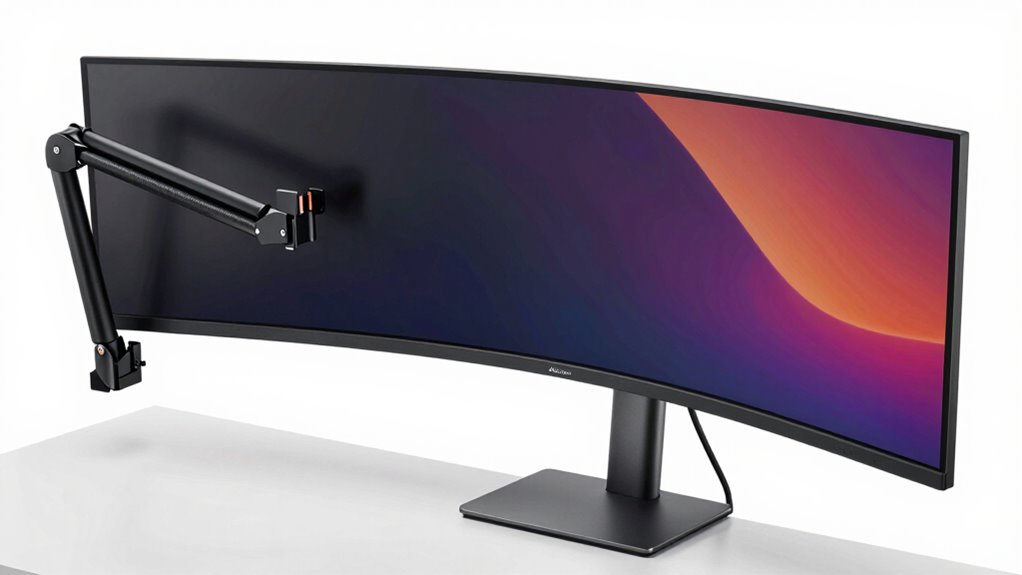

To pick a monitor arm for heavy or curved panels, focus on its weight capacity and build quality to guarantee stability. Make sure it supports your monitor’s size and weight, with sturdy construction to prevent sagging. Check compatibility with VESA mounting standards and choose options with adjustable arms and multiple pivot points for easy positioning. Proper installation and flexible adjustment features will help you create an ergonomic setup. Keep exploring to discover even more tips for the perfect fit.
Key Takeaways
- Check the monitor arm’s maximum weight capacity and build quality to support heavy or curved screens securely.
- Ensure compatibility with VESA mounting standards matching your monitor’s size and spacing.
- Select sturdy, durable materials and secure mounting options to prevent wobbling or accidents.
- Opt for flexible, adjustable arms with multiple pivot points and smooth movement for ergonomic positioning.
- Confirm the arm’s range of motion accommodates curved or unconventional monitor shapes for optimal viewing.
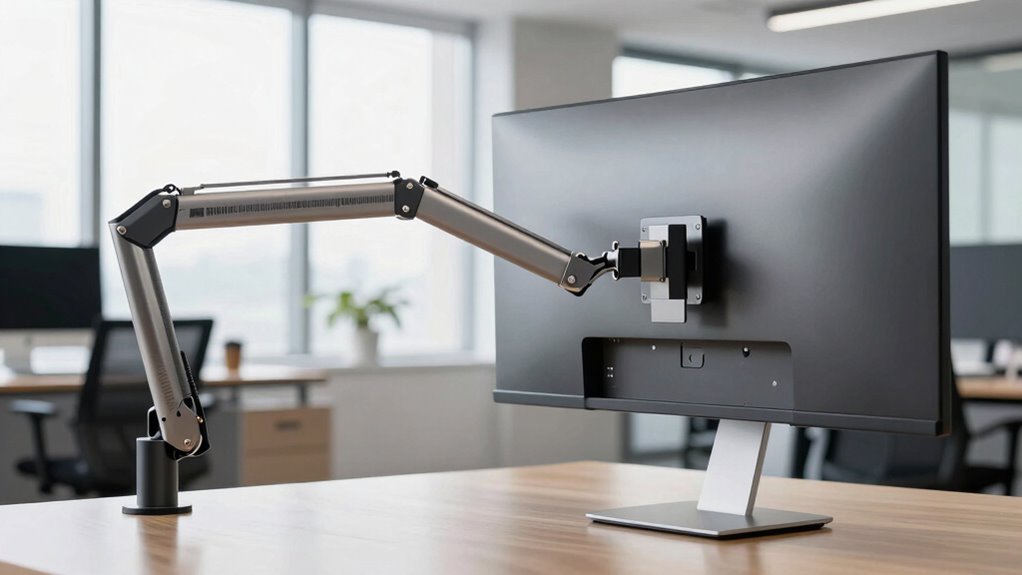
Choosing the right monitor arm is vital for creating a comfortable and efficient workspace. When you’re dealing with heavy or curved panels, selecting a suitable monitor arm becomes even more important. These types of displays often require extra strength and stability, so understanding their ergonomic benefits can help you make an informed decision. An appropriately chosen monitor arm reduces neck and eye strain by allowing you to position your screen at eye level, and it encourages better posture. It also frees up desk space, making your workspace less cluttered and more organized.
Choosing the right monitor arm enhances comfort, saves space, and supports heavy or curved panels securely.
Since heavy or curved panels tend to be larger and more unwieldy, you need to pay close attention to the arm’s weight capacity and build quality. Look for monitor arms specifically designed to support higher weights—these usually specify maximum load limits in their specifications. Investing in a sturdy, high-quality arm ensures it will hold your panel securely without sagging or slipping over time. An adjustable arm with multiple pivot points allows you to fine-tune the angle, height, and distance of your screen, which is essential for ergonomic benefits. Proper positioning helps you avoid prolonged neck twisting or eye strain, especially if you work long hours. Additionally, understanding VESA mounting standards can help ensure compatibility with your monitor and simplify installation. Being aware of VESA compliance can help prevent compatibility issues and streamline the setup process.
When considering installation tips, it’s important to evaluate the mounting options and compatibility with your desk. Many monitor arms come with clamp mounts or grommet mounts—choose one based on your desk setup and stability needs. Before installing, double-check the VESA compatibility of your heavy or curved panel; most modern monitors use VESA mounting holes, but size and spacing can vary. Securely attaching the arm to your desk with the correct tools and ensuring it’s tightly fastened prevents any wobbling or accidental falls. If your workspace involves a curved or unusually shaped monitor, ensure the arm’s range of motion accommodates your preferred viewing angles without putting undue stress on the mounting points. Considering the material quality of the arm can also significantly impact its durability and lifespan. For added stability, selecting a high-quality mounting system can further enhance safety and durability.
Finally, consider the flexibility of the arm. A good monitor arm for heavy or curved panels should offer smooth movement and easy adjustments. Look for features like gas springs or tension adjustments that allow you to effortlessly reposition your screen as needed. This flexibility enhances ergonomic benefits and keeps your workspace adaptable to different tasks or users. By carefully evaluating these factors—strength, compatibility, adjustability, and installation tips—you guarantee your monitor arm not only supports your heavy or curved panel securely but also contributes to a healthier, more productive workspace.

Ergotech Single Freedom Arm, Includes Single Aluminum Articulating Arm, 8.4-17.8 lbs. Weight Capacity, Suitable for Monitors up to 27 inches, VESA Compatible 75×75, 100×100, Silver
- Easy desk mounting: Mounts to any standard desk
- Durable aluminum construction: Built to last with aluminum material
- Integrated cable management: Keeps cables organized and tidy
As an affiliate, we earn on qualifying purchases.
As an affiliate, we earn on qualifying purchases.
Frequently Asked Questions
Can All Monitor Arms Support Curved or Heavy Panels?
Not all monitor arms support curved or heavy panels. You need to choose one designed for ergonomic positioning, with sturdy construction and weight capacity that matches your monitor’s specifications. Look for arms with adjustable features and a robust build to guarantee stability. An aesthetic design that complements your workspace is a bonus. Be sure to check the maximum weight limit and compatibility to avoid any issues with heavier or curved screens.
How Does Weight Capacity Affect Monitor Arm Durability?
Think of weight capacity as the backbone of your monitor arm’s durability; if it’s too weak, your setup risks collapse. A sturdy arm supports ergonomic benefits by allowing smooth movement and proper positioning, reducing strain. When considering installation, verify the arm’s weight capacity matches your monitor’s weight, preventing stress on the joints. Choosing a high-capacity arm guarantees longevity and keeps your workspace safe and comfortable.
Are There Specific Mounting Options for Heavy or Curved Monitors?
For heavy or curved monitors, look for monitor arms with VESA compatibility that support higher weight capacities. Adjustable mounting options, like clamp or grommet mounts, provide stability. Make sure the arm offers effective cable management to keep cords organized and prevent strain on the monitor. These features help securely mount your monitor and maintain a tidy workspace, especially when dealing with larger or uniquely shaped screens.
What Safety Features Are Recommended for Heavy or Large Panels?
For heavy or large panels, safety features like sturdy construction, secure mounting, and reliable locking mechanisms are essential. You should prioritize ergonomic adjustments to prevent strain and guarantee comfort during long uses. Additionally, opt for a monitor arm with effective cable management to avoid clutter and accidental disconnection. By combining these features, you create a safe, streamlined workspace that supports your productivity while protecting your equipment and posture.
How Do I Adjust for Uneven Monitor Weight Distribution?
To adjust for uneven monitor weight distribution, start by calibrating your monitor arm according to the manufacturer’s instructions. Use the uneven weight adjustment features to balance the load, ensuring the monitor stays in place without sagging or drifting. Fine-tune the tension and check the movement smoothly. Regular calibration keeps your monitor stable, preventing strain on the arm and prolonging its lifespan.

ErGear Single Monitor Arm, Fully Adjustable Monitor Mount for 13–34 Inch Screens, Fast Install Computer Monitor Stand with Tool-Free VESA Mount, Cable Management, Holds 19.8 lbs, Max VESA 100x100mm
- Compatibility: Fits 13–34 inch monitors up to 19.8 lbs
- VESA Compatibility: Supports 75x75mm and 100x100mm patterns
- Durable Construction: Tested over 20,000 cycles for longevity
As an affiliate, we earn on qualifying purchases.
As an affiliate, we earn on qualifying purchases.
Conclusion
Choosing the right monitor arm isn’t just about the weight or curve—it’s about finding a partner that supports your needs without adding unnecessary stress. When you select wisely, you create a workspace that feels effortless and natural, guiding your focus smoothly along your tasks. Remember, sometimes the strongest support is found in the subtle details, quietly holding everything together so you can truly thrive. Trust in good choices, and your setup will serve you well, quietly empowering your day.
ErGear Single Monitor Arm, Fully Adjustable Monitor Mount for 13–34 Inch Screens, Fast Install Computer Monitor Stand with Tool-Free VESA Mount, Cable Management, Holds 19.8 lbs, Max VESA 100x100mm
- Compatibility: Fits 13–34 inch monitors up to 19.8 lbs
- VESA Compatibility: Supports 75x75mm and 100x100mm patterns
- Durable Construction: Tested over 20,000 cycles for longevity
As an affiliate, we earn on qualifying purchases.
As an affiliate, we earn on qualifying purchases.

HUANUO TitanLift Heavy Duty Monitor Arm for Screens up to 49", Holds 44 lbs, Aluminum Ultrawide Screen Monitor Mount, Fully Adjustable Single Gaming Desk Mount with Dual C-Clamp, Max VESA 100x100mm
- Screen Compatibility: Fits 17-49 inch monitors with VESA 75x75mm or 100x100mm
- Heavy Duty Support: Supports up to 44 lbs with durable aluminum construction
- Robust Testing: Passed 50,000 cycle and 3X load tests
As an affiliate, we earn on qualifying purchases.
As an affiliate, we earn on qualifying purchases.