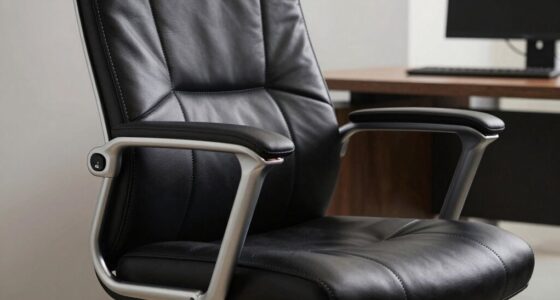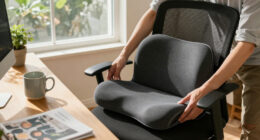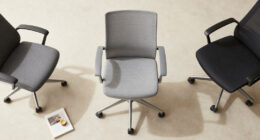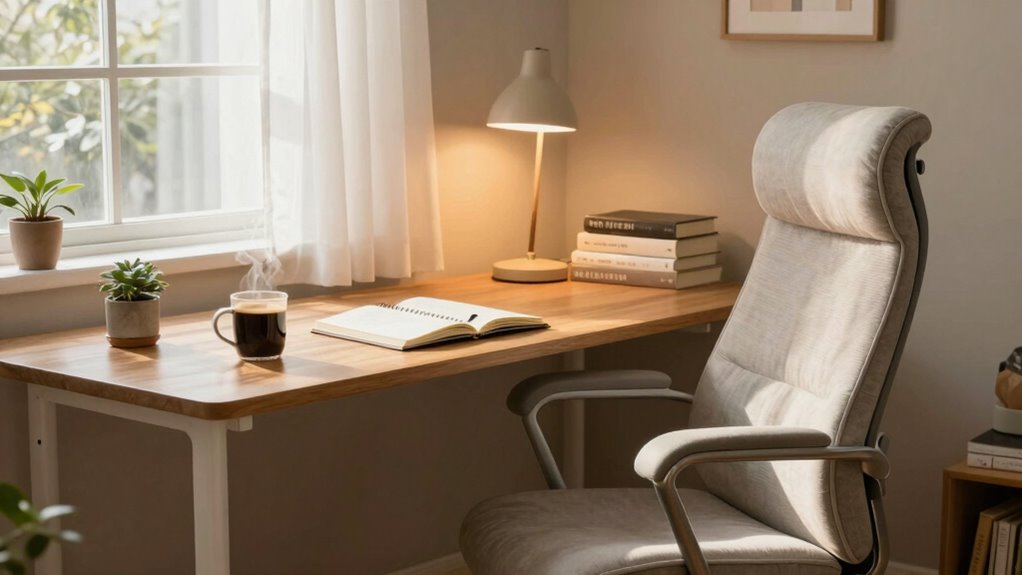

To make your setup more comfortable for long writing sessions, start with ergonomic furniture like an adjustable chair with lumbar support and a desk positioned for proper arm angles. Use soft, diffuse lighting or natural light to reduce eye strain, and keep your workspace clutter-free for easy access. Incorporate regular breaks, stretch, stay hydrated, and add calming scents or sounds to boost focus. For more tips on optimizing your environment, continue exploring ways to enhance your workspace.

Get comfort and recovery gear delivered free with Prime
- Fast, free delivery on millions of items
- Prime Video, Amazon Music and more included
- Member-only deals all year
Key Takeaways
- Use ergonomic furniture like adjustable chairs, desks, and supportive accessories to maintain proper posture and reduce strain.
- Incorporate adjustable ambient lighting and natural light to minimize eye fatigue and enhance focus.
- Keep your workspace organized and clutter-free, ensuring essentials are within easy reach for efficiency.
- Stay hydrated and take regular breaks to stretch and move, preventing stiffness and maintaining energy.
- Add calming sensory elements like subtle scents or sounds to promote relaxation and sustain concentration during long sessions.
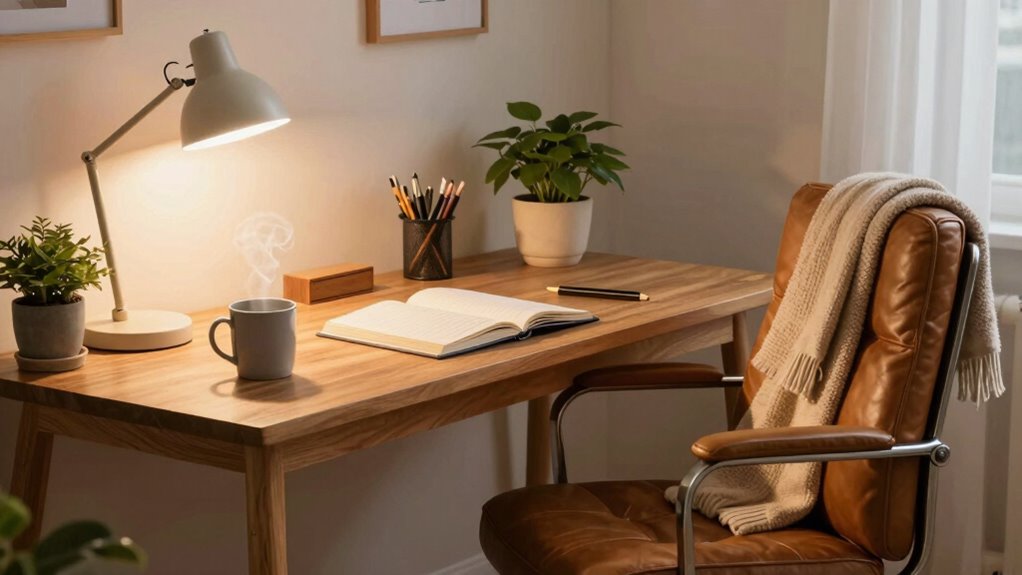
Long writing sessions can be demanding, but the right setup makes a significant difference in comfort and productivity. When you’re immersed in long hours of writing, small adjustments can prevent fatigue and keep you focused. Start by prioritizing ergonomic accessories. An adjustable chair that supports your lower back and promotes good posture is essential. Look for one with lumbar support and adjustable height to align your eyes with your screen, reducing neck and shoulder strain. Your desk should be at a height where your elbows rest comfortably at a 90-degree angle, preventing wrist and shoulder tension. Using a keyboard and mouse designed for ergonomics can also make a substantial difference, as they reduce the strain on your wrists and hands during extended use.
Prioritize ergonomic furniture and accessories to support posture and reduce strain during long writing sessions.
Ambient lighting plays a vital role in creating a comfortable environment. Harsh or inadequate lighting can cause eye strain, headaches, and fatigue, which are especially problematic during long writing sessions. Incorporate soft, diffuse lighting that evenly illuminates your workspace without creating glare on your screen. Natural light is ideal if you can position your desk near a window, but if not, invest in adjustable LED lamps that offer warm tones and dimming options. Proper ambient lighting not only reduces eye fatigue but also helps maintain your alertness and focus, making it easier to stay engaged for hours. Additionally, choosing regionally inspired flavors or incorporating subtle coffee or tea aromas can enhance your environment and boost your alertness during extended writing periods. Incorporating mindfulness or relaxation techniques can also help reduce stress and improve focus during long stretches of work.
In addition to ergonomic accessories and ambient lighting, consider adding a supportive wrist rest or a footrest to enhance your posture. These small items help maintain proper alignment and reduce pressure points, lessening discomfort over time. Incorporating ergonomic desk accessories can further promote better posture and comfort. Paying attention to workspace organization can also make a difference, as clutter can be distracting and hinder your workflow. Keep your workspace organized so that everything you need is within easy reach, minimizing unnecessary movements that can lead to strain. Take regular breaks to stretch and move around—this refreshes your muscles and prevents stiffness. Staying hydrated and maintaining good overall health also contribute to your endurance during long writing periods.
Products Worth Considering

TCL 65-Inch QM6K QLED Mini-LED 4K HDR Smart Google TV, 144Hz

TCL 65 Inch QM8L Series SQD-Mini LED QLED 4K Smart Google TV

Shark HydroVac MessMaster Corded Wet Dry Vacuum and Mop (WD161)
As an affiliate, we earn on qualifying purchases.
Frequently Asked Questions
What Are the Best Snacks to Keep at My Desk?
You should keep healthy hydration options like water or herbal teas at your desk to stay refreshed. For nutritious bites, opt for nuts, fresh fruit, or veggie sticks with hummus, which provide sustained energy without crashes. Avoid sugary snacks that cause spikes and crashes. Having these balanced, wholesome snacks nearby helps you stay focused and energized during long writing sessions, making your setup more comfortable and productive.
How Often Should I Take Breaks During Writing?
You should take a break every 25 to 30 minutes to prevent fatigue and maintain focus. During these breaks, stand up, stretch, and move around to keep your body relaxed. Using ergonomic furniture helps support your posture, while controlling ambient noise minimizes distractions. Regular breaks boost productivity, reduce strain, and keep you comfortable throughout long writing sessions, ensuring you stay focused and avoid burnout.
Can Specific Plants Improve My Writing Environment?
Yes, indoor greenery can improve your writing environment. Plants like pothos or snake plants boost air quality and add calming visuals. Place them near your desk or windows, but avoid cluttering your workspace. Proper plant placement guarantees you enjoy their benefits without distraction. Their presence can reduce stress, increase focus, and make long writing sessions more enjoyable. Keep a few well-chosen plants nearby to create a more inspiring, comfortable setup.
What Type of Lighting Reduces Eye Strain?
Think of your eyes as delicate plants needing just the right sunlight. To reduce eye strain, opt for soft ambient illumination that mimics natural light, avoiding harsh overheads. Use lamps with adjustable brightness and warm color temperatures. Incorporate glare reduction screens or diffusers on your light sources. This balanced lighting creates a cozy, natural environment, helping you stay focused and comfortable during those long writing sessions.
How Can I Stay Motivated During Long Sessions?
To stay motivated during long sessions, you should focus on effective time management and clear goal setting. Break your work into manageable chunks, setting specific goals for each period. Take regular breaks to recharge, and celebrate small wins to boost your motivation. Reminding yourself of your bigger purpose helps maintain focus. Keeping track of progress also boosts your confidence, making it easier to stay committed and productive throughout your writing marathon.
Conclusion
By making these simple adjustments, you’re already on your way to transforming your writing space into a more comfortable haven. But here’s the thing—there’s always one more tweak that could make all the difference. Are you ready to discover the secret that will keep you focused and energized for hours? Keep experimenting, stay curious, and your perfect setup might just be closer than you think. The best part? It’s waiting for you to find out.