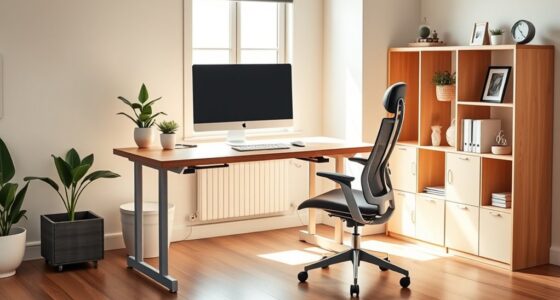

To set up your chair for long hours, start by adjusting the height so your feet are flat and knees at a 90-degree angle, with hips slightly higher for neutral posture. Position lumbar support to fit your lower back’s natural curve and set armrests for relaxed shoulders and elbows at 90-100°. Keep a 2-3 inch gap behind your knees and adjust tilt tension for slight recline. fine-tuning these settings guarantees comfort and reduces strain—continue to learn more tips for lasting ergonomic support.

Get comfort and recovery gear delivered free — and shop member deals
- Fast, free delivery on millions of items
- Access to Prime Big Deal Days deals on October 6–7
- Prime Video, Amazon Music and more included
Key Takeaways
- Adjust chair height so feet are flat, knees at 90°, and hips slightly higher than knees for optimal posture.
- Position lumbar support to match your lower back’s natural curve and add cushioning if needed.
- Set armrests to keep shoulders relaxed with elbows at 90-100°, avoiding hunching or reaching.
- Maintain a 2-3 inch gap behind knees, and set tilt tension for slight recline to reduce leg pressure.
- Ensure monitor is at eye level and take regular breaks to stretch and move for sustained comfort.
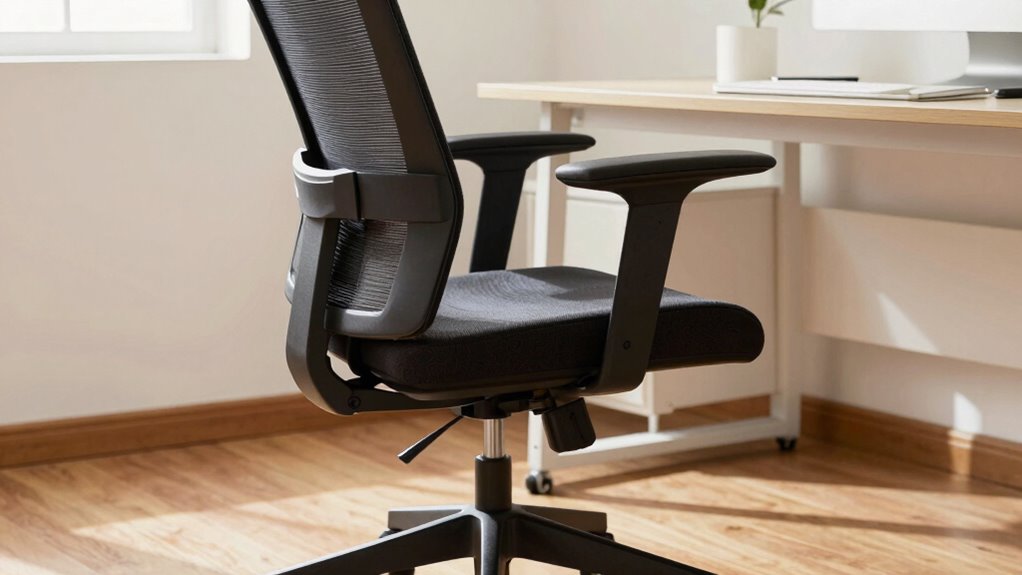
When you plan to sit for long hours, setting up your chair properly is essential to prevent discomfort and strain. An ergonomic design is key here, ensuring that your chair supports your body’s natural curves and promotes good posture alignment. Start by adjusting the height so your feet rest flat on the floor, with your knees at a 90-degree angle. This positioning helps distribute your weight evenly and reduces pressure on your lower back and legs. If your chair has a height lever, use it to fine-tune this position until your hips are slightly higher than your knees, maintaining a comfortable, neutral posture.
Adjust your chair height so feet are flat, knees at 90 degrees, and hips slightly higher than your knees for optimal posture.
Next, focus on the lumbar support. Many ergonomic chairs come with adjustable lumbar pads, which should be positioned to fit the natural curve of your lower back. Proper lumbar support encourages posture alignment by preventing slouching and reducing strain on your spine. If your chair lacks built-in support, consider adding a small cushion or lumbar roll designed for ergonomic comfort. Make sure the support feels firm but comfortable, supporting your lower back without forcing you into an unnatural position. Research indicates that ergonomic features can further customize your setup for extended comfort.
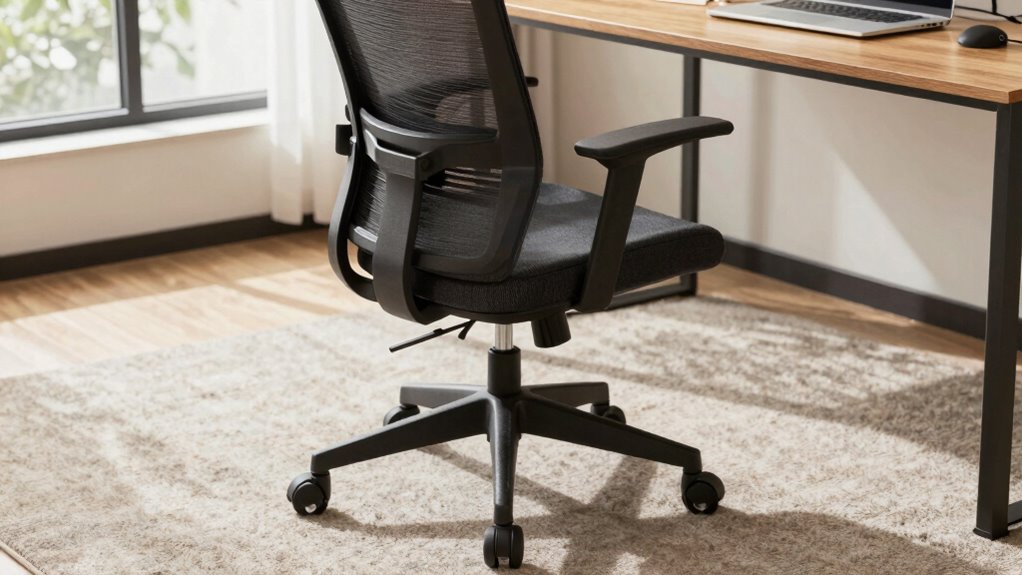
Adjust the armrests so your shoulders relax and your elbows rest comfortably at your sides, forming roughly a 90- to 100-degree angle. Your forearms should be parallel to the ground or slightly angled downward, avoiding the tendency to hunch your shoulders or reach forward. Proper armrest height and width help you maintain good posture alignment by reducing unnecessary tension in your neck and shoulders. Incorporating biomechanical principles into your setup can help optimize your ergonomic effectiveness and reduce fatigue. Ensuring that your workspace adheres to home design considerations can also contribute to a healthier sitting environment for extended work sessions.
The seat depth is another crucial factor. Adjust the seat so there’s a two- to three-inch gap between the back of your knees and the front of the seat. This prevents pressure on the backs of your legs and promotes circulation. If your chair has adjustable tilt tension, set it so you can lean back slightly without feeling like you’re sliding forward. This slight recline supports your spine’s natural curve and reduces fatigue over long periods. Additionally, proper ergonomic design principles can help optimize your ergonomic setup for maximum comfort. Paying attention to supportive seating features can further enhance your sitting experience and prevent discomfort.
Finally, ensure your monitor is at eye level, and take regular breaks to stretch and move. Proper chair setup combined with ergonomic principles helps you sustain comfort and maintain good posture alignment throughout extended work sessions. This way, you’re less likely to experience discomfort, fatigue, or musculoskeletal issues, making long hours more manageable and less stressful on your body.
ergonomic office chair with adjustable lumbar support
As an affiliate, we earn on qualifying purchases.
As an affiliate, we earn on qualifying purchases.
Frequently Asked Questions
How Often Should I Adjust My Chair During Long Working Hours?
You should adjust your chair every 30 to 60 minutes to maintain proper posture correction and comfort. Regular chair maintenance helps prevent stiffness and strain, so check your seat height, armrests, and lumbar support during these adjustments. Keep an eye on your posture, ensuring your feet are flat, and your back is supported. Frequent, small adjustments help you stay comfortable and reduce the risk of long-term injury.
Are Ergonomic Chairs Suitable for All Body Types?
Ergonomic chairs are generally suitable for most body types because they promote posture correction and support customization. You can adjust the seat height, armrests, and lumbar support to fit your specific needs. However, it’s crucial to choose a chair that allows for sufficient chair customization and proper posture correction, ensuring comfort during long hours. Always test the chair first to see if it adapts well to your body for maximum support.
What Accessories Can Improve Long-Hour Sitting Comfort?
To improve comfort during long hours of sitting, add accessories like a foot support to reduce leg fatigue and promote better circulation. Lumbar cushions help maintain proper spinal alignment, preventing back pain. These accessories work together to support your posture, lessen strain, and keep you comfortable throughout extended periods at your desk. Investing in them makes a significant difference in your overall sitting experience and long-term health.
How Can I Prevent Circulation Issues While Sitting Long-Term?
Sure, just sit perfectly still for hours—said no one ever. To prevent circulation issues, you gotta keep blood flow happy by shifting your posture regularly and avoiding crossing your legs for too long. Adjust your chair to promote proper posture alignment, and take short breaks to stretch. Your legs will thank you, and so will your brain, keeping you alert and avoiding that dreaded numbness.
Is It Better to Sit or Stand During Extended Work Periods?
You should alternate between sitting and standing during extended work periods. Using a standing desk helps reduce strain and improves circulation, while ergonomic footwear keeps your feet comfortable and supported when standing. Take regular breaks to stretch and change positions, preventing fatigue. By balancing sitting and standing, and investing in proper ergonomic tools, you can boost comfort and productivity while minimizing health risks associated with prolonged immobility.
height adjustable desk chair for long hours
As an affiliate, we earn on qualifying purchases.
As an affiliate, we earn on qualifying purchases.
Conclusion
Setting up your chair correctly can make all the difference during long hours. For example, imagine working at a desk where your chair height is just right, your lower back is supported, and your feet are flat on the ground. Over time, you’ll notice less fatigue and discomfort. Remember, proper setup isn’t a one-time task; regularly adjust your chair as needed. Small tweaks can lead to big comfort improvements, helping you stay focused and productive longer.
ergonomic armrest cushions for office chair
As an affiliate, we earn on qualifying purchases.
As an affiliate, we earn on qualifying purchases.
seat cushion for long sitting sessions
As an affiliate, we earn on qualifying purchases.
As an affiliate, we earn on qualifying purchases.
Fall Picks
fall essentials
As an affiliate, we earn on qualifying purchases.