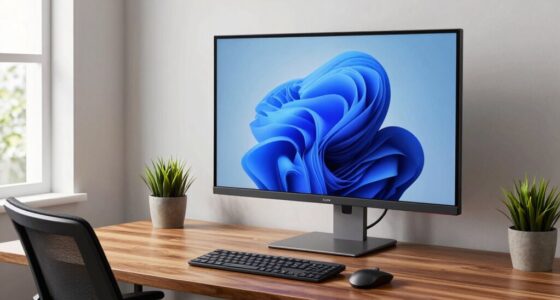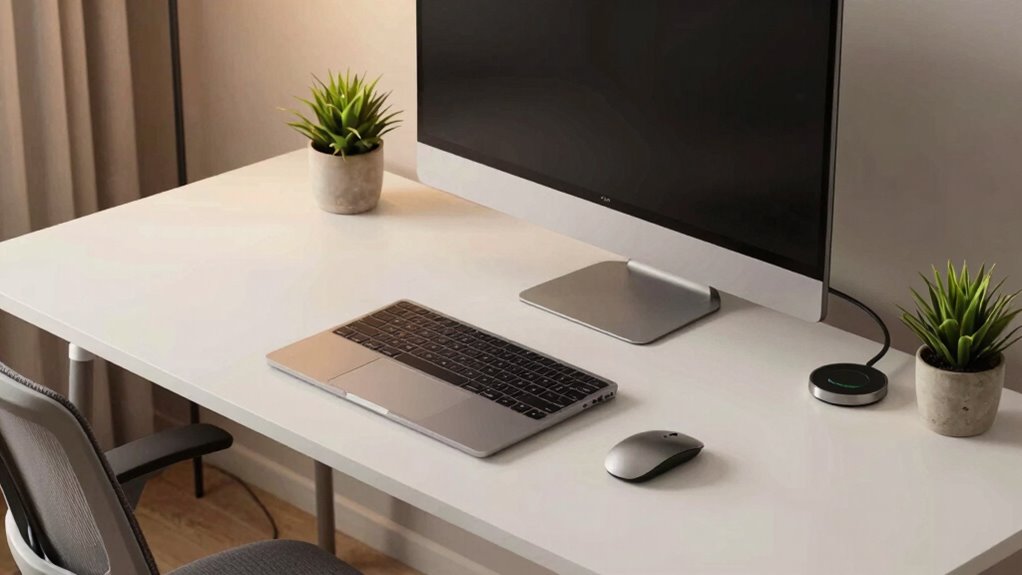

To design a plug-and-play desk setup, start with ergonomic accessories like adjustable chairs, monitor stands, and supportive wrist rests for comfort. Organize cables using clips, sleeves, or trays to keep everything tidy and easy to access. Choose modular accessories that can be rearranged effortlessly, and make sure ports are within reach for quick device connections. Keeping your workspace adaptable will boost workflow and efficiency—continue exploring to discover more tips for optimizing your setup.
Key Takeaways
- Incorporate modular accessories and adjustable components for flexible, easy reconfiguration.
- Use cable management tools to organize cords and ensure quick setup or adjustments.
- Select devices with accessible ports for seamless connection and disconnection.
- Elevate monitors and position peripherals at ergonomic, ready-to-use heights.
- Design a clutter-free workspace with organized cables and adaptable furniture for quick deployment.
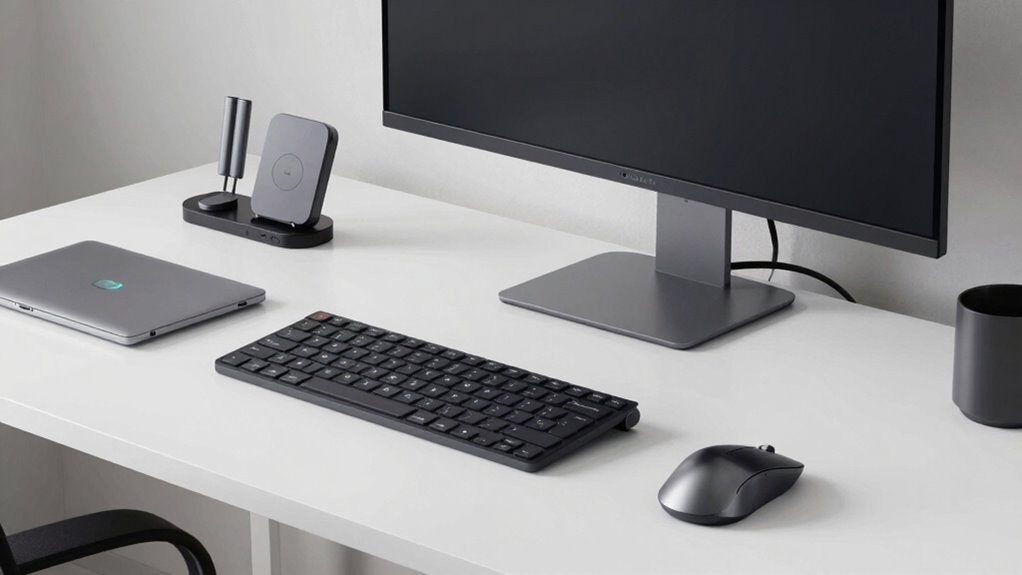
Ever wondered how to create a desk setup that’s effortlessly functional and easy to set up? The key lies in choosing the right ergonomic accessories and establishing effective cable management. When setting up your workspace, prioritize comfort and efficiency from the start. Invest in ergonomic accessories like adjustable chairs, supportive wrist rests, and monitor stands. These items help reduce strain and improve posture, making your workday smoother. Position your monitor at eye level to prevent neck strain, and keep your keyboard and mouse at a natural height. This way, you avoid awkward postures that can lead to discomfort over time.
Prioritize ergonomic accessories like adjustable chairs and monitor stands for a more comfortable, strain-free workspace.
Cable management plays a *vital* role in maintaining a clean, organized desk that’s easy to set up and adapt. Use cable clips, sleeves, or under-desk trays to keep cords tidy and out of the way. This not only prevents tangles but also makes plugging in or rearranging devices quick and hassle-free. When you’re mindful of cable placement, you eliminate the clutter that can make your workspace feel chaotic and disorganized. Clear pathways for your cables mean less fumbling when connecting new devices or troubleshooting issues, saving you time and frustration. Incorporating cable organization strategies can further enhance the overall efficiency of your setup. Additionally, selecting modular accessories that are easy to rearrange can help keep your workspace adaptable to changing needs. A well-organized setup also optimizes your space utilization and can make future upgrades easier. Using easy-to-access ports further streamlines your workflow, making device connections faster and more intuitive. Creating a workspace with user-friendly layouts ensures that your setup remains practical and adaptable over time.

Marsail Ergonomic Office Chair: Office Desk Chair with High Back Mesh and Adjustable Lumbar Support Rolling Work Swivel Task Chairs with Wheel 3D Armrests and Headrest
- Fully Adjustable Headrest: 2D adjustable for personalized comfort
- Reclining Backrest: Adjusts from 90° to 120°
- 3D Adjustable Armrests: Customizable for various postures
As an affiliate, we earn on qualifying purchases.
As an affiliate, we earn on qualifying purchases.
Frequently Asked Questions
What Tools Are Needed for Assembly?
You’ll need a screwdriver, cable organizers, and possibly a power strip for assembly. To enhance comfort, include ergonomic accessories like adjustable keyboard stands and supportive chairs. For aesthetic enhancements, consider cable covers or decorative desk mats. These tools and accessories make your setup functional, comfortable, and visually appealing, ensuring everything is easy to assemble and customize for your perfect plug-and-play desk environment.
Can I Customize the Desk Layout?
Your desk is like a blank canvas, ready for your personal touch. Yes, you can customize its layout to fit your needs and style. Incorporate ergonomic accessories, like adjustable chairs and keyboard stands, to enhance comfort, while aesthetic customization—color themes, decorative elements—reflects your personality. Rearrange components easily, creating a workspace that’s both functional and inspiring, turning your desk into a true reflection of you.
How Do I Manage Cable Clutter?
To manage cable clutter, you should focus on wire management by using cable organizers like clips, sleeves, or under-desk trays. These tools keep your cables neat and prevent tangling. Route your cables along designated paths, securing them with clips to avoid messes. Regularly check and adjust your cable setup to maintain an organized, clutter-free workspace, making your desk look tidy and ensuring easy access to all your devices.
What Are the Best Brands for Peripherals?
You should consider brands like Logitech, Microsoft, and Corsair for peripherals. They offer high-quality wireless peripherals that reduce cable clutter, making your setup cleaner and more efficient. Look for ergonomic accessories from these brands to guarantee comfort during long work sessions. These brands focus on durability, performance, and user comfort, helping you create a seamless, plug-and-play desk setup that’s both functional and comfortable.
How Do I Upgrade Components Later?
Even if your setup feels complete now, you can easily upgrade later by choosing components with modular design and clear upgrade pathways. You might worry about compatibility, but sticking to standard interfaces like USB-C or Thunderbolt helps future-proof your system. When it’s time to upgrade, swap out or add new peripherals and hardware without hassle, ensuring your desk remains flexible and up-to-date as your needs evolve.

BoYata Monitor Stand, Adjustable Height Metal Desktop Riser, Black
- Adjustable Height: Twist knob for height customization
- Ergonomic Design: Reduces neck, shoulder, and back strain
- High Weight Capacity: Supports up to 33.06 lbs with stability
As an affiliate, we earn on qualifying purchases.
As an affiliate, we earn on qualifying purchases.
Conclusion
Creating a plug-and-play desk setup isn’t just about aesthetics; it boosts productivity too. Did you know that a well-organized workspace can improve focus and efficiency by up to 30%? By choosing easy-to-connect devices and maintaining a clean, minimal layout, you’ll enjoy a seamless experience that adapts to your needs. Keep it simple, functional, and personalized, and you’ll have a workspace that’s ready to go whenever inspiration strikes.

N NOROCME 192 PCS Cable Management Kit 4 Wire Organizer Sleeve
- Complete Cable Management Kit: Includes sleeves, ties, clips, and mounts
- Multiple Cable Clips: 6 types, 46 eco-friendly clips in two colors
- Durable Materials: Sturdy, high-quality components for long-lasting use
As an affiliate, we earn on qualifying purchases.
As an affiliate, we earn on qualifying purchases.
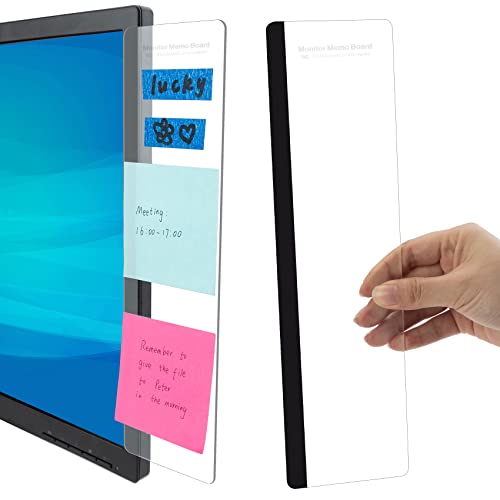
Office Desk Accessories 2pcs Computer Monitor Memo Board Office Supplies
- Includes 2 Memo Boards: Stick on monitor edges for organization
- Multi-purpose Organizer: Holds memos, messages, business cards
- High-quality Material: Made of durable, transparent acrylic
As an affiliate, we earn on qualifying purchases.
As an affiliate, we earn on qualifying purchases.