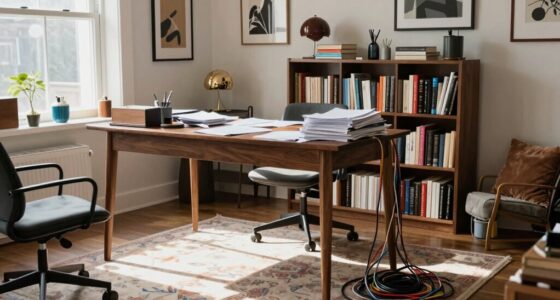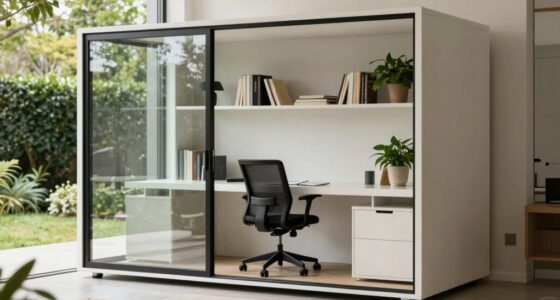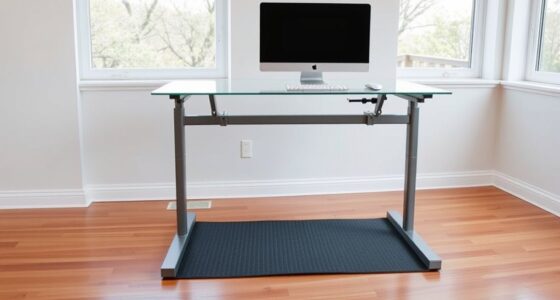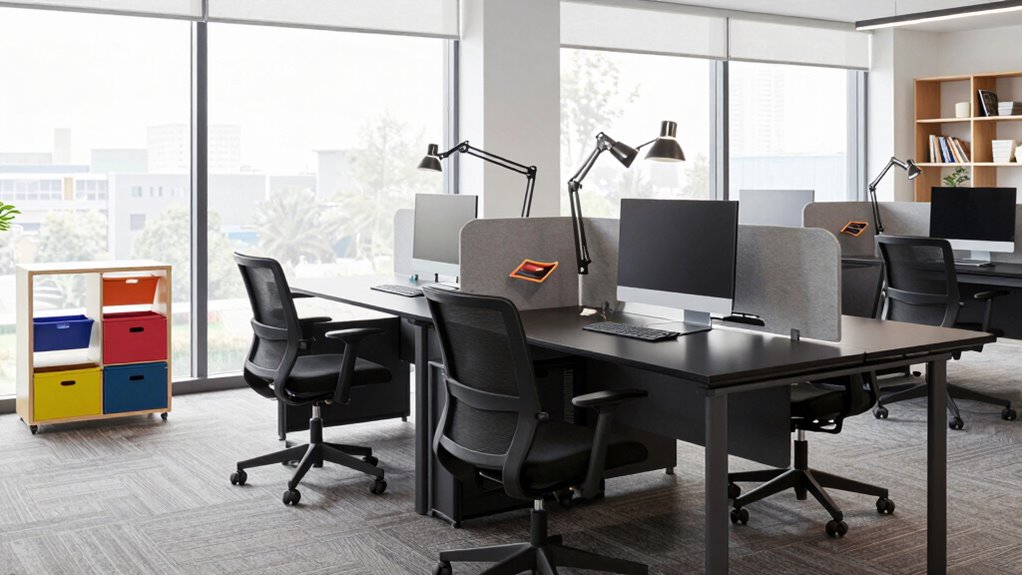

To create a more flexible setup, incorporate adjustable furniture like desks with height memory and ergonomic accessories such as monitor risers and keyboard stands. Organize your workspace for quick access to essentials and keep cords tidy with cable management solutions. Prioritize ergonomic principles by adjusting monitor height and ensuring your keyboard and mouse are at comfortable levels. Keep your environment fresh with good air circulation. Continue exploring ways to optimize your space for maximum comfort and productivity.

Get comfort and recovery gear delivered free — and shop member deals
- Fast, free delivery on millions of items
- Access to Prime Big Deal Days deals on October 6–7
- Prime Video, Amazon Music and more included
Key Takeaways
- Incorporate adjustable furniture like sit-stand desks for seamless switching between sitting and standing positions.
- Use ergonomic accessories such as monitor risers and keyboard stands to maintain proper posture in different modes.
- Organize workspace with easy-to-reach items and cable management to facilitate quick adjustments.
- Position equipment at ergonomic heights to reduce strain during various work activities.
- Regularly evaluate and modify your setup based on comfort and workflow needs for continuous flexibility.
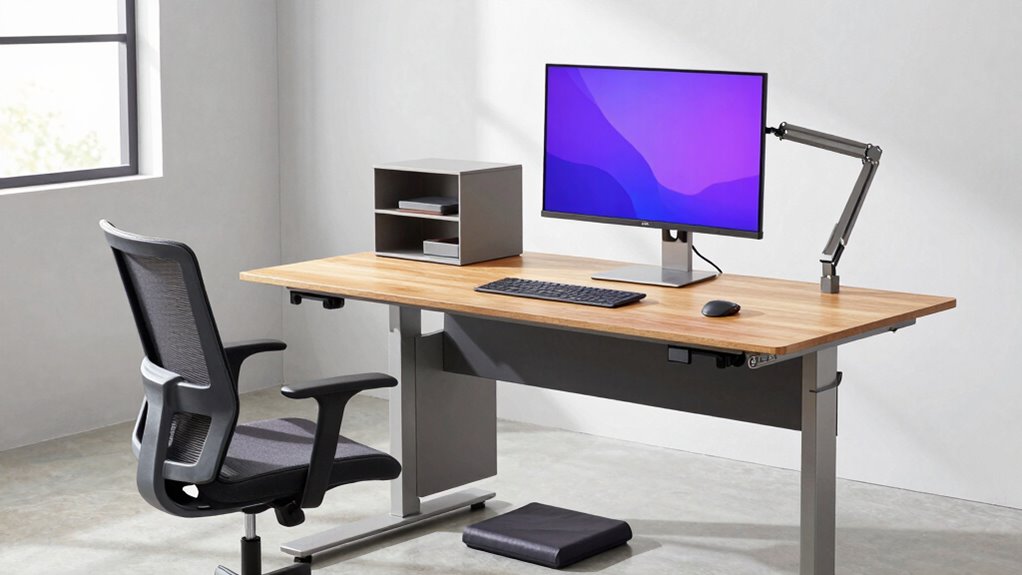
Adapting your workspace to support various work modes can substantially boost productivity and comfort. Whether you switch between sitting, standing, or even taking quick breaks, creating a flexible setup allows you to adapt seamlessly. One of the best ways to do this is by investing in ergonomic accessories, which are designed to promote better posture, reduce strain, and keep you comfortable through different activities. Think adjustable keyboard stands, monitor risers, and ergonomic chairs that support your back and neck. These accessories help you customize your workspace to fit your specific needs, making shifts between work modes smoother and more ergonomic.
Along with ergonomic accessories, adjustable furniture plays a vital role in creating a versatile setup. An adjustable desk, for example, lets you switch between sitting and standing positions effortlessly, giving you the flexibility to change your posture throughout the day. This not only improves circulation and reduces fatigue but also helps prevent common issues like back pain and eye strain. When choosing adjustable furniture, look for features like height memory settings, sturdy build quality, and smooth mechanisms that allow for quick adjustments without interrupting your workflow. By integrating adjustable furniture into your setup, you can easily tailor your workspace to suit different tasks, whether you’re focused on detailed work, brainstorming, or taking a quick stretch break. Incorporating ergonomic principles can further support your comfort and reduce the risk of strain during extended work periods. Additionally, understanding the importance of indoor air quality and proper humidity levels can significantly enhance your overall comfort and focus while working in your environment. Paying attention to air circulation can also help keep your workspace fresh and conducive to productivity.
To maximize your workspace’s flexibility, consider organizing your accessories and furniture so everything is within easy reach. Use cable management solutions to keep cords tidy and prevent clutter, which can hinder quick adjustments. Position your ergonomic accessories strategically—like placing your keyboard and mouse at the right height—so that shifting between modes doesn’t require constant readjustment. Keep your monitor at eye level, whether on a riser or mounted on an adjustable arm, to maintain good posture regardless of your work position. Additionally, regularly evaluating your setup and making adjustments based on your comfort can lead to a more effective and flexible workspace. Incorporating ergonomic fundamentals into your design can help ensure your workspace remains adaptable and comfortable as your needs evolve.
adjustable sit-stand desk with height memory
As an affiliate, we earn on qualifying purchases.
As an affiliate, we earn on qualifying purchases.
Frequently Asked Questions
How Can I Optimize My Workspace for Multiple Devices?
You can optimize your workspace for multiple devices by choosing ergonomic furniture that adjusts easily to various setups, reducing strain during long work sessions. Incorporate acoustic solutions like sound-absorbing panels or partitions to minimize noise distractions from multiple devices and conversations. Use cable management tools to keep cords organized and prevent clutter. This setup enhances comfort, efficiency, and focus, helping you seamlessly switch between devices and work modes.
What Are the Best Portable Accessories for Flexible Work Setups?
You should invest in ergonomic accessories like portable laptop stands and compact, adjustable keyboards to keep your workspace comfortable on the go. Additionally, portable storage solutions such as lightweight external drives or multi-port hubs help you stay organized and easily access files across devices. These accessories make your setup adaptable, ensuring you work efficiently whether you’re at a café, in a coworking space, or traveling.
How Do I Manage Cable Clutter in a Flexible Workspace?
You can effectively manage cable clutter by investing in cable management solutions like clips, sleeves, or under-desk trays. Truthfully, organized cables reduce stress and improve workspace ergonomics. Pair these with ergonomic seating to promote comfort during long work sessions. Regularly tidy your cables, label them, and route them neatly to prevent tangling. This approach keeps your workspace flexible, efficient, and visually clean, supporting your productivity and well-being.
What Lighting Options Suit Different Work Modes?
For different work modes, you should combine ambient lighting with task illumination. Use adjustable overhead lights or dimmable fixtures for overall brightness, creating a comfortable environment. Add focused task lights, like desk lamps or clip-on LEDs, for detailed work. This setup allows you to easily switch between relaxed and focused modes, ensuring ideal lighting. Incorporating dimmable and versatile lighting options helps you adapt quickly to your changing work needs.
How Can I Ensure Privacy in a Shared Flexible Workspace?
To guarantee privacy in a shared flexible workspace, you should use privacy screens that block visual distractions and sound masking to reduce noise distractions. Position your workstation strategically, away from busy areas, and utilize noise-canceling headphones when needed. Implement clear boundaries through physical dividers or furniture arrangements, and communicate your privacy needs with colleagues. These steps create a secure environment, fostering focus and confidentiality in your shared workspace.
ergonomic monitor riser for desk
As an affiliate, we earn on qualifying purchases.
As an affiliate, we earn on qualifying purchases.
Conclusion
Imagine your workspace as a river, flowing smoothly through every work mode. When you design it flexibly, you’re like a skilled kayaker steering shifting currents with ease. With a few thoughtful adjustments, you can switch from focused tasks to creative brainstorming without missing a beat. Embrace this fluidity, and your productivity will rise like a river rushing toward the sea—powerful, adaptable, unstoppable. Flexibility isn’t just a setup; it’s your secret to thriving in any work mode.
adjustable keyboard stand for ergonomic setup
As an affiliate, we earn on qualifying purchases.
As an affiliate, we earn on qualifying purchases.
cable management organizer for desk
As an affiliate, we earn on qualifying purchases.
As an affiliate, we earn on qualifying purchases.
Fall Picks
fall essentials
As an affiliate, we earn on qualifying purchases.