You’ll find that desk gadgets save you time when they follow ergonomic principles, have intuitive controls, and match your workspace style. Poorly designed tools with complicated features or unclear instructions slow you down and cause frustration. Cluttered or awkward gadgets often turn into obstacles. To improve your productivity, choosing well-designed, cohesive tools is key. Keep exploring to discover how thoughtful design can make a real difference in your workflow.

Get comfort and recovery gear delivered free with Prime
- Fast, free delivery on millions of items
- Prime Video, Amazon Music and more included
- Member-only deals all year
Key Takeaways
- Well-designed gadgets align with ergonomic principles, reducing strain and minimizing the need for adjustments that cause interruptions.
- Clear, intuitive controls prevent delays and confusion, streamlining workflow and saving time.
- Aesthetic cohesion and organized placement prevent clutter, making tools easily accessible and enhancing efficiency.
- Poorly designed gadgets with complex features or awkward access increase frustration and disrupt productivity.
- Thoughtful integration of ergonomic and aesthetic features ensures gadgets support comfort, usability, and seamless work processes.
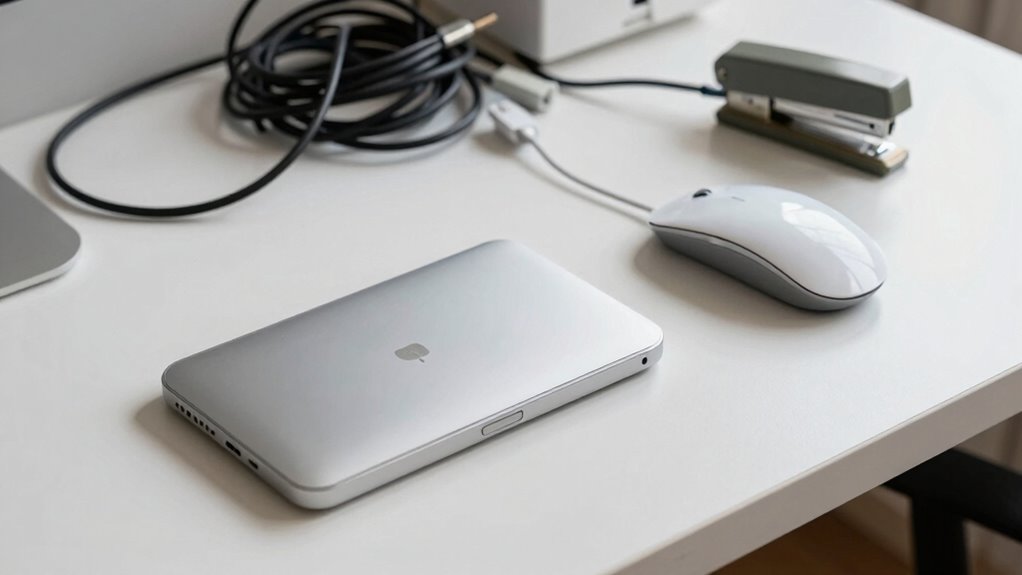
In today’s fast-paced work environment, desk gadgets promise to boost your productivity, but they can also create unexpected hurdles. The key lies in how well these gadgets integrate into your workspace, especially when it comes to ergonomic design and aesthetic appeal. Gadgets with good ergonomic design help you stay comfortable and reduce strain, making your workday smoother. For example, an adjustable monitor stand or a keyboard with a natural wrist angle can prevent fatigue, allowing you to focus longer without discomfort. When a gadget’s ergonomic features are well thought out, it enhances your efficiency rather than hindering it.
Good ergonomic design in desk gadgets boosts comfort and productivity, preventing fatigue and enhancing efficiency.
Aesthetic appeal also plays a crucial role. When your desk looks cohesive and visually pleasing, you’re more likely to stay motivated and organized. Stylish gadgets that match your workspace’s decor can create an inviting environment, encouraging you to use them regularly. However, gadgets that clash with your aesthetic or appear cluttered can add friction by making your workspace feel chaotic. An eye-catching, well-designed gadget can even serve as a focal point that energizes your entire setup, but only if it doesn’t compromise functionality. Recognizing the importance of workspace organization can help you select gadgets that contribute positively to your environment. Additionally, understanding how color accuracy impacts overall visual quality can guide you in choosing gadgets that are both functional and visually harmonious.
On the other hand, some gadgets seem to promise convenience but end up adding friction. For example, a device with complicated controls or unclear instructions might slow you down instead of speeding things up. If a gadget isn’t intuitive or requires frequent adjustments, it interrupts your workflow. The frustration of battling with poorly designed features can overshadow any time saved. Additionally, gadgets that take up too much space or are difficult to access can create clutter and make your desk less efficient. Cluttered workspaces often lead to wasted time searching for tools or cleaning up messes, which defeats their purpose altogether. A well-designed workspace can help prevent these issues by promoting ease of access and organization.
The difference between gadgets that save time and those that add friction often boils down to thoughtful design. When a gadget combines ergonomic principles with a sleek, appealing appearance, it seamlessly blends into your workflow and environment. It becomes an extension of your productivity rather than a distraction. Conversely, gadgets that ignore these aspects tend to become obstacles, forcing you to adapt around their flaws. If you want to make the most of your desk gadgets, choose those that prioritize comfort, style, and ease of use. This way, your tools become allies in your workday, not sources of frustration.
Products Worth Considering

Bose TV Speaker (2nd Gen) Compact Soundbar with Bluetooth and HDMI Connectivity
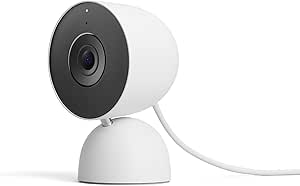
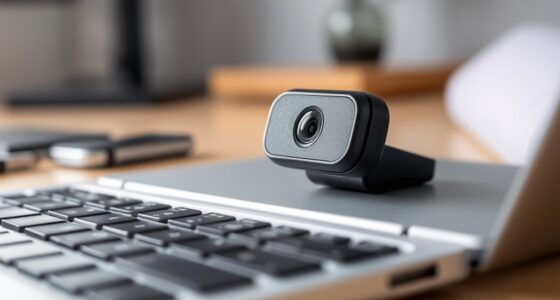
Google Nest Cam Indoor (Wired, 3rd Gen) – Security Camera – Snow

Google Nest Doorbell (Wired, 2nd Gen) – Snow
As an affiliate, we earn on qualifying purchases.
Frequently Asked Questions
How Do Desk Gadgets Impact Long-Term Productivity?
Desk gadgets can boost your long-term productivity when they offer ergonomic benefits, reducing strain and fatigue. However, if they introduce distraction risks, your focus may suffer, leading to decreased efficiency. You need to choose gadgets that support your workflow without pulling your attention away. Properly selected ergonomic tools can make your work easier and more comfortable, ultimately helping you stay productive over time, while avoiding gadgets that cause unnecessary interruptions.
Are There Specific Gadgets Ideal for Certain Professions?
Yes, certain gadgets suit specific professions better. For example, ergonomic tools like adjustable stands and wrist supports help writers and programmers reduce strain, boosting comfort and focus. Meanwhile, distraction devices such as noise-canceling headphones benefit busy office workers or those in creative fields, helping them concentrate. Choosing the right gadgets depends on your profession’s demands—opt for ergonomic tools to enhance productivity, and avoid distraction devices that can hinder focus.
How Can I Evaluate if a Gadget Will Save or Waste Time?
Imagine your workspace as a symphony; each gadget should harmonize with your flow. To judge if a gadget saves or wastes time, consider its customization options and how easily you adapt to it. If it seamlessly integrates into your routine, simplifying tasks and boosting efficiency, it’s a keeper. But if it demands constant adjustment or feels cumbersome, it’s likely adding friction rather than saving time. Trust your instinct and test it firsthand.
What Are the Common Pitfalls When Adopting New Desk Gadgets?
When adopting new desk gadgets, you often face costly distractions that pull your focus away, and overhyped features that don’t deliver on promises. Be cautious about gadgets that seem exciting but lack practical benefits. You might also fall for marketing tricks, wasting time learning complicated setups. To avoid these pitfalls, research reviews, prioritize functionality over flashy features, and test gadgets carefully before integrating them into your daily routine.
Do Desk Gadgets Influence Workplace Ergonomics?
Desk gadgets can positively influence workplace ergonomics if they feature ergonomic design, promoting comfort and proper posture. However, if you clutter your space with too many gadgets, it can create gadget clutter, leading to distractions and potential discomfort. Carefully selecting ergonomic tools that integrate smoothly into your workspace helps improve efficiency and reduces strain, whereas excessive or poorly designed gadgets can hinder your comfort and productivity.
Conclusion
Imagine your desk as a busy highway. Some gadgets are like well-timed traffic lights, smoothing your flow and saving you minutes. Others act like confusing signs, causing delays and frustration. When choosing tools, aim for those that streamline your tasks—like a GPS guiding you efficiently—rather than adding obstacles. The right gadgets can transform your workspace from a jammed highway into a smooth, productive ride, turning time-saving dreams into your daily reality.