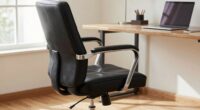
The most overlooked ergonomic risk in small home offices is incorrect desk height. When your desk isn’t properly adjusted, you might hunch over or elevate your shoulders, causing discomfort and fatigue over time. Many users ignore this key factor, leading to long-term muscle strain and pain. Ensuring your desk matches your natural posture can prevent these issues. Keep going to discover simple ways to improve your workspace and protect your health.

Get comfort and recovery gear delivered free — and shop member deals
- Fast, free delivery on millions of items
- Access to Prime Big Deal Days deals on October 6–7
- Prime Video, Amazon Music and more included
Key Takeaways
- Poor desk height adjustments often go unnoticed, causing shoulder tension and poor posture.
- Incorrect keyboard positioning leads to wrist strain and long-term discomfort.
- Space constraints cause makeshift setups that compromise ergonomic principles.
- Neglecting monitor height and placement can result in neck strain and eye fatigue.
- Small, overlooked adjustments like wrist rests and proper alignment prevent chronic pain.
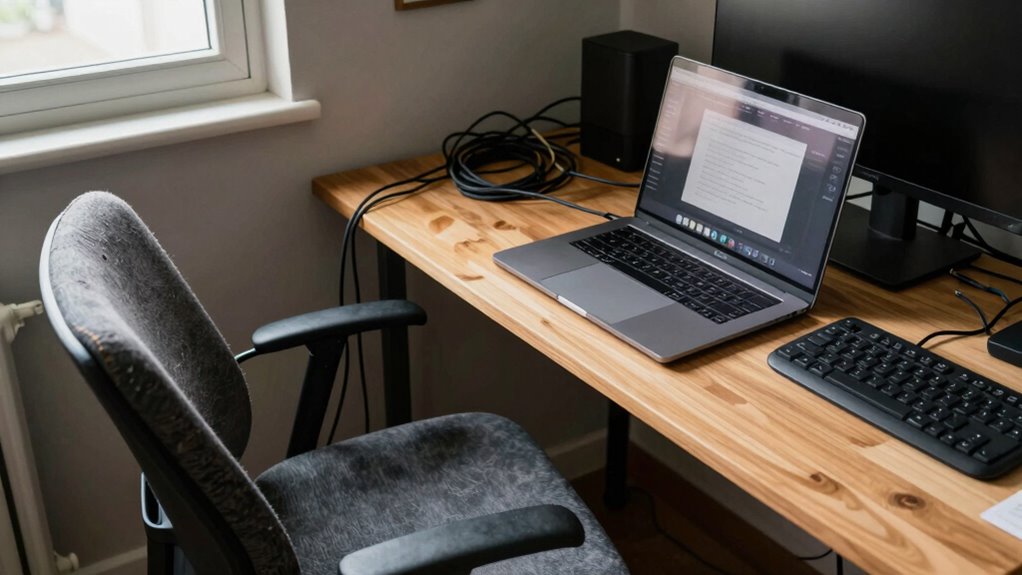
Have you ever wondered if your small home office setup could be putting your health at risk? It’s easy to overlook how the details of your workspace—like desk height and keyboard positioning—can profoundly impact your well-being. Many people focus on the obvious issues, such as chair comfort or screen glare, but neglect the importance of proper ergonomics at the core of your workstation. The truth is, an improperly set-up desk can lead to long-term discomfort and even chronic pain.
Small workspace setup can harm your health; proper ergonomics prevents discomfort and long-term pain.
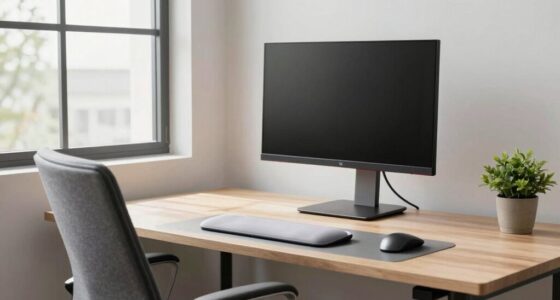
First, consider your desk height. If your desk isn’t at the right level, you might find yourself hunching forward or raising your shoulders constantly. This misalignment strains your neck, shoulders, and upper back. To avoid this, your desk should allow your elbows to be at a 90-degree angle when your hands are on the keyboard. If your desk is too high, you’ll elevate your shoulders, risking tension and fatigue. If it’s too low, you’ll have to hunch, which can cause back pain. Adjusting your workspace to match your body’s natural posture is vital for preventing discomfort. Incorporating ergonomic principles can further optimize your setup and reduce strain.
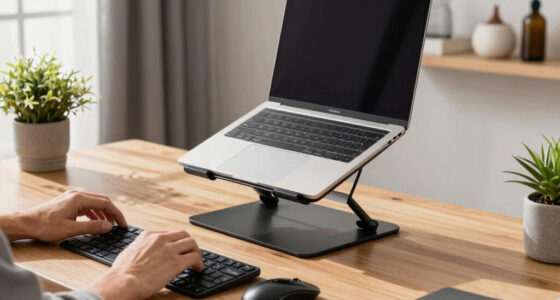
Keyboard positioning is equally essential. Even if your desk height feels correct, improper keyboard placement can cause issues. If your keyboard is too far away or too high, you’ll reach excessively, which strains your arms and shoulders. Conversely, if it’s too low or too close, you might tilt your wrists awkwardly or bend your elbows unnaturally. The goal is to keep your keyboard directly in front of you, at a height where your wrists stay straight and your hands can rest comfortably. Using a keyboard tray or an adjustable stand can help achieve this ideal position, especially in limited space. Ensuring your workspace is ergonomically optimized can significantly reduce the risk of developing discomfort over time.
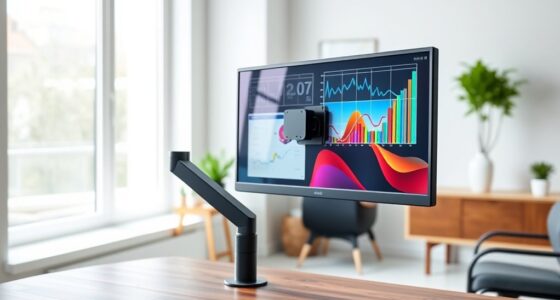
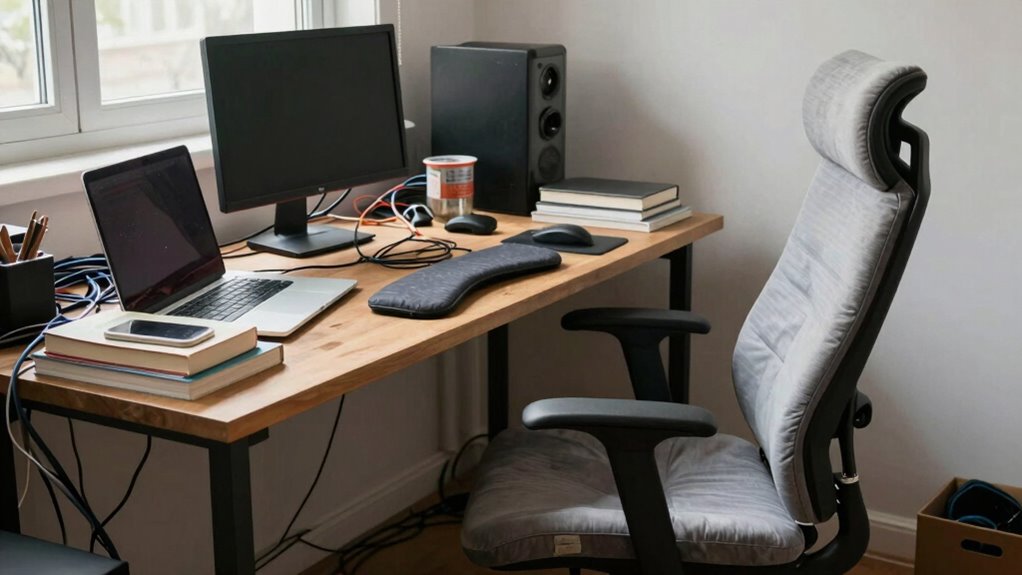
In small home offices, space constraints often tempt you to compromise on ergonomics. Perhaps you’re using a makeshift desk or stacking books to elevate your keyboard. These quick fixes may seem harmless but can lead to persistent pain over time. The key is to prioritize proper setup—invest time in adjusting your desk height and keyboard placement to fit your body. Small changes, like adding a wrist rest or raising your monitor to eye level, can make a huge difference. Additionally, being aware of ergonomic risks can help you identify potential issues before they develop into pain or injury.
Ultimately, the most overlooked ergonomic risk in small home offices is how you position your workspace components. Paying attention to desk height and keyboard positioning isn’t just about comfort; it’s about safeguarding your health for the long run. Small adjustments now can prevent serious issues later, ensuring you stay productive and pain-free in your home office.
adjustable desk height for home office
As an affiliate, we earn on qualifying purchases.
As an affiliate, we earn on qualifying purchases.
Frequently Asked Questions
How Can I Identify Hidden Ergonomic Hazards in My Home Office?
You can identify hidden ergonomic hazards by paying attention to your desk posture and chair alignment. Check if your monitor is at eye level and your back is supported by your chair. Make sure your feet are flat on the floor and your knees are at a 90-degree angle. Notice if you experience discomfort or strain after working; these signs often point to overlooked risks. Regularly reassess your setup for maximum comfort.
What Are Cost-Effective Solutions for Improving Home Office Ergonomics?
To improve your home office ergonomics cost-effectively, focus on adjusting your desk posture and keyboard height. Use household items like books or risers to elevate your monitor to eye level, maintaining a neutral neck position. For keyboard setup, guarantee your elbows are at a 90-degree angle and your wrists remain straight. These simple adjustments help prevent strain and boost comfort without spending much.
How Does Lighting Impact Ergonomic Health in Small Home Offices?
Lighting effects directly influence your ergonomic health by affecting visual comfort and reducing eye strain. Proper, well-placed lighting minimizes glare and shadows, helping you work more comfortably and effectively. In small home offices, you should aim for a mix of natural light and adjustable artificial lighting to prevent fatigue and headaches. Good lighting supports better posture, enhances focus, and ultimately contributes to your overall ergonomic well-being during long work hours.
Are There Specific Ergonomic Considerations for Shared Home Workspaces?
When sharing a home workspace, you should prioritize creating a shared desk that accommodates both users comfortably. Respect each other’s personal space by adjusting monitor heights, chair positions, and storage to prevent discomfort. Communicate openly about ergonomic needs to avoid strain or fatigue. By customizing shared areas and maintaining boundaries, you guarantee an ergonomic setup that supports productivity and well-being for everyone involved.
How Often Should I Assess and Adjust My Home Office Setup?
You should assess and adjust your home office setup at least once a month—because who doesn’t love a surprise ergonomic challenge? Regular workspace customization keeps you comfortable and prevents pain. Don’t forget ergonomic accessories like an adjustable chair or keyboard. Make it a habit; your body will thank you. Plus, it’s way more fun than pretending your makeshift setup is perfect forever.
As an affiliate, we earn on qualifying purchases.
Conclusion
Remember, in your small home office, the quietest risk often lurks in plain sight. Like a shadow at your desk, neglecting proper ergonomics can quietly undermine your comfort and health. Don’t let this unseen threat be the ghost in your workspace. Take a moment to assess and adjust, transforming your space into a sanctuary of well-being. Because when you prioritize your comfort, productivity naturally follows—turning your home office from overlooked to ideal.
As an affiliate, we earn on qualifying purchases.
As an affiliate, we earn on qualifying purchases.
Fall Picks
fall essentials
As an affiliate, we earn on qualifying purchases.