To relieve back pain in your home office, start by optimizing your workspace with ergonomic accessories like an adjustable chair, lumbar support, and monitor at eye level. Maintain proper posture, keeping shoulders relaxed and avoiding slouching, and take regular movement breaks to stretch and walk around. Incorporating simple stretches, such as spinal twists and shoulder rolls, can ease tension. If you want to discover more effective tips and stretches, keep exploring how you can create a healthier workspace.

Get comfort and recovery gear delivered free — and shop member deals
- Fast, free delivery on millions of items
- Access to Prime Big Deal Days deals on October 6–7
- Prime Video, Amazon Music and more included
Key Takeaways
- Use ergonomic accessories like adjustable chairs, lumbar supports, and monitor at eye level to maintain proper posture.
- Take regular breaks every 30 to 60 minutes to stretch, walk, and reduce muscle tension.
- Incorporate simple stretches such as spinal twists and shoulder rolls to relieve back and neck strain.
- Maintain awareness of your posture, keeping shoulders relaxed and resetting position to prevent slouching.
- Adjust your workspace setup to promote spinal alignment and easy access to essentials, reducing long-term discomfort.
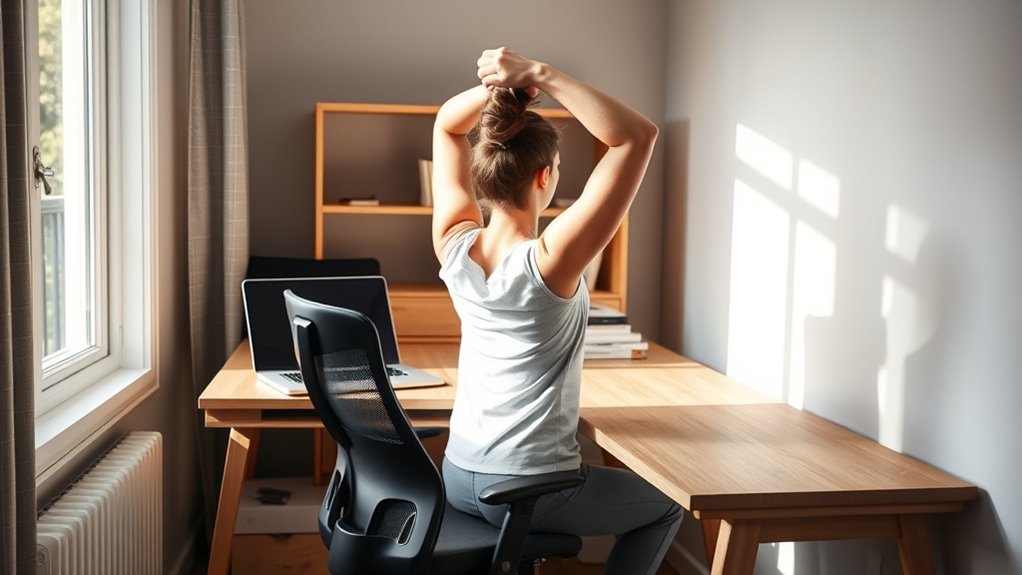
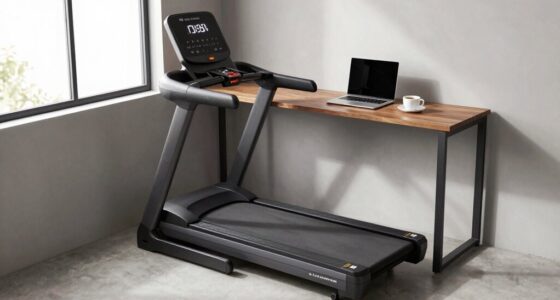
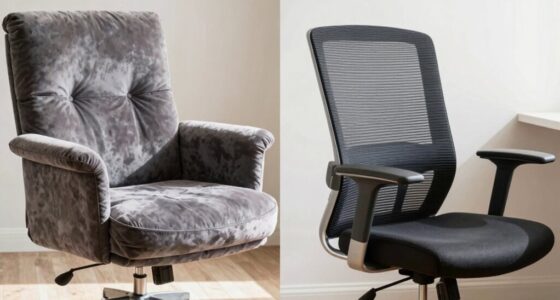
Working from home can be comfortable, but it often leads to back pain if you don’t set up your space properly. One of the most effective ways to prevent discomfort is to invest in ergonomic accessories that support proper posture. These accessories, like adjustable chairs, lumbar supports, and footrests, are designed to align your body correctly and reduce strain on your back. When your workspace promotes good posture, you’re less likely to develop chronic pain and more likely to stay comfortable throughout the day.
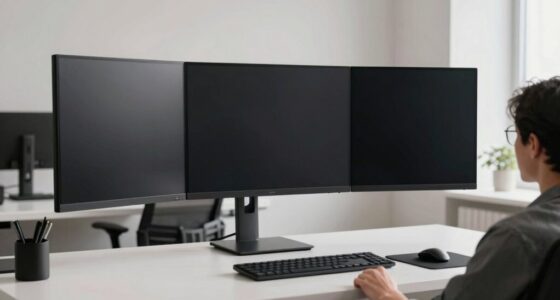
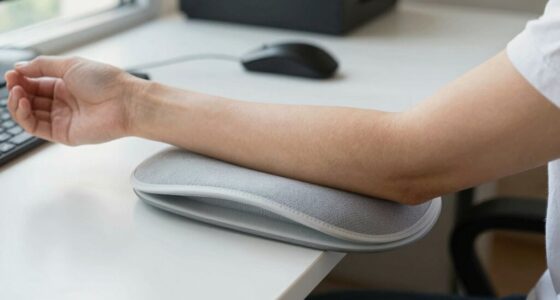
Proper posture correction starts with your chair and desk setup. Your chair should support the natural curve of your spine, with your feet flat on the floor and your knees at a 90-degree angle. If your feet don’t reach the ground, a footrest can help maintain the right position. Your monitor should be at eye level to prevent you from hunching forward or tilting your head downward. Positioning your keyboard and mouse within easy reach prevents you from leaning forward or overstretching, which can lead to shoulder and back tension.
Proper desk setup supports spinal alignment and reduces back strain.
Incorporating ergonomic accessories into your workspace isn’t just about comfort — it’s about actively preventing back pain. For instance, a lumbar pillow or support cushion encourages proper lumbar curvature, reducing lower back strain. Standing desks or sit-stand converters are excellent options for alternating between sitting and standing positions, helping to avoid prolonged static postures that contribute to back soreness. Remember, small adjustments can make a big difference in maintaining good posture over long work hours.
Beyond investing in ergonomic accessories, regular stretches and movement are vital. Sitting in the same position for extended periods tightens muscles and decreases circulation, which can exacerbate back pain. Every 30 to 60 minutes, stand up, walk around, and perform simple stretches like spinal twists, shoulder rolls, or hamstring stretches to relieve built-up tension. These movements promote blood flow and help maintain flexibility, preventing muscular fatigue and stiffness. Incorporating movement breaks into your routine can significantly reduce discomfort and improve overall posture.
You should also be mindful of how you sit and move throughout the day. Keep your shoulders relaxed, and avoid slouching or leaning forward. When you notice discomfort, take a moment to reset your posture and do a quick stretch. Incorporating these habits into your daily routine can notably lessen back pain, making your home office a healthier and more productive environment. Remember, your workspace should support your body, not strain it. Using ergonomic accessories and practicing posture correction will help you work comfortably and reduce the risk of back issues over time.
ergonomic adjustable office chair
As an affiliate, we earn on qualifying purchases.
As an affiliate, we earn on qualifying purchases.
Frequently Asked Questions
Can Specific Office Chairs Prevent Back Pain Effectively?
Yes, specific office chairs can prevent back pain effectively. Look for ergonomic chair features like adjustable lumbar support, which helps maintain proper spine alignment, and adjustable height and armrests for personalized comfort. When you choose a chair with these features, you encourage better posture and reduce strain on your back muscles. Investing in the right ergonomic chair can make a significant difference in preventing back pain during long work hours.
How Often Should I Take Breaks During Work Hours?
You might think working through without breaks is productive, but it’s not. To keep pain at bay, take a break every 30 to 60 minutes. Use that time for stretching routines and posture awareness exercises, which help prevent stiffness and strain. Regular breaks refresh your mind and body, making your work more comfortable and reducing back pain. Don’t wait until discomfort hits—set a reminder now!
Are There Ergonomic Accessories That Reduce Back Strain?
Yes, ergonomic accessories and back support gadgets can considerably reduce back strain. You should consider an adjustable chair with lumbar support, an ergonomic keyboard, and a supportive footrest. These accessories help maintain proper posture and alleviate pressure on your lower back. Investing in ergonomic accessories tailored to your workspace makes a big difference in preventing discomfort and promoting better spinal alignment during long work hours.
What Signs Indicate Serious Back Issues Needing Medical Attention?
If you experience signs of nerve compression like numbness, tingling, or weakness in your legs or arms, seek medical care promptly. Symptoms of a herniated disc, such as intense pain, loss of bladder control, or difficulty walking, also warrant urgent attention. Don’t ignore persistent or worsening back pain, especially if it’s accompanied by these signs, as it could indicate a serious issue needing professional evaluation.
Can Exercise Routines Replace Ergonomic Adjustments for Relief?
Like a knight’s armor, exercise therapy and stretching routines can help shield your back, but they don’t replace ergonomic adjustments. Regular exercise strengthens muscles, while stretches improve flexibility, offering relief. However, proper ergonomics — like adjusting your chair and monitor height — directly address the root cause of discomfort. Combining both ensures ideal back health, much like a well-balanced toolkit, preventing pain before it even begins.
lumbar support cushion for chair
As an affiliate, we earn on qualifying purchases.
As an affiliate, we earn on qualifying purchases.
Conclusion
Remember, a stitch in time saves nine. By incorporating simple stretches and maintaining good posture, you can prevent back pain from taking over your workday. Make your home office a space that supports your health, not hinders it. Stay mindful of your posture, take regular breaks, and listen to your body. Small daily efforts can keep your back strong and pain-free, so you can focus on what matters most—your work and well-being.
As an affiliate, we earn on qualifying purchases.
As an affiliate, we earn on qualifying purchases.
Fall Picks
fall essentials
As an affiliate, we earn on qualifying purchases.