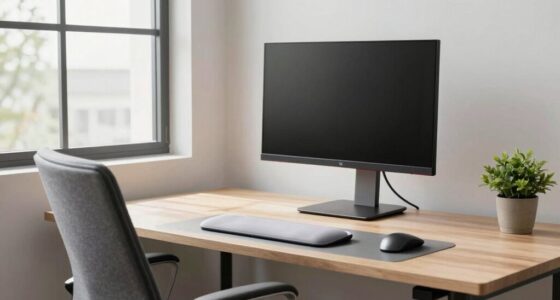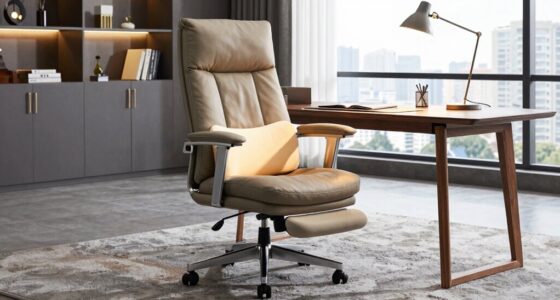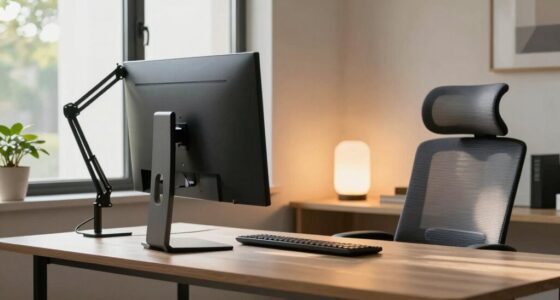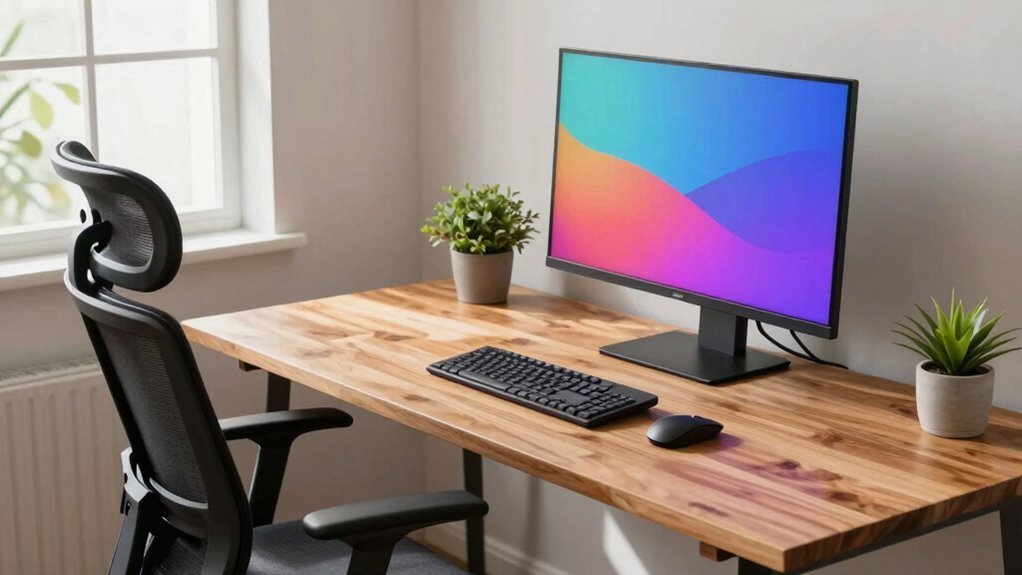
Good ergonomics for creative professionals means setting up your workspace so tools are within easy reach, supporting natural posture and reducing strain. Sit upright with feet flat, and keep your monitor at eye level to avoid neck tension. Use adjustable accessories like stands or trays to customize your setup. Remember to take regular breaks to stretch and move, helping release muscle tension. Keep practicing these habits, and you’ll discover more ways to stay comfortable and productive throughout your workday.

Get comfort and recovery gear delivered free — and shop member deals
- Fast, free delivery on millions of items
- Access to Prime Big Deal Days deals on October 6–7
- Prime Video, Amazon Music and more included
Key Takeaways
- Arrange tools and materials within easy reach to minimize unnecessary movements and enhance workflow.
- Maintain proper posture with an adjustable chair, feet flat, and monitor at eye level to reduce strain.
- Use ergonomic accessories like adjustable stands, keyboard trays, and wrist supports for personalized comfort.
- Position monitors directly in front at an arm’s length, with the top at or below eye level.
- Take regular breaks to stretch, move, and reset posture, preventing muscle tension and fatigue.
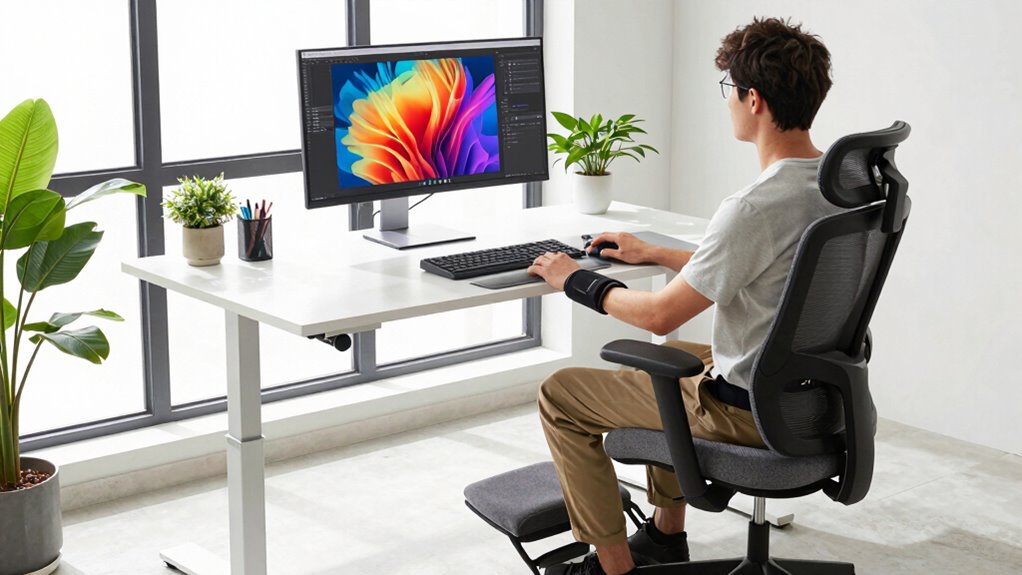
Have you ever wondered how your workspace impacts your creativity and productivity? The truth is, a well-designed environment can make a world of difference. When your workspace promotes good ergonomics, you’ll notice fewer aches and more focus. It’s not just about comfort; it’s about optimizing your body’s natural alignment to keep muscle tension at bay and support posture alignment. When your muscles aren’t strained, you can work longer without fatigue or discomfort, allowing your ideas to flow freely.
Start by paying attention to your sitting position. Sitting upright with your back supported by a chair that encourages proper posture helps prevent unnecessary muscle tension. Your feet should rest flat on the floor, with knees bent at about a 90-degree angle. This position reduces strain on your lower back and hips. Ensuring your hips are slightly higher than your knees helps maintain a natural lumbar curve, supporting posture alignment. When your body is aligned correctly, you avoid awkward stretches or hunching over, which can cause pain and distract you from your work.
Sit upright with feet flat, knees at 90°, and hips slightly higher for better posture and comfort.
Your monitor placement also plays a vital role. Position it directly in front of you, about an arm’s length away, with the top of the screen at or just below eye level. This setup minimizes neck strain and keeps your head in a neutral position. When your head tilts forward or downward, it increases muscle tension in your neck and shoulders. Keeping your screen at the right height supports posture alignment and reduces the risk of developing tension headaches. Incorporating ergonomic accessories such as adjustable stands or keyboard trays can further enhance your workspace. Additionally, understanding the importance of proper workstation setup can help you create a more comfortable environment. Being mindful of your body mechanics throughout the day can prevent discomfort and promote better posture. Paying attention to ergonomic principles ensures your workspace remains supportive and adaptable to your needs.
Additionally, your workspace should be arranged so that frequently used tools are within easy reach. This prevents you from stretching or twisting your body repeatedly, which can lead to muscle fatigue. Use ergonomic accessories like a keyboard tray or adjustable desk to maintain a comfortable arm position. Your elbows should rest at a roughly 90-degree angle, with wrists straight and relaxed. Maintaining this neutral wrist position prevents strain and repetitive stress injuries.
Finally, don’t forget to take regular breaks. Moving around, stretching, or changing your position helps release muscle tension accumulated during long periods of work. Incorporate simple stretches that target your neck, shoulders, and back to reinforce good posture and keep muscles relaxed. When you set up your workspace with these ergonomic principles in mind, you’re creating an environment that supports your creativity, minimizes discomfort, and enhances your overall productivity. It’s about working smarter, not harder, by respecting your body’s natural needs and maintaining proper posture alignment every step of the way.
As an affiliate, we earn on qualifying purchases.
Frequently Asked Questions
How Often Should I Take Breaks to Prevent Strain?
You should take a break every 30 to 60 minutes to prevent strain. During these breaks, make posture adjustments to avoid stiffness and discomfort. Use this time to stretch and move around, which helps reduce muscle tension. Also, organize your workspace to promote good posture, ensuring your chair and desk support ergonomic positioning. Regular breaks and thoughtful workspace organization keep you comfortable and boost your creative productivity.
What’s the Ideal Desk Height for Artists?
Imagine your desk as a stage for your creativity—your ideal height is when your elbows are bent at a 90-degree angle, like a conductor guiding an orchestra. Keep your desk posture aligned, with your monitor at eye level. Adjust your chair so your feet rest flat on the floor. This balance guarantees comfort, reduces strain, and lets your artistic flow stay uninterrupted.
Are Ergonomic Tools Necessary for Digital Creators?
Yes, ergonomic accessories are essential for digital creators to prevent strain and boost productivity. By investing in items like adjustable stands, wrist supports, and ergonomic mice, you can maintain proper posture during long work sessions. Additionally, effective workspace organization helps keep your tools within easy reach, reducing unnecessary movement. Prioritizing ergonomic tools and organized spaces guarantees you stay comfortable and focused, ultimately enhancing your creativity and preventing injuries.
How Can I Reduce Eye Strain During Long Sessions?
To reduce eye strain during long sessions, start by using blue light filtering glasses or screen settings to lessen eye fatigue. Take regular breaks following the 20-20-20 rule—look at something 20 feet away for 20 seconds. Make sure you sit in an ergonomic chair that supports good posture, keeping your monitor at eye level. These steps help protect your eyes and promote comfort during extended creative work.
What Are Signs of Ergonomic-Related Discomfort?
Like a digital knight from a bygone era, you might notice discomfort that signals poor ergonomics. Signs include persistent neck or shoulder pain, tingling or numbness in your wrists, and frequent headaches. If your posture isn’t corrected, you’ll feel strain in your back and eyes. Prioritize posture correction and wrist support to prevent discomfort, ensuring your creative flow stays smooth and pain-free.
As an affiliate, we earn on qualifying purchases.
Conclusion
Incorporate insightful ergonomics to improve your workspace, boost your balance, and banish bothersome aches. By blending better posture, proper positioning, and personalized setups, you’ll foster focus and fuel your creative flow. Don’t delay—design a desk that delights and supports your skills. When you prioritize posture, productivity perks up, and pain plummets. Make manageable modifications today, and marvel at your masterpiece’s momentum tomorrow. Your creative career craves comfort—commit to caring for your craft!
As an affiliate, we earn on qualifying purchases.
As an affiliate, we earn on qualifying purchases.
Fall Picks
fall essentials
As an affiliate, we earn on qualifying purchases.