
Poor monitor placement causes your neck to tilt or crane over time, leading to muscle and joint strain that damages your neck faster than you realize. When your screen isn’t at eye level, your head remains in unnatural positions, causing chronic pain and nerve issues early on. Even small misalignments can build up quickly if ignored. Keep going to discover more simple ways to protect your neck and prevent long-term damage.
Key Takeaways
- Poor monitor placement forces neck tilting or craning, leading to immediate muscle strain and long-term joint damage.
- Incorrect height and angle cause sustained awkward postures, accelerating neck stiffness and nerve issues over time.
- Viewing the screen at an improper distance or angle increases fatigue, prompting frequent adjustments that worsen misalignment.
- Lack of ergonomic setup causes cumulative stress on neck muscles, resulting in faster deterioration and chronic pain.
- Ignoring posture awareness and routine breaks worsens the impact of bad monitor placement on neck health quickly.
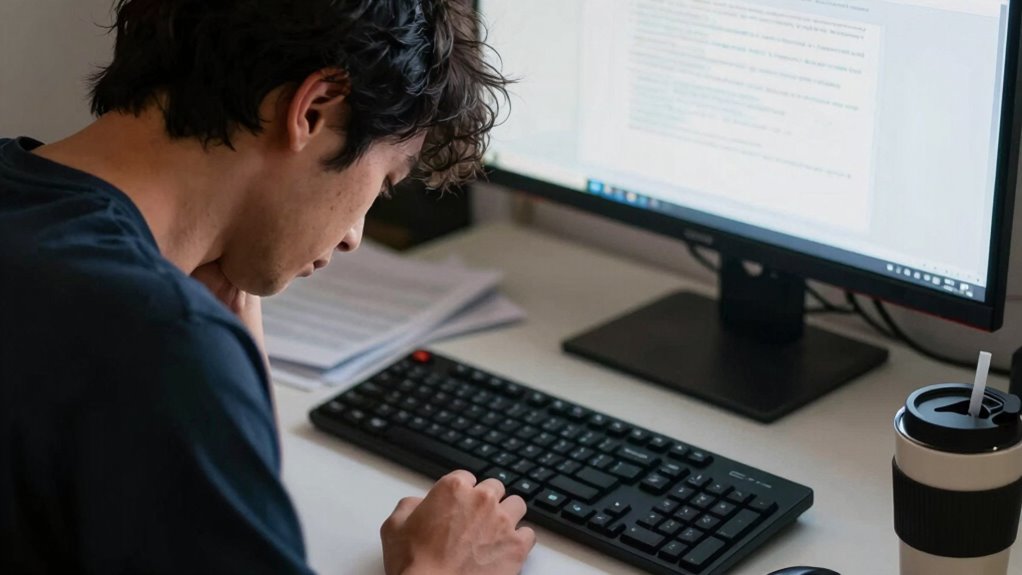
Poor monitor placement can silently damage your neck, often before you even realize there’s a problem. When your screen isn’t positioned correctly, you tend to tilt or crane your neck to see better, putting unnecessary strain on muscles and joints. Over time, this misalignment can lead to chronic pain, stiffness, and even nerve issues. That’s why making ergonomic adjustments is essential. Proper monitor positioning isn’t just about comfort; it’s about preventing long-term injury. If your monitor is too high, too low, or off to the side, you’ll naturally adapt your posture to compensate. This often results in a forward head posture or awkward neck angles, which aren’t sustainable in the long run.
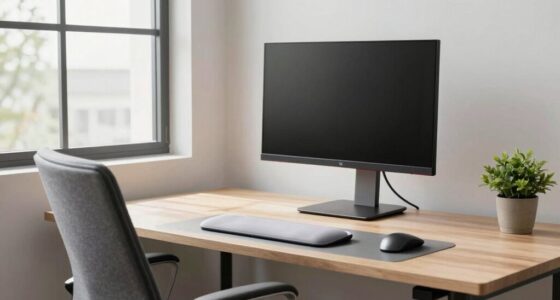
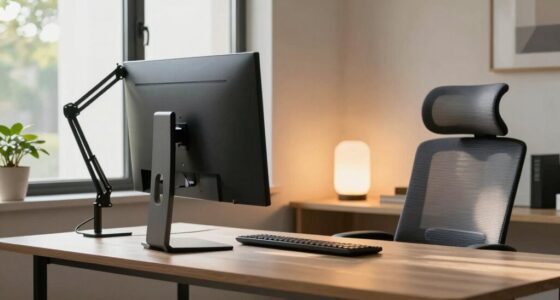
You should start by ensuring your monitor is at eye level, so your neck remains in a neutral, relaxed position. When your eyes look straight ahead without tilting your head up or down, you reduce the risk of strain and fatigue. Adjusting the height of your monitor might involve stacking books or investing in a stand, but the effort pays off in comfort and health. Once your monitor is at the right level, focus on the distance. Your screen should be about an arm’s length away, allowing you to view the content comfortably without leaning forward or squinting. This helps maintain good posture awareness and keeps your neck in a more natural position.
Additionally, being aware of your overall ergonomic setup can help prevent unnecessary strain, as it promotes better alignment for your entire body. Proper monitor angle adjustments, such as tilting the screen slightly upward, can also reduce neck strain by encouraging a more natural head position. It’s also important to think about the angle of the monitor. Tilt it slightly upward if needed, so the top of the screen is just below eye level. This minimizes the need to tilt your head and keeps your neck aligned with your spine. Maintaining awareness of your posture throughout the day can help you catch and correct misalignments early before they cause discomfort. Incorporating regular breaks into your routine can further reduce strain and promote better posture.
To further optimize your setup, consider the visual comfort of your workspace, which can significantly impact your neck health. Don’t forget to check your overall workstation setup—your chair height, keyboard placement, and desk height all influence how your neck and back hold themselves throughout the day. Small ergonomic adjustments here can make a big difference.
Frequently Asked Questions
How Does Monitor Height Affect Overall Posture?
Monitor height directly impacts your overall posture by aligning with ergonomic principles and visual ergonomics. When your monitor is too low or high, you strain your neck and shoulders to see clearly, leading to discomfort and potential injury. Keeping the top of your screen at eye level helps maintain a neutral neck position, reducing strain and promoting better posture during long periods of work. Proper monitor placement is essential for comfort and health.
Can Poor Monitor Placement Cause Long-Term Neck Issues?
Yes, poor monitor placement can cause long-term neck issues. When your monitor isn’t ergonomically positioned, you tend to crane or tilt your neck, leading to strain and pain over time. Using ergonomic accessories like adjustable stands and ergonomic training helps maintain proper posture, preventing chronic problems. Investing in these tools encourages healthier habits, reducing the risk of long-term neck damage caused by sustained poor positioning.
What Are Signs of Neck Strain From Bad Monitor Setup?
You might notice neck strain signs like persistent discomfort, stiffness, or headaches after long screen sessions. Eye strain can also occur, leading to blurred vision or dry eyes. If you experience these, it’s time to adjust your monitor setup and consider ergonomic accessories like adjustable stands or monitor arms. Proper positioning reduces neck tension and eye strain, helping you stay comfortable and productive throughout your workday.
How Often Should I Adjust My Monitor for Optimal Health?
You should adjust your monitor at least once a week to maintain ideal health. Don’t wait until discomfort hits—regular tweaks prevent strain. Use ergonomic accessories like adjustable stands and monitor arms to make quick, easy adjustments. Incorporate posture correction tips into your routine, ensuring your screen remains at eye level. Staying proactive helps avoid chronic neck pain, so make monitor adjustments a habit for better comfort and long-term well-being.
Does Monitor Size Influence Neck Strain Risks?
Yes, monitor size influences neck strain risks, especially if your setup isn’t ergonomic. Larger monitors can cause you to crane your neck or hunch, leading to discomfort. To prevent this, use ergonomic accessories like adjustable stands or monitor arms, and ensure your monitor is properly calibrated for ideal viewing angles. Keeping your monitor at eye level minimizes strain, regardless of its size, and promotes better neck health.
Conclusion
Poor monitor placement can silently cause neck strain, leading to discomfort and long-term issues if ignored. Did you know that staying in an awkward position for just two hours a day can increase your risk of chronic neck pain by up to 50%? By adjusting your monitor to eye level and maintaining good posture, you can markedly reduce this risk. Don’t wait until discomfort becomes a problem—make small changes today for a healthier neck tomorrow.