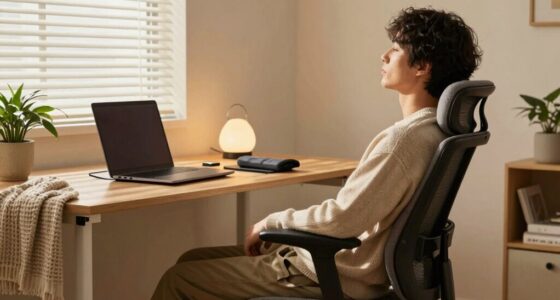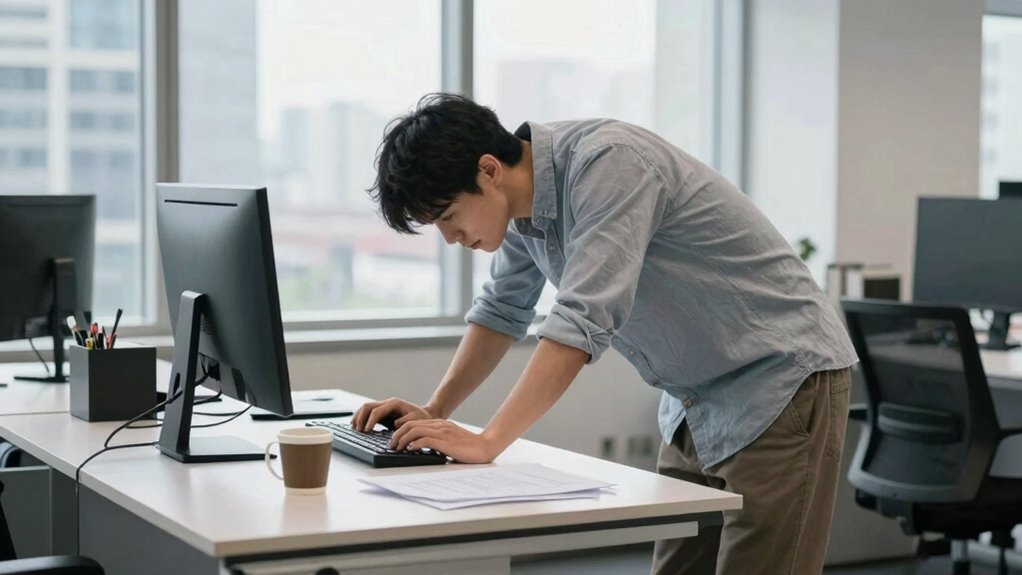
Using a standing desk improperly can backfire if you neglect ergonomic accessories and proper posture. Standing for hours without supportive mats or adjustable stands can cause leg, back, or neck strain. If you lock your knees, lean forward, or avoid movement, discomfort will increase. Incorporate frequent breaks, shift your weight, and use ergonomic tools to stay comfortable. Stick with correct habits, and you’ll avoid unnecessary pain—more essential tips are ahead.

Get comfort and recovery gear delivered free — and shop member deals
- Fast, free delivery on millions of items
- Access to Prime Big Deal Days deals on October 6–7
- Prime Video, Amazon Music and more included
Key Takeaways
- Prolonged standing without movement can cause muscle fatigue and circulatory issues.
- Ignoring ergonomic accessories like anti-fatigue mats increases strain on legs, back, and neck.
- Standing in one position for too long can lead to poor posture and musculoskeletal discomfort.
- Failing to incorporate regular movement or breaks diminishes the health benefits of standing desks.
- Poor body mechanics and workspace setup can turn standing desk use into a source of pain.
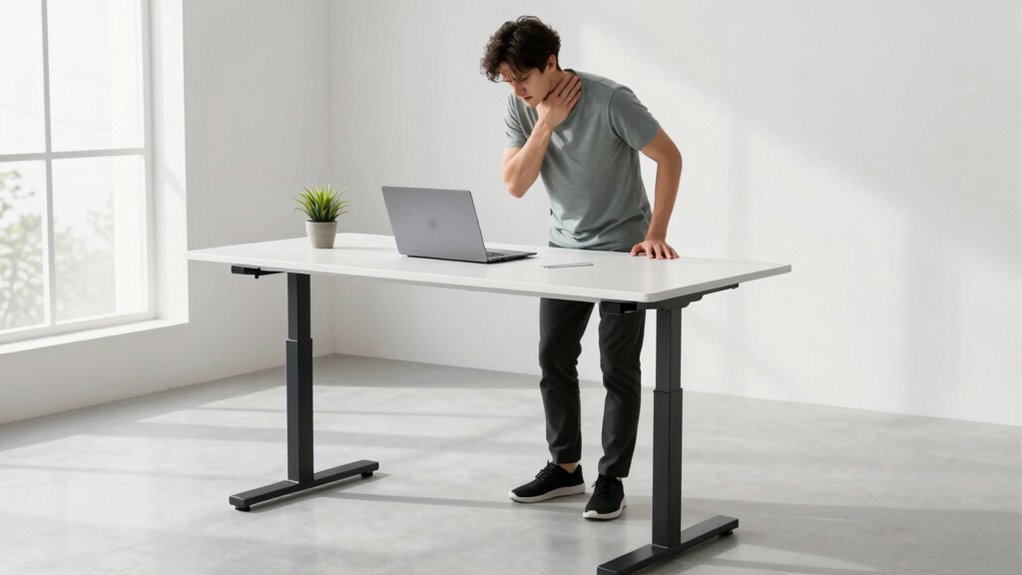
Many people switch to standing desks in hopes of improving their health and productivity, but sometimes, this well-intentioned change can backfire. While standing can reduce the risks of prolonged sitting, it can also lead to new problems if you don’t take the right precautions. One common mistake is neglecting proper ergonomic accessories that support your body during extended periods of standing. Without items like anti-fatigue mats, footrests, or adjustable monitor stands, you might put unnecessary strain on your legs, back, or neck. These accessories are designed to help you maintain comfort and reduce fatigue, but if you overlook them, you could end up feeling more sore and stiff than you would sitting.
Neglecting ergonomic accessories can cause discomfort and strain when using a standing desk.
Another key factor is posture adjustments. When you switch to a standing desk, it’s tempting to assume that standing upright will automatically improve your posture, but that’s rarely the case without active effort. Poor posture—such as leaning forward, tilting your head down, or locking your knees—can become ingrained if you aren’t mindful. Over time, these habits can cause discomfort and even long-term musculoskeletal issues. It’s *vital* to regularly assess and adjust your posture. Keep your monitor at eye level, shoulders relaxed, and feet flat on the ground or on a footrest. Avoid locking your knees and shift your weight periodically to prevent fatigue. These posture adjustments aren’t just about comfort; they’re *essential* for preventing chronic pain and maintaining productivity. Incorporating user experience principles into your setup can further enhance comfort and reduce strain. Additionally, understanding proper ergonomics can help you optimize your standing position and prevent common pitfalls. Being aware of ergonomic principles can guide you in making small but impactful changes to your workspace setup.
Many people underestimate the importance of movement when using a standing desk. Standing in one place for hours can be just as problematic as sitting for too long. You need to incorporate small, frequent movements into your routine. Take short breaks to stretch or walk around. This helps improve circulation and relieves tension in your muscles. Incorporating ergonomic accessories like a sit-stand converter or a balance board can also encourage natural movement and variation throughout your workday. These tools make it easier to switch positions and avoid the static posture that leads to discomfort. Furthermore, paying attention to body mechanics can help you prevent unnecessary strain and optimize your posture during standing work. Remember that piercings or other body modifications should also be considered when adjusting your workspace, as certain jewelry or accessories might interfere with movement or cause discomfort if not properly accommodated.
Ultimately, standing desks can be beneficial, but only if you’re mindful of ergonomic accessories and posture adjustments. Neglecting these elements can turn a health-promoting change into a source of pain. Stay attentive to how you position your body, use supportive accessories, and include movement breaks. When done correctly, you can enjoy the benefits of standing without the unintended *drawback*.
As an affiliate, we earn on qualifying purchases.
Frequently Asked Questions
How Long Should I Stand at My Desk Daily?
You should stand at your desk for about 2 to 4 hours daily, breaking it into intervals to avoid fatigue. Make sure to use ergonomic equipment like an anti-fatigue mat and adjustable monitor heights. Regular posture adjustments are essential; shift your weight and change positions frequently. This helps prevent strain and discomfort. Remember, balancing standing with sitting is key to maintaining your health and productivity.
Can Standing Desks Cause Leg or Foot Pain?
Standing desks can cause foot discomfort and circulation issues if you stand for too long without breaks. You might experience aching feet, numbness, or swelling, especially if you don’t wear supportive shoes. To prevent this, shift your weight regularly, take sitting breaks, and consider using anti-fatigue mats. Staying mindful of your posture and listening to your body helps reduce foot pain and promotes healthy circulation.
What Are the Signs of Standing Desk Overuse?
Ironically, overusing your standing desk can make you notice signs like persistent leg or foot fatigue, aching back, or stiffness—clear indicators you need ergonomic accessories and posture adjustments. If you find yourself constantly shifting weight or experiencing discomfort despite these upgrades, it’s a sign you’re overdoing it. Remember, balance is key; alternating between sitting and standing, with proper support, keeps you comfortable and prevents overuse.
Is It Necessary to Take Breaks When Using a Standing Desk?
Yes, you should take breaks when using a standing desk. Continuous standing can lead to discomfort, strain, and poor posture. Use ergonomic accessories like anti-fatigue mats and footrests to support your posture correction efforts. During breaks, sit down, stretch, and move around to prevent stiffness and fatigue. Incorporating regular breaks helps maintain better overall health and comfort, ensuring your standing desk benefits your productivity without causing harm.
How Can I Prevent Neck Strain While Standing?
Think of your neck as a delicate sculpture—keep it well-supported. To prevent neck strain while standing, make posture adjustments often and keep your monitor at eye level. Use ergonomic accessories like an adjustable monitor stand or a supportive footrest to promote proper alignment. Regularly shifting your position and maintaining good posture helps avoid tension and discomfort. Remember, small changes can make a big difference in protecting your neck health.
adjustable monitor stand for standing desk
As an affiliate, we earn on qualifying purchases.
As an affiliate, we earn on qualifying purchases.
Conclusion
So, next time you proudly declare your dedication to standing all day, remember: even the best intentions can backfire. If you’re not careful, you might just trade one problem for another—like aching feet or cramped legs—while thinking you’re suddenly healthier. Sometimes, the smartest move is to sit, stretch, and sit again. After all, when it comes to desks, balance isn’t just a fancy word; it’s the secret to avoiding a standing disaster.
As an affiliate, we earn on qualifying purchases.
ergonomic balance board for standing desk
As an affiliate, we earn on qualifying purchases.
As an affiliate, we earn on qualifying purchases.
Fall Picks
fall essentials
As an affiliate, we earn on qualifying purchases.