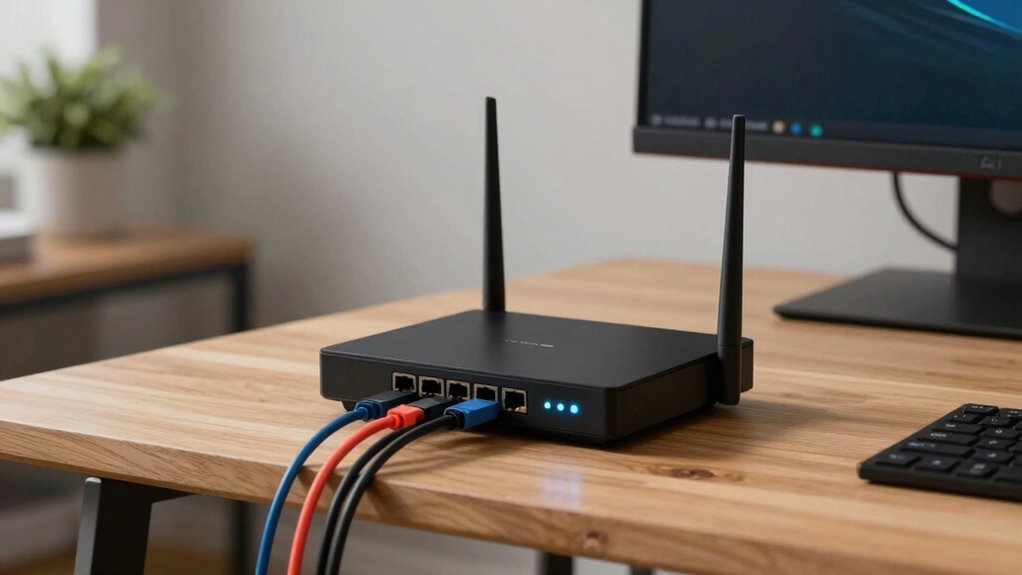

A reliable work-from-home router supports dual- or tri-band Wi-Fi to handle multiple devices efficiently and reduce congestion. It should have strong security features like WPA3 encryption, firewalls, and VPN compatibility to protect your sensitive data. Regular firmware updates, preferably automatic, maintain security and performance. Look for robust hardware, such as powerful processors and sufficient RAM, to guarantee smooth, uninterrupted connections. Keep your setup optimized for the best experience—there’s more to discover below.

Get comfort and recovery gear delivered free with Prime
- Fast, free delivery on millions of items
- Prime Video, Amazon Music and more included
- Member-only deals all year
Key Takeaways
- Supports dual-band or tri-band Wi-Fi to reduce congestion and improve connection stability.
- Features advanced security protocols like WPA3 and VPN compatibility for secure, reliable access.
- Equipped with powerful processors and sufficient RAM to handle multiple devices simultaneously.
- Offers easy firmware updates, including automatic options, to maintain security and performance.
- Includes Quality of Service (QoS) settings to prioritize work-related traffic and ensure consistent network performance.
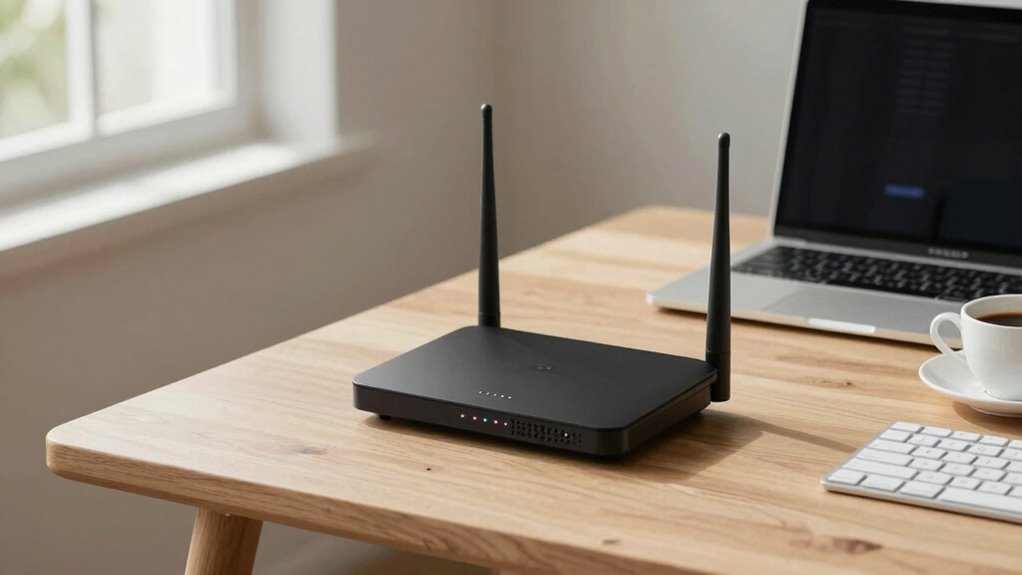
A reliable router is vital for a smooth work-from-home experience, especially as remote work becomes the norm. When your internet connection is stable and fast, you can focus on your tasks without frustrating interruptions. One of the key factors in guaranteeing this reliability is wireless security. A good router should offer robust security features to protect your network from potential threats. Look for models that support WPA3 encryption, which provides stronger security standards than previous versions. This helps prevent unauthorized access to your network, safeguarding sensitive work data and personal information. Additionally, features like guest networks allow you to create separate access points for visitors, keeping your primary network secure. Firewalls and VPN compatibility are also vital, giving you extra layers of protection when working from public Wi-Fi or handling confidential information. Ensuring your router receives consistent firmware updates** is crucial for maintaining security and performance over time. Firmware is the internal software that runs your router, and manufacturers frequently release updates to fix bugs, improve performance, and enhance security. When choosing a router, verify that the manufacturer provides consistent firmware updates and easy methods to install them. Keeping your firmware current ensures that your device remains protected against new security vulnerabilities and performs at its best. Outdated firmware can lead to slow speeds, dropped connections, or security loopholes that hackers can exploit. Many modern routers come with automatic update options, so you don’t have to remember to check for updates manually. Enabling these features is a simple but vital step toward maintaining a reliable connection. Beyond security and firmware, a dependable router should also support strong wireless signals across your entire workspace. Features like dual-band or tri-band Wi-Fi help distribute your internet traffic more efficiently, reducing interference and congestion. Quality of Service (QoS) settings allow you to prioritize work-related traffic, ensuring video calls and file uploads aren’t compromised by less important activities. The router’s hardware also matters—look for a device with a powerful processor and sufficient RAM to handle multiple devices simultaneously without slowing down. Additionally, selecting a router with advanced performance features can further enhance your overall internet reliability and speed. Regularly evaluating your network setup and upgrading when necessary can help sustain optimal connectivity quality**, especially as your device needs evolve.
A network optimization can also contribute significantly to maintaining consistent performance and minimizing disruptions.
Products Worth Considering

eufy Security E30 4K Indoor Camera, 2-Pack

eufy Security SoloCam E42 4-Camera Kit, 4K Solar Security Cameras with HomeBase 3

eufy Security Video Doorbell E340 Kit with Chime, 2K Resolution and 8GB Local Storage
As an affiliate, we earn on qualifying purchases.
Frequently Asked Questions
How Often Should I Update My Router’s Firmware?
You should update your router’s firmware regularly, ideally every few months or as soon as updates are available. Firmware updates often include essential security patches that protect your network from vulnerabilities. By keeping your router up-to-date, you improve stability and security, ensuring reliable work-from-home performance. Don’t forget to check the manufacturer’s website or router settings periodically for the latest firmware updates and security patches.
Can a Router’s Design Impact Its Signal Stability?
Yes, a router’s design impacts its signal stability. If your router has well-placed antennas and an optimized antenna design, it can better resist signal interference and provide a more consistent connection. The placement and quality of antennas influence how effectively your router distributes Wi-Fi signals. You’ll experience fewer dropouts and stronger coverage, especially in busy or multi-room environments, making your work-from-home setup more reliable.
Do Mesh Networks Improve Home Wi-Fi Reliability?
Yes, mesh networks considerably improve home Wi-Fi reliability by providing mesh expansion and signal optimization. They use multiple nodes to create a seamless network, reducing dead zones and maintaining stable connections across your home. With better coverage, your devices stay connected even in distant rooms. Mesh networks intelligently manage traffic, minimizing interference and ensuring consistent speeds, which makes working from home smoother and more reliable.
What Security Features Are Essential for Work-From-Home Routers?
Imagine you’re working late, and sensitive files are transferring securely. You need a router with robust encryption protocols like WPA3 to protect your data from hackers. Parental controls aren’t just for kids; they help you manage network access and prevent distractions. These security features guarantee your work remains private, your connection stays safe, and your focus isn’t broken by external threats or unauthorized users.
How Does Router Placement Affect Internet Consistency?
Placing your router centrally in your home minimizes interference management issues and reduces signal attenuation, ensuring a stronger, more consistent internet connection. Keep it elevated and away from thick walls or electronic devices that can cause interference. Avoid placing it near metal objects or large appliances, as these can disrupt signal quality. Proper placement helps your router deliver reliable Wi-Fi, making your work-from-home experience smoother and more efficient.
Conclusion
Choosing the right router can transform your chaotic work-from-home chaos into a smooth, unstoppable powerhouse. Imagine your Wi-Fi signal so strong, it’s like having a personal tech wizard working tirelessly behind the scenes, banishing every dead zone and buffering nightmare. With the right router, your internet becomes an unbreakable fortress, ensuring your meetings never freeze and your tasks flow effortlessly. It’s not just a router—it’s the backbone of your productivity empire.