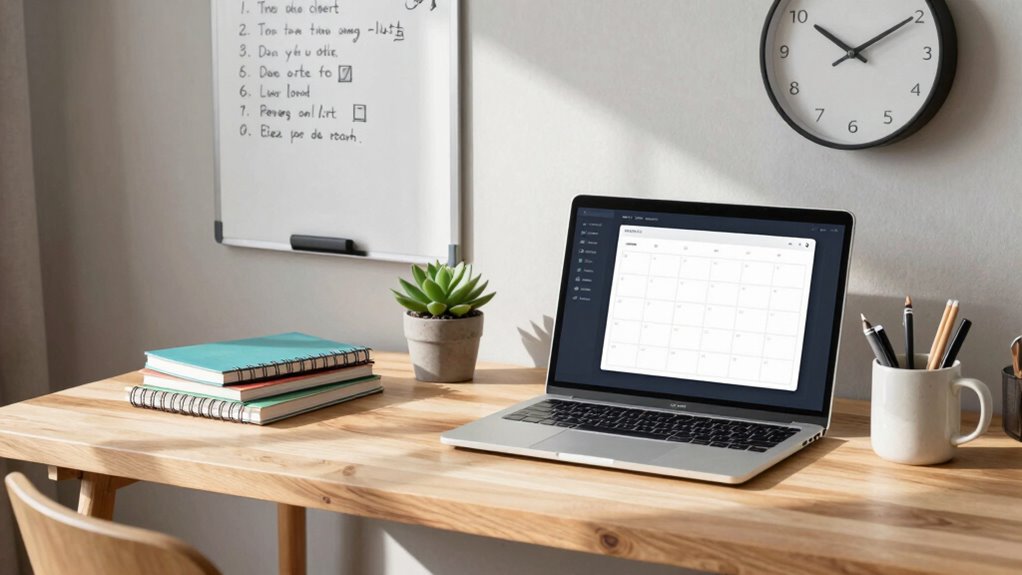

To build a simple productivity system at home, start by setting clear routines, like reviewing your tasks each morning and tidying up in the evening. Organize your workspace with containers and digital tools to reduce clutter and save time. Use time management techniques such as blocking specific periods for tasks and avoiding multitasking. Regularly assess what works and make adjustments to stay on track. Keep going, and you’ll discover even more ways to boost your efficiency and create a supportive environment.

Get comfort and recovery gear delivered free with Prime
- Fast, free delivery on millions of items
- Prime Video, Amazon Music and more included
- Member-only deals all year
Key Takeaways
- Define clear boundaries and schedule specific times for work and personal tasks.
- Declutter your workspace regularly to maintain focus and efficiency.
- Use digital tools like calendars and to-do lists to organize tasks and deadlines.
- Establish consistent routines for planning, working, and tidying to reinforce productivity.
- Regularly evaluate and adjust your system to suit changing needs and improve effectiveness.
Creating an effective productivity system at home doesn’t have to be complicated. The key is to make it simple enough to stick with daily, yet powerful enough to help you stay focused and efficient. To start, you need to prioritize your time management skills. This means setting clear boundaries for work and personal life, scheduling specific blocks of time for different tasks, and avoiding the temptation to multitask excessively. When you plan your day, break tasks into manageable chunks and allocate time realistically. This keeps you from feeling overwhelmed and ensures you make steady progress. Using tools like digital calendars, timers, or even simple to-do lists can help you stay on track. The goal is to create a rhythm that aligns with your natural energy levels, so you’re more productive during your peak hours.
Next, focus on decluttering tips that will make your space work for you. A cluttered environment can drain your mental energy and distract you from important tasks. Start by sorting your belongings into categories—keep what you need daily, store or donate the rest. Use containers, shelves, and organizers to keep everything in its place. Make it a habit to tidy up at the end of each day, so your workspace remains inviting and functional. Decluttering isn’t just about physical space; it also involves minimizing digital clutter. Regularly clean up your email inbox, organize files into folders, and delete unnecessary apps or files that slow down your devices. When your environment is streamlined, you’ll find it easier to focus on your priorities without feeling overwhelmed by chaos. Additionally, incorporating color accuracy in your workspace—such as using natural or well-calibrated lighting—can improve your visual clarity and reduce eye strain, helping you stay focused longer. Incorporating digital organization strategies can further enhance your efficiency by reducing time spent searching for files or information. Understanding the importance of environmental factors can also help optimize your workspace for better productivity. Recognizing the role of physical and digital clutter in productivity can motivate you to maintain a cleaner, more organized environment.
Building your system also involves establishing routines. Consistency helps cement your habits and reduces decision fatigue. For instance, set a specific time each morning to review your to-do list or plan your day. Dedicate a part of your evening to tidying your workspace and preparing for tomorrow. These routines create a predictable flow that keeps your productivity on track.
Lastly, regularly evaluate your system. Notice what’s working and what isn’t, then make adjustments accordingly. Flexibility is essential because your needs and circumstances may change over time. Keep refining your approach, and don’t be afraid to try new decluttering tips or time management strategies. The more you tailor your system to your lifestyle, the more natural and sustainable it will become. Remember, a simple productivity system isn’t about perfection; it’s about creating a supportive environment and mindset that motivate you to stay productive every day.
As an affiliate, we earn on qualifying purchases.
Frequently Asked Questions
How Do I Stay Motivated to Maintain My System Long-Term?
To stay motivated long-term, keep habit tracking simple and rewarding, so you see progress regularly. Set clear, achievable goals that inspire you and break them into smaller steps. Celebrate small wins to boost your confidence and maintain momentum. Revisit your goals often, adjusting them as needed, and remind yourself of the benefits your system brings. This keeps your motivation high and your commitment strong over time.
What Tools Are Best for Digital Versus Paper-Based Systems?
Imagine your workspace as a well-organized garden. For digital planning, tools like apps and calendars act as your vibrant, easy-to-access flowerbeds, offering quick updates and sync options. Paper organization, on the other hand, is like your sturdy, tactile stone pathway—great for brainstorming, quick notes, and tactile satisfaction. Use digital tools for dynamic scheduling and paper for brainstorming. Combining both creates a balanced, thriving productivity garden.
How Can I Customize My System for Different Types of Tasks?
You can customize your system for different tasks by using task prioritization techniques like labels or color codes to distinguish urgent from less critical tasks. Adjust your workflow by creating dedicated sections or lists for specific task types, such as work, household chores, or personal projects. This way, you streamline your process, stay focused, and make certain that each task receives appropriate attention based on its importance and timing.
What Common Mistakes Should I Avoid When Building My System?
Avoid common mistakes like neglecting habit tracking, which helps you stay consistent, and ignoring distraction management, which can derail your focus. Don’t overload your system with too many tasks or complex tools—keep it simple. Also, resist the urge to be inflexible; flexibility allows adjustments as you learn what works best. Regularly review your system to identify gaps and make improvements, ensuring your productivity stays steady.
How Often Should I Review and Update My Productivity System?
You should review and update your productivity system weekly to stay aligned with your goals and track your habits effectively. Regular check-ins help you identify what’s working and what needs adjustment, especially for habit tracking and goal setting. During these reviews, refine your tasks, reset priorities, and celebrate progress. Keeping this routine guarantees your system remains relevant, keeps you motivated, and helps you consistently move toward your objectives.
As an affiliate, we earn on qualifying purchases.
Conclusion
Building a simple productivity system at home can drastically boost your efficiency and reduce stress. When you organize your tasks, you’re 40% more likely to complete them on time, according to recent studies. Remember, consistency is key—start small, stay committed, and adjust as needed. By creating a tailored system, you’ll find it easier to stay focused and accomplish your goals. Ultimately, a simple setup can transform your daily routine into a more productive and satisfying experience.
As an affiliate, we earn on qualifying purchases.
As an affiliate, we earn on qualifying purchases.
Evergreen bestsellers Picks
bestsellers
As an affiliate, we earn on qualifying purchases.