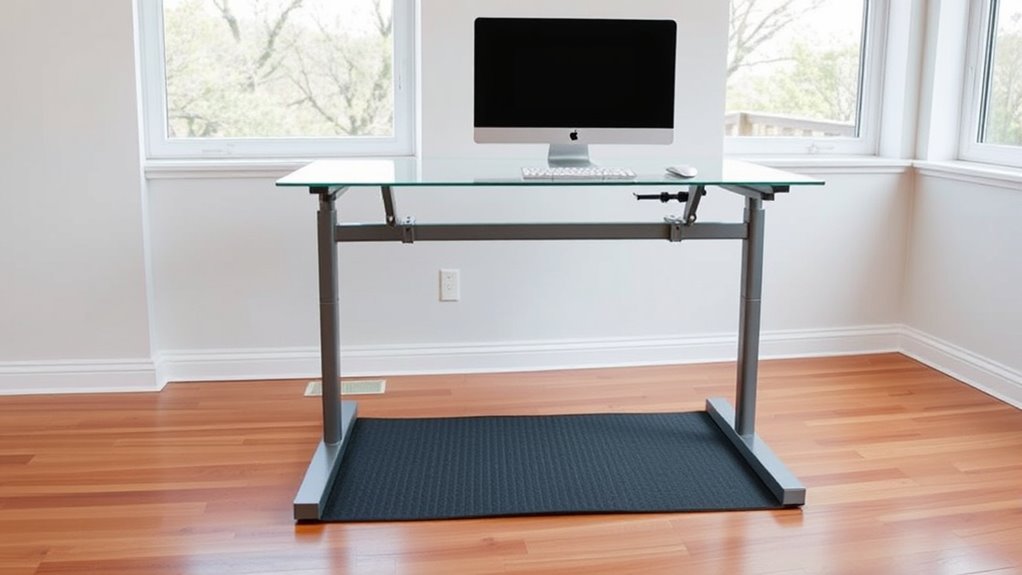

To set up your standing desk comfortably, start by adjusting the desk height so your elbows form about a 90° angle when typing or using your mouse. Position your monitor at eye level and directly in front of you. Use accessories like anti-fatigue mats to reduce fatigue and encourage movement. Keep your workspace organized and take regular breaks to stretch. If you want detailed tips on creating an ergonomic setup, keep exploring for more helpful advice.

Get comfort and recovery gear delivered free — and shop member deals
- Fast, free delivery on millions of items
- Access to Prime Big Deal Days deals on October 6–7
- Prime Video, Amazon Music and more included
Key Takeaways
- Measure from floor to elbow to set the correct desk height, ensuring elbows are at a 90° angle during work.
- Position the monitor at eye level, directly in front, and about an arm’s length away to reduce strain.
- Use adjustable or riser supports to fine-tune desk height and maintain ergonomic posture.
- Incorporate anti-fatigue mats with appropriate thickness and surface texture to reduce fatigue during prolonged standing.
- Organize your workspace with proper cable management, lighting, and storage to enhance safety and productivity.
As an affiliate, we earn on qualifying purchases.
Determining the Ideal Desk Height for Comfort and Ergonomics

Finding the right desk height is essential for maintaining comfort and promoting good ergonomics while standing. To achieve this, you need to focus on ergonomic measurement, which guarantees your workspace supports proper posture. Your desk height should allow your elbows to stay close to your body and form roughly a 90-degree angle when typing or using a mouse. When standing, your wrists should remain straight, avoiding strain. Measure from the floor to your elbow height to set the correct desk height. Keep in mind that a slightly higher or lower desk can affect comfort, so adjust accordingly. Proper ergonomic measurement helps prevent fatigue and musculoskeletal issues, making your standing desk setup more sustainable and productive. Additionally, incorporating energy-efficient furniture and accessories can further enhance your workspace’s sustainability and comfort. Ensuring your workspace incorporates adjustable features allows for personalized comfort and accommodates different activities throughout the day. Using ergonomic accessories such as supportive mats or keyboard trays can also improve your overall comfort during long periods of standing. Regularly reviewing and adjusting your setup based on ergonomic principles can help maintain comfort and prevent discomfort over time. Moreover, choosing body-friendly materials for your furniture can reduce potential irritation and promote a healthier workspace environment.
As an affiliate, we earn on qualifying purchases.
Selecting the Right Desk and Workspace Setup
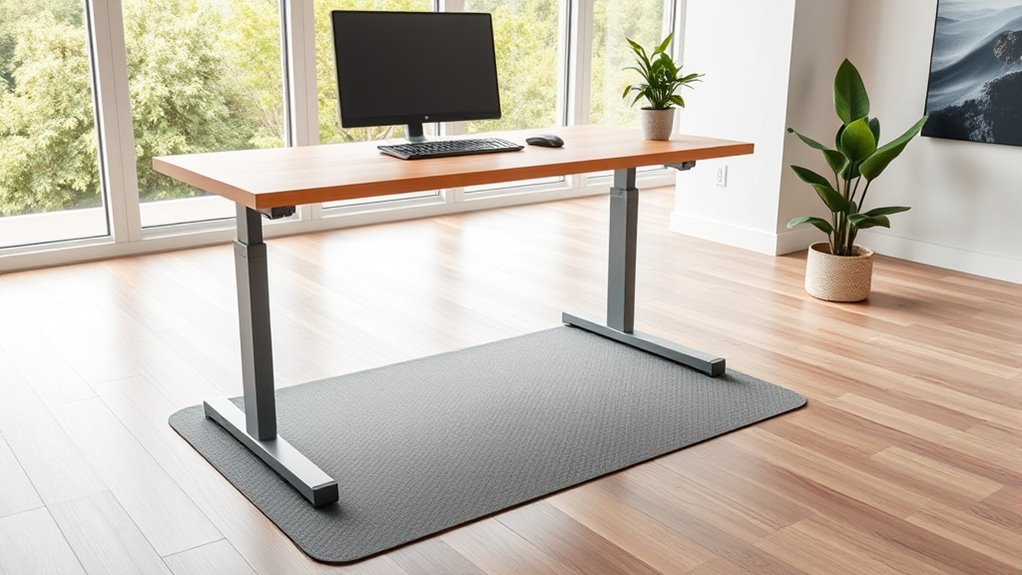
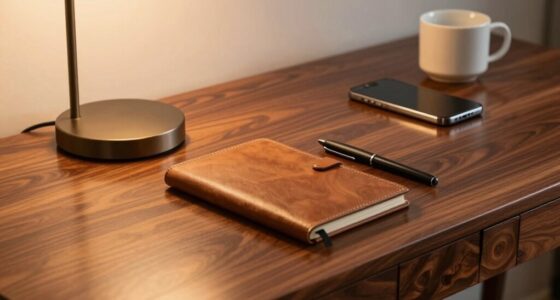
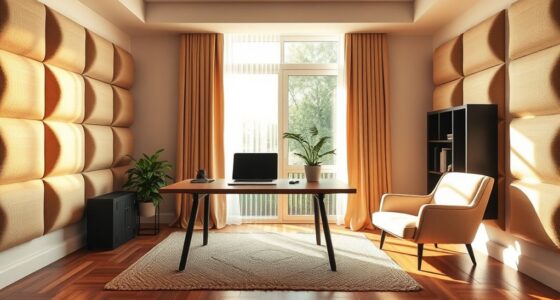
Choosing the right desk and workspace setup is essential for maintaining comfort and productivity during your standing work sessions. Your desk’s aesthetics should blend functionality with visual appeal, creating an inviting environment that encourages focus. A well-organized workspace helps reduce clutter, making it easier to find what you need and stay focused. Consider a desk that fits your style while offering enough surface area for your essentials without feeling cramped. Use storage solutions to keep cables, documents, and accessories neatly tucked away. Proper workspace organization minimizes distractions and supports good posture. Remember, a clean, organized setup not only boosts your mood but also guarantees you can work efficiently, making your standing desk experience more enjoyable and sustainable. Incorporating ergonomic principles into your setup can further enhance comfort and reduce fatigue during long standing periods.
monitor riser for ergonomic setup
As an affiliate, we earn on qualifying purchases.
As an affiliate, we earn on qualifying purchases.
Proper Monitor Placement for Eye Comfort and Posture

To guarantee eye comfort and maintain good posture, you need to position your monitor correctly. Start by placing the screen at eye level so your eyes are aligned with the top third of the monitor. This reduces neck strain and promotes better eye alignment. Make sure the monitor is directly in front of you, about an arm’s length away, to minimize monitor glare and prevent unnecessary eye strain. Adjust the tilt so the screen’s top edge is slightly tilted back, reducing reflections and glare from overhead lighting. Avoid placing your monitor too high or too low, which can cause awkward neck positions. Proper monitor placement helps you stay comfortable throughout your workday, keeping your eyes relaxed and your posture aligned. Adjusting monitor height ensures optimal ergonomic positioning for long-term comfort, especially when considering factors like ergonomic design to optimize your workspace. Additionally, regularly adjusting your monitor setup can help prevent posture-related discomfort and support sustained productivity. Incorporating proper lighting conditions can further reduce eye strain and enhance overall visual comfort during extended periods of use.
cable management organizer for desk
As an affiliate, we earn on qualifying purchases.
As an affiliate, we earn on qualifying purchases.
Choosing and Adjusting Your Standing Desk for Maximum Support
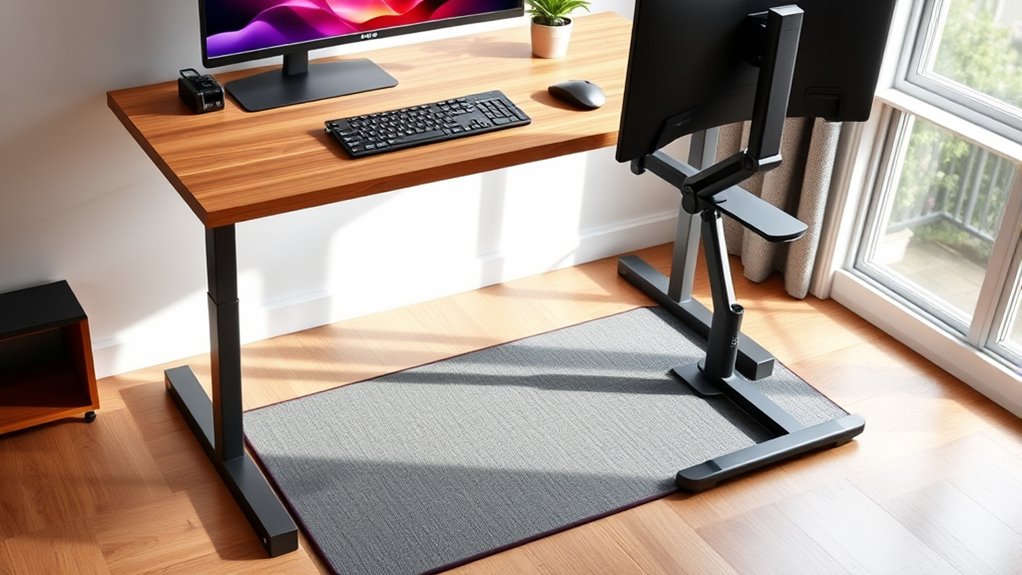
Selecting the right standing desk and adjusting it properly guarantees you get the support you need for comfort and good posture throughout your workday. Prioritize desk height to ensure your elbows are at a 90-degree angle, reducing strain. Consider keyboard ergonomics when positioning your keyboard and mouse; they should be at a comfortable height to prevent wrist fatigue. When choosing your desk, pay attention to desk material choices—sturdy, smooth surfaces like laminate or reclaimed wood can enhance stability and ease adjustments. Make sure the desk’s surface is level and stable to prevent wobbling. Adjustability features like pneumatic lifts or motorized controls help fine-tune height easily, ensuring maximum support. A well-chosen, correctly adjusted desk supports your posture and minimizes discomfort during long hours. Proper desk stability is essential to prevent wobbling and ensure safe, consistent positioning. Additionally, selecting a desk with adjustable features can significantly improve ergonomic comfort and accommodate different user preferences.
Ergonomic Accessories to Enhance Your Standing Workspace

Adding ergonomic accessories to your standing workspace can substantially improve comfort and support throughout your workday. Standing desk accessories, like monitor arms, keyboard trays, and footrests, help you customize your setup to fit your body’s needs. These ergonomic accessories reduce strain on your neck, back, and wrists, promoting better posture and decreasing fatigue. For example, adjustable monitor stands keep your screen at eye level, preventing neck discomfort. An ergonomic keyboard or mouse minimizes wrist tension, while a footrest encourages proper leg positioning. Incorporating standing desk accessories not only boosts comfort but also enhances productivity by creating a more functional, supportive environment. Investing in these tools ensures your standing workspace promotes health and efficiency during long hours of work. Simple strategies from home organization principles can also help you create a more calm and functional workspace.
The Importance of Anti-Fatigue Mats and How to Choose Them
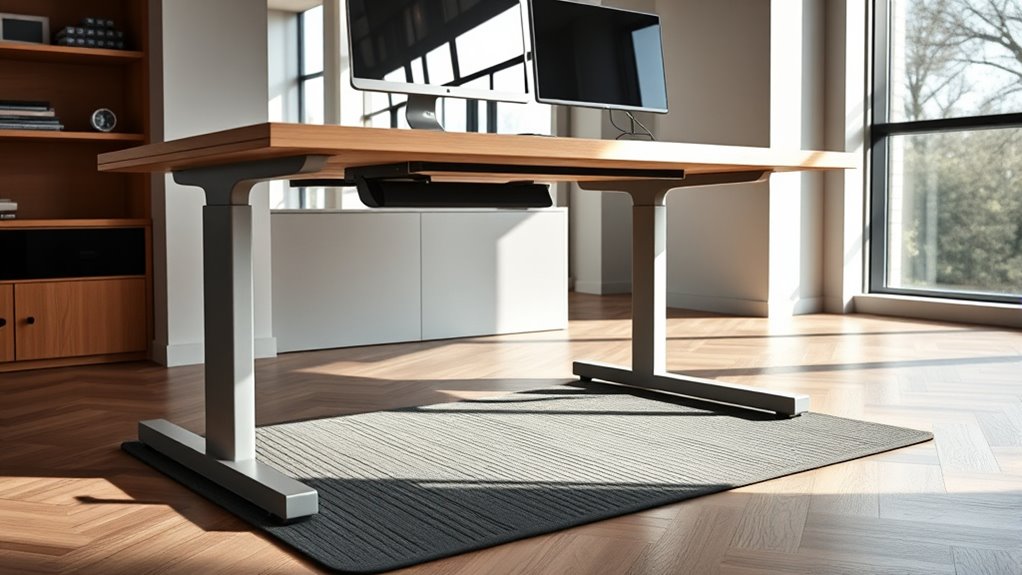
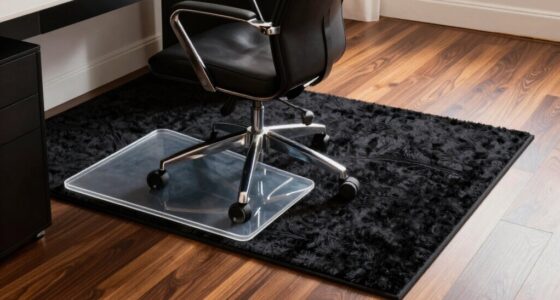
Standing for extended periods can take a toll on your legs and lower back, making anti-fatigue mats an essential addition to your standing desk setup. Choosing the right standing mat options can markedly improve comfort and reduce fatigue. Anti fatigue mat benefits include better circulation, decreased muscle strain, and enhanced stability. When selecting an anti-fatigue mat, consider its thickness, material, and surface texture to suit your needs. A high-quality mat should provide enough cushioning without being overly soft, ensuring steady footing. Look for options made from durable, non-slip materials that support prolonged standing. Proper workplace ergonomics also play a crucial role in minimizing fatigue and preventing discomfort during long periods of standing. Additionally, selecting mats with appropriate cleaning and maintenance features can help sustain their effectiveness over time. Incorporating proper mat placement can further optimize comfort and safety during your standing sessions. To maximize benefits, consider the impact of sound vibrations and how they might influence overall comfort and well-being in your workspace. Understanding the material durability of your chosen mat can ensure it remains supportive over time despite frequent use.
Incorporating Movement and Breaks Into Your Standing Routine

To make your standing routine more effective, you should schedule regular micro-breaks to prevent fatigue and stay alert. Incorporating dynamic movement techniques, like shifting your weight or stretching, can keep your muscles engaged. These small adjustments help you maintain comfort and productivity throughout the day. Being aware of cybersecurity vulnerabilities is also essential to safeguard your personal information while working remotely. Additionally, understanding ergonomic principles can help you optimize your setup to reduce strain and discomfort during long periods of standing. Monitoring performance metrics related to your setup can provide insights into how well your adjustments are working, ensuring sustained comfort and efficiency. Recognizing financial diversification strategies, such as precious metals investment, can also serve as a method to protect your financial health over time.
Scheduled Micro-Breaks
Incorporating scheduled micro-breaks into your standing desk routine guarantees you stay energized and avoid strain. Set reminders to take short breaks every 30 to 60 minutes, during which you can stretch, walk, or adjust your posture. Using standing desk accessories like a footrest or anti-fatigue mat helps facilitate movement and comfort during these breaks. Keep your workspace organized to make switching between tasks seamless, reducing the temptation to remain static. During micro-breaks, focus on simple movements—heel raises, shoulder rolls, or gentle stretches—to relieve tension. These small pauses boost circulation, reduce fatigue, and improve overall productivity. Incorporating safe installation practices when setting up your standing desk ensures stability and reduces the risk of accidents. Proper ergonomic setup can also help prevent discomfort and promote good posture during extended standing periods. Consistently incorporating micro-breaks ensures your standing routine remains sustainable and comfortable, preventing discomfort from prolonged standing.
Dynamic Movement Techniques
Adding dynamic movement to your standing routine can considerably boost comfort and energy levels. Incorporate simple techniques like dynamic stretching to loosen muscles and improve circulation. For example, alternate leg swings, arm circles, or torso twists every 15-20 minutes. You can also include seated exercises—such as seated leg lifts or ankle rotations—whenever you take a break or switch between standing and sitting. These movements help prevent stiffness and reduce fatigue, keeping you more alert throughout the day. Remember to stay mindful of your posture and avoid overextending. Moving regularly, whether through dynamic stretching or seated exercises, promotes better blood flow and reduces discomfort, making your standing desk experience more sustainable and comfortable over the long term.
Tips for Maintaining Good Posture Throughout the Day
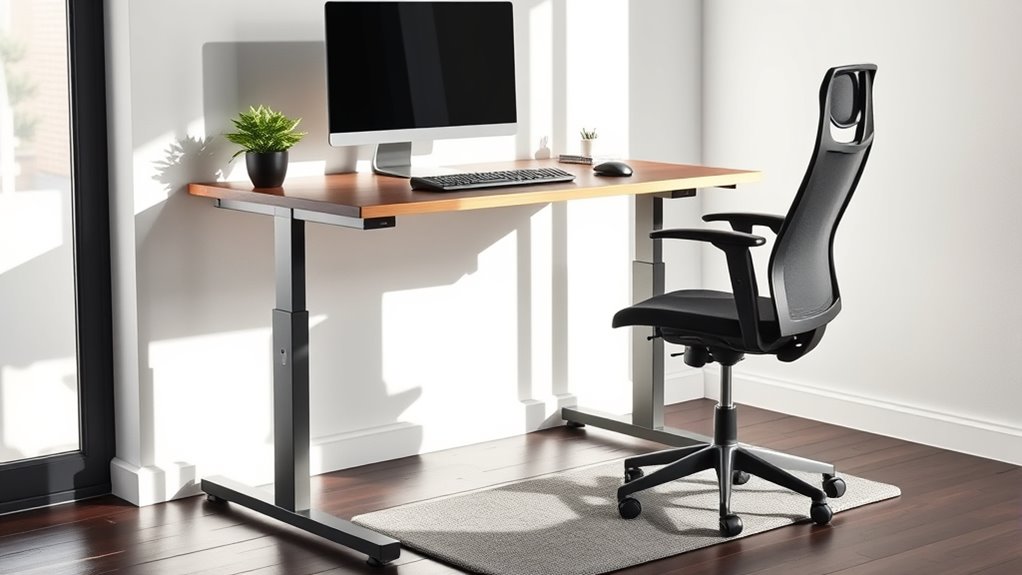
Maintaining good posture throughout the day requires mindful adjustments and consistent habits. Pay close attention to your footwear choices—supportive shoes help keep your spine aligned and reduce fatigue. Incorporate stretching exercises regularly to loosen tight muscles and prevent stiffness. Be mindful of your workspace setup, ensuring your monitor is at eye level and your shoulders are relaxed.
| Tip | Why It Matters | How to Implement |
|---|---|---|
| Footwear choices | Supports proper alignment | Wear comfortable, supportive shoes |
| Stretching exercises | Relieves muscle tightness | Take short breaks for stretches |
| Posture checks | Reinforces good habits | Set reminders to adjust posture |
Troubleshooting Common Standing Desk Setup Issues

Standing desk setups can sometimes present challenges that disrupt comfort and productivity. Common issues include cluttered cables, poor lighting, and awkward height adjustments. To fix these:
- Cable management: Use clips or sleeves to organize cables, preventing tangles and tripping hazards. Proper cable routing improves safety and aesthetics.
- Lighting solutions: Ensure your workspace is well-lit with adjustable or task lighting. Proper lighting reduces eye strain and boosts focus.
- Desk height adjustments: Confirm the desk is at the right height—your elbows should be at a 90-degree angle. If not, adjust or use risers for a comfortable, ergonomic setup.
Addressing these issues ensures your standing desk setup promotes comfort and minimizes distractions.
Frequently Asked Questions
How Can I Prevent Leg and Back Fatigue During Long Standing Periods?
To prevent leg and back fatigue during long standing periods, you should wear ergonomic footwear that provides proper support and cushioning. Alternately, stand on anti-fatigue mats to reduce pressure on your legs and back. Taking regular breaks to stretch and shift your weight also helps. Keep your desk at the right height to maintain good posture, and stay hydrated to keep your muscles relaxed and reduce discomfort.
What Are the Best Ways to Transition Between Sitting and Standing?
To move smoothly between sitting and standing, you should alternate sitting positions frequently and incorporate ergonomic accessories like adjustable desks and anti-fatigue mats. Start by setting timers to remind you to switch every 30 to 60 minutes, and adjust your desk height to ensure proper posture. Use supportive footwear and stretch during changes to reduce strain. This approach helps prevent fatigue and keeps your body comfortable throughout the day.
How Do I Adjust My Desk Setup for Different Tasks or Users?
You should adjust your desk setup for different tasks or users by customizing the height and positioning with ergonomic accessories like adjustable monitor arms and keyboard trays. Make certain the desk height suits your body, allowing your elbows to be at a 90-degree angle. Regularly review and modify your setup to guarantee comfort and efficiency, embracing desk customization to support various activities and users seamlessly.
Are There Specific Footwear Recommendations for Standing Desks?
Did you know that wearing ergonomic footwear can reduce fatigue by up to 50%? For standing desks, prioritize supportive shoes with cushioning and proper arch support. Avoid high heels or unsupportive footwear, as they can cause discomfort and long-term issues. Opt for sneakers or shoes designed for standing, which help maintain proper posture and reduce strain. Your feet will thank you, and you’ll stay comfortable longer during your workday.
How Often Should I Change Positions or Take Breaks?
You should change positions or take ergonomic breaks every 30 to 60 minutes. Incorporate movement frequency by shifting your weight, stretching, or walking around during breaks. This helps prevent stiffness and strain. Remember, regular ergonomic breaks boost circulation and reduce fatigue. Set a timer or use reminders to make certain you don’t skip these vital intervals, keeping your posture healthy and your energy levels high throughout the day.
Conclusion
Now that you’ve uncovered the secrets to a perfect standing desk setup, remember: your workspace is your stage, and comfort is your spotlight. By fine-tuning your desk height, choosing supportive accessories, and taking regular breaks, you turn everyday work into a performance of health and productivity. Embrace these tips, and watch your posture improve—be the star of your own ergonomic show! After all, a better workspace truly starts with you.
Evergreen bestsellers Picks
bestsellers
As an affiliate, we earn on qualifying purchases.