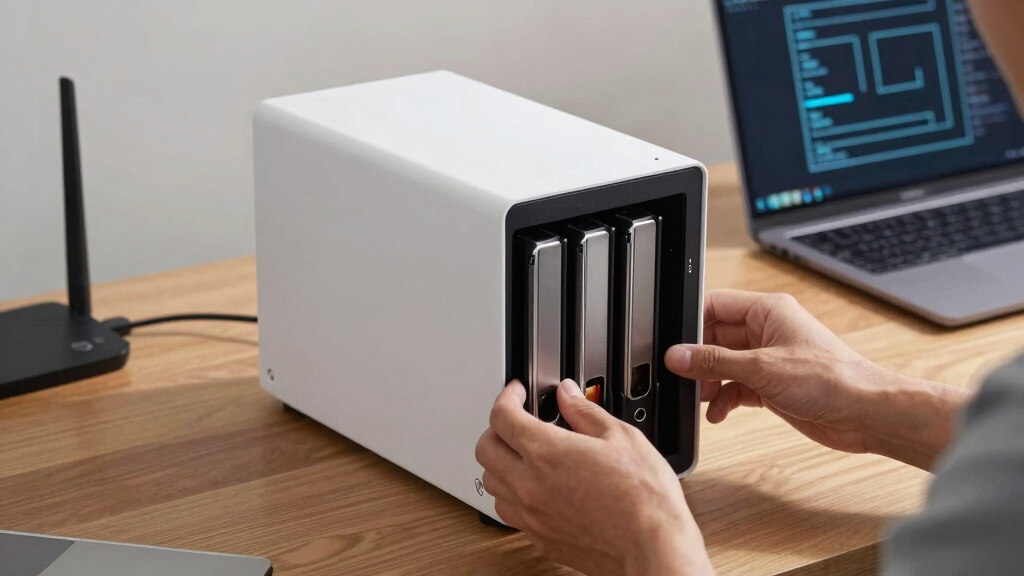

When searching for a reliable network attached storage NAS, the key is balancing performance, capacity, and ease of use. The UGREEN NAS DXP4800 Plus stands out as the overall best thanks to its powerful hardware and expandability. For those prioritizing value, the BUFFALO LinkStation 210 offers a straightforward, budget-friendly solution. Meanwhile, the Synology DiskStation DS223j appeals to users new to NAS with its user-friendly interface. Buyers in this category often face tradeoffs between raw power, ease of setup, and cost. Keep reading for a detailed comparison to help you find the perfect fit for your needs.
Key Takeaways
- Powerful hardware like Intel Pentium and 8GB RAM makes the UGREEN DXP4800 Plus ideal for demanding tasks and expanding storage needs.
- Simpler, budget-friendly options like the Buffalo LinkStation 210 provide basic NAS features suitable for home use but lack advanced capabilities.
- Synology remains a top choice for beginners due to its intuitive interface and reliable software ecosystem, despite higher prices.
- Capacity varies significantly; options range from 2TB for basic setups to 128TB for enterprise or heavy media use, influencing price and performance.
- Connectivity features like 10GbE and M.2 NVMe slots are increasingly common in higher-end models, boosting speed but adding cost.


More Details on Our Top Picks
UGREEN NAS DXP4800 Plus 4-Bay Desktop NAS with Intel Pentium Gold 8505, 8GB DDR5 RAM, 128GB SSD, 10GbE & 2.5GbE, M.2 NVMe Slots, 4K HDMI, Diskless
The UGREEN NAS DXP4800 Plus stands out for its robust performance tailored to small office environments, combining a powerful Intel Pentium Gold 8505 processor with 8GB DDR5 RAM, which makes it capable of handling virtual machines and Docker containers more smoothly than the simpler Synology DS223j. Its extensive storage potential, up to 144TB, surpasses most 2-bay options like the Yxk Zero1, providing scalability for growing needs. The inclusion of 10GbE and 2.5GbE ports ensures lightning-fast data transfers, critical for collaborative workflows. However, this model is less user-friendly for beginners, given its complex setup requiring technical know-how, and it’s diskless, so additional drive investment is necessary. Compared with the Synology DS223j, which prioritizes ease of use over raw power, the DXP4800 Plus is better suited to tech-savvy users needing advanced features and higher performance.
Pros:- High-performance processor suitable for virtualization and heavy workloads
- Massive storage capacity up to 144TB
- Fast data transfer with 10GbE support
- Supports Docker and virtual machines
Cons:- Requires technical knowledge to set up and manage
- Hard drives are not included, adding to initial cost
Best for: Small businesses or tech-savvy users needing high performance, virtualization, and expansive storage options.
Not ideal for: Home users or beginners seeking simple setup and straightforward file sharing without advanced features.
- Processor:Intel Pentium Gold 8505 5-Core
- RAM:8GB DDR5
- Storage:128GB SSD (diskless setup)
- Network Ports:1 x 10GbE, 1 x 2.5GbE
- M.2 NVMe Slots:2
- Maximum Storage Capacity:144TB
- Display Output:4K HDMI
Bottom line: A powerful, scalable NAS best suited for small offices or advanced users needing virtualization and high data throughput.
BUFFALO LinkStation 210 2TB 1-Bay NAS Network Attached Storage with HDD Included
The BUFFALO LinkStation 210 offers a straightforward, plug-and-play solution for users who want simple centralized storage, especially for small households or individual users. With 2TB of included HDD storage, it’s ideal for basic backups and media sharing, outperforming more complicated setups like the UGREEN DXP4800 Plus for those with minimal needs. Its compatibility with Windows and macOS and built-in encryption add security and versatility. However, its limited capacity and basic feature set make it unsuitable for users with larger storage needs or those requiring advanced features like virtualization. Compared to the Synology DS223j, which emphasizes security and multi-platform support, the BUFFALO is more about ease and affordability for casual use.
Pros:- Easy setup and operation
- Includes 2TB HDD, ready to use out of the box
- Secure file sharing with encryption
- No monthly fees for personal cloud
Cons:- Limited to 2TB capacity, not scalable
- Basic feature set with no virtualization support
Best for: Home users or small offices needing reliable, easy-to-set-up storage with included drives.
Not ideal for: Power users or businesses requiring scalable, high-performance NAS with advanced features.
- Capacity:2TB
- Number of Bays:1
- Included Drives:HDD included
- Compatibility:Windows, macOS
- Encryption:SSL encryption
- Warranty:2 years
Bottom line: A simple, budget-friendly NAS great for basic backups and file sharing in home environments.
Synology DiskStation DS223j (Diskless) 2-Bay NAS Storage
The Synology DiskStation DS223j excels in delivering a user-friendly experience paired with reliable data sharing and backup capabilities, making it ideal for those new to NAS or with limited space. Its compact size and energy efficiency outperform bulkier options like the UGREEN DXP4800 Plus for home environments. The device supports multi-platform access and offers intelligent surveillance tools, adding value for small business or home security needs. Nevertheless, with only two bays and no pre-installed drives, it limits overall capacity and flexibility compared to larger, more expandable NAS units. Unlike the more powerful DXP4800 Plus, it’s designed for straightforward, day-to-day storage and backup rather than intensive workloads.
Pros:- Compact, energy-efficient design
- Supports multi-platform access
- Includes security and surveillance tools
- Easy to set up via intuitive software
Cons:- Limited to 2 bays, restricting capacity
- No drives included, additional purchase needed
Best for: Home users or small offices seeking easy-to-manage, energy-efficient private cloud storage.
Not ideal for: Users with large or growing storage needs or requiring virtualization and advanced applications.
- Product Type:System Cabinet
- Compatible Devices:Android, Desktop, Laptop, iPhone
- Color:White
- Enclosure Material:Plastic, Tempered Glass
- Mounting Type:Tabletop
- Warranty:2 years
Bottom line: A perfect choice for those prioritizing simplicity and space-saving private cloud storage.
Yxk Zero1 2-Bay Desktop NAS (Maximum 60TB, Diskless, 4GB RAM, 2.5GbE, 4K HDMI)
The Yxk Zero1 offers a balanced solution for home users needing a capable NAS without complexity, with support for up to 60TB of storage. Its 2.5GbE ports and 4K HDMI output make it suitable for media streaming and remote access, while its quiet operation suits home environments. Compared with the UGREEN NAS DH2300, which emphasizes security and AI features, the Zero1 leans more toward multimedia use and straightforward storage expansion. The main tradeoff is the limited bay count and storage capacity, which may not suffice for users with large or growing collections. Additionally, it requires some technical setup, unlike plug-and-play models.
Pros:- Supports up to 60TB storage without additional drives
- Quiet operation ideal for home use
- Supports 4K HDMI for media streaming
- Easy management via mobile and desktop apps
Cons:- Limited to 2 drive bays, constraining capacity
- Requires some technical setup for optimal use
Best for: Home users or small families wanting scalable storage, media streaming, and remote access with minimal noise.
Not ideal for: Power users or small offices needing virtualization, extensive backup options, or high storage scalability.
- Maximum Storage Capacity:60TB
- RAM:4GB
- Network Ports:2.5GbE
- Video Output:4K HDMI
- Enclosure Material:Metal
- Assembly Required:No
Bottom line: A solid, quiet NAS for home media and scalable storage, ideal for multimedia enthusiasts and families.
UGREEN NAS DH2300 2-Bay Desktop NAS with 64TB Support, AI Photo Tagging, Remote Access, 4GB RAM, 1GbE, 4K HDMI, Diskless
The UGREEN NAS DH2300 provides newcomers with a straightforward, secure storage option that supports up to 64TB, making it highly suitable for personal use. Its inclusion of AI photo tagging simplifies media management, a feature absent in more basic models like the BUFFALO LinkStation 210. Its 1GbE network interface and 4K HDMI output cater well to users interested in media playback and remote access, although it lacks support for virtualization or Docker, limiting its flexibility for advanced tasks. Compared to the Synology DS223j, which emphasizes security and multi-platform access, the DH2300 offers more storage capacity and AI features tailored for beginners seeking an intuitive experience.
Pros:- Easy to set up and manage
- Supports up to 64TB of storage
- AI photo tagging for effortless organization
- Secure remote access and layered security
Cons:- No support for Docker or virtual machines
- Speed depends on hard drives and network conditions
Best for: Beginners or casual users seeking large storage, AI photo organization, and secure remote access.
Not ideal for: Advanced users needing virtualization, container support, or enterprise-level features.
- Support Capacity:64TB
- Drive Bays:2
- RAM:4GB LPDDR4X
- Network Interface:1GbE
- Video Output:4K HDMI
- Security Features:RAID, two-factor authentication
Bottom line: An excellent starter NAS that combines large capacity and AI features for home users and beginners.
BUFFALO LinkStation 210 4TB 1-Bay NAS Network Attached Storage with HDD Included
This model stands out for its straightforward setup and included hard drive, making it ideal for users who prioritize ease of use over expandability. Compared with the BUFFALO LinkStation 720, which offers more advanced features and higher capacity, the LinkStation 210 is more limited in scalability but excels in simplicity and affordability. Its single-bay design means no RAID options, so data protection relies solely on backups, not redundancy. The included HDD simplifies initial deployment, but the device’s enclosure material is unspecified, raising questions about durability. Some features require specific macOS versions, which could be a hurdle for Mac users seeking broader compatibility. Overall, this NAS suits small households or individuals who want reliable, ready-to-go storage without fuss, but it’s less suited for those needing future expansion or multi-user access.
Pros:- Easy to set up and use for centralized storage
- Includes hard drives, ready to use out of the box
- Secure file sharing with access restrictions
- 24/7 US-based support
Cons:- Limited to 1 drive bay, restricting scalability
- Enclosure material unspecified, raising durability concerns
- Some features may require specific macOS versions
Best for: Home users seeking hassle-free, plug-and-play storage with included drives
Not ideal for: Power users or small offices needing expandability or RAID redundancy
- Capacity:4TB
- Number of Bays:1
- Included Hard Drives:Yes
- Weight:2.4 Pounds
- Color:Black
- Warranty:2 years
Bottom line: This NAS is best for individuals or small households wanting straightforward storage without the need for expansion.
BUFFALO LinkStation 720 8TB 2-Bay NAS Storage with Hard Drives Included
This pick makes the most sense for users who need more storage and flexible RAID options compared to the single-bay BUFFALO LinkStation 210. Its 2-bay design allows for RAID 1 or RAID 0 configurations, providing a balance between redundancy and performance. Compared with the UGREEN NAS DXP2800, which offers more processing power and expandability, the LinkStation 720 is easier to set up, especially with its included drives and simplified interface. However, its usable capacity drops to 4TB in RAID 1, which might disappoint those seeking maximum storage. The device supports cloud services like Dropbox and OneDrive, making it suitable for small offices or tech-savvy home users. Its performance is up to 7x faster than older models but varies with network conditions. This NAS offers a good middle ground for users who want reliable storage with some redundancy, but it’s less ideal for those needing extensive scalability.
Pros:- Supports RAID 1 and RAID 0 for data safety and performance
- Includes hard drives and features easy setup
- Supports cloud integration with Dropbox, Azure, and OneDrive
- Secure data with SSL encryption
Cons:- Default RAID 1 reduces usable capacity to 4TB
- Limited to 2 drive bays, restricting future expansion
- Performance can vary depending on network conditions
Best for: Small office or tech-savvy home users wanting a balance of capacity, redundancy, and cloud features
Not ideal for: Users seeking high expandability or maximum raw capacity without RAID constraints
- Capacity:8TB
- Number of Bays:2
- RAID Support:RAID 1 (default), RAID 0
- Compatibility:Windows, MacOS
- Performance:Up to 7x faster than LS 200
- Warranty:2 years
Bottom line: This NAS is suitable for users needing a reliable, moderately expandable storage solution with cloud connectivity.
UGREEN NAS DXP2800 2-Bay Desktop NAS with Intel N100, 8GB DDR5, 2.5GbE, M.2 NVMe, 4K HDMI, Diskless
This model stands out for its high-performance hardware, including an Intel N100 quad-core processor and 8GB DDR5 RAM, making it well-suited for demanding applications like media streaming, backups, and private cloud hosting. Unlike the BUFFALO options, which prioritize simplicity, the UGREEN NAS DXP2800 targets users comfortable with technical setup and seeking maximum control. While it supports up to 80TB of storage, drives are sold separately, adding to initial costs. Its multiple connectivity options, including 2.5GbE and 4K HDMI output, enable high-quality media use and seamless data transfer. However, the device’s setup can be complex for non-technical users, and it requires compatible drives to reach full capacity. This NAS is ideal for small teams or tech enthusiasts who demand high performance and customization, but it’s overkill for casual users.
Pros:- High-performance Intel N100 quad-core processor
- Supports up to 80TB capacity with compatible drives
- Supports 2.5GbE networking for fast data transfer
- Includes AI-powered photo organization
Cons:- Hard drives are sold separately, increasing setup costs
- Requires some technical knowledge for setup
- No included drives or pre-installed OS
Best for: Power users, media enthusiasts, and small teams needing high performance and customization
Not ideal for: Casual users or those preferring an all-in-one package with included drives
- Processor:Intel N100 Quad-core
- RAM:8GB DDR5
- Storage Capacity:Up to 80TB
- Network:2.5GbE
- Video Output:4K HDMI
- Warranty:2 years
Bottom line: This NAS caters to users who prioritize raw performance and customization over simplicity and is best suited for tech-savvy small teams.
UGREEN NAS DH4300 Plus 4-Bay Desktop NAS with 128TB Support, AI Photo Album, 8GB RAM, 2.5GbE, 4K HDMI, Diskless
This pick is geared toward users with substantial storage needs and interest in multimedia management, supporting up to 128TB with compatible drives. Its 4-bay design offers flexible RAID configurations for data redundancy, unlike the single-bay Buffalo models. The inclusion of AI-powered photo albums and 4K HDMI output makes it appealing for media enthusiasts and serious home users. Compared to the UGREEN NAS DXP2800, which emphasizes raw performance, the DH4300 Plus combines high capacity with user-friendly media features. Its diskless setup means additional drive costs but provides maximum flexibility. Limitations include the need to purchase drives separately and no virtual machine or Docker support, restricting advanced users seeking virtualization options. This NAS is best for media-heavy households or small businesses with large storage demands and multimedia workflows.
Pros:- Supports up to 128TB with compatible drives
- 4-bay design allows flexible RAID configurations
- AI photo recognition and automatic backup features
- Supports 4K HDMI and remote access
Cons:- Disks are not included, increasing overall cost
- No support for virtual machines or Docker
- Requires technical knowledge for optimal setup
Best for: Home media enthusiasts or small businesses needing extensive storage and multimedia features
Not ideal for: Users requiring virtual machines or plug-and-play setup without additional drive costs
- Capacity:Supports up to 128TB
- Number of Bays:4
- RAM:8GB LPDDR4X
- Network:2.5GbE
- Video Output:4K HDMI
- Additional Features:AI photo recognition, remote access
Bottom line: This NAS is ideal for multimedia-focused users who need large storage capacity and advanced media features, willing to add drives separately.
How We Picked
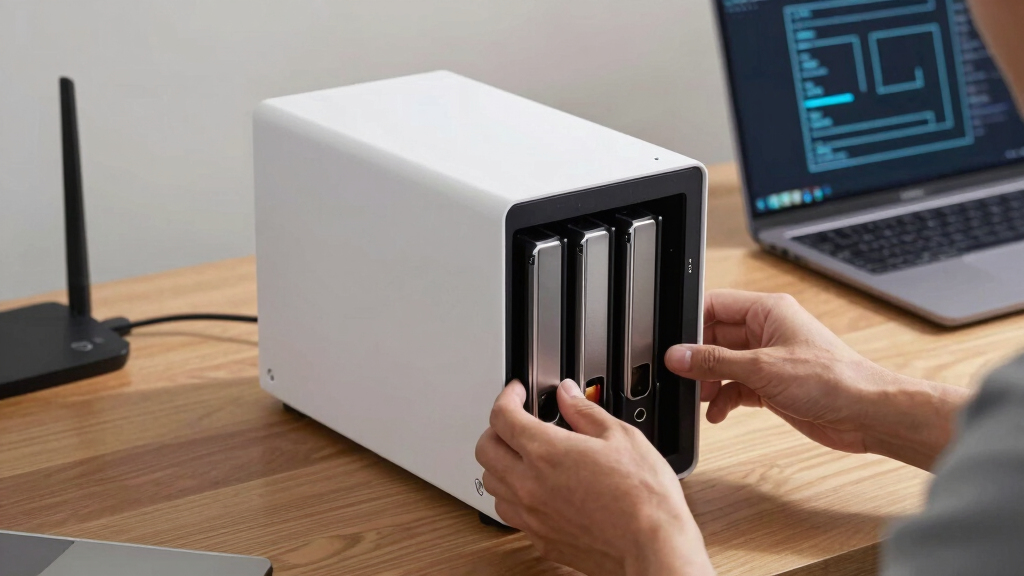
The products in this roundup were selected based on a combination of performance, expandability, ease of use, and value. We prioritized models that offer a range of capacities, modern connectivity options, and versatile features like HDMI output and AI tagging. The ranking reflects how well each NAS balances these factors against their price point, ensuring that both casual users and power users find suitable options. We also considered build quality, software support, and future-proofing, such as support for larger drives or faster network interfaces. Our goal was to highlight models that genuinely stand out for their intended use cases, rather than just listing all available options.Factors to Consider When Choosing Network Attached Storage NAS
Choosing the right NAS depends on several key factors. Beyond raw specifications, understanding your specific needs and potential future requirements helps avoid costly mistakes. Here are some critical aspects to consider before making a purchase.Performance and Hardware
Performance is often driven by processor speed, RAM, and network interfaces. For demanding tasks like 4K media editing or hosting multiple users, opt for models with multi-core processors, ample RAM, and high-speed Ethernet options like 10GbE. Budget models with basic ARM processors and 1GbE are suitable for simple backups and media streaming, but may struggle under heavy loads. Investing in more powerful hardware can extend the lifespan and versatility of your NAS, especially if you anticipate increased usage or data growth.
Capacity and Scalability
Assess your current storage needs but also consider future growth. Many NAS units support multiple drives, enabling you to expand capacity over time via RAID configurations or additional disks. While 2-4 bays cover most home scenarios, enterprise users or media professionals might require 8-bay or larger models with support for terabytes of data. Remember, larger capacities usually come with higher costs, both upfront and in terms of power consumption and maintenance.
Connectivity and Speed
Fast network interfaces like 10GbE or multi-gig ports are becoming more common and are essential if you transfer large files frequently or stream high-resolution media. Compatibility with your existing network infrastructure should influence your choice; for example, if your router supports 2.5GbE, selecting a NAS with that port makes sense. Additionally, features like M.2 NVMe slots can boost internal cache speeds, but often at added complexity and cost. Balancing connectivity options with your actual network setup prevents overspending on features you won’t use.
Ease of Use and Software Ecosystem
User-friendly interfaces and robust software support can dramatically improve your experience. Synology’s DiskStation Manager, for instance, is renowned for its intuitive design and rich app ecosystem, making it ideal for beginners and advanced users alike. Conversely, more complex hardware like the UGREEN DXP4800 Plus offers advanced features but may require more technical knowledge to configure. Consider your comfort level with network setup, firmware updates, and system maintenance when selecting a NAS.
Price and Total Cost of Ownership
While initial cost is important, also factor in ongoing expenses such as drives, power consumption, and potential upgrade costs. Higher-end models often include features like hardware encryption, dual power supplies, or enterprise-grade hardware, which can justify the premium. Conversely, budget options may save money upfront but could require future upgrades or replacements sooner. Weigh the cost against your intended use to avoid overspending on unnecessary features or underinvesting and facing limitations down the line.
Frequently Asked Questions
Can I upgrade the drives in my NAS later?
Most modern NAS units are designed with upgradeability in mind, supporting additional or larger drives as your storage needs grow. Check the specifications to see if your chosen model allows for hot-swappable drives or requires powering down for upgrades. Keep in mind that some models with limited bays or proprietary hardware may restrict future expansion. Planning ahead for future capacity ensures your NAS remains useful and avoids costly replacements.
Is a 10GbE NAS worth it for home use?
For most home users, a 10GbE connection offers little immediate benefit unless you handle very large files regularly or stream high-resolution media to multiple devices simultaneously. If your network infrastructure supports it and your workflows demand fast transfers, investing in 10GbE can provide noticeable performance gains. Otherwise, a good 1GbE or 2.5GbE port often suffices, helping you save costs while still delivering strong performance for everyday tasks.
How important is software support and updates?
Consistent software support is vital for security, stability, and access to new features. Well-established brands like Synology and QNAP provide regular updates, extensive app ecosystems, and active user communities, which can greatly enhance your experience. Cheaper or less known brands may lack ongoing support, risking security vulnerabilities or compatibility issues over time. Investing in a NAS with a proven software track record adds peace of mind and future-proofing.
Should I buy a diskless NAS or one with drives included?
Choosing a diskless NAS offers maximum flexibility, allowing you to select drives based on capacity, performance, and price. It’s ideal if you already have drives or want to customize your storage setup. Pre-filled models with drives included simplify setup and are often more budget-friendly upfront, but limit future expandability or upgrade options. Your decision should align with your technical comfort level and long-term storage plans.
What’s the biggest mistake people make when buying a NAS?
One common mistake is prioritizing features that aren’t needed or overpaying for hardware beyond current requirements. For example, choosing a 10GbE port when your network only supports 1GbE wastes money. Conversely, underspecifying hardware can lead to performance bottlenecks. It’s important to evaluate your actual usage patterns and future plans carefully, ensuring that the features you pay for directly benefit your workflows and growth expectations.
Conclusion
The best overall NAS for most users is the UGREEN NAS DXP4800 Plus due to its powerful hardware and expandability, making it suitable for demanding environments. For those on a tighter budget or seeking simplicity, the BUFFALO LinkStation 210 delivers reliable basic storage. The Synology DiskStation DS223j offers a user-friendly interface ideal for newcomers, though it lacks some advanced features. Power users or professionals needing massive capacity should consider models like the UGREEN NAS DH4300 Plus. Ultimately, your choice depends on balancing performance, capacity, ease of use, and cost based on your specific needs.