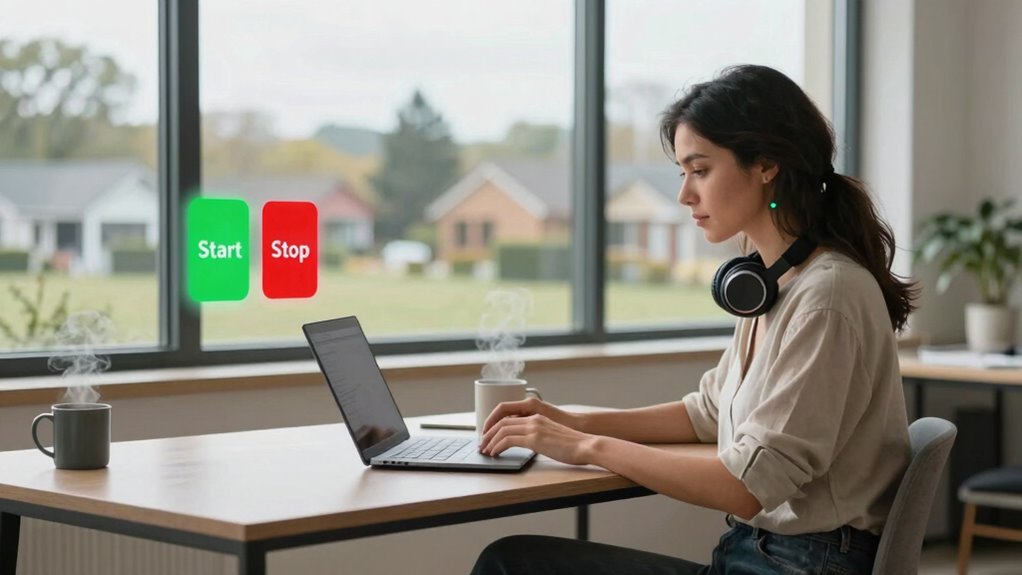

Setting clear start and stop signals helps you establish boundaries between work and personal life, preventing burnout and missed deadlines. Creating a dedicated workspace and routines signals your brain when it’s time to focus or unwind. These habits help you stay productive during work hours and disconnect afterward. Effective cues reinforce mental separation and improve your overall well-being. If you want to learn more about building these signals, keep going for practical tips and strategies.

Get comfort and recovery gear delivered free with Prime
- Fast, free delivery on millions of items
- Prime Video, Amazon Music and more included
- Member-only deals all year
Key Takeaways
- Clear start and stop signals help remote workers distinguish work time from personal life, preventing burnout.
- Effective cues improve focus and productivity by signaling when to begin and end work tasks.
- Well-defined routines and signals reinforce mental boundaries, reducing work-related stress during personal time.
- Consistent signals facilitate smoother transitions, supporting work-life balance and overall well-being.
- Better signals help prevent work from bleeding into personal time, maintaining healthy separation and routine.
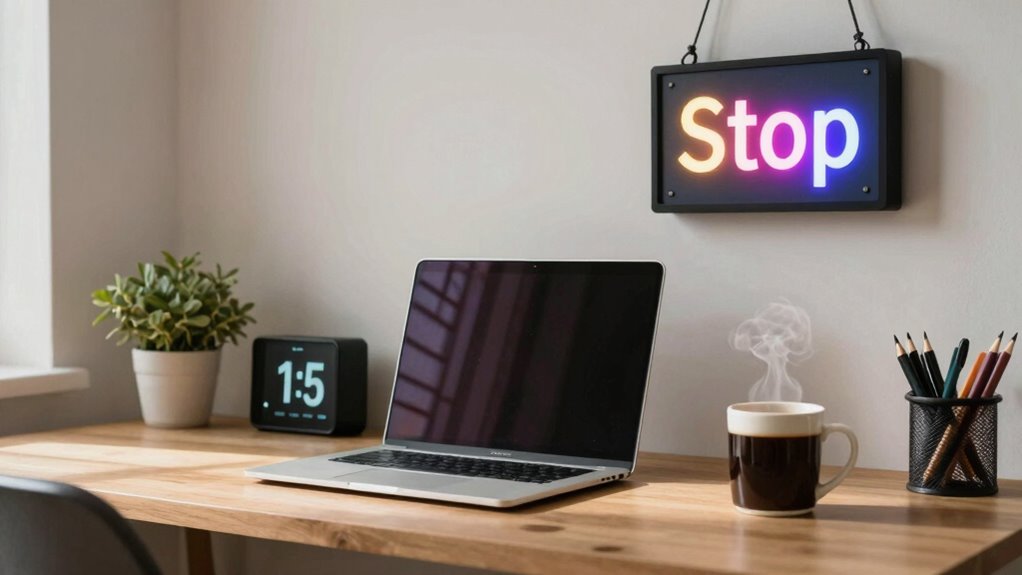
Remote work offers flexibility, but it also requires clear signals to know when to start and stop your day. Without these signals, it’s easy to blur the lines between work and personal life, leading to burnout or missed deadlines. To stay productive and maintain a healthy work-life balance, you need effective cues that tell you when it’s time to begin and end your workday. The key to establishing these cues lies in good time management and a well-thought-out workspace setup.
Your workspace setup plays a significant role in signaling the start and end of your work hours. When your workspace is dedicated solely to work, it creates a mental boundary that helps you switch into work mode. Consider setting up a specific area in your home that’s separate from your relaxation zones. When you sit down at this designated space, your mind recognizes it as the start of your workday. Conversely, when you pack up and leave that area at the end of your hours, it signals that your work is done. This physical boundary reinforces your daily routine and helps you avoid the temptation to work beyond regular hours. Additionally, physical boundaries can serve as visual cues that reinforce your routine and enhance your ability to delineate work and leisure time.
Designate a specific workspace to signal the start and end of your workday effectively.
Time management is equally vital. Establishing consistent start and stop times creates a routine that your brain can latch onto. For example, you might decide to begin work at 9 a.m. and finish by 5 p.m. every day. Sticking to these times helps your mind anticipate work and rest periods, reducing stress and increasing productivity. Using alarms or calendar reminders can reinforce these signals, especially on days when your schedule is flexible. When the alarm rings, it’s your cue to switch from personal activities to work tasks. When it sounds again at the end of the day, it’s time to shut down your computer and unwind. Recognizing the importance of routine can help you create a predictable rhythm that supports both your professional and personal well-being.
In addition to physical and temporal cues, developing habits around your start and stop signals can make them more effective. For instance, a morning routine that includes a quick review of your tasks or a cup of coffee can become your mental switch into work mode. Similarly, a closing ritual—like shutting down your devices, tidying your workspace, or journaling briefly—can help you disengage from work responsibilities. These habits act as signals that reinforce the boundaries you set and support your overall time management. Incorporating consistent routines can further strengthen these signals and help you establish a predictable rhythm. Moreover, understanding the importance of metabolic health can motivate you to maintain these boundaries, as it emphasizes the significance of regular routines for overall well-being.
Ultimately, better start and stop signals are about creating consistent, visible cues that help you navigate your work-from-home routine. When your workspace setup and time management practices align, you’ll find it easier to maintain focus when working and to truly disconnect when your workday ends. This balance not only improves productivity but also safeguards your well-being and personal time.
As an affiliate, we earn on qualifying purchases.
Frequently Asked Questions
How Can Managers Effectively Recognize Remote Workers’ Start and Stop Signals?
You can recognize remote workers’ start and stop signals by paying close attention to virtual body language and digital cues. Look for changes in tone, pauses, or when they become less responsive, indicating a stop. Conversely, enthusiastic comments or quick responses signal engagement. Use video meetings to observe non-verbal cues and encourage open communication, making it easier to identify when someone is ready to start or needs a break.
What Are Common Mistakes in Signaling for Remote Work Boundaries?
One common mistake is neglecting work boundary awareness, which leads remote workers to blur their start and stop signals. They might respond to work emails outside of working hours or keep checking messages late at night. Poor digital etiquette, like leaving work devices on during personal time, worsens this. To avoid this, set clear boundaries and communicate expectations, ensuring you respect your own work-life balance and signal your availability effectively.
How Do Cultural Differences Impact Start and Stop Signals Remotely?
Cultural differences profoundly influence remote start and stop signals, as non-verbal cues vary across cultures. Remember, “When in Rome, do as the Romans do.” You might interpret a pause or a nod differently depending on cultural nuances, leading to misunderstandings. Being aware of these differences helps you read non-verbal cues accurately, ensuring smoother communication. Adjust your signals and respect cultural norms to foster better remote collaboration and avoid miscommunication.
Are There Specific Tools to Improve Remote Work Signaling?
Yes, there are specific tools to improve remote work signaling through virtual cues and digital indicators. You can use status updates on communication platforms like Slack or Teams, which serve as clear signals when you’re available or busy. Additionally, virtual indicators like “Do Not Disturb” or custom statuses help communicate your start and stop signals effectively, reducing misunderstandings and enhancing team coordination. These tools make remote communication smoother and more intuitive.
How Can Remote Workers Communicate Signals Without Disturbing Colleagues?
You can communicate signals without disturbing colleagues by leveraging your virtual presence and non-verbal cues. Use status indicators like “Do Not Disturb” or custom statuses to show you’re busy or available. Employ subtle non-verbal cues such as a quick wave or a thumbs-up via video chat to indicate readiness or pause. Additionally, set clear expectations with your team about signaling when you’re starting or stopping work, ensuring smooth, respectful communication.
As an affiliate, we earn on qualifying purchases.
Conclusion
So, next time you’re tempted to skip your start or stop signals, remember—they’re not just fancy bells or alarms. They’re your secret code to a balanced day. Ironically, the very signals meant to keep you productive often get ignored, leading to burnout or missed deadlines. So, embrace those cues wholeheartedly. After all, in the chaos of remote work, a clear start and stop might just be your best tools—and yet, they’re often the most overlooked.
visual workspace boundary markers
As an affiliate, we earn on qualifying purchases.
As an affiliate, we earn on qualifying purchases.
ergonomic desk setup for remote work
As an affiliate, we earn on qualifying purchases.
As an affiliate, we earn on qualifying purchases.
Halloween Picks
halloween
As an affiliate, we earn on qualifying purchases.