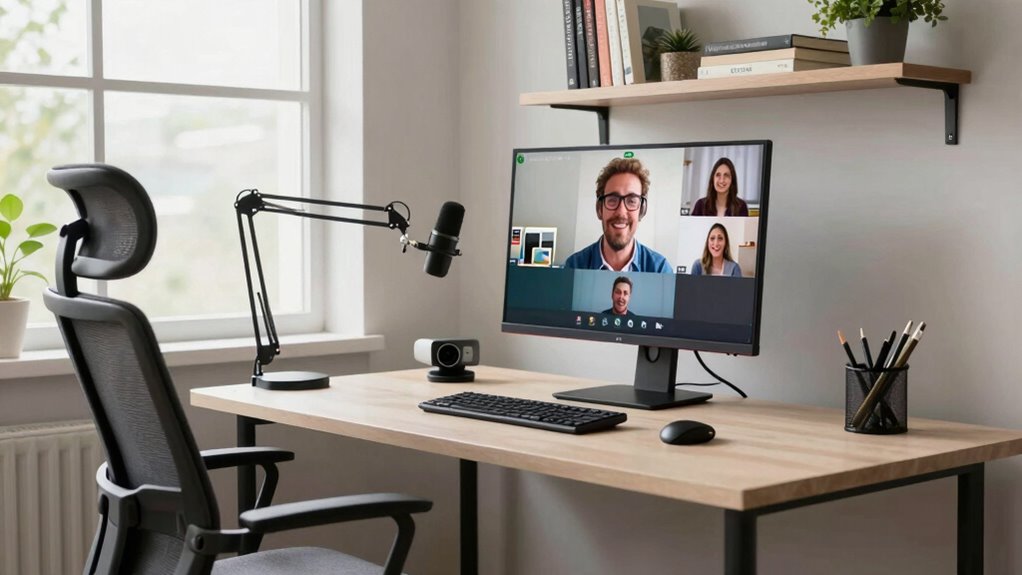

To build a better video meeting setup at home, start with good lighting by positioning soft lights or ring lights to evenly illuminate your face and reduce shadows. Use a quality microphone or headset for clear audio and test sound levels beforehand. Choose a professional-looking background, and keep it clutter-free and well-lit to avoid glitches. Adjust your environment for maximum privacy and control, like securing smart devices. Want tips on optimizing each element for a seamless experience? There’s more to discover below.
Key Takeaways
- Invest in good lighting like ring lights or softboxes to evenly illuminate your face and reduce shadows.
- Choose a clean, professional virtual background or use a blurred background to minimize distractions.
- Use a quality microphone or headset to ensure clear audio and test sound levels before meetings.
- Position your camera at eye level and maintain proper distance from the background for better separation.
- Control your environment by reducing noise, securing smart devices, and maintaining a clutter-free workspace.
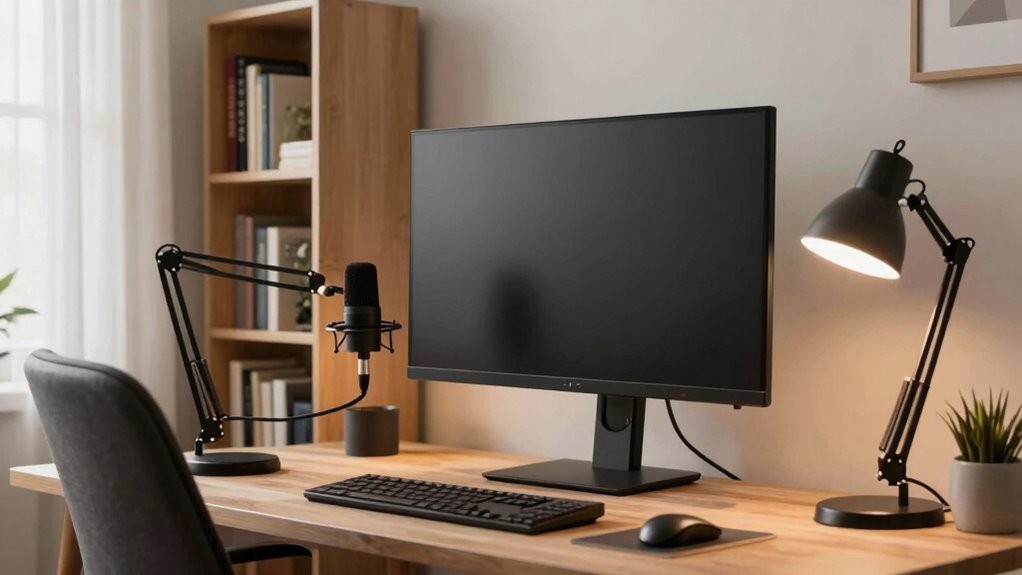
Are your video meetings often marred by poor audio or a shaky image? If so, it’s time to improve your home setup. A good foundation starts with clear audio and stable visuals, but you can take it even further by customizing your background and optimizing your lighting. Using virtual backgrounds can hide clutter and create a professional look, but only if your lighting is right. Proper lighting techniques help your face stand out and prevent shadows or glare, making it easier for others to see you clearly. Invest in a few simple lighting tools, like a ring light or softbox, and position them to illuminate your face evenly. Avoid harsh overhead lights or backlighting that can cast shadows or make your face appear dark. Additionally, being mindful of your smart home security devices can help protect your privacy during video calls. Ensuring your devices are secure can prevent unauthorized access and potential disruptions during your meetings. You might also consider integrating lighting solutions that adapt to your environment, enhancing your overall setup. Incorporating home automation features can further help you control your lighting and environment effortlessly for a seamless video experience.
Enhance your video quality with proper lighting and virtual backgrounds for a professional, clutter-free look.
When it comes to virtual backgrounds, choose a clean, professional setting that doesn’t distract from your message. Many video conferencing platforms offer built-in options, but you can also upload custom backgrounds that reflect your personality or brand. Just make sure your camera’s background separation is good enough to avoid awkward glitches around your head or shoulders. To maximize the effect, sit a few feet away from your background and ensure it’s evenly lit. This prevents the software from struggling to distinguish you from the background, resulting in a clearer, more polished appearance. Proper background separation is essential for achieving a seamless virtual environment that appears natural and professional.
Beyond visuals, don’t forget about your audio. Use a quality microphone or headset to capture your voice clearly and reduce background noise. Position your microphone close enough to your mouth to avoid muffled sound but not so close that it picks up breathing or popping sounds. Test your audio beforehand to adjust volume levels and eliminate echo. If your environment is noisy, consider soundproofing options like rugs, curtains, or foam panels, which can drastically improve sound quality. Improving your audio clarity can significantly enhance the overall quality and professionalism of your video calls.

Cyezcor Video Conference Lighting Kit, Ring Light for Monitor Clip On
- Adjustable Color Temperature: 3200K-6800K with 3 modes
- Brightness Levels: 5 adjustable brightness levels
- High-Quality LED Beads: 48 LEDs with 10W brightness
As an affiliate, we earn on qualifying purchases.
As an affiliate, we earn on qualifying purchases.
Frequently Asked Questions
What Are the Best Lighting Options for Video Meetings?
For better video meetings, you should prioritize natural light and ring lights. Position yourself facing a window to make the most of natural light, which creates a flattering and even glow. When natural light isn’t enough, use a ring light to make certain your face is well-lit and clear. Avoid harsh shadows by diffusing the light and adjusting the brightness. This combination guarantees you look professional and approachable on camera.
How Can I Improve Audio Quality on a Budget?
Sure, your budget might not stretch to professional mics, but you can still boost audio quality. Try affordable microphone options like a lapel mic or USB condenser mic—they’re surprisingly effective. For even better sound, use DIY soundproofing techniques such as sealing gaps with weatherstripping or hanging blankets behind you. These simple tweaks make your voice clearer and reduce echo, proving you don’t need to break the bank to sound great.
What Background Should I Use for a Professional Look?
Choose a clean, uncluttered background that reflects professionalism. When selecting backgrounds, focus on choosing themes that are simple and not distracting. You can customize virtual backgrounds to showcase a neat office or a neutral, tidy space, which enhances your professional appearance. Avoid busy patterns or bright colors, and test your chosen background beforehand to guarantee it looks seamless during your meetings. This approach helps you maintain a polished, credible presence.
How Do I Reduce Echo and Background Noise?
To reduce echo and background noise, start with soundproofing techniques like adding rugs, curtains, or foam panels to absorb sound. Use a directional microphone and place it close to your mouth to minimize ambient noise. Also, consider turning off or muting unnecessary devices during calls. Proper microphone placement guarantees clear audio, while soundproofing techniques help create a quieter environment, making your video meetings more professional and focused.
What Are the Ideal Camera Settings for Clarity?
Imagine your camera as your window to the world—set it for clarity by choosing the right lens and angles. Use a lens with a wider aperture for sharper focus, especially in low light. Position your camera at eye level for natural angles, avoiding tilt or downward shots. Adjust settings like focus and exposure manually to prevent blurriness, ensuring your face stays clear and professional during every meeting.
As an affiliate, we earn on qualifying purchases.
Conclusion
By making these simple adjustments, you’ll create a cozy, inviting space that feels just right for every meeting. Think of it as carving out a little sanctuary where your ideas can flourish and your presence shines through effortlessly. With a few thoughtful touches, your home setup will quietly whisper professionalism while wrapping you in comfort. Soon, you’ll find your virtual gatherings flowing smoothly, like a gentle stream—calm, confident, and perfectly poised for success.
virtual background for Zoom meetings
As an affiliate, we earn on qualifying purchases.
As an affiliate, we earn on qualifying purchases.
As an affiliate, we earn on qualifying purchases.