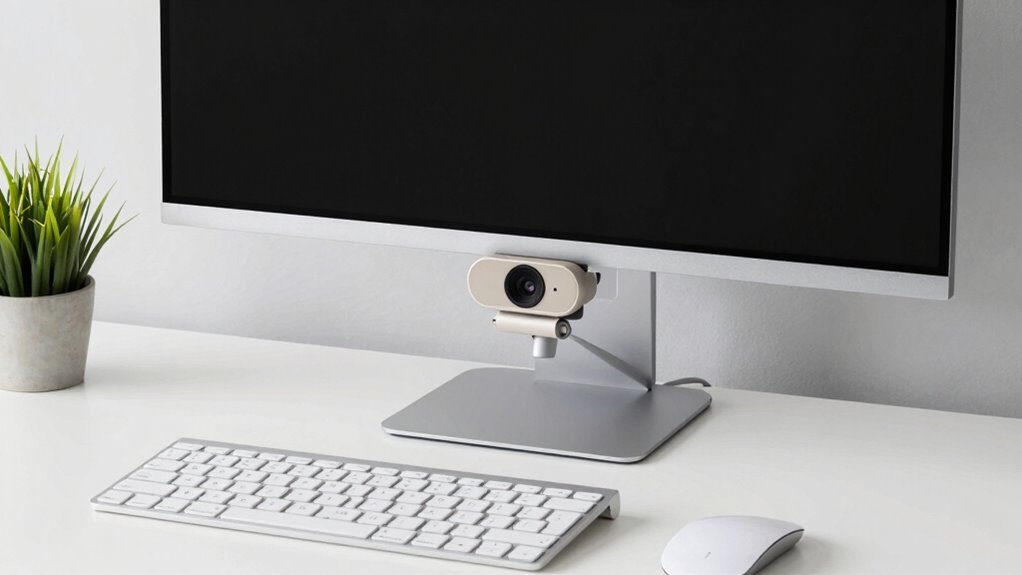

To improve your webcam setup easily, focus on good lighting by facing natural light or using inexpensive lamps to avoid harsh shadows. Keep your background tidy and simple, adding personal touches or neutral fabrics. Position your camera at eye level for a flattering angle, and make sure your face is centered in the frame. These straightforward tweaks can make a big difference in your video quality—stick around to discover more simple tips that can elevate your appearance even further.

Get comfort and recovery gear delivered free with Prime
- Fast, free delivery on millions of items
- Prime Video, Amazon Music and more included
- Member-only deals all year
Key Takeaways
- Use soft, diffused lighting like desk lamps or ring lights at eye level to improve image quality effortlessly.
- Keep the background tidy and add personal or professional touches for a polished look.
- Center your face in the frame and adjust the camera angle for a more flattering perspective.
- Avoid harsh shadows by positioning lights to minimize glare and ensure even illumination.
- Regularly update your setup with simple adjustments to maintain a professional appearance.
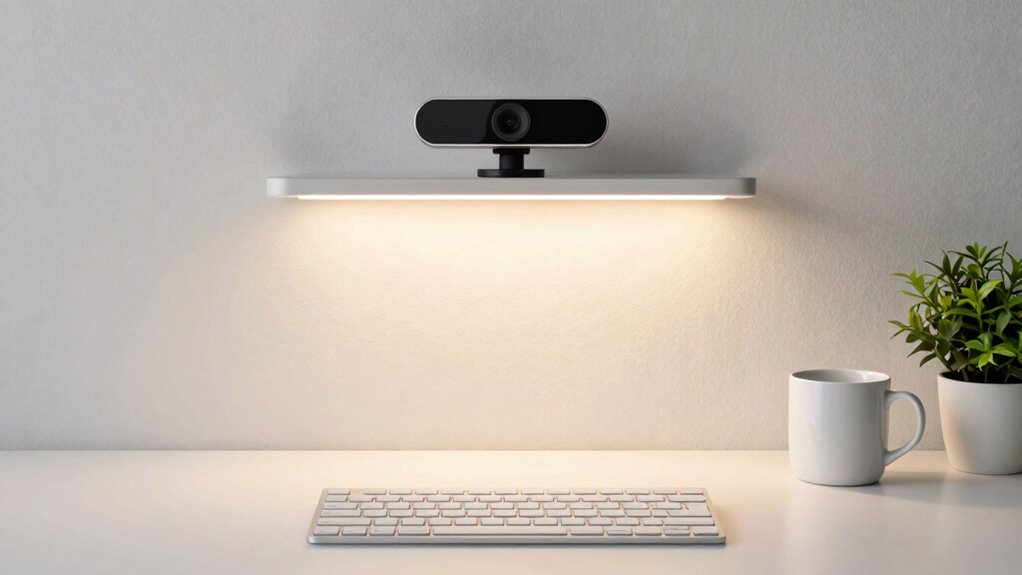
A great webcam setup doesn’t have to be complicated or expensive. You can improve your video quality markedly with some simple adjustments, especially when it comes to lighting techniques and background customization. First, consider your lighting. Natural light is your best friend—position yourself facing a window during the day for soft, even illumination that flatters your face. If natural light isn’t available or isn’t enough, use inexpensive ring lights or desk lamps. Place them at eye level and angle them to minimize shadows and glare. Avoid harsh or direct lighting, which can create unflattering shadows or overexpose your face. Instead, aim for diffused, soft light that evenly illuminates you, giving your video a professional look without the need for complex setups. Additionally, adjusting your color temperature can further enhance how natural or warm your video appears. Properly managing your lighting setup can make a significant difference in image quality and overall presentation. Remember to also consider the camera position to ensure your face is centered and well-framed within the shot. Adjusting your camera angle can also help you achieve a more flattering perspective and improve the overall visual appeal. To further enhance your setup, consider regularly updating your equipment and settings to adapt to changing environments and ensure optimal results. Background customization also plays an essential role in enhancing your webcam appearance. Keep your background tidy and free of clutter, but don’t be afraid to add personal touches that reflect your personality or profession. A clean, organized space reduces distractions and makes you look more polished. If you want to elevate your background without investing in fancy equipment, consider using a simple fabric or curtain behind you to create a neutral or themed backdrop. Many webcams also support virtual backgrounds—if you prefer a digital fix, choose a clean and professional image that complements your content. Just make sure your camera can handle the virtual background feature smoothly, and test it beforehand to avoid awkward glitches or cut-outs. You don’t need elaborate setups to make your webcam look better. Small tweaks like adjusting the lighting so it’s soft and even, along with customizing your background, can make a noticeable difference. Keep your face well-lit and avoid harsh shadows by positioning lights correctly, and choose or craft a background that’s tidy and representative of your style. These simple steps will help you appear more confident and credible on camera, whether for work meetings, streaming, or video calls. Remember, the key is to keep things straightforward, focusing on what’s most visible and impactful. With just a little effort, your webcam setup can look more professional and inviting without any added complexity or expense.
As an affiliate, we earn on qualifying purchases.
Frequently Asked Questions
What Lighting Options Are Best for Webcam Setup?
For the best lighting, use natural light whenever possible, positioning yourself near a window for soft, even illumination. If natural light isn’t available, opt for diffused light sources like softbox lights or lamps with shades to reduce harsh shadows. Avoid direct overhead lighting, which can create unflattering shadows. Combining natural lighting with diffused artificial light creates a balanced, professional look for your webcam setup effortlessly.
How Can I Improve Webcam Audio Quality Easily?
Want crystal-clear webcam audio? Just imagine turning your chaotic background into a serene space with background blur and soundproofing techniques—like tossing a blanket over your noisy room. Use a decent microphone, position it correctly, and minimize echo with simple foam panels or soft furnishings. This combo instantly elevates your sound quality, making you sound professional without needing an audio engineering degree. Easy, effective, and surprisingly fun!
Are There Affordable Accessories to Enhance My Webcam?
Yes, you can boost your webcam setup with budget-friendly gadgets like ring lights or clip-on LED lights, which enhance lighting without breaking the bank. A DIY enhancement, such as creating a makeshift background or diffusing light with household items, also helps improve your video quality. These affordable accessories are easy to use and considerably upgrade your webcam’s appearance, making your setup look more professional without overcomplicating things.
How Do I Reduce Background Distractions Effectively?
To reduce background distractions effectively, focus on background blur by adjusting your webcam’s focus or using software with portrait mode features. Manage clutter by tidying up your space, removing unnecessary items, and organizing your environment. Use a simple backdrop or curtain if possible. These steps help keep your background less distracting and create a cleaner, more professional look without overcomplicating your setup.
Can Software Upgrades Improve My Webcam’s Appearance?
Did you know that over 70% of video calls are judged based on visual quality? Software upgrades can definitely enhance your webcam’s appearance through better software enhancements, making your image sharper and more vibrant. These aesthetic improvements are easy to implement, often just requiring a quick update. Upgrading your webcam’s software can markedly boost your professional and personal presence, giving you a polished, high-quality look without any complicated setup.
adjustable desk lamp for video recording
As an affiliate, we earn on qualifying purchases.
As an affiliate, we earn on qualifying purchases.
Conclusion
So, as you tweak your webcam setup, you might notice that a simple change—like adjusting your lighting or backdrop—can unexpectedly transform your entire look. It’s almost like the universe conspired to make everything more polished with just a few small steps. When you keep things straightforward and natural, your setup not only looks better but feels more authentic. Sometimes, the best improvements come from those little, coincidental touches that make all the difference.
neutral fabric backdrop for webcam
As an affiliate, we earn on qualifying purchases.
As an affiliate, we earn on qualifying purchases.
As an affiliate, we earn on qualifying purchases.
Halloween Picks
halloween
As an affiliate, we earn on qualifying purchases.