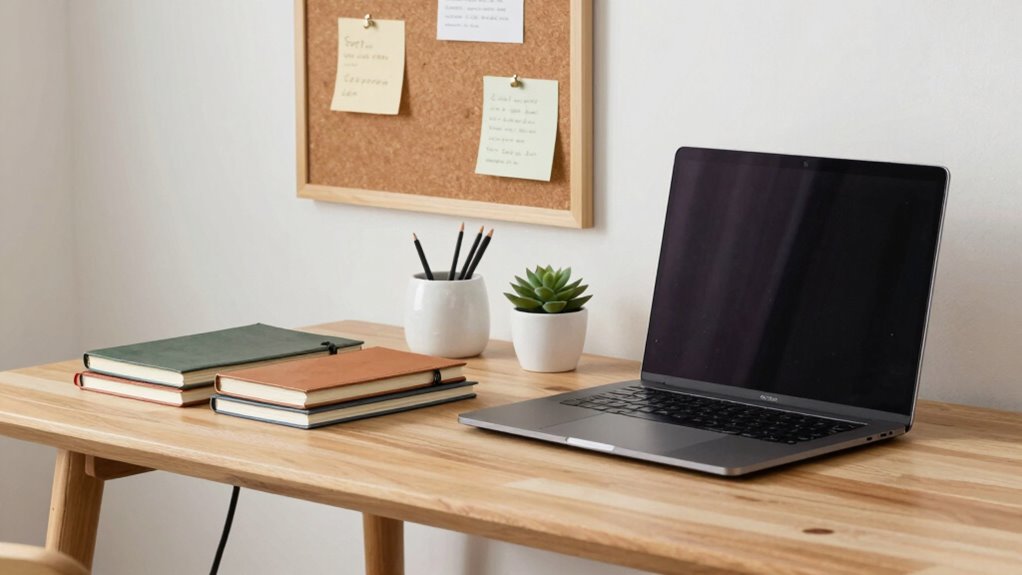

To improve your work desk without creating tech chaos, focus on smart organization and ergonomic accessories. Use cable clips and under-desk trays to keep cords tidy, and add supportive wrist rests and adjustable stands to boost comfort. Clear clutter with designated storage spots and keep frequently used items nearby. Proper lighting reduces eye strain and boosts focus. Small, intentional updates can transform your workspace into a tidy, efficient zone—discover more ways to keep tech in check as you explore further.
Key Takeaways
- Incorporate ergonomic accessories to support comfort without cluttering your workspace.
- Use cable management tools to organize cords, preventing tangles and visual chaos.
- Implement smart storage solutions to keep essential items within reach and reduce surface clutter.
- Adjust lighting for optimal visibility, reducing eye strain and enhancing focus without adding equipment.
- Make small, deliberate workspace tweaks to create a tidy, efficient environment that promotes productivity.
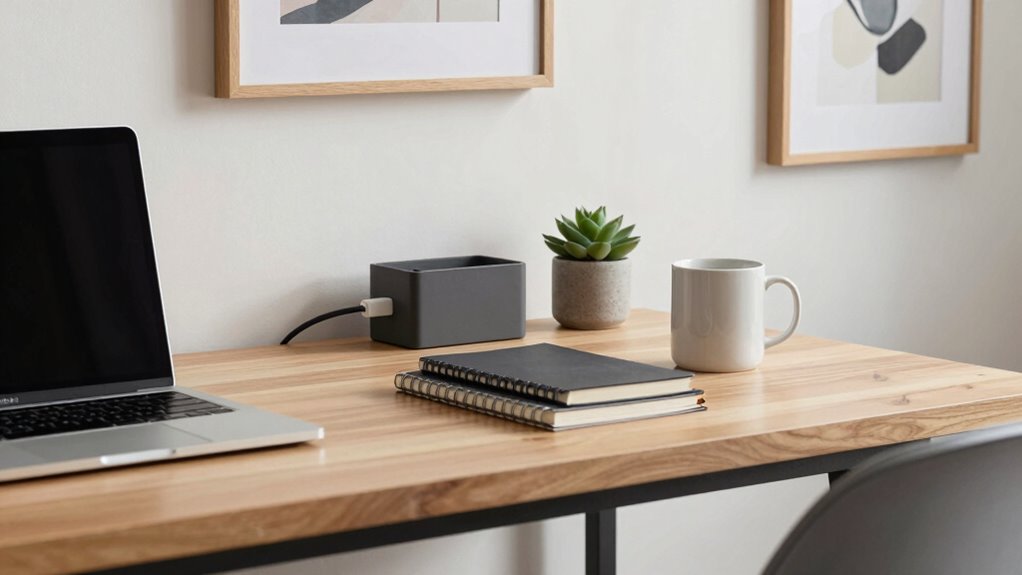
A cluttered work desk can hinder your productivity and increase stress, but upgrading your space doesn’t mean creating a tech mess. Instead, focus on small, strategic changes that promote efficiency and comfort. One of the most effective ways to improve your workspace is by investing in ergonomic accessories. These tools are designed to support your body during long hours at your desk, reducing strain and preventing discomfort. Consider an adjustable keyboard stand, a supportive wrist rest, or an ergonomic mouse. These accessories help maintain proper posture, minimize fatigue, and keep you comfortable throughout the day. When your body feels good, your focus sharpens, and your work flows more smoothly.
Invest in ergonomic accessories to boost comfort, reduce strain, and enhance focus during long work hours.
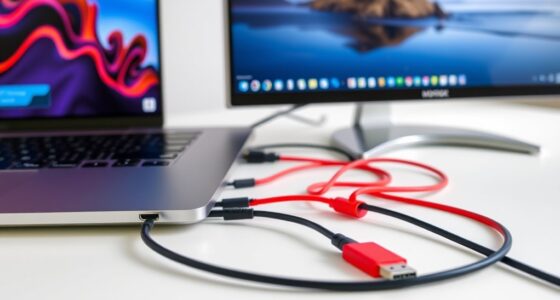
Along with ergonomic accessories, cable management plays a pivotal role in creating a tidy, efficient workspace. Cables tend to turn into a tangled mess that adds visual clutter and makes it harder to find what you need quickly. To keep your workspace organized, use cable clips, sleeves, or under-desk trays to route cords neatly out of sight. Labeling cables can also save time when you need to disconnect or troubleshoot devices. Proper cable management not only looks cleaner but also reduces the risk of accidents, such as tripping over loose cords or damaging ports. It creates a sense of order that allows you to focus on your tasks, rather than fighting with a spaghetti junction of wires. Incorporating cable management techniques can further streamline your setup and enhance overall efficiency. A well-organized workspace can also boost your mental clarity and reduce distractions. Additionally, choosing ergonomic accessories that suit your specific needs can contribute significantly to your overall comfort and productivity. Paying attention to workspace ergonomics can help prevent discomfort and boost your focus during long work sessions.
Another simple upgrade involves rethinking your storage solutions. Clear out unnecessary items and designate specific places for essentials. Use drawer dividers or small containers to keep pens, notepads, and other supplies organized. This minimizes clutter on your desk surface, giving you more room to work comfortably. Keep frequently used items within arm’s reach, so you don’t waste time searching for things. When your workspace is tidy, your mental clarity improves, making it easier to concentrate on your tasks. Additionally, implementing smart storage solutions can help you maintain a clutter-free environment over time.
Lastly, pay attention to lighting. Proper lighting reduces eye strain and boosts alertness. If possible, position your desk near a window to take advantage of natural light. Supplement with a good desk lamp that provides bright, even illumination without causing glare. By thoughtfully adjusting your environment with ergonomic accessories, cable management, and smart storage, you can transform your work desk into a space that supports productivity without the chaos. Small, deliberate updates make a big difference in creating a workspace that’s both functional and inviting.
ergonomic wrist rest for keyboard
As an affiliate, we earn on qualifying purchases.
As an affiliate, we earn on qualifying purchases.
Frequently Asked Questions
How Often Should I Declutter My Work Desk?
You should declutter your work desk weekly to maintain good desk organization and reduce clutter. Regular clutter reduction helps you stay focused and prevents buildup of unnecessary items. Set a specific day to tidy your workspace, discard unused papers, and organize your tools. Consistent effort keeps your desk clean, enhances productivity, and makes it easier to find what you need quickly. Staying proactive guarantees your workspace remains a calm, efficient environment.
What Are the Best Cable Management Tools?
Did you know that poor cable management can reduce productivity by up to 15%? You should use cable clips to keep cords organized and prevent tangling. Cable sleeves are also excellent for bundling multiple cables neatly, giving your workspace a cleaner look. These tools make it easy to access your devices without chaos, helping you stay focused and efficient throughout your workday.
How Can I Personalize My Workspace Without Clutter?
To personalize your workspace without clutter, use personalization tips like adding a few meaningful decor pieces or photos in designated areas. Keep clutter reduction in mind by choosing sleek, multi-functional accessories and avoiding excess items. Opt for cord organizers or cable clips to manage tech cables neatly. Regularly declutter your desk, and rotate personal touches seasonally, ensuring your space feels inviting without becoming overwhelming or chaotic.
What Ergonomic Accessories Improve Comfort and Productivity?
Investing in ergonomic accessories can truly boost your comfort and productivity. An ergonomic keyboard reduces strain on your wrists, making long hours easier. An adjustable monitor stand helps you maintain proper posture by positioning your screen at eye level. These tools aren’t just about comfort—they can prevent fatigue and injury, helping you stay focused and efficient throughout your workday. Give them a try, and see the difference they make!
How Do I Prevent Tech Gadgets From Overheating?
To prevent your tech gadgets from overheating, you should use cooling fans and ventilation solutions. Place cooling fans near your devices to improve airflow and dissipate heat efficiently. Make sure your workspace has good ventilation by opening windows or using air purifiers. Regularly clean vents and fans to maintain ideal airflow. Avoid stacking devices and keep cords organized to prevent blockages, helping your gadgets stay cool and perform better.
cable management clips and sleeves
As an affiliate, we earn on qualifying purchases.
As an affiliate, we earn on qualifying purchases.
Conclusion
So, there you have it—your guide to transforming your cluttered chaos into a sleek, Zen-like workspace. Who knew that a little organization and strategic tech placement could turn your desk from a battleground into a sanctuary? Now, with fewer wires tangling and more space to breathe, you’re officially ready to conquer deadlines and impress your boss—without the tech apocalypse. Just remember, chaos is only charming when it’s someone else’s mess. Happy organizing!
As an affiliate, we earn on qualifying purchases.
adjustable desk lamp for eye strain
As an affiliate, we earn on qualifying purchases.
As an affiliate, we earn on qualifying purchases.