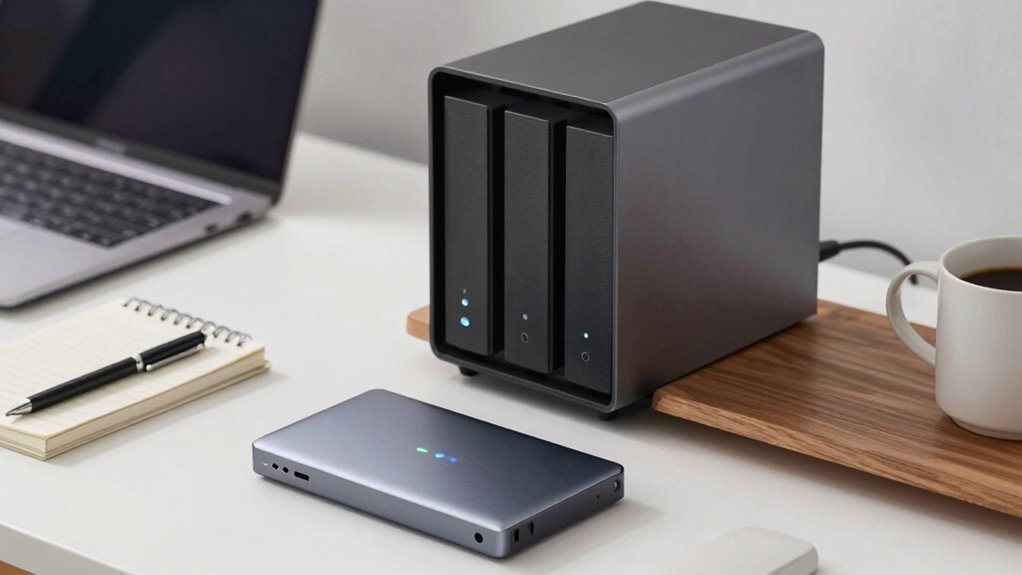

When choosing between external SSDs and NAS for work files, consider how portable and accessible you need your data. External SSDs are compact and ideal for quick, individual access but are vulnerable to loss or theft. NAS devices offer scalable, secure, multi-user storage over your network, with options for regular backups. If you’re unsure which suits your needs best, exploring more details will help you make the right choice.

Get comfort and recovery gear delivered free with Prime
- Fast, free delivery on millions of items
- Prime Video, Amazon Music and more included
- Member-only deals all year
Key Takeaways
- Consider portability and quick access needs; external SSDs are ideal for on-the-go use, while NAS is better for shared, centralized storage.
- Evaluate security requirements; NAS offers robust encryption and access controls, whereas external SSDs require manual encryption.
- Assess scalability; NAS allows easy expansion with additional drives, unlike fixed-capacity external SSDs.
- Determine setup complexity; external SSDs are plug-and-play, while NAS involves network configuration but supports multi-user access.
- Factor in data protection; both can benefit from cloud backups and encryption, but NAS typically offers more integrated security features.
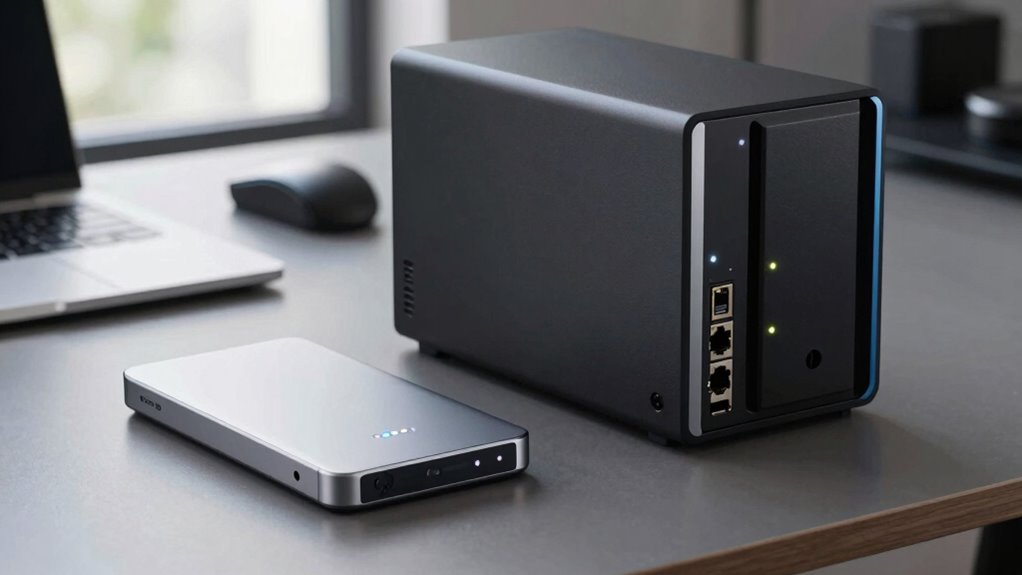
When choosing a storage solution for your work files, understanding the differences between external SSDs and NAS devices is essential. Both options serve different needs and offer unique advantages, especially when it comes to security, accessibility, and scalability. External SSDs are compact, portable, and fast, making them ideal for individuals who need quick access to files on the go. They’re simple to set up—plug and play—and don’t require network configuration or technical expertise. However, their portability also means they’re more vulnerable to theft, loss, or physical damage, which can jeopardize your data. To mitigate this, you should consider implementing cloud backup solutions. Cloud backup allows you to automatically copy your files to a remote server, ensuring that even if your external SSD is compromised, your data remains safe and accessible from any device with an internet connection. Additionally, data encryption becomes crucial, especially if you’re handling sensitive or confidential information. Encrypting your external SSD ensures that unauthorized users can’t access your files if the device falls into the wrong hands, adding an extra layer of security.
On the other hand, NAS devices are designed for more extensive, centralized storage that multiple users can access simultaneously over a local network or remotely. They’re perfect for teams or businesses that need to collaborate and share files efficiently. Unlike external SSDs, NAS systems are scalable; you can add more drives as your storage needs grow. They often come with built-in features for automatic cloud backup, which helps you synchronize your data with cloud services, creating a seamless backup strategy. When it comes to security, NAS devices typically support robust data encryption protocols, ensuring your work files stay protected both at rest and during transfer. This makes NAS a reliable choice for safeguarding sensitive data, especially when combined with regular cloud backups for disaster recovery. Furthermore, understanding the importance of content security and how emerging trends impact data protection can help you stay ahead in safeguarding your information. It’s also beneficial to consider how data encryption plays a vital role in ensuring your files remain confidential and secure. Moreover, considering the regional security regulations applicable to your industry can help you align your storage strategy with compliance requirements. Additionally, implementing access controls on NAS devices can further enhance your data security by restricting sensitive files to authorized personnel. As technology advances, integrating automated backup solutions can further ensure your data remains protected against unforeseen events.
As an affiliate, we earn on qualifying purchases.
Frequently Asked Questions
Can External SSDS Support Multi-User Access Effectively?
External SSDs generally don’t support multi-user access effectively, especially for collaborative work. They lack built-in features like cloud integration and encryption security that facilitate secure, simultaneous access for multiple users. To improve multi-user capabilities, consider using network-attached storage (NAS), which offers better support for cloud integration and encryption security, ensuring your team can access files securely and efficiently from different devices without compromising data integrity.
How Do NAS Devices Handle Data Redundancy?
Did you know that 30% of data loss is due to hardware failure? NAS devices handle data redundancy through RAID configurations, which automatically mirror or distribute data across multiple drives. This setup boosts hardware reliability and guarantees data backup even if one drive fails. So, with NAS, you get a robust safeguard for your work files, minimizing risks and keeping your data safe and accessible.
Are External SSDS More Portable Than NAS Setups?
Yes, external SSDs are more portable than NAS setups because they offer greater convenience for on-the-go use. You can easily carry an external SSD in your bag, providing quick access to your work files anywhere. Plus, external SSDs tend to be durable, with robust build quality that withstands travel and daily wear. This combination of portable convenience and device durability makes external SSDs ideal for mobile professionals.
What Are the Energy Consumption Differences Between SSDS and NAS?
Think of external SSDs and NAS devices as different engines powering your work—one’s a sleek, fuel-efficient sports car, the other a heavy-duty truck. External SSDs consume less power and are more energy-efficient, making them ideal for quick, portable tasks. NAS setups, while offering shared storage, draw more power due to their constant operation and multiple drives. Your choice hinges on balancing energy consumption with your need for accessibility and capacity.
Which Option Offers Better Scalability for Growing Work Files?
A NAS offers better scalability for growing work files because you can easily add more drives or upgrade existing ones, supporting increased storage needs. Plus, with features like cloud integration and data encryption, it guarantees your expanding data stays secure and accessible. External SSDs, however, are limited in scalability since you need new devices for extra space. So, for ongoing growth, a NAS provides a more flexible, scalable solution.
As an affiliate, we earn on qualifying purchases.
Conclusion
Choosing between external SSDs and NAS is like picking between a speedy sports car and a reliable family van. External SSDs are perfect for quick, on-the-go access to your files, while NAS offers a sturdy, centralized hub for team collaboration. Think of your storage solution as the backbone of your workday—flexible, dependable, and ready to support your productivity. Whichever you choose, make sure it fits your needs so your work flows smoothly, like a well-oiled machine.
As an affiliate, we earn on qualifying purchases.
As an affiliate, we earn on qualifying purchases.
Halloween Picks
halloween
As an affiliate, we earn on qualifying purchases.