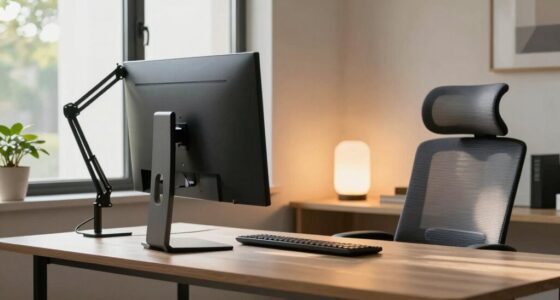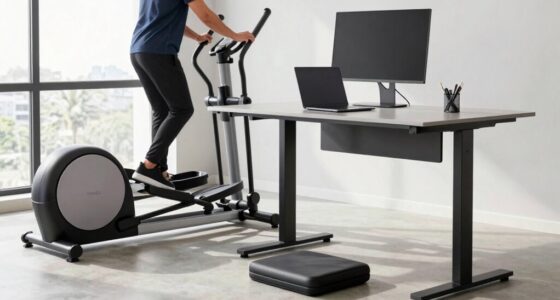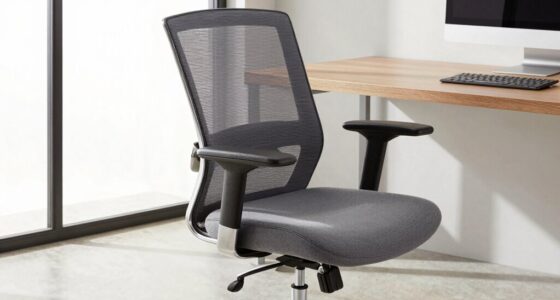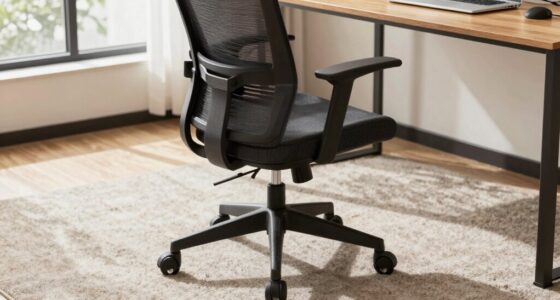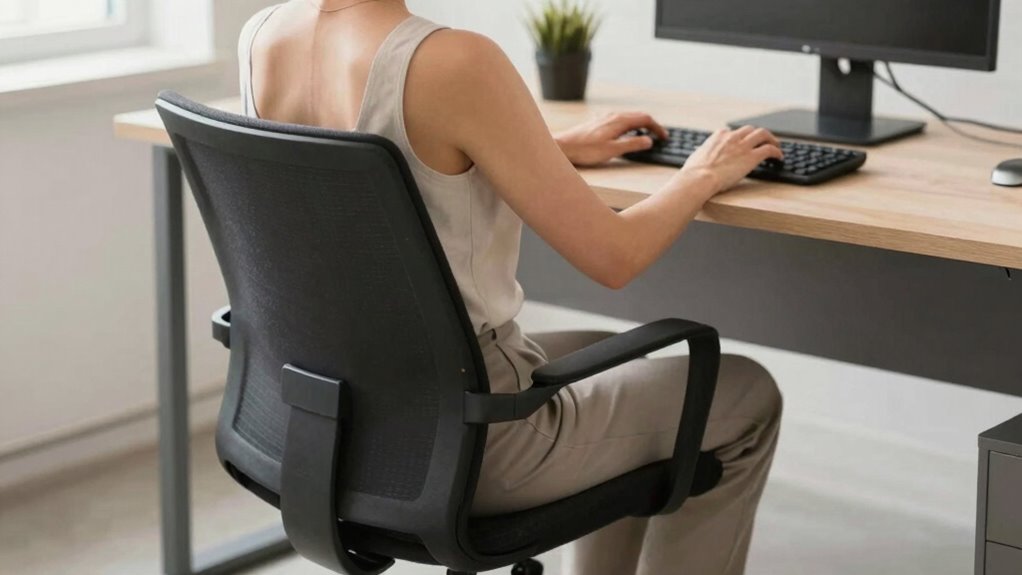

A neutral spine at your desk means keeping your head, shoulders, and hips aligned naturally to reduce strain and discomfort. You should sit with your ears over your shoulders, relaxed shoulders, and hips positioned so your knees are at a 90-degree angle. Feet should be flat on the floor, supporting good posture. Maintaining this alignment helps prevent pain and improves comfort during long hours. If you want to discover more tips, keep exploring how to perfect your sitting habits.

Get comfort and recovery gear delivered free — and shop member deals
- Fast, free delivery on millions of items
- Access to Prime Big Deal Days deals on October 6–7
- Prime Video, Amazon Music and more included
Key Takeaways
- A neutral spine maintains the natural curves of the neck, upper back, and lower back while sitting at your desk.
- It involves aligning ears with shoulders, shoulders relaxed, and hips at a 90-degree angle.
- Proper ergonomic support, like lumbar and footrests, helps sustain a neutral spine position.
- Keeping your feet flat and maintaining natural spinal curves reduces strain and discomfort.
- Being mindful of body alignment and posture fundamentals prevents poor habits and promotes comfort.
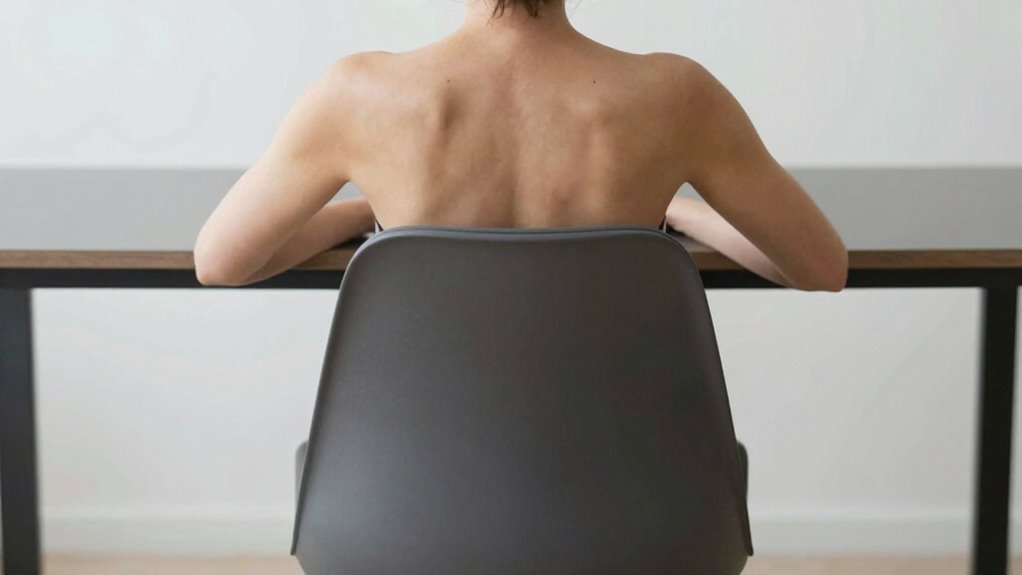
Ever wonder how maintaining a neutral spine can improve your comfort and prevent pain during long hours at your desk? It’s more than just a posture trend—it’s a way to protect your body from strain and fatigue. When you sit with a neutral spine, your head, shoulders, and hips are aligned naturally, reducing unnecessary pressure on your discs and muscles. This position minimizes the risk of developing chronic discomfort and helps you stay focused longer. But achieving and sustaining this ideal posture isn’t always instinctive, which is where ergonomic accessories come into play. These tools, like adjustable chairs, lumbar supports, and footrests, are designed specifically to help you find and maintain that perfect alignment. By supporting your lower back and encouraging proper pelvic positioning, ergonomic accessories make posture correction easier and more sustainable throughout your workday.
Understanding what a neutral spine really means at your desk involves paying attention to how your body is aligned when you’re seated. Your ears should be in line with your shoulders, your shoulders relaxed and not hunched forward, and your hips positioned so that your knees are at a 90-degree angle with your feet flat on the floor. When you adopt this posture, your spine maintains its natural curves—slight inward curve in the neck, outward curve in the upper back, and inward curve in the lower back. Sitting in a way that preserves these curves helps distribute your body’s weight evenly, preventing strain on specific muscles or ligaments. Proper indoor air quality and humidity levels can also influence your comfort and ability to maintain good posture by reducing physical discomfort caused by dry or polluted air. Additionally, ergonomic design plays a crucial role in supporting healthy sitting habits, making it easier to sustain proper posture throughout your day. Incorporating ergonomic principles into your workspace setup can help reinforce good habits and prevent the tendency to slip into poor posture. Being aware of these posture fundamentals ensures you’re actively working toward a healthier sitting position. Moreover, understanding how appliance maintenance and proper energy use relate to your environment can contribute to overall well-being by creating a more comfortable and efficient workspace.
Frequently Asked Questions
How Often Should I Check My Posture During Work?
You should check your posture every 30 to 60 minutes during work. Use ergonomic accessories like adjustable chairs and monitor stands to support proper alignment, making posture correction easier. Regularly reassessing your posture helps prevent strain and discomfort. Incorporate quick stretches or adjustments to stay mindful of your neutral spine, ensuring you maintain good ergonomics throughout the day. Consistent checks promote better comfort and overall spinal health.
Can a Neutral Spine Prevent All Back Pain?
You might think a neutral spine prevents all back pain, but it’s not a guarantee. Spinal alignment is vital, yet other factors like muscle strain or stress also play roles. Ergonomic accessories, like supportive chairs and adjustable desks, help maintain proper posture. While keeping a neutral spine reduces risks, staying mindful and taking breaks is essential. Combining these habits offers better protection, though it doesn’t eliminate every cause of back discomfort.
What Chair Adjustments Promote a Neutral Spine?
Adjust your chair to promote a neutral spine by setting the height so your feet are flat on the floor and your knees are level or slightly lower. Use ergonomic accessories like lumbar supports to maintain proper spinal alignment. Make sure your backrest supports the natural curve of your lower back, and adjust armrests so your shoulders stay relaxed. These tweaks help keep your spine properly aligned, reducing strain and discomfort during long work hours.
Is It Okay to Lean Forward Occasionally?
Is leaning forward occasionally okay? Yes, but moderation is key. You can lean forward briefly if you use ergonomic accessories like adjustable chairs and footrests to support your posture. Remember to incorporate stretching routines to counteract strain and maintain your spine’s health. Do you make a conscious effort to change positions throughout the day? Regularly shifting and stretching helps prevent discomfort and keeps your spine aligned, even during brief forward leans.
How Do I Know if I’M Maintaining a Neutral Spine?
You can tell you’re maintaining a neutral spine by practicing postural awareness and using ergonomic accessories like adjustable chairs and footrests. Keep your ears aligned with your shoulders and hips, avoid slouching or arching your back excessively. Regularly check your posture and adjust your chair or monitor height accordingly. If your spine feels supported and relaxed, you’re likely maintaining a neutral spine, reducing strain and promoting comfort during extended desk work.
Conclusion
Maintaining a neutral spine at your desk isn’t just about comfort—it’s about preventing pain and long-term injury. Imagine Sarah, who adjusted her chair and keyboard height, noticing less neck and back pain after just a week. Small changes can make a big difference. So, next time you sit, check your posture, stay aligned, and remember: your spine’s health today shapes your comfort tomorrow. Keep that neutral spine in mind—you’ll thank yourself later.
Evergreen bestsellers Picks
bestsellers
As an affiliate, we earn on qualifying purchases.