
Your mouse placement often matters more than your chair because it directly impacts your wrist and arm health. Proper placement helps you maintain a natural grip, reduces stretching, and keeps your wrist neutral, preventing discomfort and injuries like carpal tunnel syndrome. Even with a good chair, if your mouse isn’t positioned well, you’re likely to experience strain. Focusing on ideal mouse positioning can make a big difference—if you want to discover how to improve your setup, keep going.

Get comfort and recovery gear delivered free — and shop member deals
- Fast, free delivery on millions of items
- Access to Prime Big Deal Days deals on October 6–7
- Prime Video, Amazon Music and more included
Key Takeaways
- Proper mouse placement directly affects wrist and arm positioning, reducing strain regardless of chair setup.
- Incorrect mouse positioning can cause discomfort and repetitive stress injuries even with an ergonomic chair.
- Optimal mouse placement supports natural hand grip and movement, critical for long-term ergonomic health.
- Adjusting mouse location is often easier and more impactful than changing a chair’s position or features.
- Good mouse placement promotes better posture and reduces tension, sometimes more effectively than chair adjustments.
Have you ever wondered how your mouse placement affects your comfort and productivity? It’s easy to overlook, but where you position your mouse can make a significant difference in how you feel during the day. Proper mouse placement encourages ergonomic wrist positioning, which reduces strain and minimizes the risk of repetitive stress injuries. When your mouse is right where you need it, you naturally adopt a natural mouse grip, meaning your hand stays in a relaxed, neutral position rather than reaching or twisting. This setup helps maintain good circulation and prevents fatigue, especially if you spend hours on your computer.
Proper mouse placement promotes ergonomic wrist positioning, reducing strain and preventing fatigue during long hours at your computer.
If your mouse is too far away, you might find yourself stretching your arm or twisting your wrist to reach it, which disrupts ergonomic wrist positioning. Over time, this can cause discomfort, pain, or even long-term injuries like carpal tunnel syndrome. Conversely, if your mouse is placed too close or too high, it forces your wrist into awkward angles, leading to unnecessary tension. The ideal placement is close enough that you can comfortably move the mouse without stretching or straining, while maintaining a neutral wrist angle. This way, your hand can adopt a natural mouse grip, where your fingers rest lightly on the buttons and your wrist is aligned with your forearm.
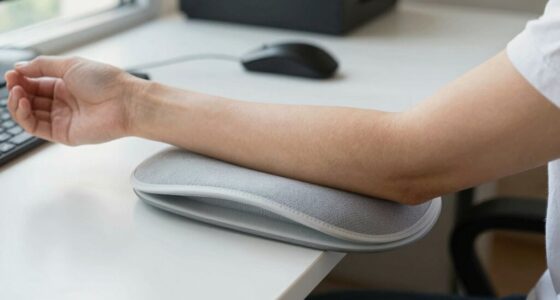
Your workspace setup plays a vital role here. Position the mouse at the same height as your keyboard and keep it within easy reach to avoid unnecessary movement. Using a mouse pad with wrist support can also promote ergonomic wrist positioning by providing a cushioned surface that encourages a relaxed hand posture. Remember, the goal is to keep your wrist straight and your arm relaxed, so your movements come from your elbow and shoulder rather than your wrist alone. Additionally, ergonomic accessories like adjustable stands or armrests can further enhance your comfort and maintain proper alignment throughout the day. Incorporating proper workspace arrangement ensures that all your equipment supports your ergonomic needs rather than hindering them. Being mindful of ergonomic principles when designing your workspace can greatly reduce long-term discomfort and improve overall well-being.
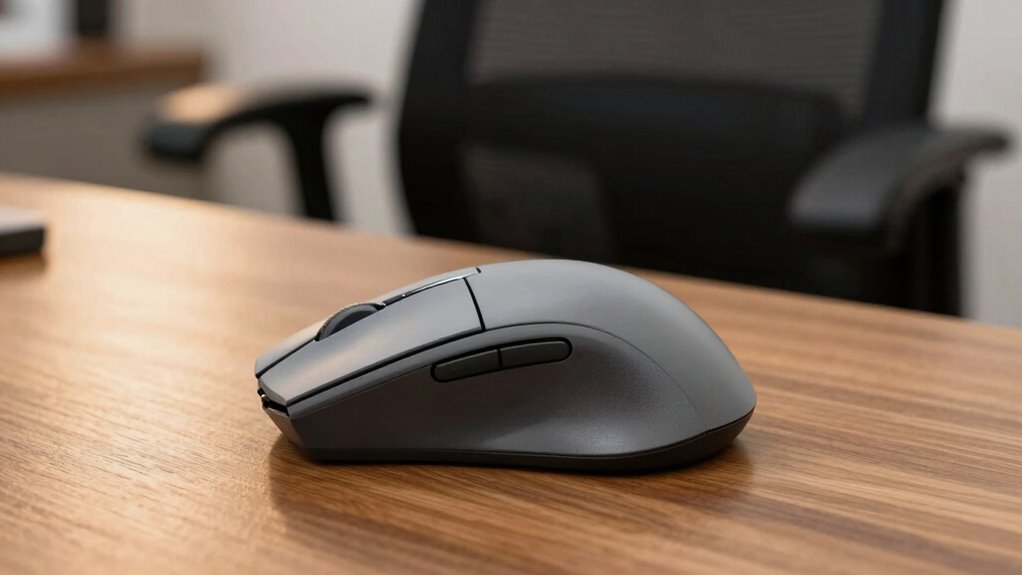
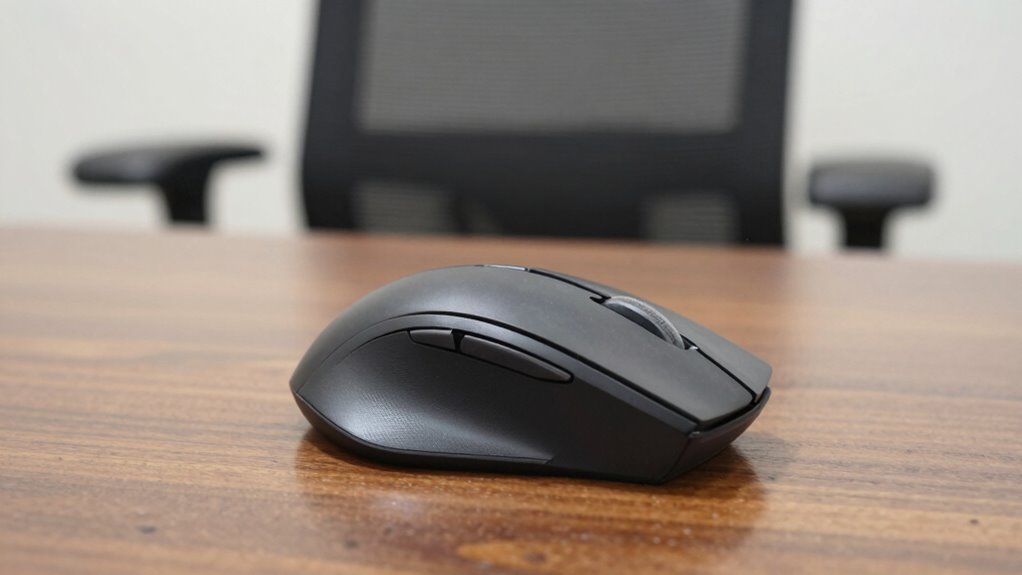
In addition to placement, consider the type of mouse you use. An ergonomic mouse designed to fit the natural contour of your hand can enhance your natural mouse grip and reduce strain. Whether it’s a vertical mouse, a trackball, or a contoured design, choosing a device that supports your hand’s natural position can make a noticeable difference. Using a quality ergonomic mouse can further prevent discomfort and promote sustained comfort throughout your workday. Small adjustments to your mouse position and device can significantly impact your ergonomic health, especially when combined with proper workstation setup. Ultimately, investing time to optimize your mouse placement isn’t just about comfort; it’s about protecting your long-term health and keeping your productivity high. Small adjustments now can lead to big benefits down the line, so pay attention to where your mouse lives on your desk and how it impacts your overall posture.
ergonomic mouse pad with wrist support
As an affiliate, we earn on qualifying purchases.
As an affiliate, we earn on qualifying purchases.
Frequently Asked Questions
How Can Improper Mouse Placement Cause Long-Term Health Issues?
Improper mouse placement can lead to long-term health issues like repetitive strain injuries and ergonomic wrist problems. When your mouse isn’t positioned correctly, you may strain your wrist or forearm muscles, causing pain and discomfort over time. By maintaining ergonomic wrist positioning and adjusting your mouse placement, you prevent repetitive strain. This proactive approach helps protect your joints and muscles, ensuring comfort and reducing the risk of chronic issues.
Does Mouse Placement Impact Productivity Levels?
Proper mouse placement definitely boosts your productivity. When your mouse is positioned ergonomically, it reduces strain and fatigue, allowing you to work longer comfortably. Incorporate ergonomic keyboards and wrist exercises to further improve efficiency. Studies suggest that well-placed devices and mindful movements help maintain focus and speed. So, adjusting your mouse position isn’t just about comfort—it can directly enhance your work performance and prevent long-term health issues.
What Are Common Mistakes in Mouse Positioning?
A common mistake in mouse positioning is poor mouse alignment, causing you to reach or strain your wrist. You might also neglect proper wrist positioning, leading to discomfort or repetitive strain injuries. Keep your mouse close to your body, at the same height as your keyboard, and make sure your wrist stays straight during use. Avoid twisting or bending your wrist, and regularly adjust your grip to maintain ergonomic alignment.
How Often Should I Adjust My Mouse Placement?
You should adjust your mouse placement whenever your ergonomic wrist position starts to feel strained or uncomfortable, ideally every few hours. Picture your wrist floating comfortably above your desk, aligned with your keyboard, at the perfect height. Check your desk height and make sure your mouse isn’t too far or too close. Regular adjustments help maintain proper ergonomic wrist alignment, preventing fatigue and discomfort, keeping your workflow smooth and pain-free.
Can Ergonomic Accessories Improve Mouse Placement Comfort?
Yes, ergonomic accessories like wrist supports can markedly improve your mouse placement comfort. They help maintain natural wrist positions, reducing strain during long hours of use. By providing extra support, these accessories prevent awkward angles and promote better alignment, making your workspace more comfortable. Investing in a good ergonomic mouse pad or wrist rest can make a noticeable difference, helping you avoid discomfort and potential repetitive strain injuries.
adjustable ergonomic mouse stand
As an affiliate, we earn on qualifying purchases.
As an affiliate, we earn on qualifying purchases.
Conclusion
Remember, your mouse placement is the anchor that keeps your comfort afloat, preventing your body from becoming a ship tossed by discomfort. When you prioritize where you position your mouse, you’re steering your workspace toward better health and productivity. Think of it as tending a delicate garden—small adjustments can blossom into a world of relief. So, take charge of your mouse, and let your workspace become a haven where ease and efficiency grow side by side.
As an affiliate, we earn on qualifying purchases.
ergonomic computer mouse for wrist health
As an affiliate, we earn on qualifying purchases.
As an affiliate, we earn on qualifying purchases.
Fall Picks
fall essentials
As an affiliate, we earn on qualifying purchases.