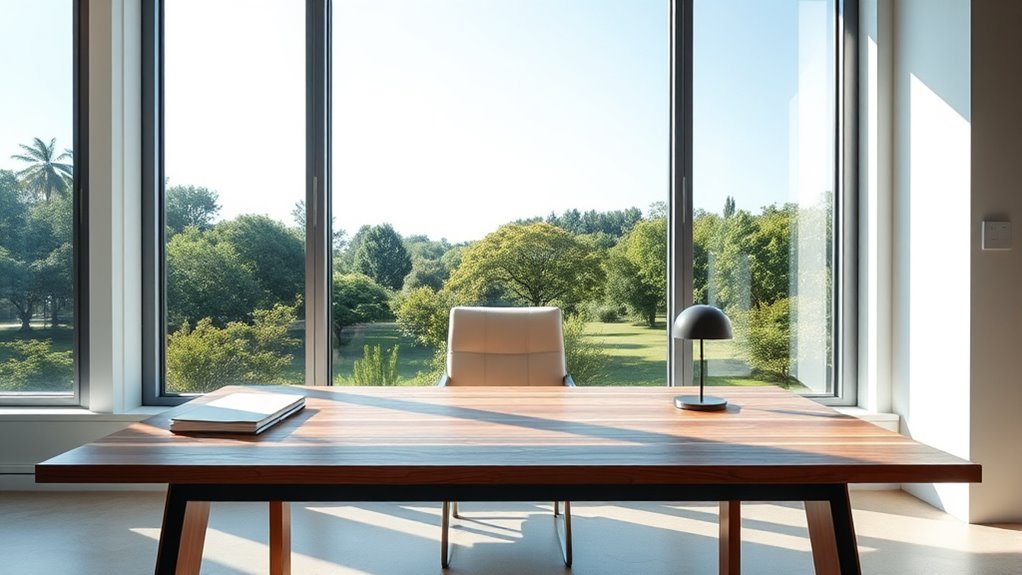
Facing a window at your desk can boost your mood with natural light and create an inviting workspace, but it also brings challenges like glare and distractions from outside activity. Proper placement can improve visual comfort and even help regulate your sleep cycle, yet too much sunlight may interfere with screen visibility or cause eye strain. We’ll explore how to balance these pros and cons so you can optimize your workspace effectively.
Key Takeaways
- Facing a window provides natural light that enhances mood and reduces reliance on artificial lighting.
- Direct sunlight can cause glare, reducing screen visibility and causing discomfort or eye strain.
- A window view can boost well-being but may lead to distractions and decreased focus.
- Proper placement and window treatments can balance light benefits with glare and distraction control.
- Facing a window creates an open, inviting workspace but may require adjustments for optimal lighting and minimal distractions.
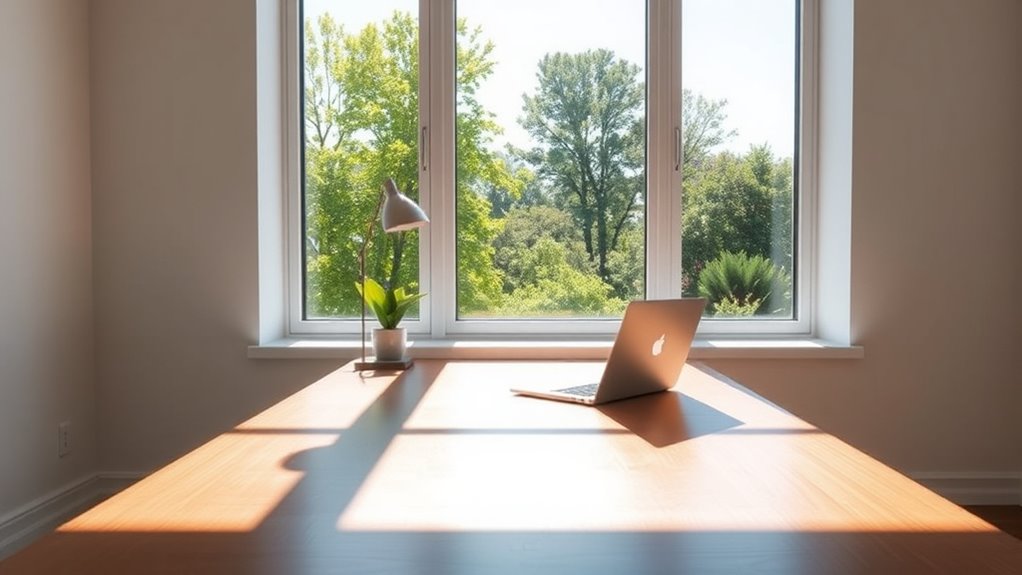
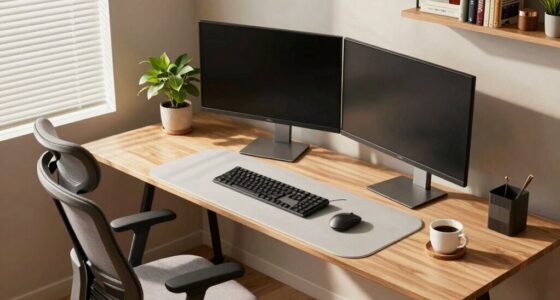
Having a desk facing a window can substantially influence your work environment, offering both benefits and drawbacks. One of the key advantages is the ergonomic benefits that come with natural lighting. When your desk is positioned to face a window, you can enjoy abundant daylight, which reduces the need for artificial lighting and minimizes eye strain. Natural lighting is easier on your eyes and helps you maintain focus longer, leading to increased productivity. Additionally, exposure to natural light can improve your overall well-being, boost your mood, and help regulate your circadian rhythm, making you feel more alert during the day. This setup encourages better posture habits since you’re less likely to strain your eyes or slump in an effort to avoid glare on your screen. You might find yourself more energized and engaged because the environment feels more open and inviting. Moreover, proper placement can optimize color temperature adjustments to suit your task lighting needs, enhancing visual comfort.
However, facing a window isn’t without its challenges. Glare can become a significant issue, especially if the sunlight hits your screen directly. This glare can cause discomfort, forcing you to constantly adjust your position or screen angle, which may lead to neck and back strain over time. If the sunlight varies throughout the day, you might struggle with inconsistent lighting conditions, making it difficult to maintain a comfortable workspace. additionally, glare isn’t just a minor annoyance—it can reduce your screen visibility, impacting your efficiency when working on detailed tasks or reading. In some cases, you may need to invest in blinds or curtains, which can diminish the benefits of natural lighting and reduce the sense of openness that facing a window provides.
Another consideration is the potential for distraction. A window offers a view, and while that can be invigorating, it can also divert your attention away from your work, especially if there’s a lot of activity outside. The temptation to look out the window can interrupt your focus, decreasing productivity and increasing mental fatigue. If you’re easily distracted, facing the window might make it harder to concentrate on tasks. On the other hand, if you control your view—using plants or a window film—you can strike a balance, enjoying the natural light while minimizing distractions.

Comastbo Office Desk Window Glare Shade, Privacy for Office, Monitor Glare Protector,Desk Shade to Block Front Side sun light.
- Adjustable Sun Shade: Blocks side and front sunlight
- Stable Desk Mount: Firmly sits on your desk
- Glare Reduction & Privacy: Protects screen from glare and prying eyes
As an affiliate, we earn on qualifying purchases.
As an affiliate, we earn on qualifying purchases.
Frequently Asked Questions
How Does Natural Light Improve Productivity and Focus?
Natural light boosts your productivity and focus by reducing eye strain and enhancing your mood. It promotes ergonomic benefits by encouraging better posture and less fatigue. Plus, the aesthetic appeal of natural light makes your workspace more inviting, motivating you to work efficiently. When your desk faces a window, you stay alert and energized, which helps you complete tasks faster and maintain concentration throughout the day.
What Are the Best Window Orientations for Desk Placement?
For ideal desk placement, face your window with a north or east orientation, offering consistent natural light and pleasant window views. North-facing windows provide gentle, indirect sunlight, reducing glare, while east-facing windows bring morning light that boosts your energy. Position your desk to maximize natural ventilation, allowing fresh air to flow and keep you alert. Avoid south-facing windows, which can cause harsh glare and heat, disrupting focus.
How Can Glare From Windows Affect Work Quality?
Glare from windows can turn your workspace into a battleground of brightness and shadows. It causes visual discomfort, making it harder to see screens clearly and reducing work quality. When window glare hits your eyes, it’s like trying to read a map through a fog—frustrating and inefficient. To stay productive, position your desk to minimize direct sunlight, use blinds, or anti-glare screens to cut down on this disruptive glare.
Are There Health Risks Associated With Facing a Window?
Facing a window can pose health risks like eye strain from glare and increased exposure to outdoor distractions, which might lead to decreased focus and stress. Additionally, you might compromise your window privacy, making it easier for others to see inside. To protect your health, consider using blinds or curtains, and set your desk at an angle to balance natural light while minimizing glare and distractions.
How Does Window Placement Impact Privacy in an Office?
Great news, placing your desk by a window guarantees total privacy—unless you’re okay with everyone peering in. Window placement dramatically impacts office visibility, making it easy for passersby to see your work or personal moments. If you crave privacy, face away from the window, but if you want natural light and a view, prepare for potential breaches of window privacy. Balance is key; otherwise, you might as well install a one-way mirror.

Window Blinds Cordless No Drill Cut to Size Clip On Stick On Self Adhesive Temporary Blinds Pleated Paper Blinds for Windows Doors Shades for Home Nursery Bedroom Kitchen Bathroom
- Easy to Install: Simple three-step installation without drilling
- Strong Adhesive: Includes 2.5cm double-sided tape for secure attachment
- Damage-Free: Removable without wall or window damage
As an affiliate, we earn on qualifying purchases.
As an affiliate, we earn on qualifying purchases.
Conclusion
Whether your desk faces a window or not, it’s all about finding what works for you. Sometimes, a sudden burst of sunlight or a quick view outside sparks your creativity just when you need it most—like that moment you’re staring at a tricky project and a squirrel scampers by. In the end, your perfect setup might be a happy accident, just like finding that one cozy spot in a busy café where inspiration strikes unexpectedly.

LitONES Tall LED Desk Lamps Home Office, Edge-Lit Eye-Care, 50 Light Modes
- Eye-Caring Soft Illumination: Flicker-free, glare-free natural daylight mimicry
- Adjustable Height for Large Setups: Extends from 14 to 40 inches for dual monitors
- 50 Light Modes for Versatility: Includes 5 color temps and 10 brightness levels
As an affiliate, we earn on qualifying purchases.
As an affiliate, we earn on qualifying purchases.
![Peslv [2-Pack] 24 Inch Privacy Screen for Computer Monitor 16:9 Aspect Ratio, Eye Protection Anti Blue Light Glare Shield, 24inch Removable Black Blackout Anti Spy Desktop Security Private Filter](https://m.media-amazon.com/images/I/51LJJ4eL26L._SL500_.jpg)
Peslv [2-Pack] 24 Inch Privacy Screen for Computer Monitor 16:9 Aspect Ratio, Eye Protection Anti Blue Light Glare Shield, 24inch Removable Black Blackout Anti Spy Desktop Security Private Filter
- Compatible with 24-inch monitors: Fits various brands and models
- Enhanced privacy protection: Shield beyond +-30° viewing angles
- Easy installation options: Two mounting methods for quick setup
As an affiliate, we earn on qualifying purchases.
As an affiliate, we earn on qualifying purchases.