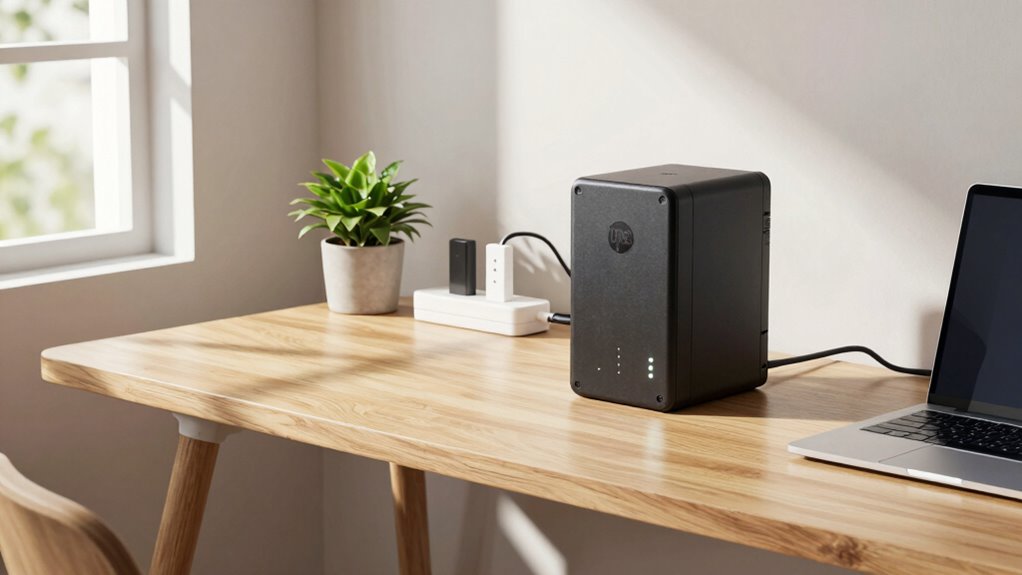

To use your UPS effectively in a home office, prioritize critical devices like your computer, monitor, and essential peripherals, and avoid plugging in everything to extend backup time. Set up automatic shutdowns using UPS software and schedule backups during known outages. Regularly check the battery health and replace if needed to maintain your system reliability. Keep your setup simple and energy-efficient, and you’ll guarantee smooth operation even during power issues. Keep going to discover more helpful tips.
Key Takeaways
- Prioritize critical devices like computers and monitors, avoiding non-essential equipment to maximize backup runtime.
- Set simple backup schedules during known outages to automate shutdowns and prevent data loss.
- Regularly check and maintain UPS batteries to ensure reliable backup performance.
- Keep your setup organized and energy-efficient to reduce power consumption and simplify management.
- Focus on proactive planning and routine checks to prevent issues without adding unnecessary complexity.
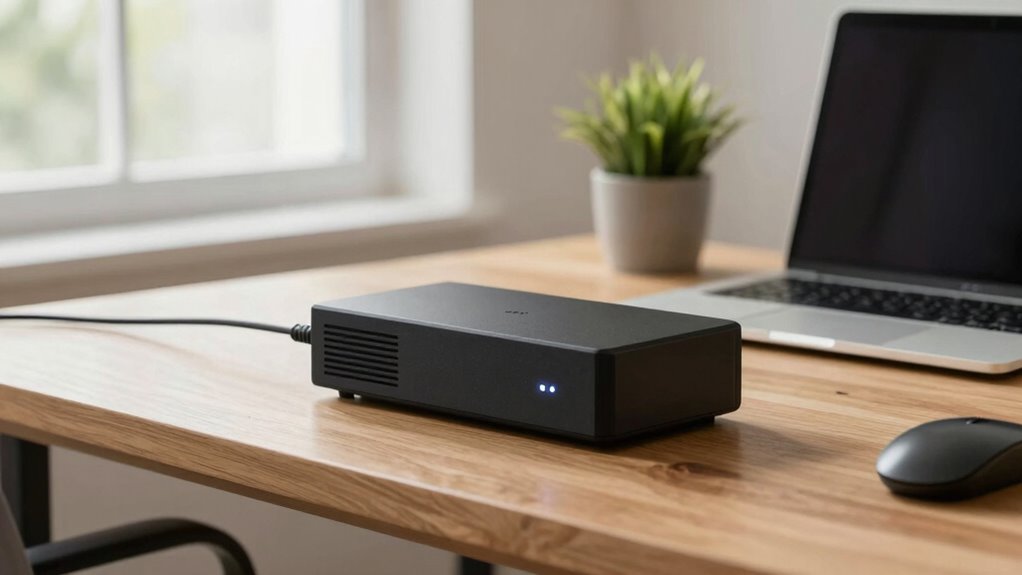
Having a reliable power backup is crucial for maintaining productivity in your home office, especially during unexpected outages. Using a UPS effectively involves more than just plugging in your devices; it requires a bit of planning to guarantee you get the most out of your investment. To keep things simple, start by understanding the basics of power management. A UPS is designed to provide temporary power during outages, so you can save your work and shut down devices properly. Proper power management means prioritizing what you connect to the UPS—focus on your computer, monitor, and essential peripherals. Avoid plugging in non-critical items like printers or chargers, which can drain the battery faster and reduce runtime for your essential equipment.
Backup scheduling is another key element that keeps your home office running smoothly without overcomplicating your setup. Set a schedule for when the UPS kicks in, especially if you experience frequent power fluctuations or outages at specific times. Many UPS units come with software that allows you to configure automatic shutdowns and restarts, making it easier to manage your devices without constant manual intervention. By scheduling backups and shutdowns, you prevent sudden data loss and hardware stress. Keep your schedule simple—if outages tend to happen in the evening, plan to save work and shut down before the predicted time, or set the UPS to automatically do this. This way, you’re not overtaxing the battery or risking abrupt power cuts that could damage your equipment.
Managing your UPS isn’t complicated if you keep a few key practices in mind. Regularly check the battery health and replace it when needed, so you’re not caught off guard during an outage. Also, familiarize yourself with the runtime of your UPS—know how long it can power your essential devices during an outage, and plan accordingly. This helps you avoid relying on backup power longer than necessary, which can drain the battery faster and limit your backup’s overall effectiveness. Additionally, understanding projector technology can help you optimize your setup if you incorporate a projector into your home office. Remember that good power management and backup scheduling are about being proactive rather than reactive. They help you stay productive, protect your data, and extend the lifespan of your equipment—all without adding unnecessary complexity to your routine. Incorporating batteries and other energy-efficient practices can further enhance your setup’s reliability. Ensuring your UPS is compatible with your storage solutions can help you streamline your backup process and prevent clutter. Being aware of power management strategies can also help you make more informed decisions when upgrading or maintaining your setup. With a little setup and regular check-ins, you’ll ensure your home office remains operational and efficient, no matter what power issues come your way.

APC UPS Battery Backup for Power Outages, 600VA/330W Surge Protector, 7 Outlets, USB Charging, BE600M1 Uninterruptible Power Supply for Computers, Wi-Fi Routers, and Home Office Electronics
KEEP YOUR COMPUTER, WI-FI AND ROUTER RUNNING THROUGH POWER OUTAGES: Supplies short‑term battery power during outages to maintain…
As an affiliate, we earn on qualifying purchases.
As an affiliate, we earn on qualifying purchases.
Frequently Asked Questions
Can a UPS Protect Against Power Surges?
Yes, a UPS can protect against power surges if it has built-in surge protection. It acts as a barrier, preventing excess voltage from damaging your devices. Keep in mind, surge protection may affect your UPS’s battery lifespan over time, so it’s crucial to choose a quality unit. Regularly check your UPS’s surge protection features and replace it when necessary to guarantee ongoing protection for your home office equipment.
How Long Can a UPS Power My Devices?
Your UPS’s battery capacity largely determines your power duration, but it typically lasts between 5 to 30 minutes. This window gives you enough time to save work and shut down devices safely. Keep in mind, the more devices connected, the quicker the power duration diminishes. To maximize runtime, prioritizing essential equipment and periodically checking your UPS’s battery health can work wonders.
Is It Better to Connect All Devices to One UPS?
It’s better to connect essential devices to one UPS for simplicity and effective power management. Make certain device compatibility with the UPS, especially for high-power equipment like monitors or external drives. By centralizing critical devices, you prevent overloads and make it easier to monitor power status. This approach keeps your home office organized, safeguards your equipment, and guarantees that your important devices stay powered during outages.
How Often Should I Replace My UPS Battery?
Think of your UPS battery as the heartbeat of your backup system. You should replace it every 3-5 years, depending on usage and battery maintenance. Regularly check for signs of wear or reduced runtime, and follow the manufacturer’s replacement schedule. Keeping your battery fresh guarantees your home office stays protected during power outages, much like a strong heartbeat keeps your body functioning smoothly.
Does a UPS Protect Against Data Loss During Outages?
Yes, a UPS protects against data loss during outages by providing power stability, allowing you to save your work and shut down devices properly. It offers backup power, giving you time for data recovery and preventing abrupt shutdowns that can corrupt files. With a UPS, you guarantee your home office remains protected during power interruptions, safeguarding important data and maintaining productivity without overcomplicating your setup.

APC Back-UPS 425VA / 255W UPS Battery Backup Surge Protector, 6 Outlets, Small UPS for Router, Modem & Home Office, BE425M
425VA / 255W RELIABLE BACKUP POWER: Supplies short‑term battery power during outages to maintain internet connectivity and allow…
As an affiliate, we earn on qualifying purchases.
As an affiliate, we earn on qualifying purchases.
Conclusion
Think of your UPS as a trusted lifeboat in a storm—steady and ready to keep your essential devices afloat when power fails. When I first set mine up, I was amazed how smoothly my work continued, even during a blackout. Just like a reliable safety net, a UPS offers peace of mind without overcomplicating things. With a simple setup, you’ll safeguard your home office and stay productive, no matter what surprises come your way.

OPTI-UPS TS800E 800va / 480 Watts (USA 120 Volts) 3 Year Warranty Line Interactive UPS Battery Backup & Surge Protector AVR Automatic Voltage Regulator – Uninterruptible Power Supply (Black, 800va)
OPTI UPS TS800E 800VA / 480W (110v / 115v / 120v) Battery backup system, 50 / 60 Hz…
As an affiliate, we earn on qualifying purchases.
As an affiliate, we earn on qualifying purchases.
APC UPS Battery Backup for Power Outages, 600VA/330W Surge Protector, 7 Outlets, USB Charging, BE600M1 Uninterruptible Power Supply for Computers, Wi-Fi Routers, and Home Office Electronics
KEEP YOUR COMPUTER, WI-FI AND ROUTER RUNNING THROUGH POWER OUTAGES: Supplies short‑term battery power during outages to maintain…
As an affiliate, we earn on qualifying purchases.
As an affiliate, we earn on qualifying purchases.