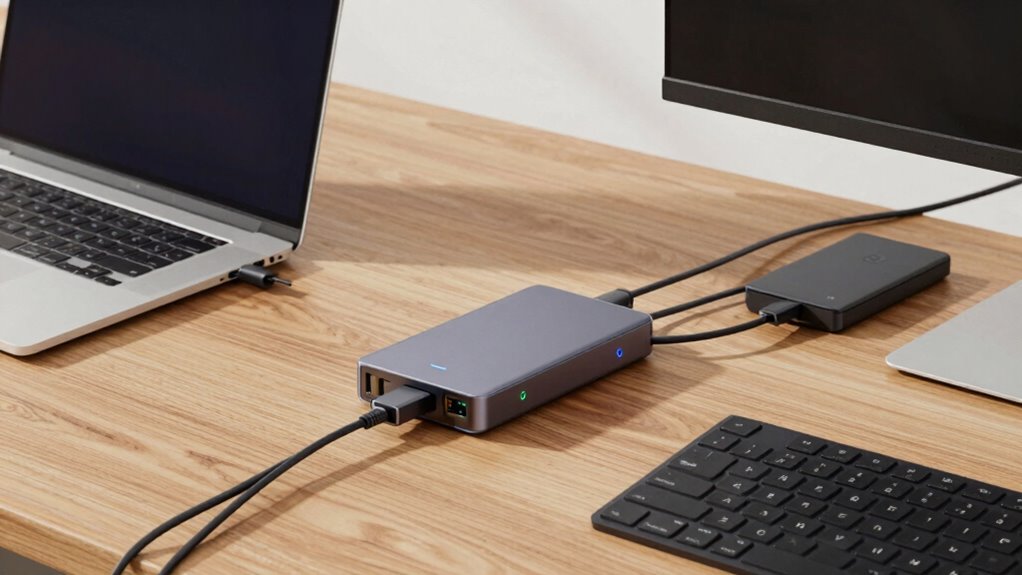

To decide between a dock and a hub, consider your workflow needs. If you need multiple high-speed connections, support for peripherals, and device charging, a dock offers broader compatibility and port versatility. Hubs are more portable and simple, ideal for quick setups and occasional use. Think about whether mobility or extensive connectivity matters most for your daily tasks. Keep exploring the details to find the best fit for your setup and future needs.

Get comfort and recovery gear delivered free with Prime
- Fast, free delivery on millions of items
- Prime Video, Amazon Music and more included
- Member-only deals all year
Key Takeaways
- Assess your device compatibility needs, prioritizing docks for high-performance peripherals and specific laptop brands.
- Consider port versatility required, choosing docks for multiple connection types and hubs for simple USB expansion.
- Evaluate your mobility, opting for portable hubs if frequent travel or quick setups are necessary.
- Determine power delivery needs, favoring docks that support device charging and reliable connections for fixed setups.
- Future-proof your setup by selecting devices that support current and upcoming standards for seamless long-term use.
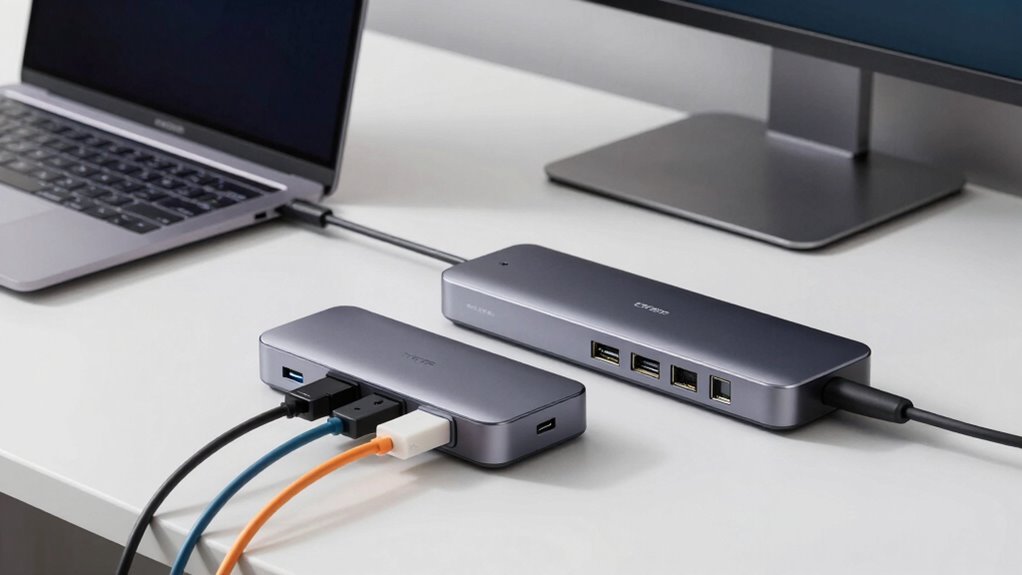
When you’re trying to connect multiple devices to your laptop, choosing between a dock and a hub can seem confusing, but understanding their differences can help you make the right decision. The key factors to consider are compatibility considerations and port versatility. A dock generally offers better compatibility with a broader range of devices, especially if you’re working with high-performance peripherals like external monitors, audio systems, or specialized equipment. Many docks are designed to be compatible with specific laptop brands or models, so you’ll want to verify that your device is supported before making a purchase. In contrast, hubs tend to be more universal, often connecting to any device with a standard USB port, but they might not support all peripherals equally well.
Docks offer broader device compatibility, especially for high-performance peripherals, while hubs are more universal and portable.
Port versatility is another major consideration. Docks usually provide a wide array of ports, including multiple USB-C or Thunderbolt connections, HDMI or DisplayPort outputs, Ethernet, and audio jacks. This variety makes them ideal if you need to expand your workspace for multiple monitors, network access, or audio input/output. Docks are often built with a specific ecosystem in mind, allowing you to connect many devices simultaneously without sacrificing performance. Hubs, on the other hand, tend to focus on expanding a limited number of USB ports. They’re compact and portable, making them perfect for quick setups or traveling, but they might not offer the same range of connection types or the power delivery capabilities that docks do.
Your workflow also influences this decision. If you’re someone who regularly switches between different locations or needs a portable solution, a hub’s lightweight design and ease of use might be more appealing. However, if you work in a fixed office environment where you require reliable, high-speed connections for multiple peripherals, a dock’s dedicated ports and stable power supply can significantly enhance your productivity. Additionally, consider the power requirements of your devices. Docks often provide charging capabilities, allowing you to power your laptop and peripherals from a single connection, whereas hubs typically don’t support charging or do so at limited power levels. Furthermore, understanding connection standards like Thunderbolt or USB-C can help you choose the best device for your setup. It’s also important to consider security features if you’re working in a corporate environment, as docks often include options for secure network and device connections. Being aware of power delivery capabilities can ensure your setup remains efficient and reduces cable clutter.
A thorough understanding of these factors can also help you evaluate the future-proofing potential of your choice, ensuring your setup remains compatible with upcoming technology standards. Ultimately, weighing compatibility considerations and port versatility helps you determine whether a dock or a hub suits your needs. If you need extensive connectivity and enhanced performance, a dock is usually the better choice. But if portability and simplicity are more important, a hub might be enough. By clarifying your specific requirements, you’ll make a more informed decision that streamlines your workflow and keeps all your devices working seamlessly.
Thunderbolt 3 docking station for laptops
As an affiliate, we earn on qualifying purchases.
As an affiliate, we earn on qualifying purchases.
Frequently Asked Questions
Can I Use a Dock and a Hub Simultaneously?
Yes, you can use a dock and a hub simultaneously, but you need to ensure device compatibility and port versatility. Take into account that both devices support your laptop or computer’s ports and power requirements. Using both can expand your connectivity options, but it might cause conflicts or power issues if not compatible. Check each device’s specifications first to avoid potential problems, and prioritize high-quality, compatible accessories.
Do Docks Support Gaming Peripherals Better Than Hubs?
Docks generally support gaming peripherals better than hubs because they often provide higher power output and more dedicated ports, improving gaming performance and peripheral compatibility. With a dock, you get stable connections for gaming mice, keyboards, and controllers, reducing lag and ensuring reliable performance. Hubs might struggle with high-powered devices or multiple peripherals simultaneously, so if gaming is a priority, a dock is usually the superior choice.
Are There Compatibility Issues With Specific Operating Systems?
You might encounter compatibility issues with specific operating systems when using docks or hubs. Confirm the device supports your OS, such as Windows, macOS, or Linux. Check for proper device driver support; some docks need drivers for full functionality. Research product specifications and user reviews to confirm compatibility, especially if you’re using a less common OS. This way, you avoid frustration and ensure seamless connectivity with your peripherals.
How Do Power Delivery Capabilities Differ Between Docks and Hubs?
Docks typically offer better power delivery capabilities, supporting higher wattages for charging devices efficiently, which improves power efficiency. Hubs usually provide limited power delivery, mainly for data transfer. When choosing, consider device compatibility, as some docks are designed for specific power standards. Your workflow benefits from a dock if you need reliable power delivery, while a hub may suffice for basic connectivity without prioritizing power needs.
Which Option Offers Better Security Features for Corporate Use?
If security is your priority, a dock generally offers better features for corporate use. You benefit from advanced data encryption and device authentication options, which help protect sensitive information. Docks often come with dedicated security hardware and software, making them more reliable for safeguarding your network. Hubs, while convenient, usually lack these all-encompassing security features, so they’re better suited for casual or less sensitive tasks.
USB-C multiport hub with charging
As an affiliate, we earn on qualifying purchases.
As an affiliate, we earn on qualifying purchases.
Conclusion
Choosing between a dock and a hub is like picking the right tool for a craft project—you want what fits your needs perfectly. Think about your workflow, the devices you connect, and how much power or expandability you require. By matching your setup to these factors, you’ll craft a workspace that flows seamlessly. Remember, the right choice isn’t just about equipment; it’s about creating a foundation that supports your productivity and helps your creative ideas flourish.
high-speed external monitor dock
As an affiliate, we earn on qualifying purchases.
As an affiliate, we earn on qualifying purchases.
As an affiliate, we earn on qualifying purchases.
Halloween Picks
halloween
As an affiliate, we earn on qualifying purchases.