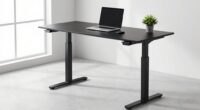
To improve your posture at a deep desk, start by adjusting your workspace with ergonomic accessories like monitor risers and keyboard trays to keep everything at eye level and within comfortable reach. Choose an ergonomic chair that supports your lower back and keeps your feet flat on the floor. Place your keyboard and mouse close to avoid stretching and take regular breaks to stretch and relax. Keep exploring for more tips to create the ultimate ergonomic workstation.
Key Takeaways
- Use adjustable monitor stands or risers to keep screens at eye level, reducing neck strain.
- Incorporate ergonomic keyboard trays and footrests to maintain proper arm and leg positioning.
- Adjust desk height to ensure elbows are at a 90° angle and wrists stay straight while typing.
- Position keyboard and mouse close to avoid reaching and shoulder fatigue.
- Take regular breaks to stretch and change posture, preventing prolonged strain.
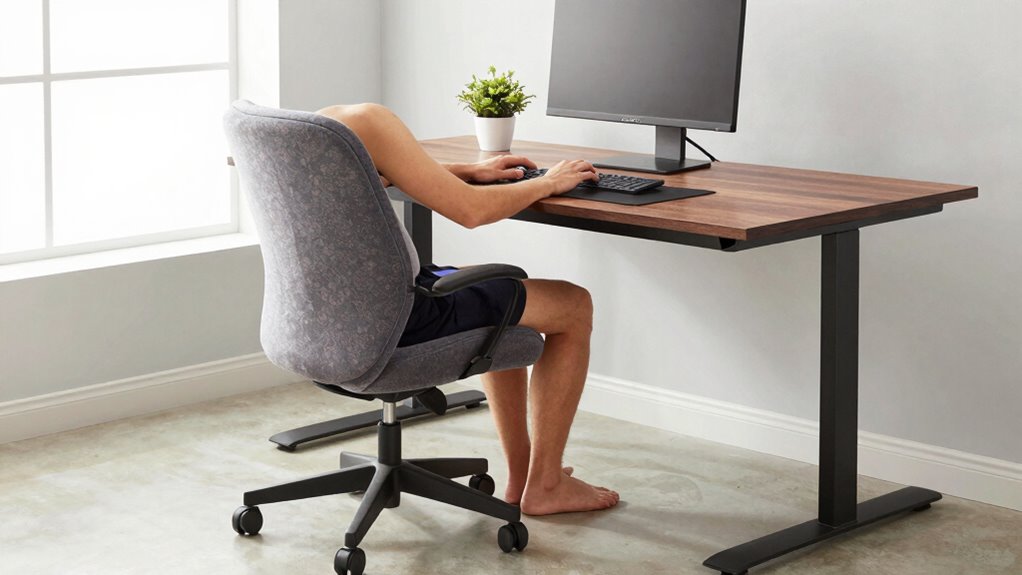
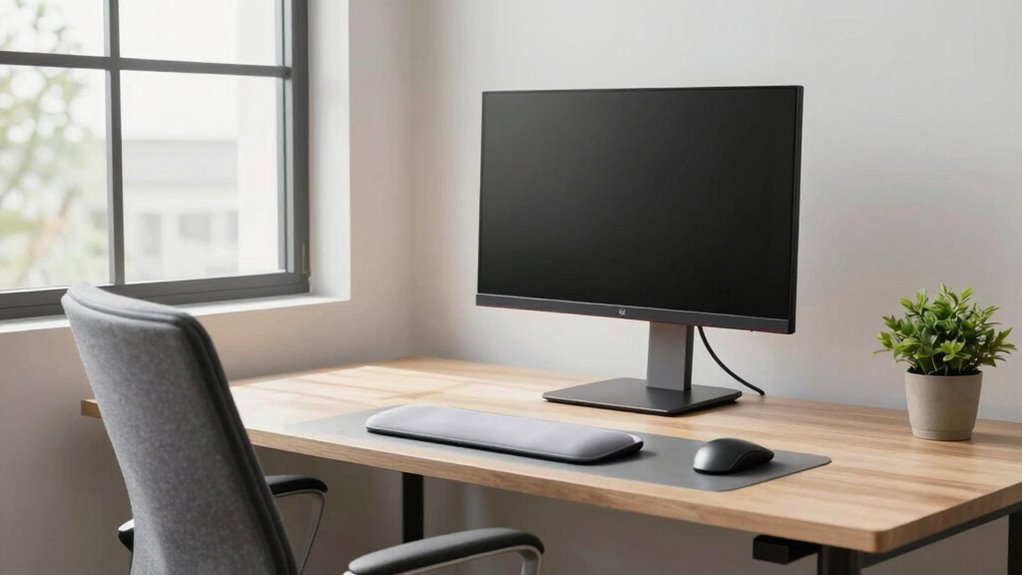
Working at a deep desk can be comfortable, but if your posture isn’t properly supported, it can lead to discomfort and long-term issues. To make your workspace more ergonomic, start by considering ergonomic accessories that promote better posture. These include adjustable monitor stands, keyboard trays, and footrests. Proper placement of your monitor is vital—your screen should be at eye level to prevent neck strain. Using monitor risers or adjustable arms ensures your display stays at the right height, reducing the tendency to slouch or crane your neck forward.
Prioritize ergonomic accessories like monitor risers and adjustable stands for better posture and reduced strain.
Another key step is adjusting your desk height. If your desk is too high or too low, you’ll strain your shoulders, wrists, and back. Many desks now come with height adjustment features, allowing you to find the perfect level for your seated posture. When your elbows are bent at about 90 degrees and your wrists are straight while typing, you’re in the best position. If your desk isn’t adjustable, consider adding a keyboard tray or riser to bring your work surface to a comfortable height.
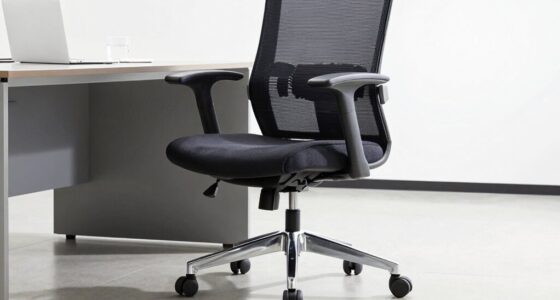
In addition, use ergonomic accessories like an ergonomic chair that supports your lower back and encourages proper spinal alignment. Your chair should allow your feet to rest flat on the floor, with your knees at a 90-degree angle. Incorporate a footrest if needed, especially if your desk height doesn’t match your chair. This helps maintain good circulation and reduces strain on your legs. Proper ergonomic support can also help prevent common issues like posture problems, which are often caused by poorly arranged workspaces.
Placement of your keyboard and mouse also matters. Keep them close enough to prevent reaching, which can cause shoulder and arm fatigue. An adjustable keyboard tray can help position your keyboard and mouse at the right height and angle, reducing wrist strain. Remember to take regular breaks to stretch and change positions. Even with the best setup, prolonged static posture can cause stiffness and discomfort.
Finally, pay attention to lighting and clutter. Adequate lighting reduces eye strain, and keeping your workspace tidy minimizes unnecessary movements. Utilizing ergonomic principles ensures your deep desk supports your posture instead of hindering it. Making these adjustments guarantees your deep desk supports your posture instead of hindering it. When you invest in the right ergonomic accessories and adjust your desk height appropriately, you make your workspace healthier and more comfortable, supporting your productivity and well-being over the long term.

WALI Computer Monitor Stand for Desk, Adjustable Laptop Riser, Desk Monitor Stand Underneath Storage for Office, Home, School Supplies (STT003), 1 Pack, Black
Design: The monitor stand for the desk has a large 14.6 x 9.3 inches metal shelf that fits…
As an affiliate, we earn on qualifying purchases.
As an affiliate, we earn on qualifying purchases.
Frequently Asked Questions
How Often Should I Take Breaks During Deep Desk Work?
You should take breaks every 30 to 60 minutes during deep desk work. Use this time to stretch, stand, or walk around—especially if you’re using an ergonomic keyboard or working at an adjustable desk. Adjust your workspace to support good posture, and take these short breaks to reduce strain on your neck, back, and wrists. Regular pauses help maintain focus and prevent discomfort during long, focused work sessions.
What Type of Chair Supports the Best Posture?
Your chair should be a fortress of support, not a flimsy excuse for discomfort. Opt for one with excellent lumbar support and ergonomic cushions that mold to your back, ensuring perfect alignment. A chair with adjustable height and armrests helps maintain a neutral spine position. This setup prevents strain, promotes better posture, and keeps you comfortable during long deep desk work sessions—making your workspace feel like a throne of productivity!
Are There Specific Stretches to Reduce Neck Strain?
To reduce neck strain, incorporate neck relaxation and stretch routines into your day. Gentle neck tilts, ear-to-shoulder stretches, and chin tucks can relieve tension. Hold each stretch for 15-30 seconds and repeat several times. Regularly taking breaks to perform these stretches helps prevent stiffness and discomfort. Prioritizing neck relaxation through consistent stretch routines keeps your neck muscles flexible and reduces strain during long desk sessions.
How Can I Adjust My Monitor for Optimal Posture?
You should adjust your monitor so the top of the screen is at eye level, reducing neck strain. Use ergonomic accessories like monitor stands or adjustable arms to achieve this. Keep the monitor about an arm’s length away from you for ideal viewing. This simple setup promotes better posture correction, preventing slouching and neck discomfort during long work sessions. Regularly check and tweak your monitor position for continued ergonomic benefits.
What Accessories Can Improve Deep Desk Ergonomics?
Looking to elevate your deep desk setup? Think beyond the basics—ergonomic keyboards can reduce strain, making typing more comfortable all day. But don’t overlook your feet; a sturdy foot support keeps your posture aligned and prevents fatigue. These accessories might seem simple, yet they make a huge difference. Ready to transform your workspace into a haven of comfort? Grab these essentials and experience the change firsthand.

HUANUO Keyboard Tray Under Desk, 360 Adjustable Ergonomic Sliding Keyboard & Mouse Tray, Under Desk Keyboard Tray Slide Out, Keyboard Holder Under Desk for Typing in Home, Office Work, 25"W x 9.84"D
Large & Perfect Size – Full size keyboard drawer with a 25” x 9.84” , please kindly confirm…
As an affiliate, we earn on qualifying purchases.
As an affiliate, we earn on qualifying purchases.
Conclusion
Now that you know how to optimize your deep desk setup, the question is—are you ready to make that change? Imagine feeling more comfortable, energized, and focused every day. It’s not just about posture—it’s about transforming your work experience. The next step is yours to take. Will you stay the same, or will you reveal the secret to a healthier, more productive workday? The choice is yours—don’t wait. Start today, and see what’s possible.

Nexthro Ergonomic Office Chair, Desk Chair with Adjustable Lumbar Support, Breathable Mesh Comfy Computer Chairs with Flip-up Armrests Executive Task Chair for Adults Home Office(Black)
【Ergonomic Office Chair】The Nexthro ergonomic office chair is designed to alleviate back pain, offering a comfortable seating experience….
As an affiliate, we earn on qualifying purchases.
As an affiliate, we earn on qualifying purchases.
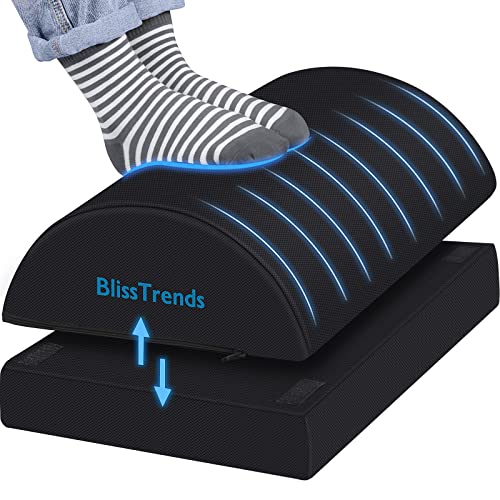
BlissTrends Foot Rest for Under Desk at Work-Versatile Foot Stool with Washable Cover-Comfortable Footrest with 2 Adjustable Heights for Car,Home and Office to Relieve Back,Lumbar,Knee Pain-Black
[Comfortable Experience] The BlissTrends foot rest has two layers: the lower layer measures 16.2"*9.9"*2.0", and the upper layer…
As an affiliate, we earn on qualifying purchases.
As an affiliate, we earn on qualifying purchases.