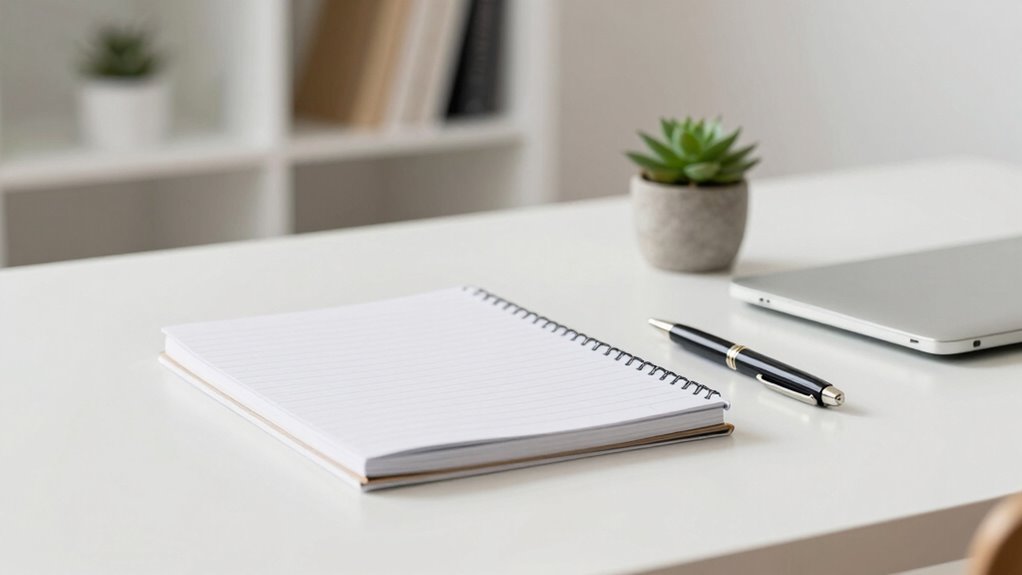
To make your desk look clean on camera, start by clearing away non-essential items and using storage solutions like trays or drawers to hide clutter. Keep only a few key items, such as your notebook, pen, or a small plant, and arrange them neatly with symmetry for a professional look. Pay attention to lighting, using natural or strategically placed lights to avoid shadows. Maintaining this setup regularly guarantees it stays polished and camera-ready—there’s more to perfecting your workspace below.

Get comfort and recovery gear delivered free with Prime
- Fast, free delivery on millions of items
- Prime Video, Amazon Music and more included
- Member-only deals all year
Key Takeaways
- Keep only essential items visible, such as a notebook, pen, and a small plant, and store everything else out of sight.
- Use storage solutions like drawers or trays to maintain a tidy surface and hide clutter.
- Ensure proper lighting by strategically positioning light sources and using reflectors to eliminate shadows.
- Arrange items symmetrically and maintain visual balance for a polished, professional appearance.
- Regularly tidy and evaluate your setup, adjusting lighting and organization for a consistently clean look on camera.
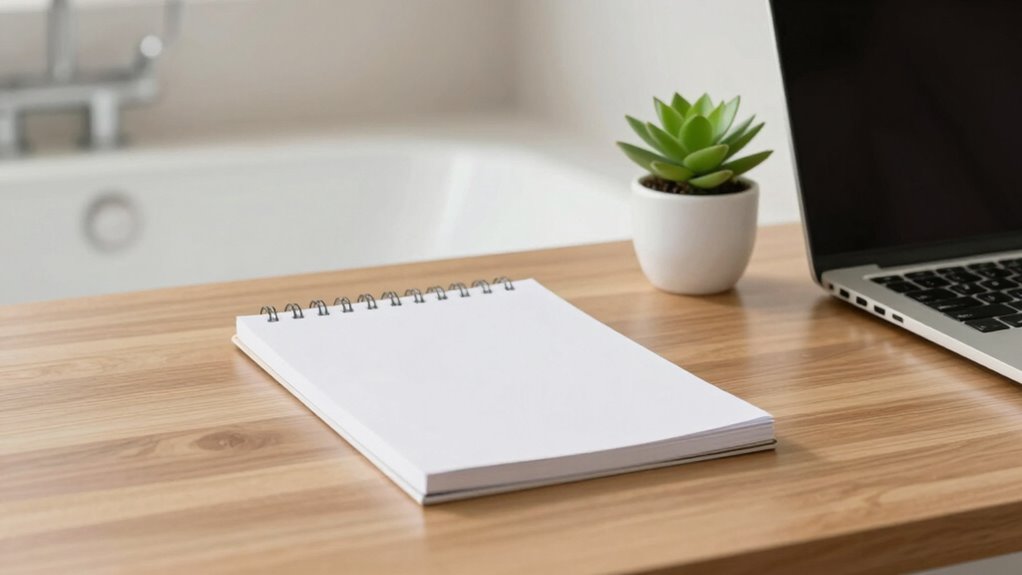
Ever wonder how to make your desk look spotless and professional on camera? Achieving that sleek, clean appearance isn’t just about hiding clutter; it’s about strategic organization and effective lighting. Your goal should be to create a workspace that looks tidy and inviting, without appearing staged or overly artificial. To do this, focus first on desk organization. Clear away everything that isn’t essential for your work or the shot. Use storage solutions like drawers, trays, or cable organizers to keep cords and small items out of sight. Keep only a few key items on your surface—perhaps a clean notebook, a pen, or a plant—that add personality without cluttering the frame. Regularly tidying your desk ensures it stays visually appealing. When you organize, think about symmetry and minimalism. Group similar items together, and keep your most important tools within easy reach. This not only helps with efficiency but also creates a neat visual flow that’s pleasing to viewers. Incorporating visual balance into your setup can further enhance the professional look of your workspace. Additionally, paying attention to lighting techniques can significantly improve the overall appearance of your camera feed. Proper lighting setup, including the placement of light sources and the use of reflectors, can make a noticeable difference in how your workspace appears on camera. Understanding the importance of proper lighting can help you avoid shadows and uneven illumination that detract from a clean look. Incorporating these elements will help you achieve a professional appearance that looks polished and camera-ready.
Products Worth Considering

eufy Security SoloCam S340 3K Dual-Lens Solar Security Camera

eufy Security eufyCam C37 4-Camera Kit with 360° Pan and Tilt

Philips Hue Bridge Pro Smart Lighting Hub
As an affiliate, we earn on qualifying purchases.
Frequently Asked Questions
What Lighting Improves a Clean Desk Appearance on Camera?
You improve your desk’s appearance on camera with ambient lighting and soft illumination. Use diffused light sources like softbox lights or LED panels to create even, gentle lighting that reduces harsh shadows. Avoid direct, bright lights that cause glare. Position lighting to evenly illuminate your desk and background, making everything look neat and professional. This setup enhances clarity and creates a clean, polished look on camera.
How Can I Hide Cables Effectively During Filming?
Think of cable management like a garden hose—clean, organized, and out of sight. You can hide cables by using cable clips, sleeves, or even running them through hidden storage compartments. For a tidy look, route cables behind your desk or under a cable tray. I once used velcro ties to secure cables behind my monitor, making everything look sleek. Proper hidden storage keeps cables out of view, ensuring your on-camera setup stays spotless.
Are There Specific Desk Colors That Look Better on Camera?
Choosing the right desk color options can considerably enhance your on-camera presence. Camera-friendly hues like neutral tones—white, beige, or soft grays—work well because they reflect light evenly and avoid distractions. Avoid overly dark or bright colors that can create unwanted shadows or glare. Opt for matte finishes to minimize reflections, and consider complementary background colors to make your setup look professional and visually appealing.
What Are Quick Tips for Maintaining a Tidy Desk Daily?
A cluttered desk often distracts viewers, so keep it tidy with quick organizational hacks and daily cleaning routines. Start each day by clearing unnecessary items and wiping down surfaces. Use trays or containers to group essentials, making cleanup faster. Incorporate habits like putting things back immediately and setting a timer for a few minutes to tidy up. These small routines transform your workspace into a camera-ready environment effortlessly.
How Can Background Clutter Impact My On-Camera Presence?
Background clutter can considerably impact your on-camera presence by distracting viewers and making your space look unprofessional. When you focus on background organization and clutter reduction, your viewers stay focused on you, not your environment. A tidy, organized background conveys confidence and credibility, helping you connect more effectively. Regularly declutter and keep essential items neatly arranged to project a polished, professional image during your recordings or calls.
Conclusion
By keeping your desk tidy and organized, you’ll look more professional on camera and feel more confident during recordings. For example, imagine a YouTuber who clears clutter before every shoot, only keeps essential items visible, and uses stylish storage solutions. This simple switch not only improves their video quality but also boosts their credibility. So, take a few minutes to tidy up your workspace—you’ll notice the difference in your videos and audience engagement almost instantly.