
If you’re looking for the best Full HD webcams in 2025, I’ve found a great mix of options with crisp video, clear audio, and versatile features. From Logitech’s Brio and C920X to the Gohero wide-angle model and the EMEET NOVA 4K, these webcams deliver excellent quality for meetings, streaming, or content creation. Many come with privacy covers, autofocus, and wide-angle lenses. Keep exploring, and you’ll find details that will help you choose the perfect webcam for your needs.
Key Takeaways
- All models offer Full HD 1080p resolution at 30 fps, with some like the EMEET NOVA providing 4K for higher detail.
- Many webcams feature high-quality lenses, advanced light correction, and HDR to ensure clear visuals in various lighting conditions.
- Built-in stereo microphones with noise-canceling technology deliver clear audio, suitable for professional calls and streaming.
- Versatile mounting options, including adjustable tilt, rotation, and compatibility with tripods, enable flexible framing and setup.
- Compatibility across Windows, Mac, Android TV, and popular platforms like Zoom, Teams, and OBS makes these webcams suitable for all devices.

Logitech Brio 101 Full HD 1080p Webcam for Streaming and Meetings - Black
- Nintendo Switch 2 Compatibility: Supports GameChat Mode
- Auto Light Balance: Boosts brightness up to 50%
- Privacy Cover: Built-in slide for privacy
As an affiliate, we earn on qualifying purchases.
Logitech Brio 1080p Webcam for Meetings and Streaming
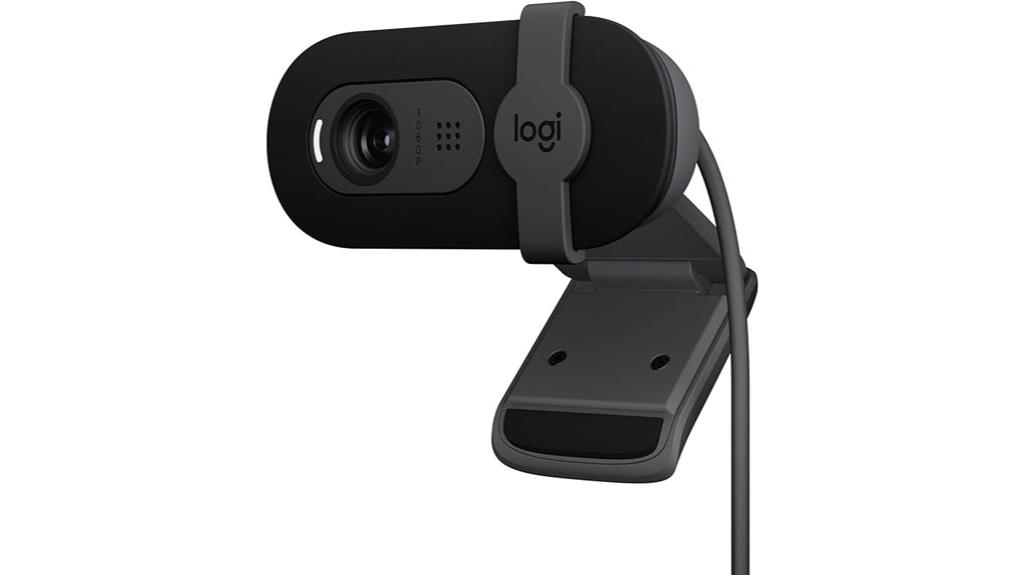
Are you looking for a webcam that delivers professional-quality video for meetings, streaming, or gaming? The Logitech Brio 1080p Webcam is an excellent choice. It’s compatible with Nintendo Switch 2’s new GameChat mode and works effortlessly with Zoom, Microsoft Teams, and Google Meet. Setup is simple—just plug it into your laptop or desktop with a USB-A port. With Full HD resolution and RightLight technology, your video stays clear and bright, even in tricky lighting. The built-in microphone ensures crisp audio, and the webcam cover keeps your privacy intact. It’s versatile, easy to use, and perfect for any professional or casual setting.
Best For: professionals, streamers, and gamers seeking a high-quality, easy-to-use webcam compatible with various conferencing platforms and gaming modes.
Pros:
- Delivers sharp, full HD 1080p video for clear communication and streaming.
- Compatible with multiple platforms including Zoom, Teams, Meet, and Nintendo Switch 2’s GameChat mode.
- Features auto-light adjustment with RightLight technology and a privacy webcam cover.
Cons:
- Requires a USB-A port, which may limit compatibility with newer devices only equipped with USB-C.
- No additional software or advanced features beyond basic video and audio capabilities.
- May be less suitable for users needing ultra-wide field-of-view or specialized streaming features.

Gohero Full HD 1080P Video Webcam, Noise Cancellation, Privacy Cover, Wide-Angle Lens, Auto Light Correction, Plug & Play USB Webcam for Laptop, Desktop, PC, Mac, Zoom, Skype Pro Series
- Full HD 1080P Video Quality: Sharp, vibrant images at 30fps
- Wide-Angle Lens: Captures expansive field of view
- Noise-Canceling Microphone: Clear audio in noisy environments
As an affiliate, we earn on qualifying purchases.
Gohero Full HD 1080P Webcam with Privacy Cover and Wide-Angle Lens
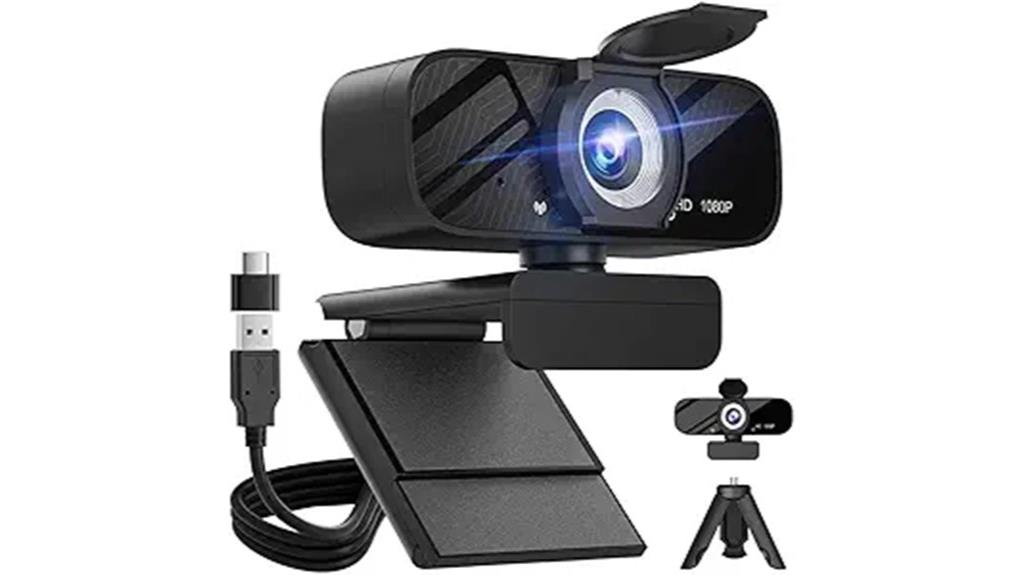
If you’re looking for a webcam that offers both high-quality video and strong privacy features, the Gohero Full HD 1080P Webcam is an excellent choice. It delivers sharp, vibrant images at 30 frames per second, with a wide-angle lens that captures more of your scene—perfect for gaming, streaming, or video calls. The built-in microphone reduces noise for clear audio, even in noisy environments. Its automatic light correction adapts to different lighting conditions, ensuring bright and detailed visuals. Plus, the privacy cover slides over the lens instantly, giving you peace of mind when not in use. Setup is quick and easy with plug-and-play compatibility across multiple devices.
Best For: content creators, remote workers, and gamers seeking high-quality video with privacy features for seamless streaming, video calls, and online teaching.
Pros:
- Delivers sharp, vibrant Full HD 1080P video at 30 fps with wide-angle coverage
- Built-in noise-reducing microphone ensures clear audio in noisy environments
- Automatic light correction adapts to various lighting conditions for optimal visuals
Cons:
- May require USB 3.0 for optimal performance on some devices
- Fixed focus lens might not suit users needing adjustable focus
- Privacy cover, while effective, could be easily misplaced when not in use

Logitech C920x HD Pro PC Webcam Full 1080p/30fps Video - Black
- Compatibility with Nintendo Switch 2: Supports GameChat mode
- HD Lighting & Autofocus: Automatic lighting adjustment and sharp focus
- Advanced Capture Software: Easy video creation and sharing
As an affiliate, we earn on qualifying purchases.
Logitech C920x HD Pro Webcam with Full HD 1080p/30fps Video and Clear Audio
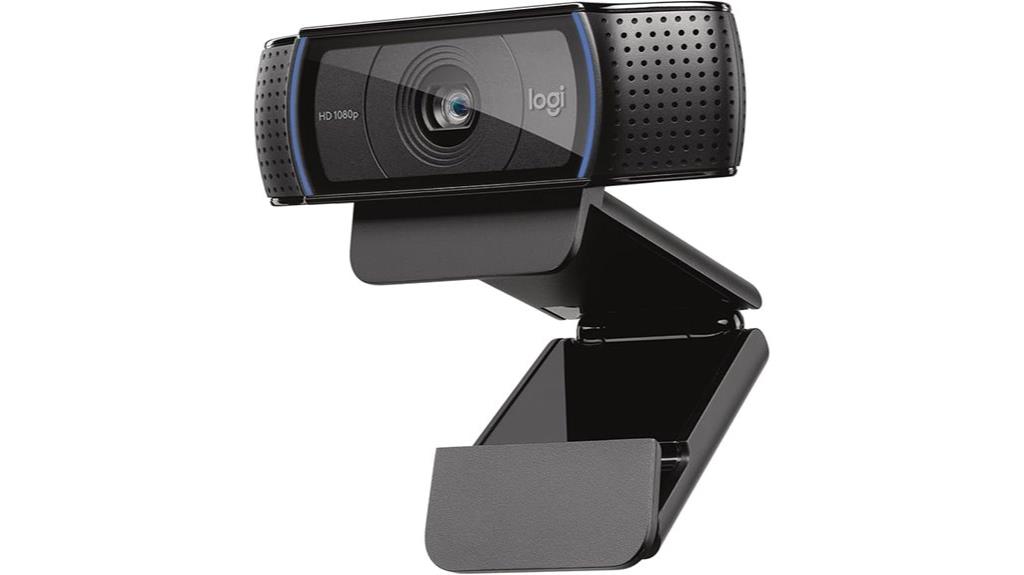
The Logitech C920x HD Pro Webcam stands out as an excellent choice for professionals and content creators who need crisp, high-quality video and clear audio. It delivers Full HD 1080p resolution at 30fps, ensuring sharp, vibrant images perfect for streaming and video calls. Its HD autofocus, light correction, and five-element glass lens automatically optimize image quality in various lighting conditions. Dual microphones provide stereo sound, making conversations more natural. Compatible with Windows, Mac, tablets, and even Nintendo Switch, it’s versatile for different setups. With easy USB connection and software features like background blurring, it’s a reliable, user-friendly webcam for any professional or casual use.
Best For: professionals, content creators, and casual users seeking high-quality video and clear audio for streaming, video conferencing, and content production.
Pros:
- Delivers Full HD 1080p resolution at 30fps for crisp, vibrant video
- Features HD autofocus, light correction, and a five-element glass lens for optimal image quality in various lighting conditions
- Includes dual microphones for natural stereo sound and a user-friendly USB connection
Cons:
- Lacks a physical privacy shutter, relying solely on software-based background management
- Requires compatible software for background blurring and other advanced features
- Slightly larger footprint may be less suitable for very compact setups
Logitech Brio 1080p Webcam with Microphone and Shutter
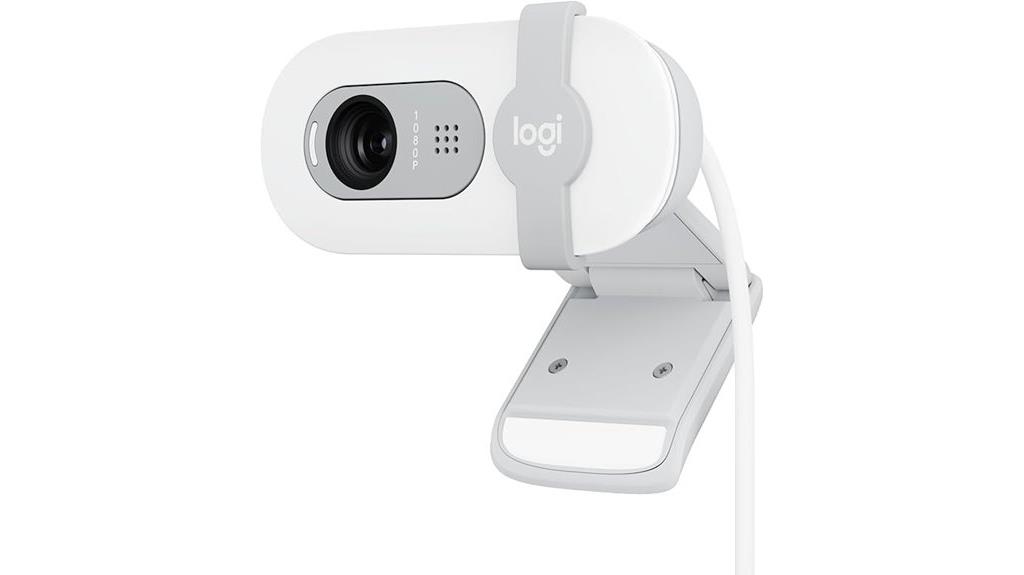
The Logitech Brio 1080p Webcam with Microphone and Shutter stands out as an excellent choice for professionals and content creators who prioritize high-quality video and privacy. Its Full HD 1080p resolution delivers crisp, clear images perfect for video calls and streaming. RightLight technology enhances brightness and reduces shadows, ensuring you look your best. The integrated privacy shutter offers peace of mind when not in use. Compact and lightweight, it’s easy to mount on desks or laptops. Compatible with Mac, PC, and Nintendo Switch 2’s GameChat mode, it’s versatile for various platforms and activities, making it a reliable, all-in-one webcam solution.
Best For: professionals, content creators, and gamers seeking high-quality, versatile webcam with excellent privacy features.
Pros:
- Delivers crisp Full HD 1080p video quality for clear calls and streaming
- Integrated privacy shutter for reliable privacy control
- Compatible with multiple platforms including Mac, PC, and Nintendo Switch 2
Cons:
- Slightly higher price point compared to basic webcams
- Requires USB connection, which may limit portability in some setups
- Limited color options may not suit all workspace aesthetics
Logitech C922x HD Pro Webcam with Full HD 1080p/30fps or 720p/60fps Video
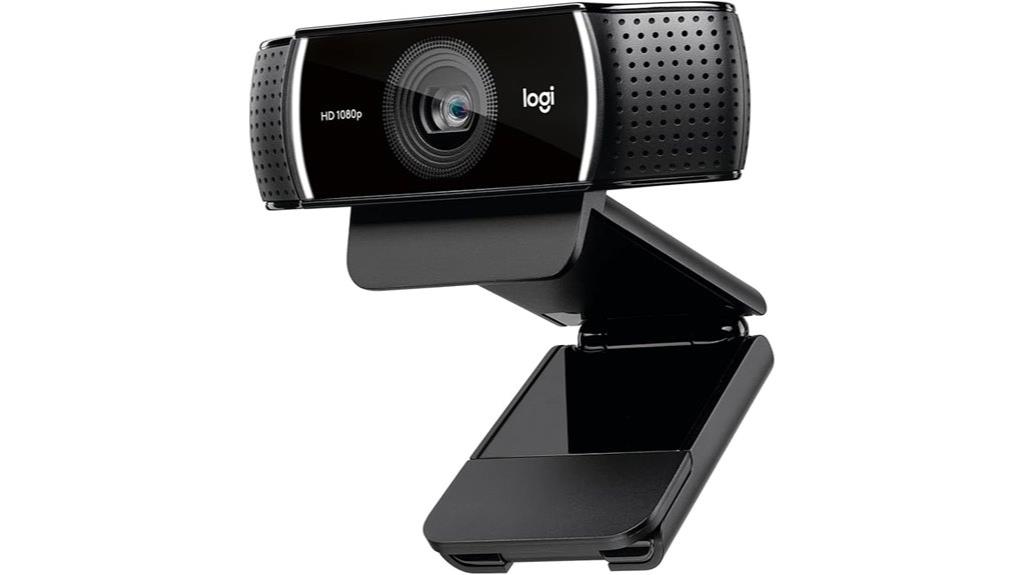
For content creators, streamers, and remote workers who need versatile, high-quality video, the Logitech C922x HD Pro Webcam stands out with its impressive Full HD 1080p recording at 30 fps and smooth 720p at 60 fps. It’s compatible with popular platforms like Microsoft Teams, Google Meet, Zoom, and even Nintendo Switch 2’s GameChat mode. The webcam delivers bright, sharp images with vibrant colors, even in low-light conditions, thanks to HD light correction and autofocus. Its stereo microphones capture natural sound, making it ideal for streaming, video calls, or gaming. Plus, the included software and background removal options add extra value for content creators.
Best For: content creators, streamers, and remote workers seeking high-quality, versatile video for streaming, conferencing, and gaming.
Pros:
- Delivers Full HD 1080p recording at 30 fps and smooth 720p at 60 fps for flexible video quality options
- Produces bright, sharp images with vibrant colors even in low-light conditions, thanks to HD light correction and autofocus
- Includes stereo microphones for natural, clear audio and software for background removal and editing
Cons:
- No built-in privacy shutter for physical privacy control
- Requires external software for advanced features like background removal, which may need additional setup
- Compatibility may vary with certain devices or platforms outside supported ones like Nintendo Switch 2, Mac, and desktops
Lenovo Full HD Webcam with Dual Microphones
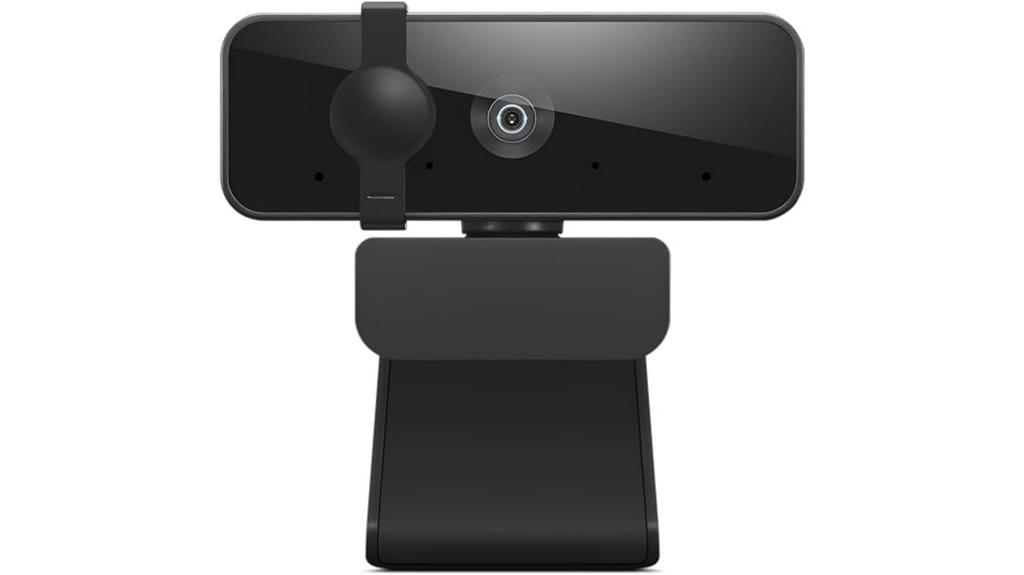
If you’re looking for a webcam that combines sharp video quality with clear audio, the Lenovo Full HD Webcam with Dual Microphones is an excellent choice. It offers 1080p resolution at 30 fps with an ultra-wide 95° lens, providing expansive and detailed visuals. The dual built-in stereo microphones ensure your voice sounds natural and clear from all directions, perfect for meetings or streaming. Its flexible mounting, tilt, and 360-degree rotation make setup easy in any environment. Plus, it’s a plug-and-play device compatible with Windows and Mac, requiring no drivers. At just under 5 ounces, it’s portable and straightforward to use for professional or personal calls.
Best For: professionals, streamers, and remote workers seeking high-quality video and clear audio for video conferencing, streaming, or recording.
Pros:
- High-resolution 1080p video at 30 fps with an ultra-wide 95° lens for expansive views
- Dual stereo microphones provide clear, natural sound from all directions
- Flexible mounting options with tilt and 360° rotation, plus easy plug-and-play setup for Windows and Mac
Cons:
- No built-in privacy shutter, requiring manual privacy measures when not in use
- Slightly larger size may be less discreet compared to compact webcams
- Limited to USB 2.0 connection, which may be slower than newer standards in some setups
Webcam Full HD 1080P with Microphone & Tripod
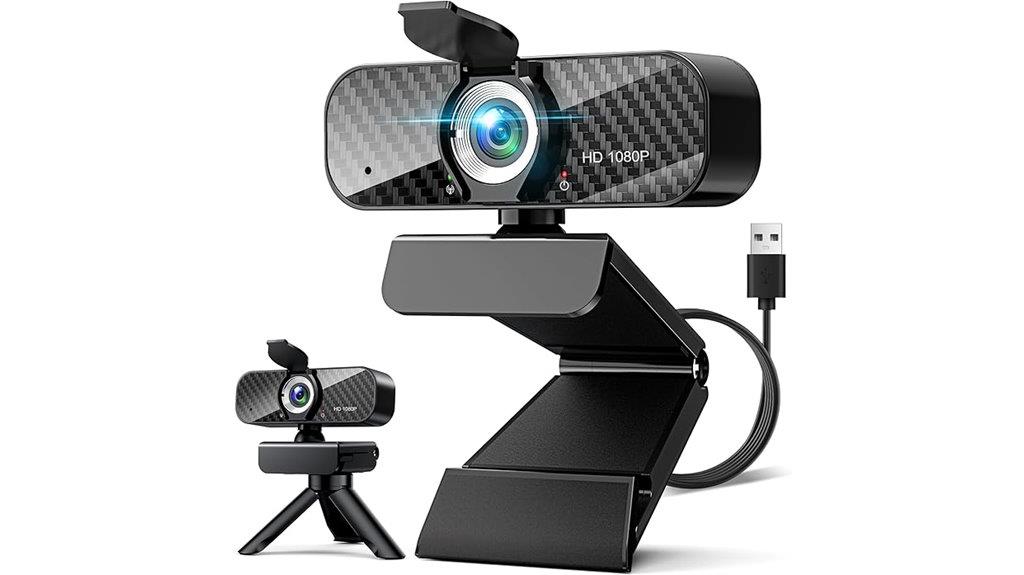
A webcam with Full HD 1080P resolution, built-in microphone, and adjustable tripod offers a versatile solution for anyone seeking professional-quality video streaming or conferencing. Its crisp image quality and wide-angle lens ensure clear visuals at 30fps, perfect for work or gaming. The noise-canceling microphone delivers clear audio, while the privacy cover safeguards your lens when not in use. Equipped with automatic light correction, it adjusts to different lighting conditions for excellent image quality. Easy to set up with a plug-and-play design, a 5-foot USB cable, and a 360° rotatable lens, it’s compatible with most platforms and ideal for various applications.
Best For: professionals, streamers, and gamers seeking high-quality, easy-to-use webcam for video conferencing, streaming, and recording.
Pros:
- Crisp Full HD 1080P video quality with smooth 30fps performance
- Built-in noise-canceling microphone for clear audio capture
- Easy plug-and-play setup with adjustable tripod and 360° rotatable lens
Cons:
- May require a USB port with sufficient power for optimal performance
- No advanced features like 4K resolution or autofocus included
- Compatibility might vary slightly with older operating systems or certain platforms
Webcam HD 1080p with Stereo Microphone for Streaming and Video Calls
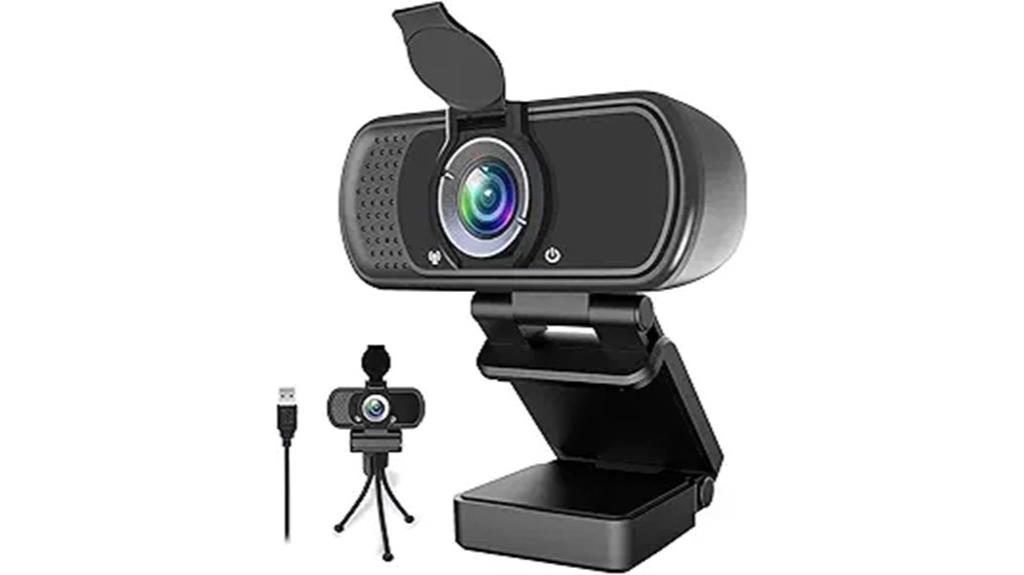
The Webcam HD 1080p with Stereo Microphone stands out as an excellent choice for streamers, remote workers, and content creators who need high-quality video and clear audio. Its 1080p resolution delivers crisp images at 30 frames per second, making it perfect for detailed tutorials and streaming. The wide 110-degree angle and autofocus provide expansive coverage and sharp focus. With a built-in stereo microphone and auto noise reduction, audio is clear even from three meters away. It’s compatible with Windows, Mac, Android TV, and popular platforms like OBS, Skype, and Twitch. Easy to set up with a plug-and-play design, it also includes privacy features for security.
Best For: content creators, streamers, and remote workers seeking high-quality 1080p video and clear audio for streaming, conferencing, and recording.
Pros:
- Delivers crisp 1080p resolution at 30 fps for detailed video quality
- Wide 110-degree angle lens with autofocus for expansive coverage and sharp images
- Built-in stereo microphone with auto noise reduction ensures clear sound up to 3 meters
Cons:
- Fixed focus lens may require adjustments for close-up shots
- Requires USB connection; no wireless or Bluetooth option
- External lighting may still be needed in very low-light environments
NexiGo N60 1080P Webcam with Microphone
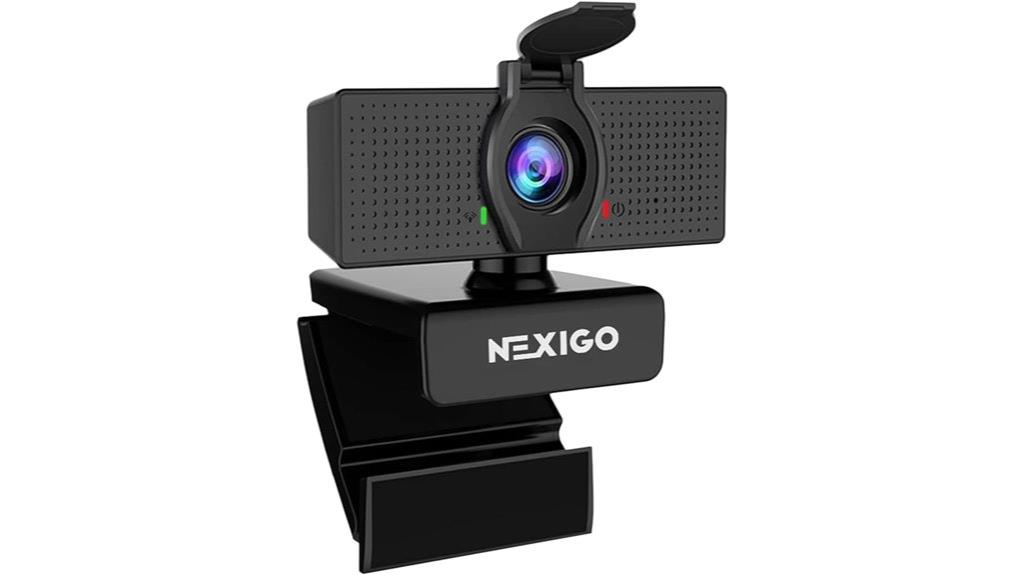
For anyone seeking a reliable webcam for professional video calls or streaming, the NexiGo N60 1080P Webcam with Microphone stands out with its sharp 1080p resolution and built-in noise-canceling microphone. It features a 2MP CMOS sensor and a 3.6mm glass lens optimized for indoor distances up to 13 feet, delivering clear, detailed video at 30fps. It’s compatible with USB 2.0/3.0 without extra drivers, making setup quick and easy. The noise-canceling microphone enhances audio clarity, perfect for conferencing or streaming. Plus, the privacy cover adds security when not in use. It’s a solid choice for anyone needing dependable, high-quality video and audio.
Best For: individuals and professionals seeking a reliable, easy-to-set-up webcam for high-quality video calls, streaming, and recording in indoor environments.
Pros:
- Sharp 1080p Full HD video at 30fps with a 2MP CMOS sensor and optimized lens
- Plug-and-play compatibility with USB 2.0/3.0 without needing additional drivers
- Built-in noise-canceling microphone and privacy cover for enhanced security and audio clarity
Cons:
- Not compatible with gaming consoles like Xbox, PS4, or PS5
- Designed primarily for indoor use; may not perform well in low-light or outdoor settings
- Firmware updates might be needed to resolve potential audio delay issues
Lenovo HD 1080p Webcam with Wide Angle and Privacy Shutter
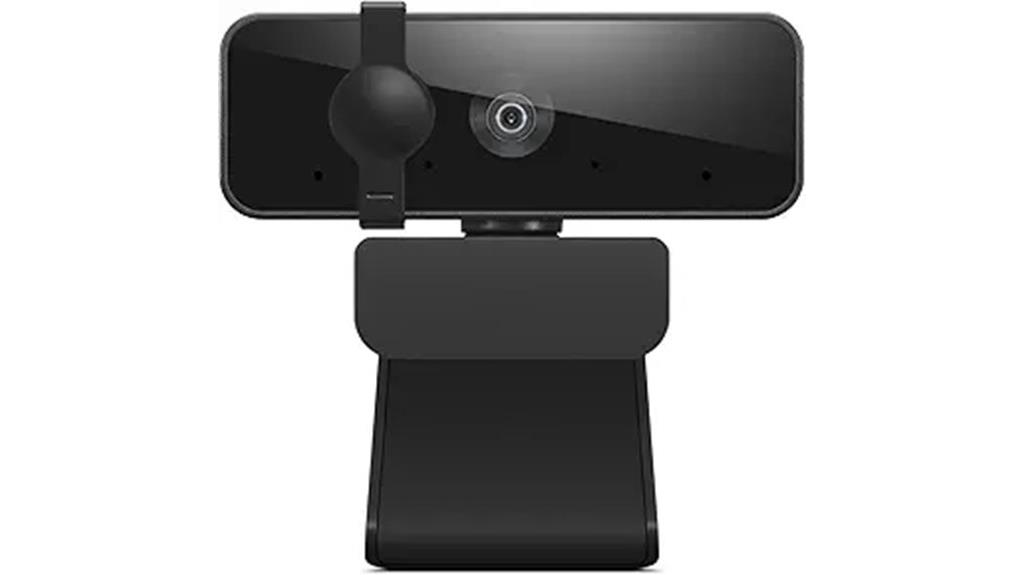
If you need a webcam that combines clear video quality with versatile adjustment options, the Lenovo HD 1080p Webcam is a smart choice. It delivers sharp Full HD 1080p visuals at 30fps, thanks to its 2.1-megapixel CMOS sensor. The 95-degree wide-angle lens captures more of your surroundings, perfect for video calls or streaming. Its flexible tilt and 360-degree rotation let you easily find the perfect angle. Dual stereo microphones ensure crisp audio, while the built-in privacy shutter adds security. With simple USB plug-and-play setup and broad compatibility, this webcam offers a reliable, user-friendly option for professional and casual use alike.
Best For: users seeking a high-quality, versatile webcam for professional meetings, streaming, or content creation with easy setup and adjustable angles.
Pros:
- Sharp Full HD 1080p video quality at 30fps for clear visuals
- Flexible tilt and 360-degree rotation for customizable angles
- Built-in privacy shutter enhances security and peace of mind
Cons:
- May require USB 2.0 port for optimal performance
- Limited to USB connectivity, lacking wireless options
- Slightly bulky design compared to more compact webcams
ToLuLu 1080P Webcam with Microphone
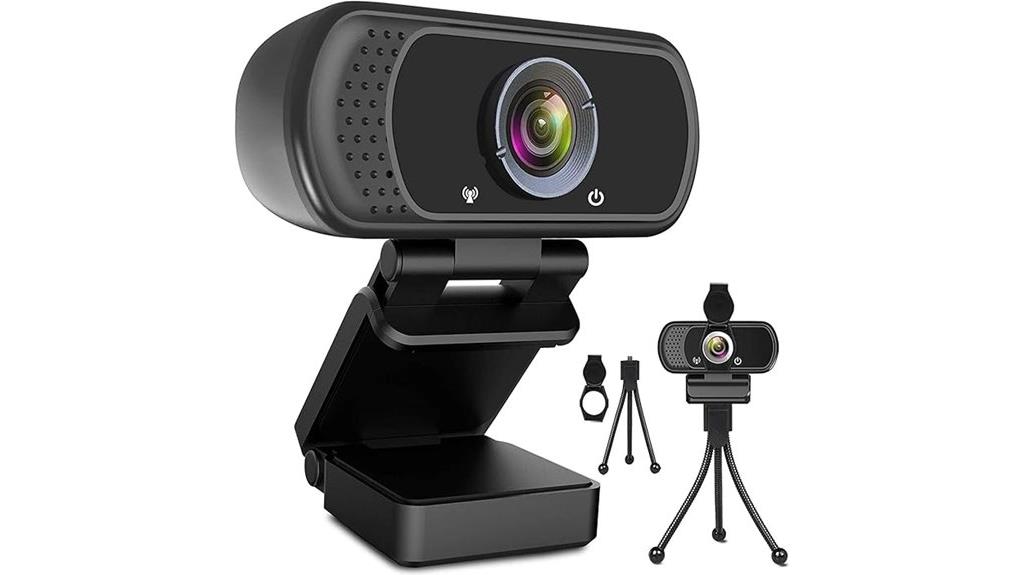
Looking for a webcam that combines professional-quality image and clear audio in a simple setup? The ToLuLu 1080P Webcam with Microphone is an excellent choice. It offers crisp 1080p full HD video at 30 fps, with a glass lens, automatic light correction, HDR, and facial enhancement for natural, vibrant images. Its built-in stereo microphone captures sound clearly up to 10 feet away, perfect for calls and streaming. The plug-and-play design works seamlessly across devices and platforms, while the privacy cover and tripod stand add security and flexibility. This webcam is ideal for professional video calls, online teaching, and live streaming.
Best For: professionals, educators, streamers, and remote workers seeking high-quality video and clear audio with easy setup.
Pros:
- Delivers crisp 1080p full HD video at 30 fps with professional features like HDR and facial enhancement.
- Built-in stereo microphone provides clear sound up to 10 feet, ideal for calls and streaming.
- Plug-and-play design ensures quick setup across various devices and operating systems.
Cons:
- Fixed focus lens may require repositioning for different distances, limiting zoom flexibility.
- The wide 110-degree angle could capture more background than desired in small spaces.
- No adjustable or zoom features, which might be a downside for users needing more control over framing.
EMEET NOVA 4K Webcam for PC
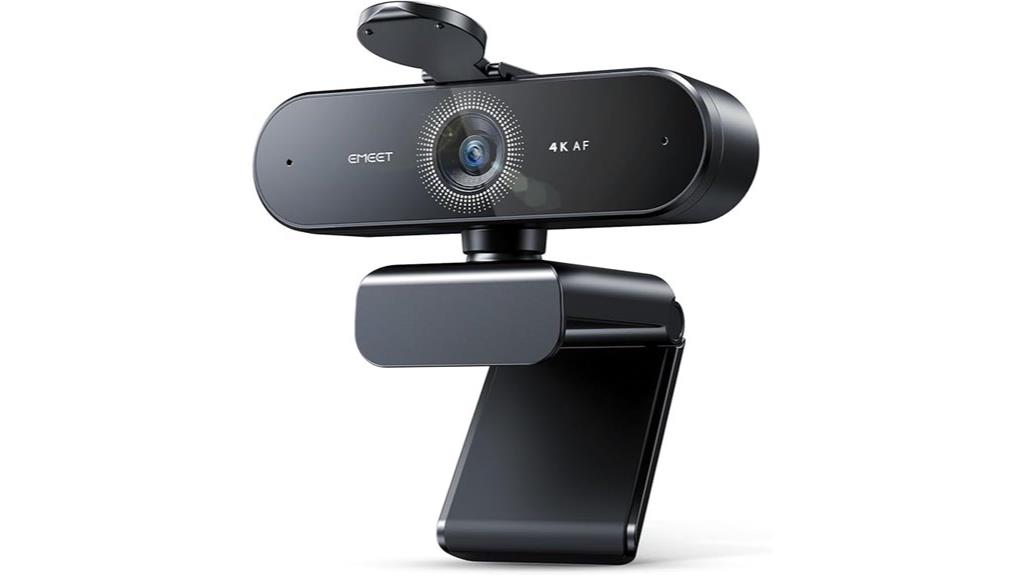
The EMEET NOVA 4K Webcam stands out as an excellent choice for professionals and content creators who demand high-quality video. Its 4K resolution at 30FPS, combined with a CMOS sensor, delivers sharp, detailed images perfect for business meetings, streaming, and online education. Automatic light correction and a fixed 73° FOV ensure balanced visuals, while the PDAF autofocus keeps images crisp from 7.9 to 118 inches. With built-in noise-canceling microphones, clear audio is guaranteed. Plug-and-play via USB, it’s compatible with Windows, macOS, and Android. The versatile design includes a privacy cover, adjustable rotation, and tripod compatibility, making it a flexible, secure, and professional webcam choice.
Best For: professionals, educators, and content creators seeking high-quality, secure, and versatile 4K video with clear audio for meetings, streaming, or online teaching.
Pros:
- Delivers crisp 4K resolution at 30FPS with automatic light correction for balanced visuals
- Equipped with noise-cancelling microphones for clear audio up to 8 feet
- Plug-and-play compatibility with multiple operating systems and various video conferencing platforms
Cons:
- Defaults to 1080P and requires software adjustments to switch to 4K resolution
- No facial tracking or adjustable FOV beyond fixed 73° setting
- Manual focus is unsupported, limiting fine-tuning of image sharpness
HP 320 FHD Webcam with Microphone and Privacy Cover
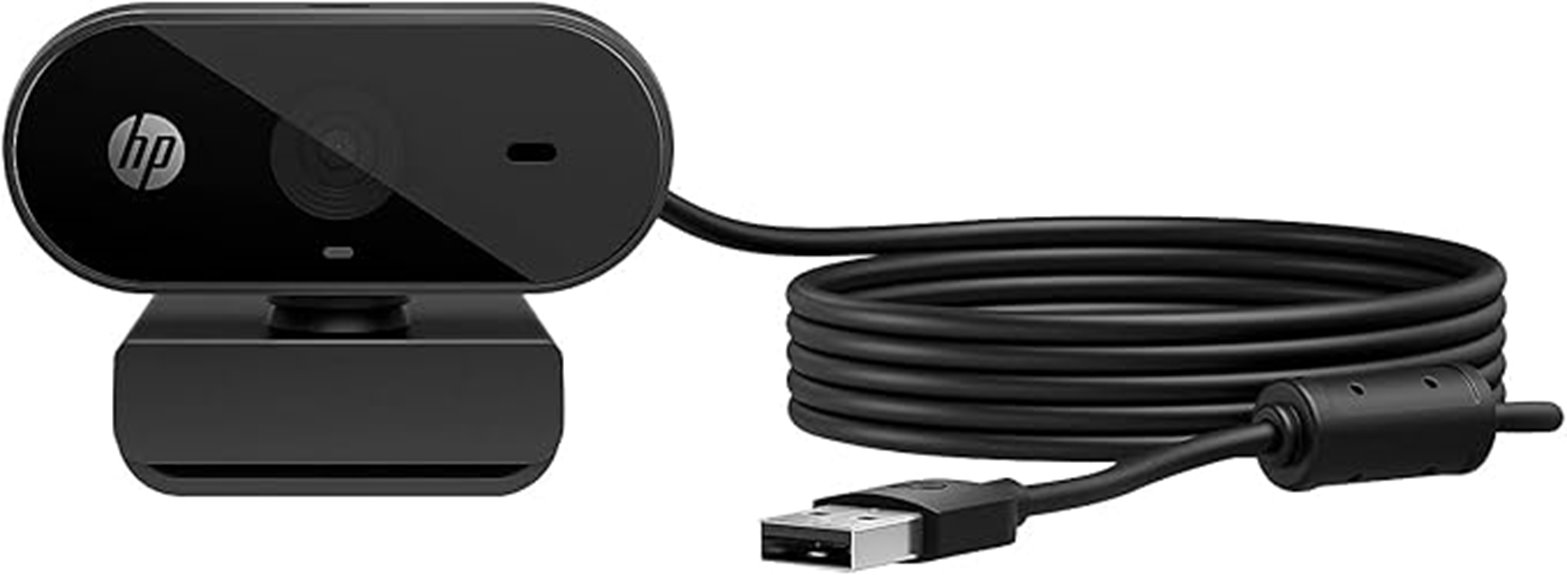
For anyone seeking a reliable webcam that delivers sharp 1080p video and easy security, the HP 320 FHD Webcam with Microphone and Privacy Cover is an excellent choice. It offers a wide 66-degree field of view, auto-adjusts to lighting, and connects effortlessly via USB-A. The manual privacy cover with a red LED indicator guarantees your privacy when needed. Compatible with popular platforms like Zoom, Teams, and Google Meet, it supports desktops, laptops, and Chromebooks. Its compact design, adjustable angles, and tripod support make setup flexible and portable. Overall, it combines straightforward use with dependable Full HD quality for professional and casual video calls.
Best For: individuals seeking an easy-to-use, reliable webcam for professional or casual video calls across multiple platforms, including Zoom, Teams, and Google Meet.
Pros:
- Sharp 1080p Full HD video quality with wide 66-degree FOV for natural conversations
- Easy plug-and-play setup via USB-A with auto light adjustment for versatile use
- Secure manual privacy cover with LED indicator enhances user privacy and security
Cons:
- Tripod mount is not included, requiring an additional purchase for tripod use
- Lacks advanced features like autofocus or built-in microphone with noise cancellation
- Compatibility with some third-party software may vary, requiring manual configuration
Logitech Brio 301 Full HD Webcam with Auto Light Correction
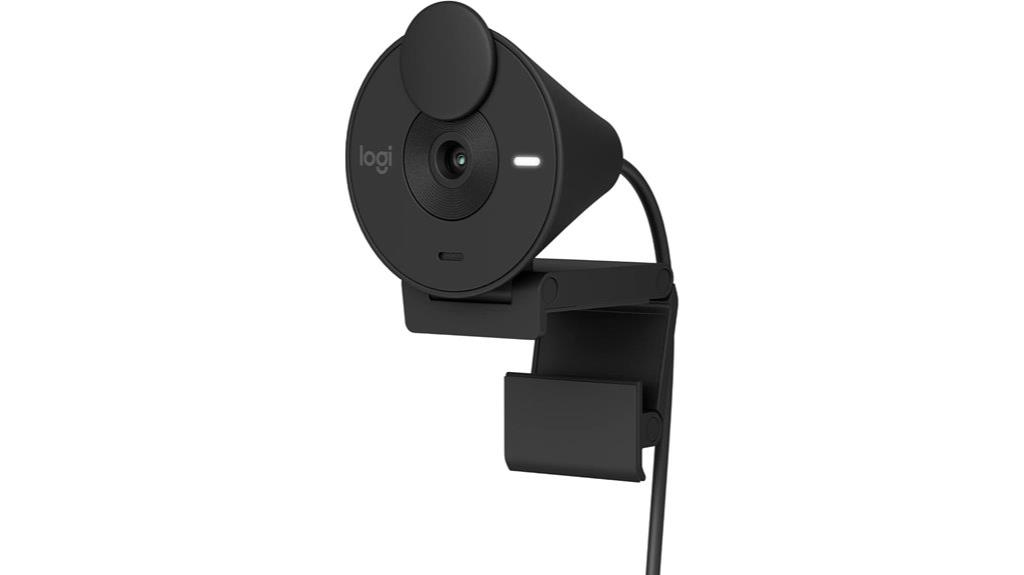
If you want a webcam that automatically adjusts to poor lighting conditions, the Logitech Brio 301 Full HD Webcam with Auto Light Correction is an excellent choice. It offers 1080p resolution for clear, natural images and works seamlessly with major platforms like Zoom, Microsoft Teams, and Google Meet. The Auto Light Correction feature with RightLight 2 technology guarantees you stay visible even in dim environments. Plus, it has a noise-reducing microphone for crisp audio and a privacy shutter for security. Customization options via the Logi Tune app let you tweak settings, making it versatile for both professional and casual use.
Best For: users seeking a high-quality, versatile webcam that automatically adjusts to lighting conditions for professional or casual video calls.
Pros:
- 1080p Full HD resolution delivers clear, natural image quality.
- Auto Light Correction with RightLight 2 technology ensures visibility in poor lighting.
- Compatible with major platforms like Zoom, Microsoft Teams, Google Meet, and gaming consoles.
Cons:
- Limited advanced features compared to higher-end webcams.
- May require the Logi Tune app for full customization, which could be an extra step for some users.
- The privacy shutter, while effective, may be less durable over time with frequent use.
Factors to Consider When Choosing a Webcam Full HD
When selecting a Full HD webcam, I look at resolution standards to guarantee clear video quality and frame rate performance for smooth motion. I also consider low-light capabilities and built-in microphone quality to improve overall communication, along with privacy features for security. These factors help me find a webcam that meets my needs without sacrificing performance or safety.
Resolution Quality Standards
Choosing the right Full HD webcam involves understanding several key resolution quality standards. At the core, 1920×1080 pixels is the standard for sharp, clear video. But resolution alone isn’t enough; the quality of the lens and image sensor also plays a vital role in delivering accurate colors and crisp details. A higher frame rate, like 30fps or 60fps, makes motion smoother, though that’s a different aspect I’ll discuss later. Additionally, advanced light correction technologies help maintain image quality in low-light or tricky conditions. When selecting a webcam, it’s important to match the resolution standards with your intended use—whether for streaming, video calls, or content creation—to ensure your video looks professional and engaging.
Frame Rate Performance
Frame rate performance considerably impacts the smoothness and clarity of your videos. A higher frame rate, like 60fps, delivers more fluid motion, which is essential for fast-paced gaming or dynamic content. Most webcams default to 30fps, providing clear, natural video suitable for everyday calls. However, some models support 60fps, offering a more seamless visual experience. Keep in mind, higher frame rates demand more processing power and bandwidth, so your hardware needs to keep up. When streaming or recording, a consistent and reliable frame rate guarantees professional-quality output without jitters or lag. Ultimately, the best frame rate depends on your use: 30fps works well for standard video calls, while 60fps is ideal for gaming and detailed recordings.
Low-Light Capability
To get clear, detailed video in dim environments, you’ll want a webcam with strong low-light capabilities. These webcams use advanced sensors and image processing tech, like automatic light correction and HDR, to brighten images and improve color accuracy in low-light settings. Features such as built-in LEDs or adjustable brightness help enhance image quality without extra lighting. Larger sensors and wider apertures are common in high-performing models, allowing more light to reach the lens and producing sharper, more detailed footage. Effective low-light performance is essential for maintaining quality during indoor or poorly lit calls and streaming sessions. By prioritizing these features, you can make certain your video remains clear and vibrant, even when the lighting isn’t ideal.
Built-In Microphone Quality
When selecting a Full HD webcam, paying attention to the built-in microphone quality is essential because clear audio is just as important as sharp video. High-quality webcams often include dual stereo microphones, delivering natural, balanced sound during calls. Look for models with noise reduction technology, which minimizes background noise for clearer communication. The pickup range varies—some microphones capture audio from several feet away, ideal for larger rooms or group calls. Microphone quality depends on factors like frequency response, sensitivity, and signal-to-noise ratio, all of which influence audio fidelity. An integrated microphone simplifies setup by eliminating external devices and guarantees synchronized audio and video, providing a seamless communication experience. Prioritizing these features makes your video calls more professional and engaging.
Privacy Features Included
Privacy features are essential when choosing a Full HD webcam because they protect your security and provide peace of mind. I look for webcams with built-in privacy shutters or physical covers that can be quickly closed or opened. These features give me instant control over my camera’s visibility, especially when I’m not using it. A privacy shutter acts as a barrier, preventing unauthorized access and reducing the risk of hacking or spying. Physical covers are also a great option, allowing me to block the lens during sensitive conversations or private moments. Overall, privacy features enhance my security and confidence, particularly in shared or insecure environments. They’re an important consideration to ensure my video calls remain private and my personal data stays protected.
Compatibility With Devices
Choosing a Full HD webcam isn’t just about picture quality; it’s also about ensuring it works smoothly with your devices. First, I check that it’s compatible with my operating system—Windows, Mac, or Linux—to avoid setup headaches. I also verify that my computer’s connection type, like USB-A, USB-C, or Thunderbolt, matches the webcam’s port. Compatibility with my preferred video platforms, such as Zoom, Teams, or OBS, is essential for seamless calls and streaming. If I game, I confirm it works with my console, like Nintendo Switch 2. Features like auto light correction and autofocus are helpful, as they improve video quality across different environments and device types. Ensuring compatibility saves time and guarantees a smooth, hassle-free experience.
Ease of Setup
A full HD webcam that’s easy to set up can save you time and frustration from the start. Look for a plug-and-play design, which means you can connect it and get going without installing extra software or drivers. Compatibility with Windows, Mac, and Chrome OS makes installation straightforward across devices. Features like automatic light correction and autofocus help simplify setup by reducing manual adjustments, ensuring you get clear video right away. Flexible mounting options and adjustable angles make it easy to position the webcam for the best shot without hassle. Plus, a built-in privacy cover or shutter can quickly secure or reveal the lens, giving you peace of mind and convenience. Overall, an intuitive, fuss-free setup enhances your experience from the first moment.
Mounting and Flexibility
To get the best framing and positioning, you’ll want a webcam with flexible mounting options that can adapt to your environment. Look for models with adjustable tilt, rotation, or swivel features to easily fine-tune the angle and orientation. Compatibility with standard tripods or mounting brackets adds versatility, letting you set up in different spaces or with various devices. A wide range of motion, like 360-degree rotation or 180-degree tilt, ensures you can achieve the perfect shot from any position. It’s also important that the attachment mechanism is secure to prevent slipping or movement during use. This stability keeps your framing consistent and focus sharp, so you look professional and well-presented during every call.
Frequently Asked Questions
How Do Webcams Perform in Low-Light Conditions?
Webcams can struggle in low-light conditions, but many now feature enhanced sensors and built-in lights that improve performance. I’ve found that webcams with automatic light correction and wide aperture lenses do a much better job of capturing clear, bright images even in dim settings. Using additional lighting or adjusting your room’s brightness can also make a big difference. Ultimately, selecting a webcam with good low-light capabilities helps guarantee your video remains sharp and professional.
What Is the Typical Lifespan of a Full HD Webcam?
A typical full HD webcam lasts about 3 to 5 years with regular use. I find that their lifespan depends on factors like build quality, usage frequency, and maintenance. If I keep the lens clean and avoid rough handling, I can extend its lifespan. Eventually, hardware components may wear out or become outdated, prompting me to upgrade for better features or improved performance.
Are There Compatibility Issues With Different Operating Systems?
While most modern webcams are designed to play nicely with various operating systems, you might find a few that favor one over another. I recommend checking the manufacturer’s compatibility list to avoid surprises. Usually, plug-and-play features work smoothly, but occasional driver updates can help maintain seamless operation. If you’re cautious about compatibility, opting for well-known brands ensures your webcam works effortlessly with your OS, making your video calls crystal clear.
How Important Is Frame Rate for Video Quality?
Frame rate is pretty important for video quality because it determines how smooth your video appears. I’ve noticed that higher frame rates, like 30 or 60 fps, make movements look more natural and reduce choppiness. If you’re into video calls or streaming, a good frame rate can really enhance the experience, making conversations feel more seamless and professional. So, don’t overlook it when choosing a webcam!
Can Webcams Be Easily Upgraded or Replaced in Setups?
Think of your webcam setup like upgrading your car’s stereo—it’s usually straightforward. I find that most webcams can be easily swapped out or upgraded with minimal fuss, thanks to universal mounts and simple USB connections. Whether you’re upgrading for better quality or replacing a malfunctioning unit, it’s generally a quick process. Just like changing a stereo, a few simple steps and you’re good to go with your new camera.
Conclusion
Choosing the right webcam is like finding the perfect lens for a camera—clear, reliable, and captures your best side. I once struggled with blurry video during an important call, feeling like I was peering through foggy glass. Since then, investing in a quality Full HD webcam transformed my meetings into crisp, professional conversations. Remember, the right choice can make your digital presence shine just like a perfectly focused shot.