

When working remotely, it’s important to stay professional during video calls and emails. Test your tech beforehand, dress neatly, and choose a quiet, tidy space for meetings. Look into the camera, smile, and maintain good eye contact to connect better. Keep emails clear, concise, and polite, proofread carefully, and respond promptly. Respect others’ boundaries by avoiding interruptions and managing background noise. Continuing with these tips will help you communicate confidently and respectfully in virtual environments.
Play games included with Prime
Start a Prime free trial and play with Amazon Luna on your devices.
As an affiliate, we earn on qualifying purchases.
Key Takeaways
- Test equipment and choose a tidy, quiet space before video calls to ensure professionalism and minimize distractions.
- Dress neatly and wear simple clothing to maintain a professional appearance on camera.
- Use clear, concise language and proofread emails to communicate effectively and avoid misunderstandings.
- Respond promptly and politely to messages, respecting colleagues’ boundaries and work hours.
- Maintain eye contact by looking into the camera and minimize background noise for better virtual engagement.
Preparing for Effective Video Calls

To guarantee your video calls run smoothly, proper preparation is essential. Start by testing your equipment beforehand, ensuring your camera, microphone, and internet connection work perfectly. This proactive approach helps avoid awkward pauses or tech troubleshooting mid-call. Think of virtual handshakes—making eye contact and smiling—to establish rapport early. Choose a quiet, well-lit space free from distractions to project professionalism. Close unnecessary apps to boost your device’s performance and avoid interruptions. Prepare your notes or agenda in advance so you’re ready to contribute confidently. Keep your background tidy and neutral. Familiarize yourself with the video platform’s features, like muting and screen sharing, to navigate seamlessly. Being well-prepared sets the tone for a productive, professional virtual meeting. Additionally, understanding video call etiquette helps foster clear communication and respectful interactions throughout the meeting. Remember that the quality of your audio and video can significantly impact the overall effectiveness of your communication. Paying attention to non-verbal cues is also crucial for maintaining engagement and clarity during the call. Incorporating effective communication strategies can further enhance your virtual interactions and ensure your message is received clearly. Moreover, being aware of privacy and security considerations helps protect sensitive information during your calls.
Maintaining Professionalism During Virtual Meetings
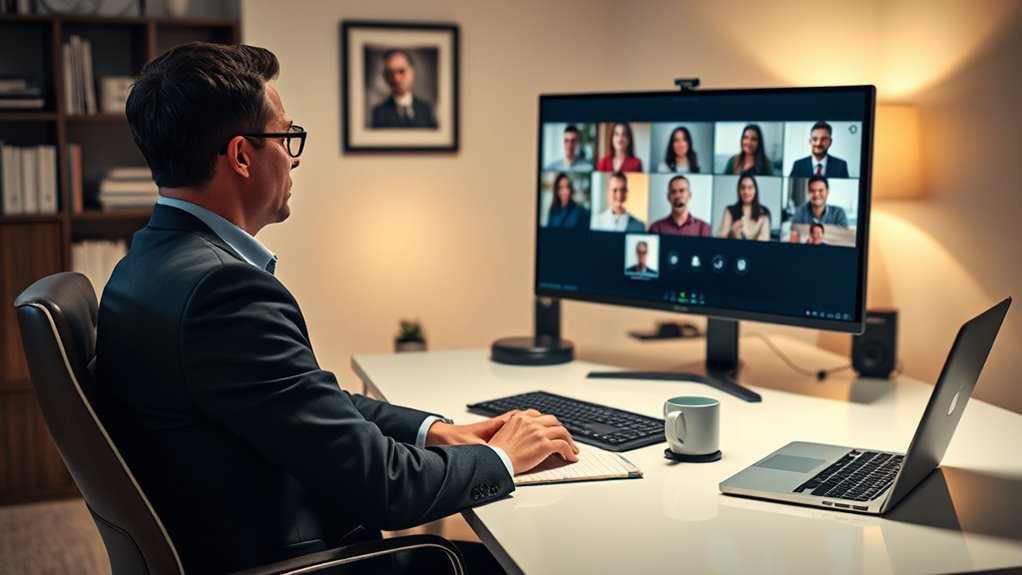
During virtual meetings, staying professional is key to making a good impression. You should dress appropriately on camera, maintain eye contact regularly, and keep distractions to a minimum. These simple actions help guarantee your presence is focused and respectful of everyone’s time. Additionally, being aware of customer service standards can enhance your professionalism and foster positive interactions. Being familiar with safety checklists related to your environment can also prevent accidents and ensure a secure virtual workspace. Incorporating load‑planning tools to organize your equipment and setup can further improve your virtual meeting experience and safety. Familiarity with European cloud innovation initiatives can inspire you to integrate sustainable and secure technology solutions into your remote workspace, promoting efficiency and professionalism. Understanding modern kitchen technology concepts can also inspire innovative approaches to your workspace setup, promoting efficiency and a professional appearance.
Dress Appropriately On Camera
When participating in virtual meetings, dressing appropriately on camera is essential to maintaining a professional image. Even if your workplace allows casual attire, choose clothing that looks neat and presentable. Avoid overly casual items like tank tops or pajamas, as they can undermine your professionalism. Instead, opt for simple, solid-colored tops that are comfortable yet polished. Pay attention to your accessories choices; keep jewelry minimal and avoid noisy or distracting pieces. Well-chosen accessories can complement your look without drawing attention away from the conversation. Remember, your appearance on camera influences how colleagues perceive your professionalism. Dressing thoughtfully shows respect for the meeting and enhances your credibility, helping you stay focused and engaged throughout your virtual interactions.
Maintain Eye Contact Regularly
Maintaining eye contact during virtual meetings helps you stay engaged and project confidence. Look directly into your camera rather than at the screen to simulate eye contact, which fosters connection and trust. Use engagement techniques like nodding and smiling occasionally to show attentiveness and encourage others. Avoid looking away or checking your phone, as it signals disinterest. Keep your focus on the conversation by maintaining steady eye contact, but don’t stare fixedly—natural breaks are okay. Regular eye contact helps convey professionalism and ensures your colleagues feel heard and valued. Practice these engagement techniques to enhance your virtual presence, making meetings more effective and collaborative. Additionally, incorporating free floating gestures can make your communication more dynamic and personable. Being aware of video call etiquette and adhering to best practices can significantly improve your remote interactions. Remember, consistent eye contact is a simple yet powerful way to demonstrate that you’re fully present.
Minimize Distractions Throughout
Keeping your focus during virtual meetings requires more than just good eye contact; it also means minimizing distractions that can pull your attention away. Background noise can be disruptive, so choose a quiet space and use headphones with a microphone to block out unnecessary sounds. Physical distractions, like cluttered desks or moving around, can also divert your attention and appear unprofessional. Before the call, tidy your workspace and position your camera at eye level to stay engaged. Turn off notifications and silence your phone to avoid interruptions. Staying mindful of your environment helps you maintain professionalism and fully participate in discussions. By actively reducing background noise and physical distractions, you demonstrate respect for others’ time and enhance the meeting’s effectiveness. Embracing practical mindfulness techniques can help you stay present and focused in virtual settings. Additionally, understanding deep-sky imaging principles can inspire you to develop patience and attention to detail, skills that are equally valuable in virtual communication.
Communicating Clearly and Concisely via Email
When emailing colleagues, use clear language to make sure your message is understood. Keep your emails concise and direct, avoiding unnecessary details. Always proofread before sending to catch errors and improve clarity. Be mindful of passive voice usage to ensure your writing is active and engaging. Additionally, being aware of email etiquette can help maintain professionalism and foster better communication. To enhance your writing, consider using tools that help you detect and correct passive voice effortlessly. Selecting a reliable email platform can also improve your communication efficiency and security. Remember that choosing a breakfast spot with fresh ingredients can make your morning meal more enjoyable and nutritious.
Use Clear Language
Clear language is essential for effective email communication in a remote work setting. When you use clear, straightforward language, your messages are easier to understand, reducing the chances of confusion. Follow email etiquette guidelines by organizing your thoughts logically and avoiding jargon or ambiguous terms. This helps your colleagues grasp your intent quickly, which is especially important during virtual team building activities where clarity fosters collaboration. Be specific about what you need or expect, and double-check that your tone remains professional and respectful. Using clear language shows respect for your colleagues’ time and effort, helping to build trust and efficiency within your remote team. Ultimately, clarity in your emails ensures smoother communication and stronger team cohesion.
Be Concise and Direct
To communicate effectively via email in a remote work setting, you need to be concise and direct. Keep your message clear by sticking to the main point and avoiding unnecessary details. Use bullet points or numbered lists to organize complex information. Be mindful of your virtual backgrounds during video calls, but also guarantee your email tone remains professional and straightforward. Include a well-crafted email signature with your contact info and role to make your message easy to identify. Avoid long-winded sentences or ambiguous language that can cause confusion. Remember, busy colleagues appreciate brevity and clarity. Clearly understanding your communication goals helps ensure your message is both effective and respectful of everyone’s time. The goal is to make your emails easy to read and understand at a glance, saving everyone’s time and ensuring your message gets across effectively.
Proofread Before Sending
Before hitting send, take a moment to carefully proofread your email. Check for grammar mistakes that could undermine your professionalism or cause confusion. Guarantee your tone remains consistent throughout, as mixed or overly casual language can diminish clarity and respect. Reading your message aloud helps catch awkward phrasing or unclear sentences. Pay close attention to punctuation and sentence structure to improve readability. Confirm that your message clearly communicates your main point without unnecessary details or ambiguity. If needed, revise to make your language more precise and direct. By thoroughly proofreading, you demonstrate attention to detail and respect for your recipient’s time. A well-proofed email reflects professionalism and helps ensure your message is understood exactly as intended. Also, consider clarity and conciseness to enhance overall communication effectiveness.
Managing Backgrounds and Audio Quality
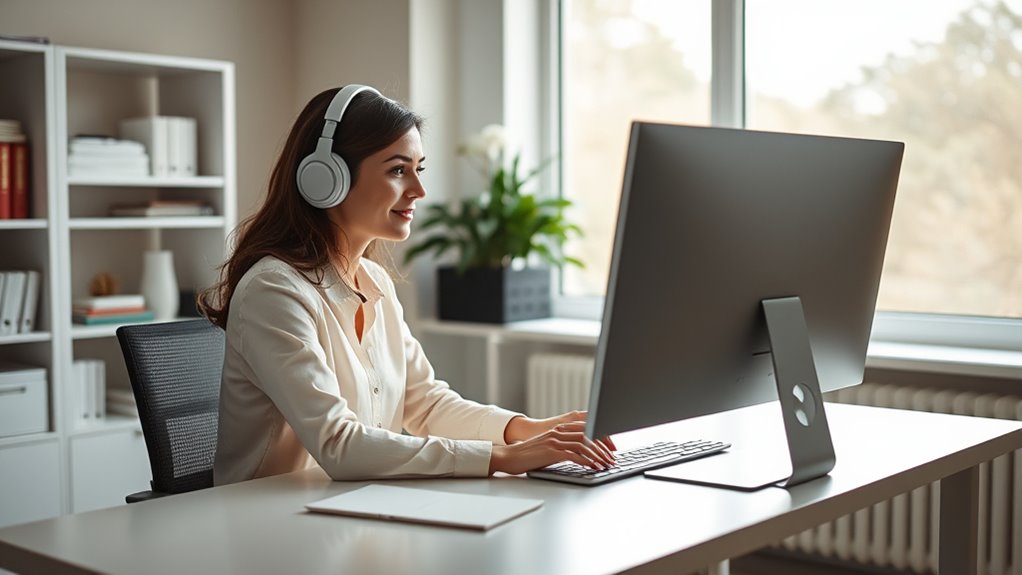
Ever wondered how your background and audio quality can impact your remote meetings? First, check that your background isn’t cluttered or distracting. A tidy, neutral background keeps the focus on you and shows professionalism. Consider using a virtual background if your space is messy or distracting. Good lighting also helps you appear clear and engaged. For outdoor adventures, understanding outdoor wisdom can help you better prepare for unexpected situations, just as good audio setup prepares you for effective communication. For audio clarity, use a quality microphone or headset, and test your sound before the call. Minimize background noise by closing windows, muting notifications, and choosing a quiet spot. Proper air purifier maintenance can also contribute to a healthier environment, reducing allergens and airborne irritants that might distract you during calls. Additionally, paying attention to audio settings ensures your microphone and speakers are optimized for clarity. Regularly checking your audio equipment helps prevent technical issues during important meetings. Clear audio and a neat background demonstrate respect for your colleagues’ time and help maintain a professional impression. Remember, your environment influences how seriously others take you during remote meetings.
Responding Promptly and Politely to Messages
Maintaining a professional image during remote work extends beyond your background and audio; how you communicate through messages matters just as much. Responding promptly shows respect for others’ time and helps keep projects on track. Use polite language to maintain a positive tone, even when addressing challenges. Prioritize timely responses, ideally within a few hours, to demonstrate reliability. Here’s a quick guide:
| Situation | Recommended Action | Tone |
|---|---|---|
| Quick questions | Reply within an hour | Polite and concise |
| Detailed updates | Acknowledge receipt and set a timeline | Respectful |
| Clarification needed | Ask politely and promptly | Friendly and clear |
Being prompt and polite keeps communication smooth and professional.
Respecting Others’ Time and Boundaries
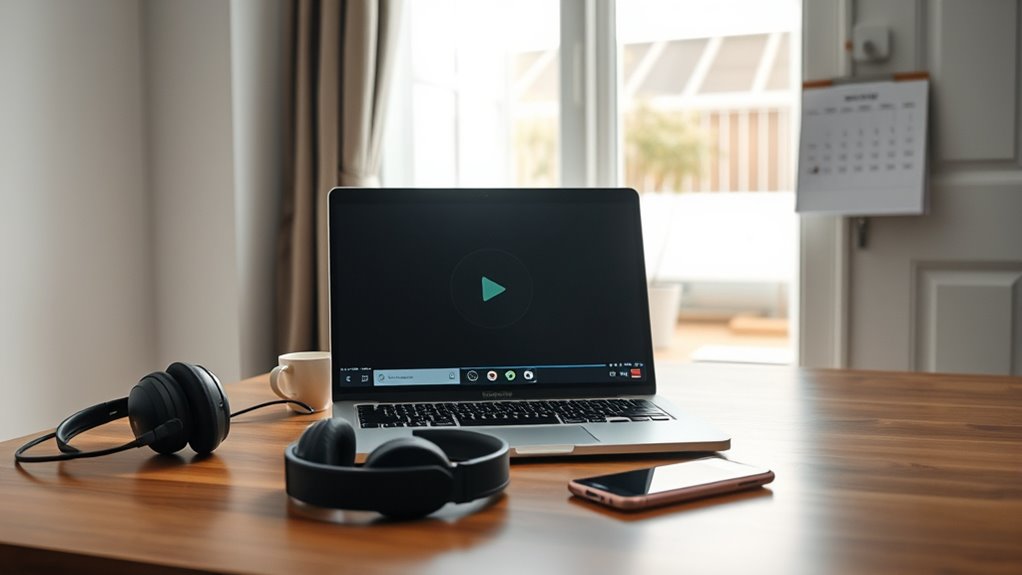
Respecting others’ time and boundaries is essential for a productive remote work environment. You should set clear boundaries to prevent burnout and ensure everyone’s well-being. Respecting boundaries means honoring colleagues’ working hours and avoiding unnecessary interruptions outside those times. When scheduling meetings or sending messages, be mindful of others’ availability, especially across different time zones. Avoid expecting immediate responses after hours or during weekends unless previously agreed upon. Communicate your own boundaries clearly so colleagues understand your limits. By setting boundaries and respecting those of others, you foster a respectful, efficient remote work culture. This approach encourages collaboration without overstepping personal limits, ultimately creating a healthier work environment for everyone involved.
Frequently Asked Questions
How Should I Handle Technical Issues During a Video Call?
When technical issues happen during a video call, you should stay calm and quickly try troubleshooting, like checking your internet connection or restarting your device. If problems persist, have backup plans ready, such as switching to a phone call or rescheduling. Communicate clearly with your team, inform them of the issue, and show you’re proactive in resolving it. This keeps the meeting productive despite any technical hiccups.
What Is the Best Way to Follow up After an Email?
To follow up effectively after an email, you should apply professional email etiquette by waiting a reasonable time before sending a gentle reminder. Keep your message concise, polite, and clear about what you need. Use effective follow-up strategies like referencing your previous email and expressing your continued interest. This shows respect for their time and increases your chances of getting a timely response, helping you maintain professionalism and build strong communication.
How Can I Ensure My Virtual Meetings Are Inclusive?
Ever wondered how to make your virtual meetings truly inclusive? You can guarantee virtual meeting accessibility by checking that all tech works for everyone and encouraging participation from all voices. Use inclusive language that respects diverse perspectives, and be mindful of different time zones and backgrounds. Ask for feedback on accessibility and adjust accordingly. With these steps, you create a space where everyone feels valued and heard.
What Attire Is Appropriate for Remote Video Meetings?
For remote video meetings, stick to a professional wardrobe that aligns with your company’s dress code guidelines. Opt for solid colors and neat, well-fitted clothing that looks polished on camera. Avoid overly casual or distracting attire, like graphic tees or wrinkled shirts. Dressing professionally helps you appear credible and respectful, fostering a positive virtual environment. Remember, your appearance sets the tone, so choose attire that reflects your role and the meeting’s purpose.
How Do I Address Distractions During a Virtual Call?
You should politely acknowledge distractions like background noise or side conversations, and then gently steer the conversation back on track. Use a calm tone to remind others to mute themselves when not speaking or ask if they can minimize background noise. If distractions persist, consider addressing them privately after the call. Staying patient and respectful helps maintain professionalism and guarantees everyone stays focused on the agenda.
Conclusion
So, next time you think about skipping the basics—like checking your background or replying promptly—remember, professionalism is just a click away. Ironically, these small details can make or break your remote reputation. It’s funny how paying attention to the little things often makes the biggest difference. After all, in the digital world, your manners and setup are what truly connect you—more than the Wi-Fi or the fancy gadgets.
Fall yard work Picks
leaf blowers
As an affiliate, we earn on qualifying purchases.