
Your display quality directly impacts how tired you feel during work. When your screen has high resolution, good contrast, and appropriate brightness, it reduces eye strain and helps you focus longer without headaches. Poor calibration or low refresh rates can cause flickering, leading to discomfort and fatigue. Ergonomic features like anti-glare coating and adjustable stands also support your comfort. Keep going to discover more ways these factors affect your workday energy and well-being.

Get comfort and recovery gear delivered free — and shop member deals
- Fast, free delivery on millions of items
- Access to Prime Big Deal Days deals on October 6–7
- Prime Video, Amazon Music and more included
Key Takeaways
- Poor display calibration and low contrast increase eye strain and visual discomfort during prolonged use.
- Low-resolution screens force more squinting, leading to fatigue and decreased focus.
- Inadequate brightness and contrast can cause inconsistent viewing, increasing mental fatigue.
- Flickering displays with low refresh rates contribute to headaches and tiredness.
- Lack of ergonomic features and glare reduction intensifies eye strain and reduces overall comfort.
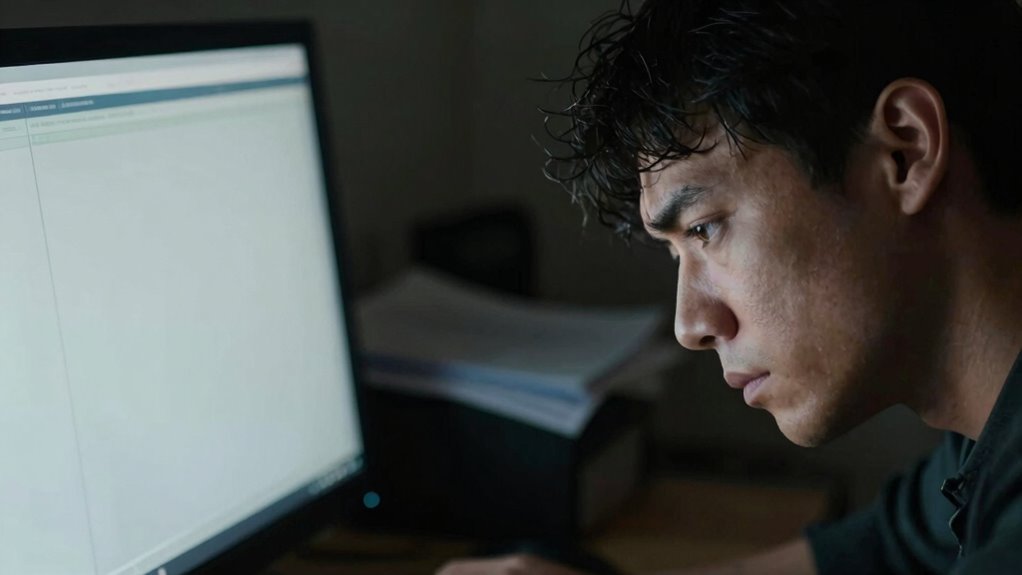
As most of us spend hours staring at screens during the workday, the quality of display technology can considerably impact our energy levels and overall fatigue. When you’re working long hours on a computer, factors like blue light emission and screen resolution play significant roles in how tired you feel by the end of the day. Blue light, which is emitted by most digital screens, can interfere with your natural sleep cycle if you’re exposed to it in excess. Even during working hours, prolonged exposure can cause eye strain, headaches, and a sense of mental fatigue that drags on throughout the day. By choosing displays with reduced blue light emissions or using blue light filters, you can help lessen these effects, making your workday less draining.
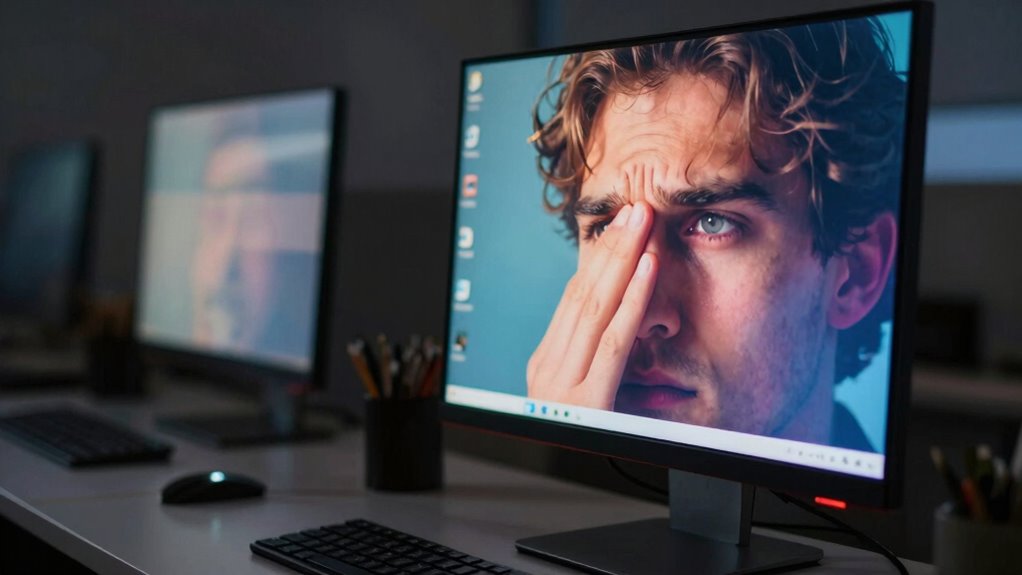
Screen resolution is another key element influencing your fatigue levels. A higher resolution provides sharper text and clear images, reducing the strain on your eyes. When your display isn’t sharp enough, your eyes need to work harder to focus, which can lead to discomfort and tiredness over time. Low-resolution screens may cause you to squint or strain to see details clearly, especially during long periods of work, amplifying fatigue. On the other hand, a high-resolution display allows your eyes to read and interpret information more comfortably, decreasing the effort required and helping you maintain focus longer without feeling exhausted. Additionally, the overall display quality, including factors like brightness, contrast, and refresh rate, directly impacts your comfort. Poorly calibrated screens with inconsistent brightness or low contrast can make it difficult to distinguish details, causing eye strain. A high refresh rate smooths out motion on the screen, reducing flickering that can contribute to eye fatigue and headaches. When you invest in a display with good quality, you may notice a significant reduction in daily tiredness, especially if your work involves staring at detailed graphics, lengthy documents, or multiple windows simultaneously. Moreover, selecting displays with proper connectivity options can enhance your overall experience by providing seamless integration with your devices and reducing lag that may contribute to visual discomfort. Properly calibrated displays can further minimize eye strain by ensuring color and brightness levels are optimized for your environment. It’s also beneficial to consider screen size to match your workspace and reduce unnecessary eye movement. To further protect your eyes, considering ergonomic features like adjustable stands and anti-glare coatings can make a substantial difference. Ultimately, your choice of display impacts your well-being just as much as your productivity. Paying attention to blue light levels and opting for high-resolution screens helps you avoid unnecessary eye strain and fatigue. It’s worth considering ergonomic and technological features that promote visual comfort, so you can stay alert and focused throughout your workday. Good display quality doesn’t just improve your work experience; it supports your overall health by reducing the physical toll of prolonged screen time.
As an affiliate, we earn on qualifying purchases.
Frequently Asked Questions
How Does Screen Brightness Impact Eye Strain?
Screen brightness directly impacts eye strain because excessive brightness can cause discomfort, especially with blue light exposure. When your screen is too bright, your eyes work harder to focus, leading to fatigue. Adjusting brightness to match your environment and using glare reduction techniques helps minimize blue light glare, reducing strain. Proper brightness levels guarantee your eyes stay comfortable, allowing you to work longer without discomfort.
Can Display Resolution Affect Mental Fatigue?
Your brain is like a sponge, soaking up every detail. A high-resolution display reduces eye strain and keeps mental fatigue at bay by providing clearer images and smoother visuals. Good display ergonomics and maintaining an appropriate viewing distance prevent unnecessary strain, helping you stay focused longer. When resolution is optimized, your mind isn’t working overtime to interpret blurry or pixelated images, so you stay sharper and more energized throughout your workday.
What Role Does Color Accuracy Play in Fatigue?
Color accuracy plays a significant role in reducing fatigue by ensuring visual consistency across your screen. When your display is color calibrated correctly, it minimizes eye strain caused by trying to interpret inconsistent or inaccurate colors. This consistency helps your eyes adjust more easily, reducing fatigue over long periods. Proper calibration also prevents color distortions that can lead to confusion or misinterpretation of information, keeping your focus sharp and your workday more comfortable.
Do Curved Screens Reduce Eye Strain?
Yes, curved screens can reduce eye strain by providing more natural viewing angles and minimizing distortion. To maximize this benefit, you should make ergonomic adjustments, such as adjusting screen placement to keep the display at eye level and at a comfortable distance. Proper screen placement helps reduce neck and eye fatigue, making it easier to focus during long work hours and improving overall comfort with curved screens.
How Does Screen Flickering Contribute to Tiredness?
Screen flickering causes tiredness because it makes your eyes work harder to focus and adjust, leading to fatigue. When flickering occurs, your eyes struggle to maintain a steady gaze, especially with high contrast ratios and exposure to blue light, which can worsen eye strain. Continuous flickering disrupts your visual comfort, making you feel more tired throughout the day. Using flicker-free displays helps reduce this fatigue and improves overall comfort.
high resolution computer monitor
As an affiliate, we earn on qualifying purchases.
As an affiliate, we earn on qualifying purchases.
Conclusion
When your display quality is poor, it’s like trying to read in fog—your eyes strain, and your energy depletes faster. Upgrading to a clearer, higher-quality screen is like turning on a bright lighthouse, guiding you smoothly through your workday. Investing in better display quality isn’t just about visuals; it’s about protecting your focus and stamina. With a sharper screen, you’ll sail through tasks with less fatigue, making every workday feel a little brighter and easier.
ergonomic adjustable monitor stand
As an affiliate, we earn on qualifying purchases.
As an affiliate, we earn on qualifying purchases.
As an affiliate, we earn on qualifying purchases.
Fall Picks
fall essentials
As an affiliate, we earn on qualifying purchases.