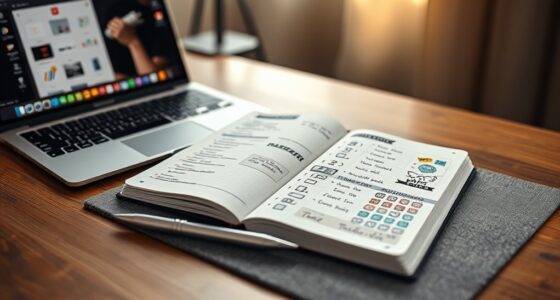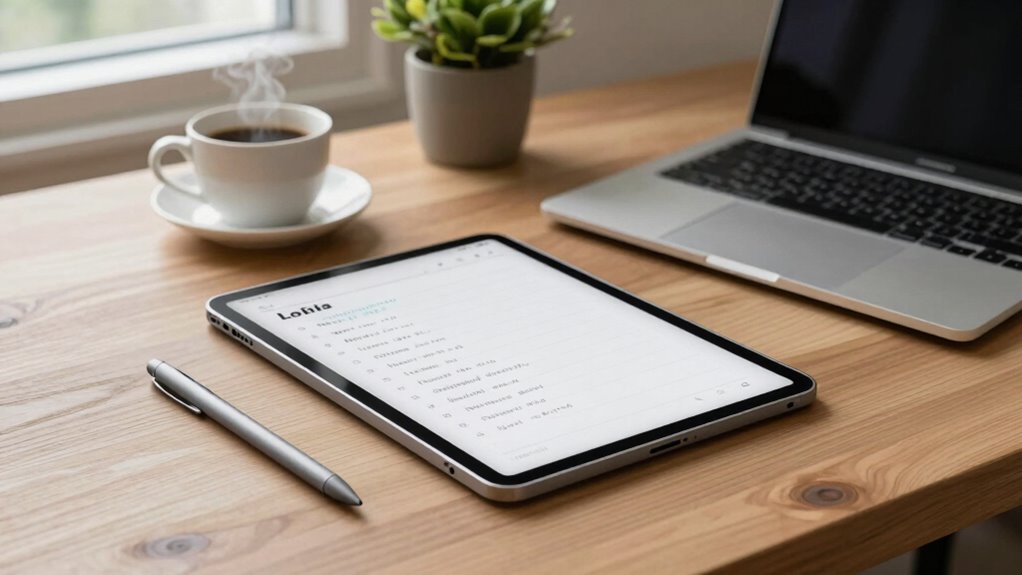

Digital paper tablets fit into your productivity workflow by mimicking traditional writing while offering digital features like quick organization, cloud syncing, and keyword searches. They support effortless brainstorming, sketching, and annotations without clutter or space limits. You can easily connect them with other tools, streamlining tasks and reducing app switching. Their flexibility helps manage ideas and daily routines seamlessly. Continue exploring to uncover how these devices can transform your daily productivity and creative routines.
Key Takeaways
- Digital paper tablets streamline note-taking and organization with folder systems and quick keyword searches.
- They facilitate creative brainstorming through sketching, doodling, and diagramming without physical limitations.
- Integration with other tools consolidates workflows, reducing app switching and enhancing content sharing.
- Their flexibility supports capturing fleeting thoughts and refining complex ideas efficiently.
- Advanced features enable innovative publishing, interactive content creation, and future technological growth.
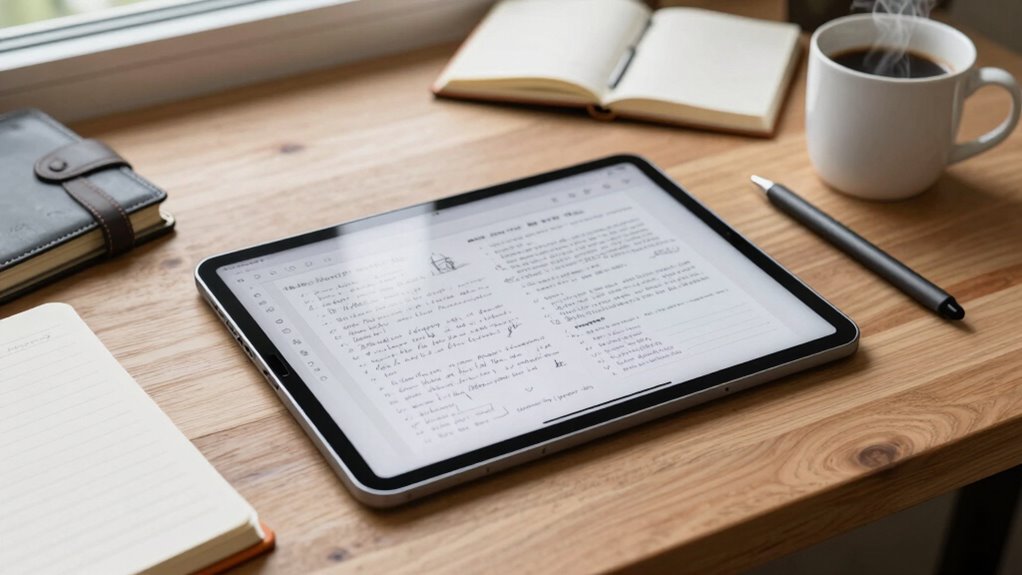
Have you ever wondered how digital paper tablets can seamlessly integrate into your daily productivity routine? These devices are designed to complement your workflow by offering a natural and intuitive way to handle various tasks. One of their biggest advantages is boosting your note-taking efficiency. Instead of juggling notebooks or searching through digital files, you can jot down ideas, meeting notes, or reminders directly on the tablet with a familiar pen-and-paper feel. The immediacy of writing on a digital paper tablet means you spend less time organizing scattered notes later. Plus, many tablets allow you to organize notes into folders, search keywords, and sync with cloud storage, making retrieval quick and effortless. This streamlined approach helps you stay focused and reduces the frustration of misplaced or forgotten information.
Digital paper tablets boost note-taking efficiency with familiar writing, quick organization, and seamless cloud syncing.
Beyond note-taking, digital paper tablets excel at enhancing creative brainstorming sessions. When you’re working on a new project or trying to solve a problem, you can sketch, doodle, or diagram ideas freely without worrying about running out of space or making mistakes. The tactile experience of writing and drawing on a digital paper tablet mimics traditional methods, which can stimulate your creativity. You can easily add color, annotate images, or combine handwritten notes with digital content, creating a dynamic environment for idea generation. The ability to quickly erase or modify your work without cluttering your physical space encourages a more fluid and spontaneous creative process. Additionally, as digital paper tablets are a relatively emerging trend in digital publishing, they often come with innovative features that support efficient content creation and dissemination. Incorporating digital note-taking techniques can further enhance your productivity and organization. Furthermore, integrating landscaping and exterior design features with your digital workflow can inspire more innovative project ideas and visualizations, blending technological and natural elements seamlessly. As these tablets become more advanced, their potential to support interactive content creation continues to grow, opening new avenues for creative expression.
Using digital paper tablets also allows for integration with other tools, making it easier to streamline your entire workflow and avoid redundant tasks. The device’s versatility enables you to stay organized by keeping everything in one place, reducing the need to switch between multiple apps or devices.
The real power of a digital paper tablet lies in its ability to adapt to your needs. Whether you’re capturing fleeting thoughts, refining complex ideas, or managing daily tasks, these devices help you work faster and more efficiently. They encourage a more tactile and engaged approach to productivity, making your routines more intuitive. When you harness the full potential of a digital paper tablet, it becomes an essential tool that seamlessly flows into your workflow, helping you stay organized, creative, and productive every day.
digital paper tablet for note-taking
As an affiliate, we earn on qualifying purchases.
As an affiliate, we earn on qualifying purchases.
Frequently Asked Questions
Can Digital Paper Tablets Integrate With Existing Work Software?
Yes, digital paper tablets can integrate with your existing work software. They often include advanced features like handwriting recognition, making it easy to convert handwritten notes into digital text. With stylus precision, you can jot down ideas or annotate documents seamlessly. Many tablets support popular apps via open APIs or direct compatibility, ensuring smooth workflow integration and enhancing productivity without disrupting your current software setup.
What Is the Battery Life of Digital Paper Tablets During Work Hours?
Imagine your digital paper tablet as a marathon runner—its battery longevity depends on smart power management. During work hours, you can expect it to last around 8 to 12 hours, depending on usage. Efficient power management features help extend this, so you stay productive without frequent recharges. Keep an eye on screen brightness and background apps to maximize battery life, ensuring your device keeps pace with your busy day.
Are Digital Paper Tablets Suitable for Collaborative Team Projects?
Yes, digital paper tablets are suitable for collaborative team projects. You can easily facilitate team brainstorming sessions or creative sketching, as the devices allow multiple users to share ideas seamlessly. Their intuitive interfaces enable real-time editing and feedback, making teamwork more efficient. Plus, their natural writing experience encourages active participation. Overall, digital paper tablets foster collaboration, spark creativity, and streamline project workflows effectively.
How Secure Is the Data Stored on Digital Paper Tablets?
Think of your digital paper tablet’s data like a locked diary—they’re quite secure if you use data encryption and user authentication. Most devices employ robust encryption methods and require passwords or biometric verification, making unauthorized access difficult. However, if you overlook security practices, your data could be vulnerable. Just like locking your physical diary, implementing strong passwords and keeping software updated ensures your digital notes stay safe and private.
What Are the Cost Differences Between Digital Paper Tablets and Traditional Tablets?
You’ll find that digital paper tablets generally have a higher initial cost compared to traditional tablets, mainly due to specialized e-ink screens and longer-lasting batteries. However, the price advantages become clear over time, especially since they often don’t require frequent app updates or high-end hardware. The cost comparison favors digital paper tablets for note-taking and reading tasks, making them a cost-effective choice for those prioritizing long-term value and durability.

Drawing Tablet XPPen StarG640 Digital Graphic Tablet 6×4 Inch Art Tablet with Battery-Free Stylus Pen Tablet for Mac, Windows and Chromebook (Drawing/E-Learning/Remote-Working)
Battery-Free Pen: StarG640 drawing tablet is the perfect replacement for a traditional mouse! The XPPen advanced Battery-free PN01…
As an affiliate, we earn on qualifying purchases.
As an affiliate, we earn on qualifying purchases.
Conclusion
Incorporating digital paper tablets into your workflow gently guides you toward a more seamless, distraction-free productivity. These devices subtly streamline your tasks, helping you stay organized without the noise of traditional tools. Embrace this quiet revolution and discover how a touch of innovation can elevate your daily routine. With just a little shift, you’ll find yourself steering your work with newfound clarity and ease—making your productivity journey not only smoother but more enjoyable.
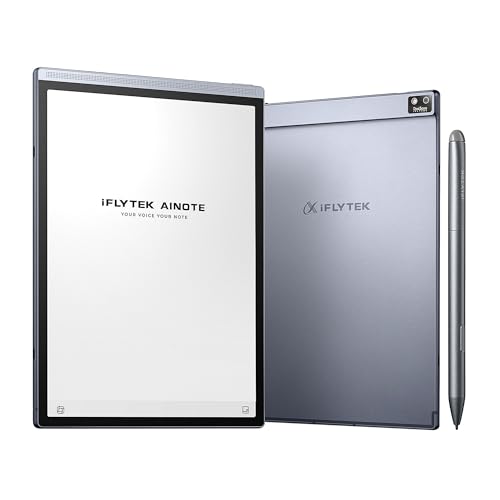
iFLYTEK AINOTE Air 2 Bundle – 8.2" E Ink AI Note-taking Tablet with Stylus, 4096 Pressure Levels, Digital Notebook with Voice-to-Text Transcription, Multi-languages Support, Ideal for Meetings & Study
【8.2 inches AI Note-Taking & Meeting Summary】iFLYTEK AINOTE Air 2 – The ultimate digital notebook and note-taking tablet…
As an affiliate, we earn on qualifying purchases.
As an affiliate, we earn on qualifying purchases.

HUION Note 2-in-1 Digital Notebook Drawing Tablet With Battery-free Pen, Bluetooth Wireless Paper Tablet Electronic Writing Pad for Note-taking, Digital Art & Meeting, Refillable A5 Notepad, 9.5x7inch
Creative Paper Tool: Huion Note is an app-based paper product that consists of a digital pen, regular A5…
As an affiliate, we earn on qualifying purchases.
As an affiliate, we earn on qualifying purchases.