To create a smoother workday, start by upgrading your webcam and microphone for clearer video calls and better communication. Use dual monitors to handle multiple tasks efficiently and invest in ergonomic accessories like a supportive chair and adjustable desk to boost comfort. Noise-canceling headphones help you focus, while reliable internet reduces disruptions. Keeping your workspace organized with docking stations and updating your tech guarantees smooth operation. Continue exploring ways to enhance your productivity with small, impactful tech upgrades.
Key Takeaways
- Upgrade to noise-canceling headphones to minimize distractions and improve focus during work tasks.
- Use dual monitors to enhance multitasking and reduce time switching between windows.
- Keep software and device drivers up-to-date for smoother performance and fewer technical issues.
- Invest in ergonomic accessories like adjustable desks and supportive chairs for increased comfort.
- Improve internet stability with faster service to prevent lag during video calls and file transfers.
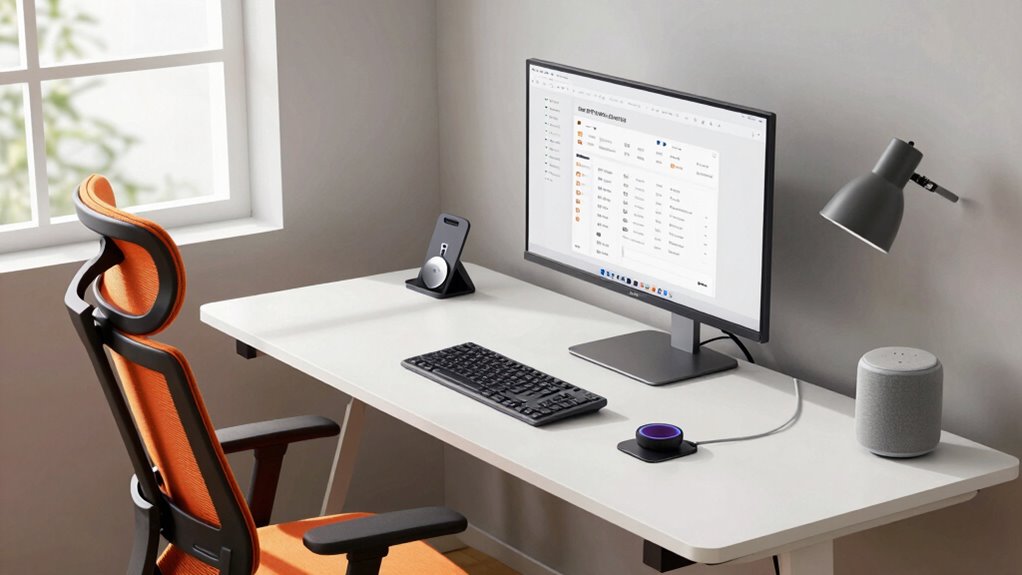
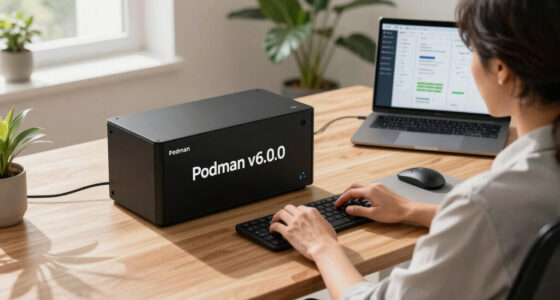
A smoother workday often hinges on the right technology. Small upgrades can make a big difference, especially when it comes to remote collaboration. If you’re working from home or juggling teams across different locations, having the right tools can streamline communication and boost productivity. Invest in a reliable, high-quality webcam and a clear microphone—these are essential for virtual meetings, ensuring everyone can see and hear you without frustration. Consider a dual monitor setup, which allows you to multitask more efficiently by having multiple windows open at once. Cloud-based collaboration platforms like Slack, Microsoft Teams, or Google Workspace keep your team connected, enabling real-time editing, file sharing, and quick chats that eliminate endless email threads.
Invest in quality webcams, microphones, and dual monitors to enhance remote collaboration and boost productivity.
Beyond digital tools, ergonomic accessories are fundamental for a smoother workday, especially if you spend hours at your desk. An adjustable standing desk can help you alternate between sitting and standing, reducing fatigue and discomfort. A supportive, ergonomic chair keeps your back aligned and prevents aches that might distract you from work. A good keyboard and mouse designed for comfort can prevent repetitive strain injuries and make typing feel effortless. If you’re frequently typing or scrolling, ergonomic accessories like wrist supports or gel pads can provide extra cushioning and support. These small investments help you maintain focus longer and avoid health issues down the line. Additionally, digital literacy ensures you are utilizing your tools efficiently and effectively, maximizing the benefits of your tech upgrades.
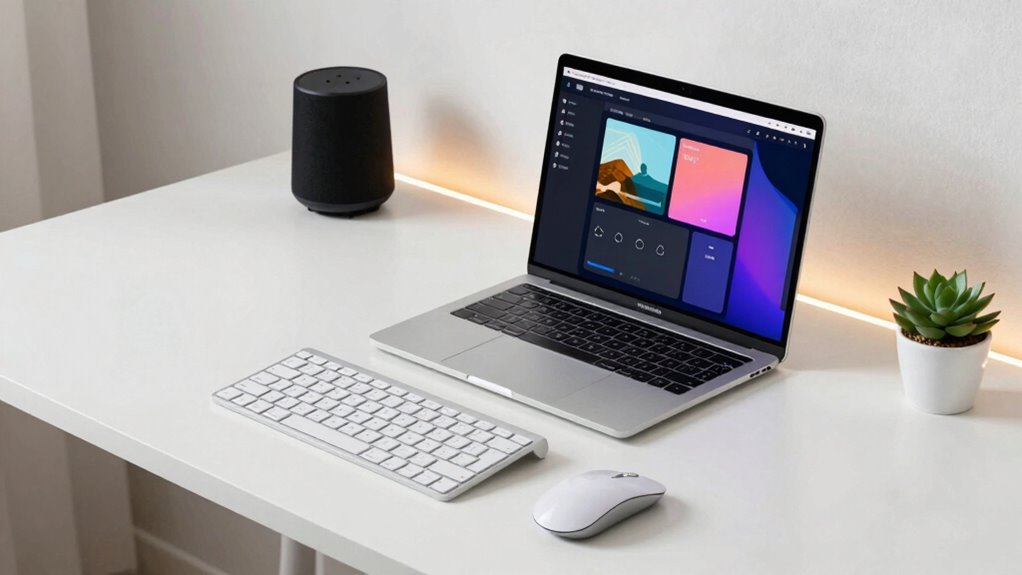
Technology also plays a role in reducing distractions and creating a more seamless workflow. Noise-canceling headphones block out background noise, allowing you to concentrate on tasks without interruptions. A smart speaker or virtual assistant can help manage your schedule, set reminders, or even control your smart office gadgets with simple voice commands. Upgrading your internet connection to a faster, more stable service minimizes lag and disconnects during critical video calls or file transfers, saving you frustration and time.
Finally, consider how your devices are organized. Using a docking station to connect your laptop to multiple peripherals keeps your workspace tidy and ensures quick access to all your essential tools. Regularly updating your software and drivers prevents bugs and enhances performance, so your technology works smoothly when you need it most. These small yet impactful tech upgrades, from remote collaboration tools to ergonomic accessories, create an environment that supports focus, comfort, and efficiency. When your workspace is optimized, your workday becomes less about troubleshooting and more about achieving your goals with ease.

NexiGo N60 1080P Webcam with Microphone, Software Control & Privacy Cover, USB HD Computer Web Camera, Plug and Play, for Zoom/Skype/Teams, Conferencing and Video Calling
- Resolution: Full HD 1080P at 30fps
- Lens: 3.6mm glass lens for crisp images
- Compatibility: Works with USB 2.0/3.0 devices
As an affiliate, we earn on qualifying purchases.
As an affiliate, we earn on qualifying purchases.
Frequently Asked Questions
How Do I Determine Which Tech Upgrade Is Best for My Workflow?
To determine the best tech upgrade for your workflow, start with a workflow analysis to identify bottlenecks or repetitive tasks. Consider your current tools and make certain any new tech is compatible with your existing setup. Research options that specifically address your workflow needs, and if possible, test them before committing. This approach helps you select upgrades that streamline your tasks and enhance productivity effectively.
Are There Budget-Friendly Tech Upgrades Suitable for Small Teams?
Yes, there are many budget-friendly options perfect for small teams. You can explore cost-effective tools like free or low-cost project management software, such as Trello or Asana, which streamline collaboration. Additionally, using free cloud storage services like Google Drive or Dropbox helps save money while ensuring easy file sharing. These budget-friendly options boost productivity without breaking the bank, making your workflow more efficient and manageable.
How Often Should I Update My Work-Related Technology?
You should update your work-related technology regularly—about every 3 to 5 years—to guarantee software compatibility and hardware longevity. Staying current helps prevent security risks, boosts productivity, and keeps your tools running smoothly. Don’t wait for issues to arise; proactive upgrades maintain efficiency and protect your investments. By updating consistently, you streamline your workday, avoid costly repairs, and stay ahead in a fast-changing digital landscape.
Can These Upgrades Improve Remote Work Productivity?
Yes, these upgrades can boost your remote work productivity. Upgrading your tech enhances virtual collaboration by providing faster, more reliable tools, and ergonomic accessories help reduce fatigue and discomfort. When you invest in these small improvements, you’ll notice smoother communication, better focus, and increased efficiency. Staying current with tech upgrades fosters a more comfortable workspace, making remote work more enjoyable and productive.
What Are Common Challenges When Implementing New Tech Solutions?
Imagine guiding a ship through unpredictable waters; that’s what implementing new tech solutions feels like. You’ll face challenges like resistance to change, which requires effective change management. User training becomes your navigational tool, helping your team steer smoothly. Clear communication and patience are key, ensuring everyone understands the new system’s benefits. With steady guidance, you turn potential turbulence into a seamless voyage toward enhanced productivity.

ProCase Hearing Protection Ear Muffs SNR 33dB, Noise Cancelling Headphones
- Hearing Protection Rating: NRR 28 dB, ANSI S3.19 certified
- Adjustable Headband: Fully adjustable metal frame and padded headband
- Universal Fit: Fits most adults and teens
As an affiliate, we earn on qualifying purchases.
As an affiliate, we earn on qualifying purchases.
Conclusion
By embracing these small tech upgrades, you turn your workday into a well-oiled machine, gliding smoothly from task to task. These tweaks may seem simple, but they act as the secret ingredients in your daily recipe for productivity. Think of them as the gears that keep your work engine running seamlessly. With each upgrade, you’re not just working—you’re creating a symphony of efficiency that makes every day feel a little easier to manage.
dual monitor setup for productivity
As an affiliate, we earn on qualifying purchases.
As an affiliate, we earn on qualifying purchases.

Marsail Ergonomic Office Chair: Office Desk Chair with High Back Mesh and Adjustable Lumbar Support Rolling Work Swivel Task Chairs with Wheel 3D Armrests and Headrest
- Fully Adjustable Headrest: 2D adjustable for personalized comfort
- Reclining Backrest: Adjusts from 90° to 120°
- 3D Adjustable Armrests: Customizable for various postures
As an affiliate, we earn on qualifying purchases.
As an affiliate, we earn on qualifying purchases.