
Before buying a business-class all-in-one printer, consider its connectivity options like Wi-Fi, Ethernet, and USB for seamless device integration. Look for high-yield cartridges to save costs and reduce downtime, and verify it can handle high-volume workloads with features like duplex printing and expandable trays. Durability and ease of use matter, so check for a robust build and user-friendly controls. To make the best choice, explore more about features that match your office needs.
Key Takeaways
- Ensure the printer supports the latest Wi-Fi standards for fast, stable wireless connectivity across multiple devices.
- Check for high-yield ink cartridges to reduce replacement frequency and lower ongoing costs.
- Confirm the printer’s durability, speed, and high-volume handling capabilities for demanding office environments.
- Verify advanced imaging technology for professional-quality, high-resolution print output.
- Look for expandable paper trays and security features to improve office workflow and protect sensitive documents.
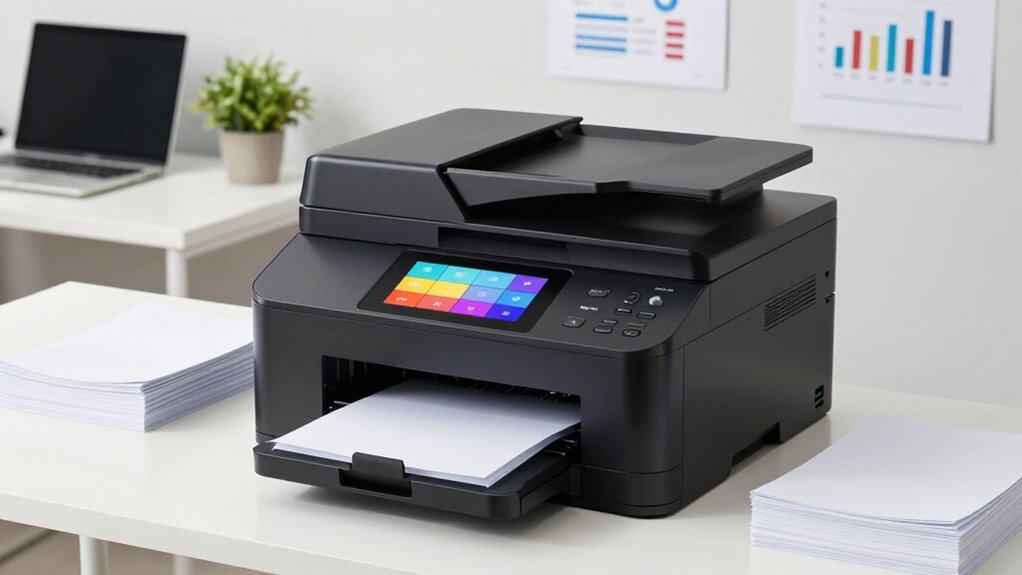
Choosing a business-class all-in-one printer is a significant decision that can impact your office’s productivity and efficiency. When evaluating options, wireless connectivity stands out as an essential feature. With reliable wireless capabilities, you can print from multiple devices—laptops, smartphones, tablets—without the hassle of tangled cables or dedicated connections. This flexibility streamlines workflows, especially in busy environments where multiple team members need quick access to printing. Make sure the printer supports the latest Wi-Fi standards, such as 802.11ac or ax, for faster, more stable connections. Additionally, look for features like dual-band Wi-Fi and the ability to connect directly via Wi-Fi Direct, which can facilitate secure, direct printing without relying on a network.
Another key aspect to consider is ink cartridge longevity. A printer with high ink cartridge capacity reduces the frequency of replacements, saving you time and money in the long run. Business-class models often feature larger cartridges or high-yield options, which are designed to deliver more pages per cartridge. This not only cuts down on ongoing costs but also minimizes downtime caused by running out of ink during critical printing jobs. Pay close attention to the specifications regarding ink yield, and compare models to understand which offers the best value for your volume needs. Keep in mind that some printers also support individual color cartridges, allowing you to replace only the depleted color rather than the entire set, further optimizing ink usage and reducing waste. Regular maintenance and ink quality also play essential roles in maintaining optimal print performance. Ensuring proper printer calibration can help achieve consistent print quality and prevent issues like streaks or color mismatches.
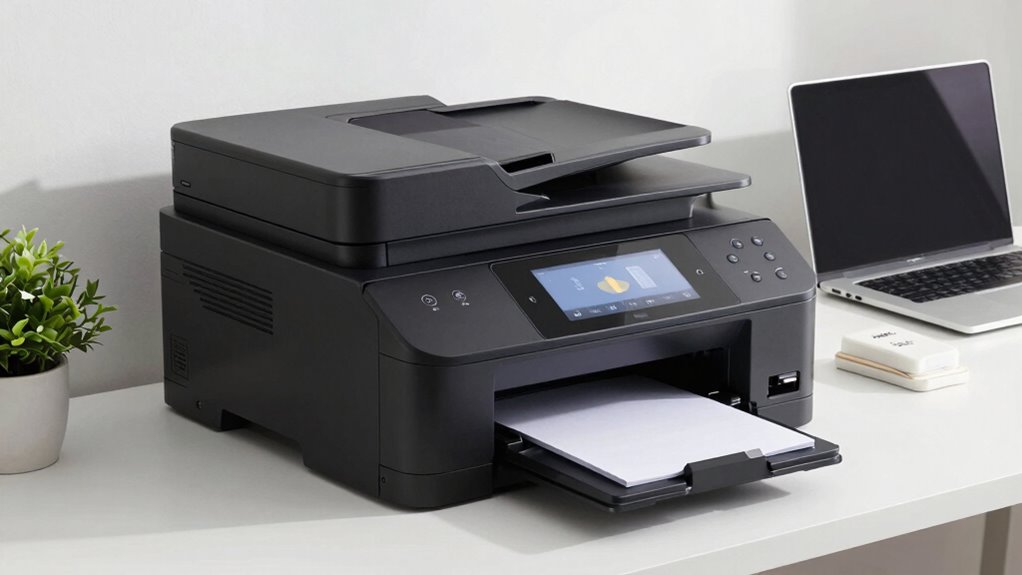
Beyond connectivity and ink longevity, think about the overall durability and speed of the printer. Business environments demand reliable machines that can handle high-volume workloads without frequent breakdowns. Look for features like automatic duplex printing, high page-per-minute rates, and robust build quality. Also, consider the user interface—intuitive touchscreens or simple controls can make daily operation smoother and reduce training time for staff. Connectivity options such as Ethernet ports or USB interfaces are additional layers of flexibility, especially if your office network requires wired connections for security reasons. Moreover, the integration of advanced imaging technology, like contrast ratio, can significantly improve the clarity and quality of printed documents, which is vital in professional settings. Ensuring the printer is built with durable materials can further extend its lifespan and reliability in demanding work environments. Additionally, selecting a model with expandable paper trays can accommodate larger print volumes, reducing the need for frequent refills during busy periods.

Brother Work Smart 1360 Wireless Color Inkjet All-in-One Printer with Automatic Duplex Printing and 1.8” Color Display | Includes Refresh Subscription Trial(1) (MFC-J1360DW) (Uses LC501 Series Inks)
BEST FOR HOME AND HOME OFFICE: Get all your work done with an all-in-one multifunction printer. Print, copy,…
As an affiliate, we earn on qualifying purchases.
As an affiliate, we earn on qualifying purchases.
Frequently Asked Questions
How Energy-Efficient Are Business-Class All-In-One Printers?
Business-class all-in-one printers are quite energy-efficient, thanks to advanced technology that reduces energy consumption during operation and standby modes. They often feature efficiency metrics like low power usage, energy-saving settings, and automatic shutdown features. By choosing models with high efficiency ratings, you can minimize your energy costs and environmental impact. Overall, these printers are designed to deliver excellent performance while conserving power, making them a smart, eco-friendly choice for your business.
What Are the Warranty and Support Options Available?
You should check the warranty coverage and customer service options offered by the manufacturer. Look for extensive warranty plans that cover repairs and replacements, and see if they include on-site support or quick turnaround times. Good customer service ensures you get prompt assistance when issues arise. Understanding these options helps you choose a printer with reliable support, minimizing downtime and ensuring your business runs smoothly.
Can These Printers Integrate With Existing Office Software?
Think of your office as a symphony, and your printer as an essential instrument. These printers seamlessly integrate with your existing office software, thanks to robust printer connectivity options and software compatibility. They speak your language, syncing effortlessly with your workflow. Whether it’s cloud apps or network systems, they harmonize smoothly, ensuring your team’s productivity never hits a sour note.
How Secure Is Sensitive Data Stored or Transmitted by the Printer?
Your business-class all-in-one printer secures sensitive data through robust data encryption during transmission and storage. It also uses user authentication to control access, preventing unauthorized use or data breaches. Regular firmware updates ensure the security features stay current, and some models offer additional security options like secure print release. By choosing a printer with these security measures, you safeguard your sensitive information effectively.
Are There Options for Mobile Printing and Remote Access?
Imagine your printer as a gateway to effortless productivity. Yes, many business-class all-in-one printers offer options for mobile printing and remote access through cloud connectivity and wireless printing. You can print documents from anywhere, whether you’re at home or on the go. These features make it easy to stay connected and productive, giving you the flexibility to manage your work seamlessly without being tied to a desk.

HP 923 Black, Cyan, Magenta, Yellow Ink Cartridges (4-Pack) | Works with OfficeJet 8120, Pro 8130 Series | 6C3Y6LN
HP Ink Cartridges for HP printers are engineered to provide consistent quality, reliability and value
As an affiliate, we earn on qualifying purchases.
As an affiliate, we earn on qualifying purchases.
Conclusion
Now that you’ve uncovered the key factors to contemplate, you’re almost ready to make your move. But remember, the perfect printer isn’t just about features—it’s about how it fits your unique needs. Will you choose one with advanced security, lightning-fast speeds, or exceptional durability? The decision isn’t easy, and the right choice could transform your business operations. Are you prepared to find that game-changing all-in-one printer? The next step awaits—are you ready to take it?

Brother Professional Laser Printer with High-Speed 50 ppm Output, Advanced Security Features, and Wireless Networking for Business, Monochrome Printing with Duplex Capability (HL-6210DW)
Professional Performance: Dominate your office printing tasks with this Brother Genuine laser printer delivering an impressive 50 ppm…
As an affiliate, we earn on qualifying purchases.
As an affiliate, we earn on qualifying purchases.

Canon PIXMA TS6520 Wireless Color Inkjet Printer Duplex Printing, White – Home Printer with Copier/Scanner, 1.42” OLED Display, Intuitive Control Panel, Compact Design
Affordable Versatility – A budget-friendly all-in-one printer perfect for both home users and hybrid workers, offering exceptional value
As an affiliate, we earn on qualifying purchases.
As an affiliate, we earn on qualifying purchases.