
TL;DR
A local-first tool can turn one video into a complete set of assets—titles, descriptions, thumbnails, media kits—without the cloud. It saves time, enhances privacy, and keeps your files under your control. Perfect for indie authors, marketers, and content creators.
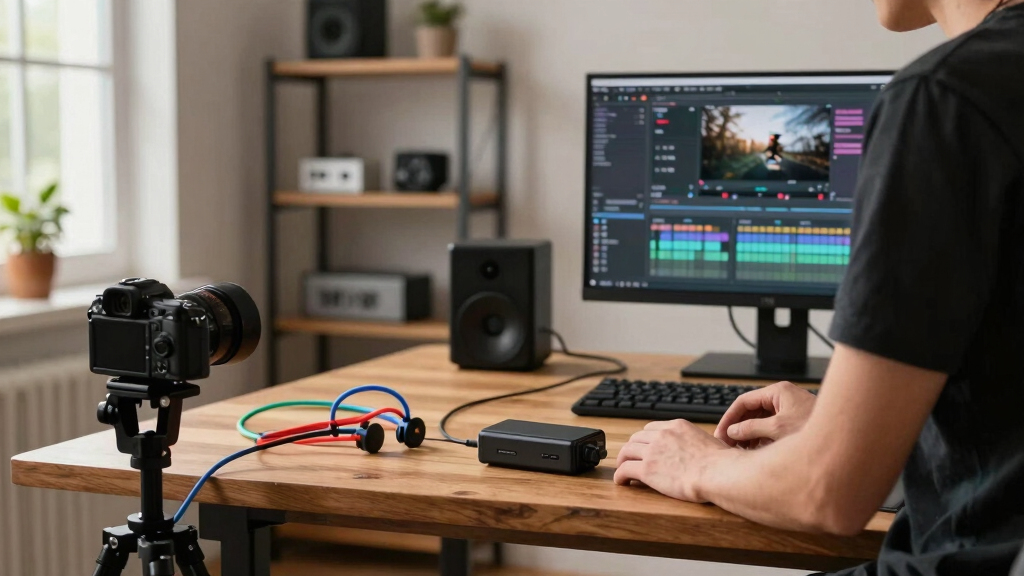
Imagine this: you finish a video, and in moments, you have a package ready to publish, promote, and pitch—no cloud connection required. No waiting for uploads, no third-party service logs, just your machine working in the background.
This isn’t a dream. It’s the promise of a new breed of tools that turn a single video into a complete publishing kit, all offline. Whether you’re an indie author preparing press materials or a marketer crafting social snippets, this approach puts control back in your hands, faster and safer than cloud-based alternatives.
Key Takeaways
- A local video-to-assets system can generate a complete publishing kit—including titles, descriptions, clips, thumbnails, and press materials—from one source video.
- Offline workflows boost privacy, speed, and control, making them ideal for creators handling sensitive content or wanting independence from cloud services.
- You get detailed provenance info for every asset, ensuring transparency and reproducibility in your publishing process.
- While offline tools may require more initial setup and hardware, they often process faster and eliminate data leaks.
- Compare local options with cloud-based tools to decide what best matches your priorities—speed, privacy, collaboration, or control.

SmartSign2go Lite Digital Signage UltraHD 4k Media Player with Easy-to-Use Cloud-Based Software (Includes 2-Week Free Software Trial)
Easy to use, plug and play setup lets you turn any TV with an HDMI port into a…
As an affiliate, we earn on qualifying purchases.
As an affiliate, we earn on qualifying purchases.
How a Local Workflow Turns One Video into Everything You Need
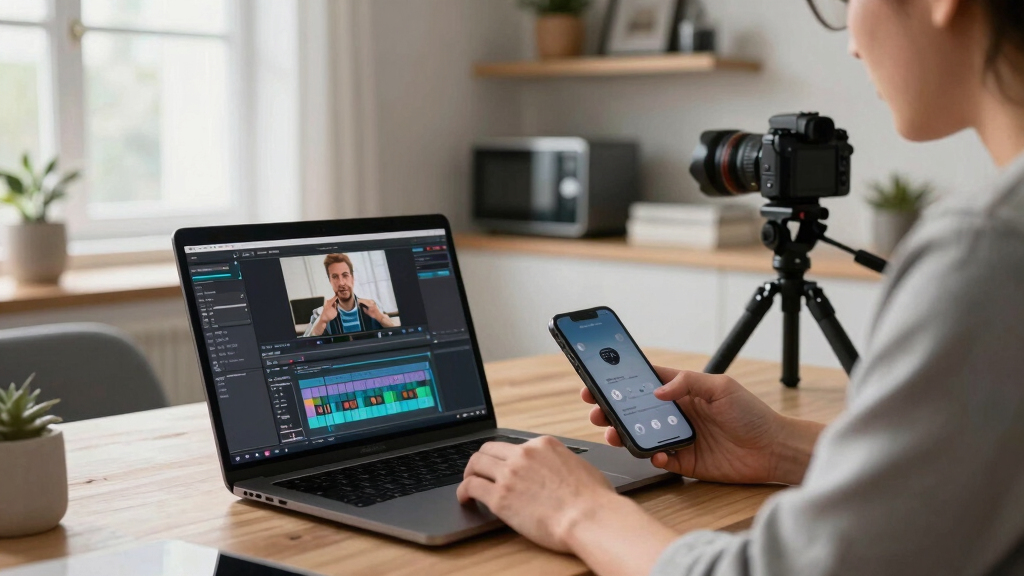
When you drop your video into a local tool like ChannelHelm, it kicks off a four-layer process. First, it transcribes speech with pinpoint accuracy, capturing who said what and exactly when. Then, it analyzes visuals—scene changes, on-screen text, and key moments—so it understands what’s actually happening on screen.
Next, it fuses these streams into a single timeline, aligning spoken words with visual cues. Finally, it extracts themes, hooks, and retention points, turning raw footage into a structured blueprint for every asset you’ll need—titles, descriptions, clips, images, and more.
For example, a 20-minute interview can become a dozen social clips, a polished blog draft, a media kit, and thumbnail concepts—all from one source video.

Modes of Thinking for Qualitative Data Analysis
As an affiliate, we earn on qualifying purchases.
As an affiliate, we earn on qualifying purchases.
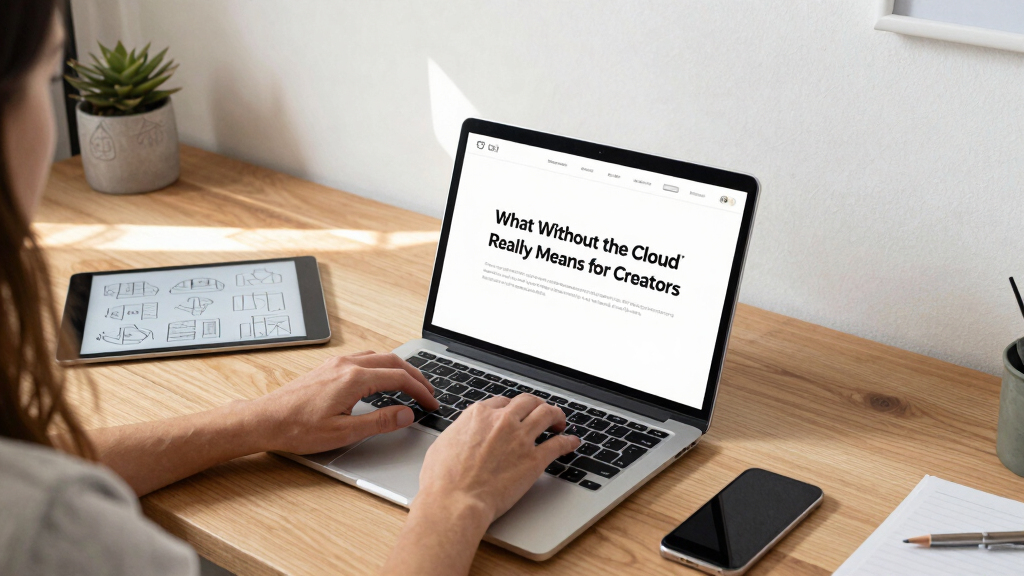
What ‘Without the Cloud’ Really Means for Creators
Running everything offline means your media stays on your machine. No uploads, no third-party servers holding your content, and no dependency on internet speed. It’s like having a mini publishing studio right at your desk.
This matters because it boosts privacy, cuts down on subscription costs, and speeds up your workflow. You can work in the basement, on a laptop in a café, or anywhere without losing access or risking leaks.
For instance, an indie author who writes at night on a laptop can generate press-ready assets in minutes—ready to send to journalists or upload to their website—without waiting for cloud services to process or upload.
![VideoPad Video Editor - Create Professional Videos with Transitions and Effects [Download]](https://m.media-amazon.com/images/I/91zAUcPqOhL._SL500_.png)
VideoPad Video Editor – Create Professional Videos with Transitions and Effects [Download]
Apply effects and transitions, adjust video speed and more
As an affiliate, we earn on qualifying purchases.
As an affiliate, we earn on qualifying purchases.
What Do You Actually Get Out of This System?
Expect a comprehensive set of assets: detailed titles scored against your platform’s character limits, full descriptions with chapters and hashtags, thumbnail concepts based on key moments, and clean transcripts for captions or blogs. Plus, a media kit featuring high-res and low-res images of your cover, author photo, and one-sheet—all ready for press or promotional use.
Here’s what a typical publishing package includes:
| Asset Type | Description | Format |
|---|---|---|
| Titles | Multiple options scored for engagement and length | Text, editable |
| Descriptions & Chapters | Built from the video’s core content, ready for platforms | Text, markdown-compatible |
| Thumbnails & Clips | Hook moments turned into vertical clips and thumbnail ideas | JPEG/PNG, MP4 |
| Media Kit | Author photo, cover in various sizes, one-sheet | PDF, ZIP files |
All assets are generated with provenance info—so you know exactly which prompt or model created each piece, keeping your workflow transparent and reproducible.


Sooez Architectural Templates, House Plan Template, Interior Design Template, Furniture Template, Drawing Template Kit, Drafting Tools and Supplies, Template Architecture Kit, Set of 3, Yellow
Premium Quality : Made From Flexible, Yet Sturdy Material. Resilient and Convenient to Use
As an affiliate, we earn on qualifying purchases.
As an affiliate, we earn on qualifying purchases.
Why Publishers and Indie Creators Will Love This
Speed is king in today’s publishing world. When you can go from a raw recording to a media-ready kit in under an hour, you gain a huge edge. This system transforms a once-daunting task into a simple, repeatable process. If you’re interested in more publishing tips, visit this guide on publishing kits.
Imagine launching a new book, then instantly sending press kits, social snippets, and articles—all built from your video, offline. It’s a game-changer for indie authors, content marketers, and agencies juggling multiple projects. Learn more about content creation at ExactArticle.
Plus, it’s all under your control. No subscriptions, no third-party data leaks, just your machine doing the heavy lifting. That’s why many are turning to self-contained, local workflows. For full details, check out ChannelHelm’s GitHub page.

Privacy, Speed, and Reliability — The Tradeoffs You Should Know
Choosing a local workflow means sacrificing some convenience for control. For home setup ideas, see electric fireplaces for your workspace. It’s faster in many cases—no waiting for uploads or cloud processing. But it also means you’re responsible for hardware and updates.
Reliability hinges on your machine’s specs. A powerful PC can handle complex analysis quickly, while older laptops might slow down. Still, the tradeoff is worth it if privacy and speed matter most.
For example, a videographer working on sensitive client projects can keep all assets on-site, avoiding data leaks and ensuring faster turnaround times.

How This Compares to Cloud-Based Publishing Tools
Cloud tools like Canva or Lumen5 offer convenience and collaboration but rely on internet speed and data privacy. In contrast, a local system like ChannelHelm processes everything offline, giving you complete ownership.
Here’s a quick comparison: For more insights into publishing tools, visit California Gazette’s coverage on publishing innovations.
| Feature | Cloud-Based Tools | Local Workflow (e.g., ChannelHelm) |
|---|---|---|
| Processing Speed | Dependent on internet and server load | Limited by your hardware, typically faster for heavy analysis |
| Privacy | Data stored on external servers | All assets stay on your machine |
| Cost | Subscription-based, ongoing costs | One-time setup or open-source tools |
| Control | Limited, depending on platform policies | Full control over assets and workflow |
Choosing depends on your priorities—speed and privacy favor the local route, while collaboration and ease might lean toward the cloud.
Best Use Cases for Self-Publishers, Agencies, and Indie Creators
If you’re a self-publisher, this system cuts down the time to produce press-ready assets, making launch day smoother. For agencies managing multiple clients, it offers a quick turnaround for diverse projects. Indie creators love the control and privacy it provides.
For example, an author can record a book trailer, then instantly generate a media kit, social media posts, and a press release—all on their own machine, ready to go live within hours.
It’s also ideal for content creators who want to automate parts of their workflow without sacrificing quality or privacy.

What You Should Do Next
If you’re ready to reclaim control over your publishing assets, explore tools like ChannelHelm. Set up your local environment, test the process with a sample video, and see how much faster and more private your workflow can become.
Remember, a single source video can become your entire media kit, social content, and promotional materials—all without leaving your machine. That’s a game-changing shift for creators who want speed, control, and privacy.
Frequently Asked Questions
What exactly comes out of the pipeline?
You get titles, descriptions, clips, thumbnails, transcripts, and a media kit—including high- and low-resolution images and a one-sheet—all generated from your source video.
Does it really work offline?
Yes. These tools are designed to run fully on your local machine, meaning all processing happens without internet access, keeping your content private.
What kinds of videos are supported?
Most standard formats—MP4, MOV, etc.—are supported. The system analyzes speech, visuals, and on-screen text for maximum accuracy and detail.
Can it generate a full media kit automatically?
Absolutely. It produces a press-ready media kit with cover images, author photos, and a one-sheet, all based on your video content.
How accurate is the extraction from video?
Using multi-layer analysis, including speech-to-text, OCR, and scene detection, the system achieves high accuracy—often within a few percentage points of manual editing.
Conclusion
Turning one video into a full publishing kit without the cloud isn’t just possible — it’s practical. You gain speed, privacy, and control, all while streamlining your workflow. As content keeps evolving faster than ever, having a local, automated pipeline might be the smartest move you make.
Imagine a future where every video you produce instantly becomes a press-ready package, sitting safely on your machine, ready to launch at a moment’s notice. That future is here, and it’s simpler than you think.