
To decide if a laser printer fits your workflow, start by evaluating your printing volume, speed needs, and document types. Consider the quality and color accuracy required for your projects, and check if the printer’s features match your workflow, like connectivity options and capacity. Also, analyze long-term costs and energy efficiency to ensure it’s a good fit over time. If you’re looking for a tailored solution, there’s more to explore to make the best choice.
Key Takeaways
- Assess if the printer’s speed and capacity meet your daily volume and workflow demands.
- Ensure compatibility with your existing connectivity options like Wi-Fi or Ethernet.
- Consider print quality and color accuracy for the types of documents you produce.
- Evaluate long-term costs, including toner replacement frequency and maintenance expenses.
- Check for energy efficiency features to align with your environmental and operational goals.
Choosing the right printer can considerably impact your workflow, especially if you print frequently or handle large volumes. When considering a laser printer, it’s essential to evaluate how well it aligns with your specific needs, including factors like color accuracy and energy efficiency. If your work involves detailed graphics, presentations, or marketing materials, you’ll want a laser printer that delivers sharp, precise color reproduction. High color accuracy ensures your images look professional and consistent across prints, which is vital for branding or client presentations. On the other hand, if your printing mostly involves text documents, color fidelity may be less critical, but you should still consider overall print quality.
Choosing a laser printer that matches your needs boosts productivity and ensures professional-quality output.
Energy efficiency is another crucial aspect, particularly if you’re environmentally conscious or want to reduce operational costs. Laser printers tend to consume more power during initial startup and high-volume printing, but many modern models are designed to be energy-efficient with features like automatic sleep modes and low power consumption in standby. When choosing a laser printer, look for ENERGY STAR certification, which indicates it meets strict energy-saving standards. This can help you minimize electricity bills over time without sacrificing performance.
Beyond color accuracy and energy efficiency, think about the printer’s speed and capacity. If you process large print jobs daily, a model with a higher pages-per-minute rate can keep up with your workload and prevent bottlenecks. Also, consider the input and output tray sizes, especially if you print in bulk, so you won’t have to constantly reload paper or clear out completed jobs. Connectivity options, such as Wi-Fi or Ethernet, can streamline your workflow by allowing multiple users to print without hassle.
You should also assess the long-term costs associated with the printer. Laser printers generally have higher upfront costs but lower cost per page compared to inkjet models, making them more economical over time. Factor in the cost of toner cartridges, which need to be replaced periodically, and whether the printer offers high-yield toner options to extend intervals between replacements. This approach helps you balance initial investment with ongoing expenses. Additionally, understanding print quality standards can help you select a model that consistently meets your expectations for detail and sharpness. Recognizing how technology standards influence print output can further inform your decision. It’s also beneficial to consider the availability of replacement parts and supplies, as this can affect the overall maintenance costs and convenience of your printer over its lifespan. Ultimately, choosing a laser printer that fits your workflow involves balancing quality, efficiency, speed, capacity, and cost. By prioritizing features like color accuracy for detailed work and energy efficiency to lower your environmental impact, you’ll make a smarter decision that enhances your productivity. Take the time to research models, read reviews, and consider your specific printing demands—this helps ensure your investment aligns with your professional needs and contributes to a smoother, more efficient workflow.
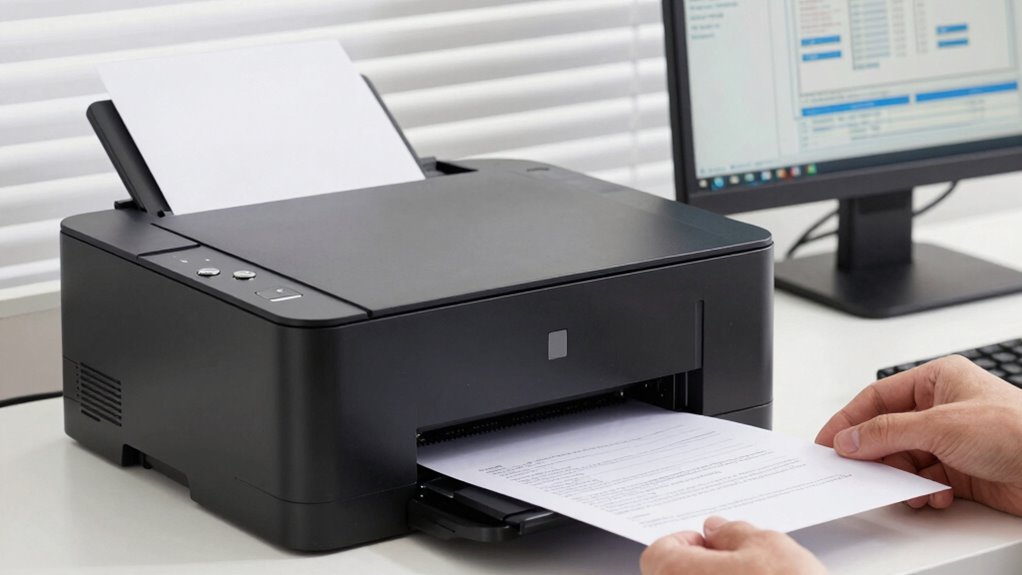
laser printer with high page capacity
As an affiliate, we earn on qualifying purchases.
As an affiliate, we earn on qualifying purchases.
Frequently Asked Questions
Can Laser Printers Print on Different Paper Sizes Automatically?
Yes, most laser printers with automatic paper size detection can handle different paper sizes without manual adjustments. They feature multi-size printing capability, allowing you to load various paper sizes and switch between them seamlessly. When printing, the printer detects the paper size automatically, ensuring your documents are correctly aligned and sized. This makes it easier to handle diverse printing tasks efficiently, saving you time and reducing errors.
How Energy-Efficient Are Laser Printers Compared to Inkjet Printers?
Laser printers are generally more energy-efficient than inkjet printers, thanks to their eco-friendly technology. They use less power during standby and printing modes, which reduces overall energy consumption. While laser printers might consume more energy during startup, their faster printing speeds and higher page yields make them more efficient for high-volume tasks. Comparing energy consumption, laser printers often lead as the more eco-friendly choice for busy offices and home use.
What Is the Typical Lifespan of a Laser Printer?
You’ll find that a typical laser printer lasts around 3 to 5 years, depending on usage. With a cost comparison favoring durability, you might save money over time. Plus, their longer lifespan means less frequent replacements, reducing environmental impact. If you print frequently, investing in a reliable laser printer guarantees longevity, lower waste, and consistent performance, making it a smart choice for busy offices or home workflows.
Are Laser Printers Suitable for Printing Photos or Graphics?
Laser printers aren’t ideal for printing photos or detailed graphics, as they usually don’t provide the best photo quality or color accuracy. If you need sharp images with vibrant colors, inkjet printers are better suited. Laser printers excel in producing sharp text and high-volume documents quickly and cost-effectively. So, for photos and graphics, consider an inkjet; for documents, a laser printer fits your workflow better.
How Much Maintenance Do Laser Printers Generally Require?
Maintaining a laser printer is like tending to a garden; it requires regular attention. You’ll need to follow a maintenance schedule, which includes cleaning the exterior and checking internal components. Toner replacement is straightforward, usually needing attention every few months depending on usage. Generally, laser printers demand less maintenance than inkjet models, making them reliable for busy work environments. Staying proactive helps prevent breakdowns and guarantees smooth, consistent printing.
ENERGY STAR certified laser printer
As an affiliate, we earn on qualifying purchases.
As an affiliate, we earn on qualifying purchases.
Conclusion
Choosing the right laser printer isn’t just about specs; it’s about aligning it with your workflow’s rhythm. Sometimes, the perfect fit appears when you least expect it—like a reliable friend who understands your needs without words. Trust that your decision, rooted in both practicality and intuition, will serve you well. After all, the right tool often finds you just when you’re ready to take that next step forward.
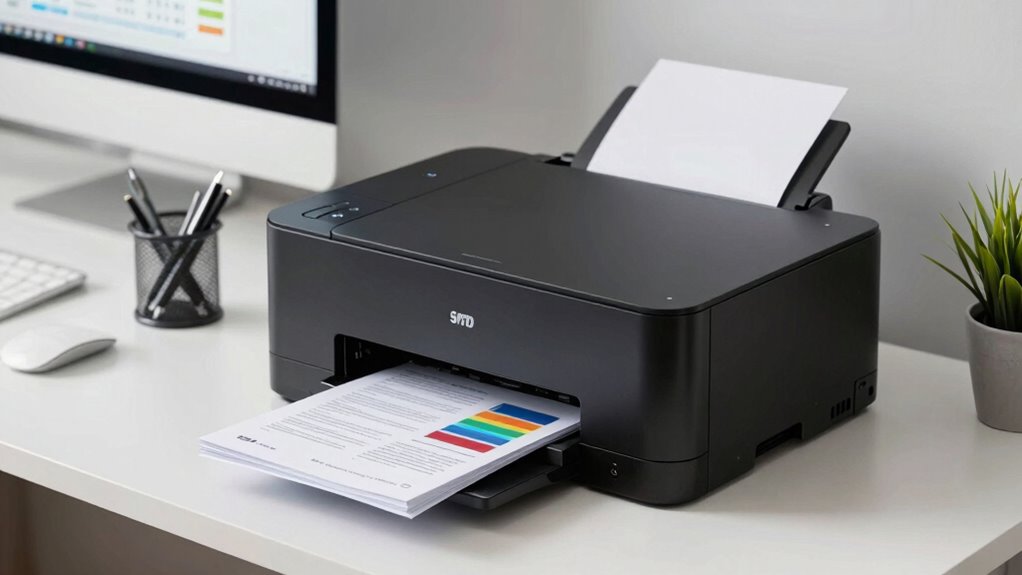
color laser printer for professional documents
As an affiliate, we earn on qualifying purchases.
As an affiliate, we earn on qualifying purchases.
As an affiliate, we earn on qualifying purchases.