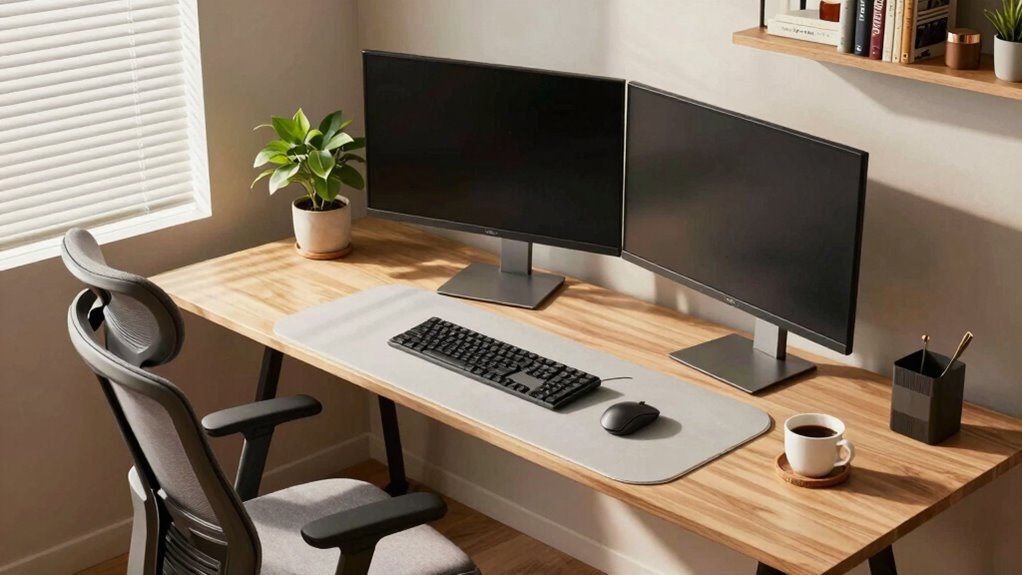

To design a workstation around how you actually work, start by analyzing your daily tasks and recognizing your core activities. Adjust your space with ergonomic accessories like adjustable chairs, sit-stand desks, and keyboard trays that support your habits. Organize your workspace for easy access to frequently used items and optimize lighting for comfort. Continuously tweak your setup to match your evolving needs, ensuring long-term comfort and productivity. Exploring these elements further will help create a truly personalized workspace.
Key Takeaways
- Analyze your daily tasks and work patterns to customize ergonomic setup and accessories accordingly.
- Arrange your workspace with frequently used items within easy reach to improve efficiency.
- Incorporate adjustable furniture and lighting to adapt to evolving comfort and productivity needs.
- Use ergonomic accessories like keyboard trays and monitor stands to support natural movements.
- Regularly review and modify your workspace layout based on feedback and changing work habits.
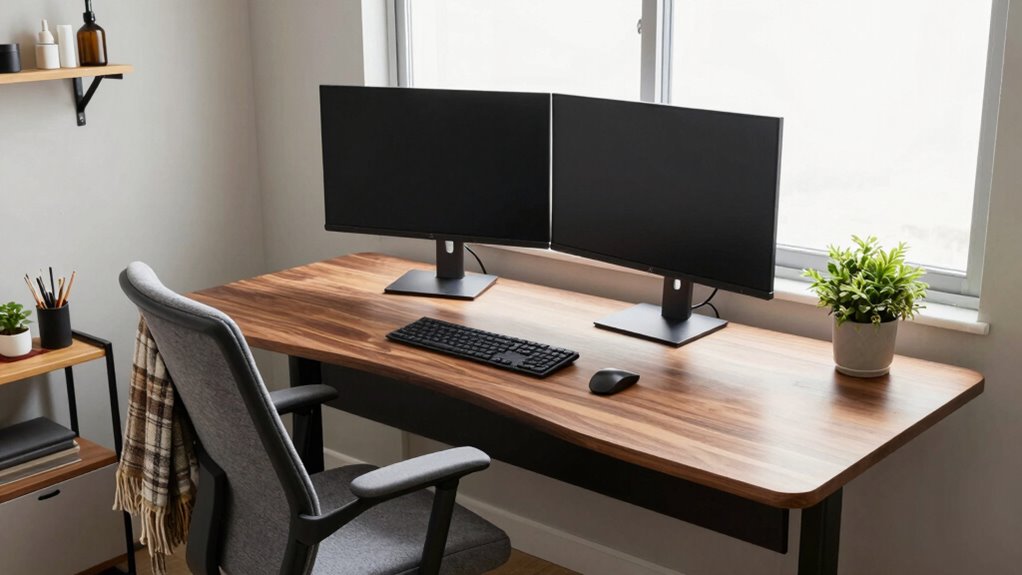
Creating an efficient workstation begins with understanding your specific needs and workspace constraints. You want a setup that enhances productivity without sacrificing comfort, so start by analyzing how you work daily. Do you spend hours typing or doing detailed tasks? Are you frequently switching between different devices? Knowing these habits helps you tailor your workspace to support your workflow. Once you identify your core activities, you can focus on integrating ergonomic accessories that promote good posture and reduce strain. Adjustable chairs, sit-stand desks, and keyboard trays make a significant difference. These ergonomic accessories allow you to customize your position, helping to prevent discomfort and fatigue over long periods. Remember, the goal is to keep your body aligned correctly, so invest in tools that support your natural movements and minimize unnecessary reaching or twisting.
Customize your workspace with ergonomic tools to support natural movements and reduce strain for greater comfort and productivity
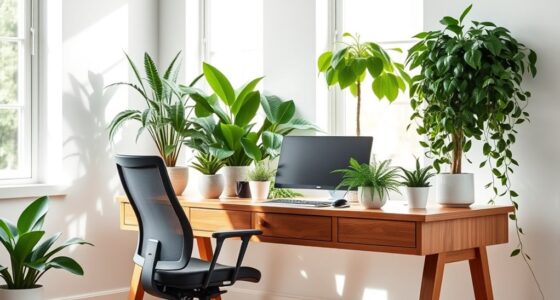
Lighting optimization is equally essential in designing a workspace that works for you. Poor lighting can cause eye strain and headaches, decreasing your efficiency. Natural light is ideal, so position your desk near windows if possible. If natural light isn’t sufficient, supplement with adjustable task lighting that can be directed exactly where you need it. Bright, even lighting reduces glare and shadows, making it easier to see your work clearly. Avoid harsh fluorescent lights, which can create discomfort over time. Incorporate dimmable lamps or LED fixtures with adjustable brightness levels, so you can modify the environment based on your task or time of day. Proper lighting not only enhances focus but also contributes to your overall comfort, preventing eye fatigue and boosting your mood. Additionally, understanding the importance of inclusive casting in workplace design can help create a more welcoming environment for everyone. Incorporating color temperature adjustments can further optimize your workspace lighting for different tasks and times of day.
Beyond these basics, consider the layout of your workspace. Keep frequently used items within arm’s reach to minimize unnecessary movements. Organize cables and accessories to prevent clutter, which can be distracting and inefficient. Use monitor stands to position screens at eye level, reducing neck strain. Incorporate storage solutions that keep your workspace tidy, allowing you to focus solely on your tasks. Personalize your setup with elements that motivate and comfort you, but avoid overcrowding. Every piece of your workstation should serve a purpose aligned with your work habits. It’s also beneficial to incorporate ergonomic principles to ensure your setup supports long-term comfort and health. Regularly reviewing your workspace setup and making adjustments based on new ergonomic guidelines can further optimize your comfort and efficiency.
Ultimately, designing a workspace around how you work involves continuous adjustments. Regularly assess your comfort and productivity levels, making tweaks as your tasks or preferences evolve. By focusing on ergonomic accessories, lighting optimization, and thoughtful organization, you create a space that supports your health and efficiency, making your workday smoother and more enjoyable.

Marsail Ergonomic Office Chair: Office Desk Chair with High Back Mesh and Adjustable Lumbar Support Rolling Work Swivel Task Chairs with Wheel 3D Armrests and Headrest
- Fully Adjustable Headrest: 2D adjustable for personalized comfort
- Reclining Backrest: Adjusts from 90° to 120°
- 3D Adjustable Armrests: Customizable for various postures
As an affiliate, we earn on qualifying purchases.
As an affiliate, we earn on qualifying purchases.
Frequently Asked Questions
How Do I Identify My Most Productive Work Habits?
You identify your most productive work habits by observing how you manage your time and what tasks energize you. Use habit tracking tools to record when you feel most focused and efficient, then analyze these patterns. Pay attention to your peak energy periods during the day, and adjust your schedule accordingly. This approach helps you optimize your workstation setup, aligning it with your natural rhythms for better productivity.
What Ergonomic Accessories Are Essential for Long Work Sessions?
For long work sessions, you need ergonomic accessories like an ergonomic keyboard and an adjustable monitor. An ergonomic keyboard reduces strain on your wrists and hands, making typing comfortable over extended periods. An adjustable monitor lets you set the screen height to eye level, preventing neck and eye strain. These accessories help maintain good posture, boost comfort, and keep you productive throughout your workday.
How Can I Personalize My Workspace Without Cluttering It?
Your workspace is your sanctuary, so add decorative accents that reflect your personality without overcrowding. Use personal storage solutions like stylish trays or baskets to keep clutter at bay, making your space feel organized and inviting. Choose a few meaningful items to personalize your environment, ensuring it remains functional. This balance helps you stay focused and inspired, turning your workstation into a reflection of you without turning it into a chaos-filled maze.
What Lighting Setup Minimizes Eye Strain During Work?
To minimize eye strain, you should maximize natural light and incorporate adjustable fixtures. Position your workspace near a window to benefit from natural light, but avoid direct glare on your screen. Use adjustable desk lamps or task lighting to control brightness levels and focus light where needed. This combination helps reduce eye fatigue, enhances comfort, and creates a flexible lighting setup that adapts to your work environment throughout the day.
How Often Should I Reorganize My Workstation for Optimal Efficiency?
You should reorganize your workstation every few months to maintain ideal efficiency. Regularly evaluate your desk organization and storage solutions, removing clutter and adjusting setups to suit your evolving work habits. If you notice tools or documents piling up or causing delays, it’s time for a reorganization. Keeping your workspace well-structured ensures you stay focused, minimizes distractions, and boosts productivity, making your workday smoother and more enjoyable.

VIVO 32 inch Desk Converter, K Series, Height Adjustable Sit to Stand Riser, Dual Monitor and Laptop Workstation with Wide Keyboard Tray, Black, DESK-V000K
- Instant Active Standing: Provides on-demand standing for health and productivity
- Spacious 31.5" Surface: Fits dual monitors and accessories comfortably
- Adjustable Keyboard Tray: Raises in sync with the main surface for comfort
As an affiliate, we earn on qualifying purchases.
As an affiliate, we earn on qualifying purchases.
Conclusion
When you tailor your workstation to your unique work habits, productivity soars—studies show that personalized setups can boost efficiency by up to 30%. By focusing on what truly matters to you, you create a space that supports your flow and reduces distractions. Remember, a well-designed workspace isn’t just about aesthetics; it’s about making your daily tasks easier and more enjoyable. So, take the time to customize your environment—your best work depends on it.

VIVO Large Keyboard Tray Under Desk Pull Out with Extra Sturdy C Clamp Mount System, 27 (33 Including Clamps) x 11 Inch Slide-Out Platform Computer Drawer for Typing, Black, MOUNT-KB05E
- Space-saving Design: Holds keyboard, mouse, accessories below desk
- Ergonomic Typing Angles: Slides in/out for comfortable use
- Adjustable Extension: Extends up to 8.5 inches from desk edge
As an affiliate, we earn on qualifying purchases.
As an affiliate, we earn on qualifying purchases.

BONTEC Dual Monitor Stand Riser, Adjustable Length & Swivel Angle, White
- Adjustable Length and Angle: Fits desks from 31.5" to 42.5"
- Ergonomic Eye-Level Height: Reduces neck and shoulder strain
- Large Storage Compartments: Holds keyboard, files, and devices
As an affiliate, we earn on qualifying purchases.
As an affiliate, we earn on qualifying purchases.