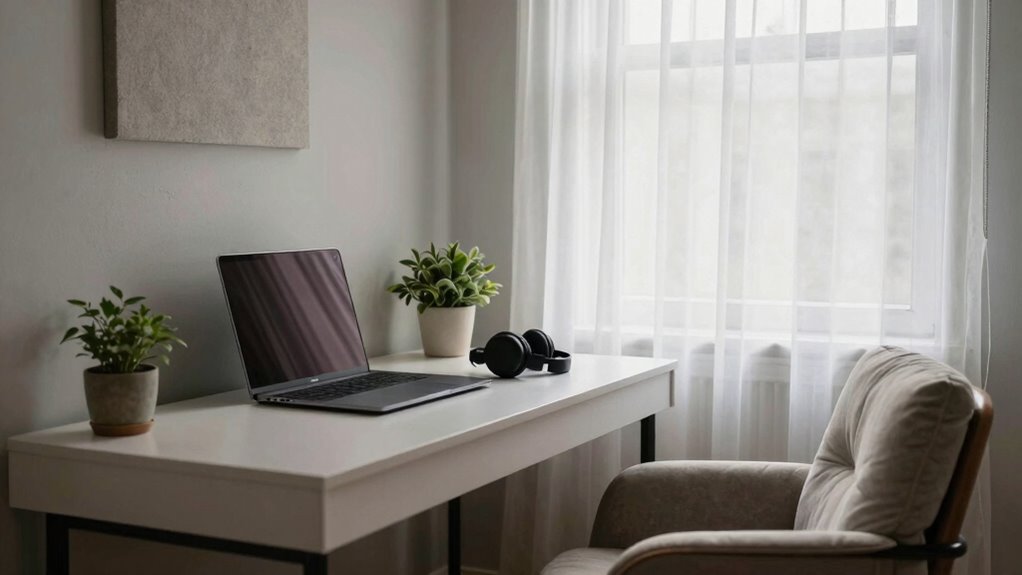
To create a quiet tech setup in a busy home, prioritize soundproofing by adding acoustic panels, heavy curtains, and door seals to block noise. Organize your space with cable management tools and designate a clutter-free zone to reduce distractions. Use noise-canceling headphones and select quiet equipment like whisper-quiet fans. Incorporate soft furnishings and good ventilation for added comfort. Keep exploring to discover more effective ways to establish a peaceful workspace amidst household chaos.
Key Takeaways
- Install soundproofing materials like acoustic panels, heavy curtains, and door seals to reduce noise transfer.
- Position your desk away from high-traffic areas and noisy appliances for a quieter environment.
- Use noise-canceling headphones during work or gaming sessions to block out ambient sounds.
- Incorporate soft furnishings such as rugs and upholstered furniture to absorb sound and enhance comfort.
- Improve air quality and circulation with air purifiers and proper ventilation to create a more focused workspace.
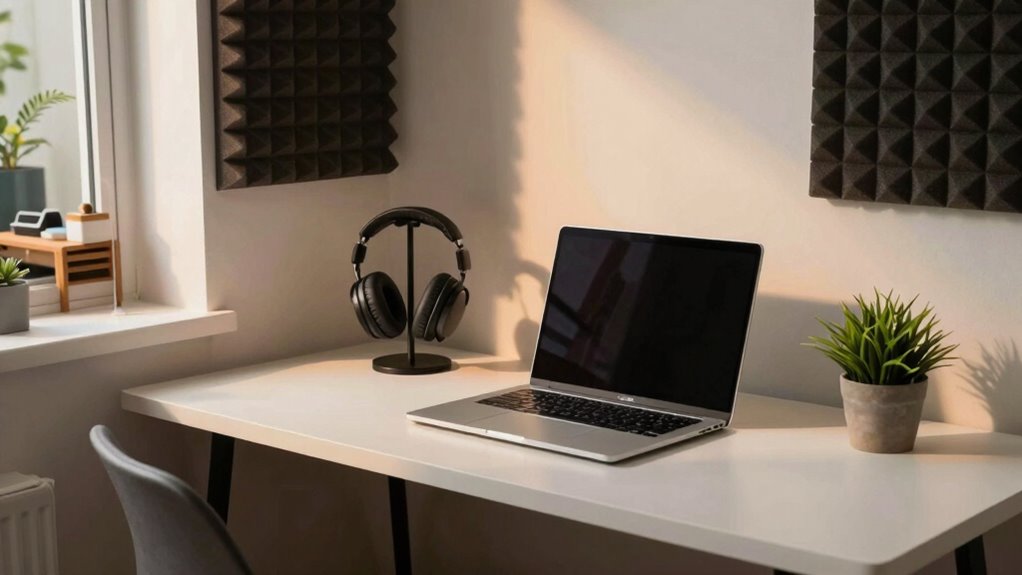
If you’re tired of distractions and noise while working or gaming, creating a quiet tech setup can make a huge difference. The first step is focusing on noise reduction. Invest in soundproofing materials like acoustic panels, door seals, or heavy curtains to dampen external sounds. Position your desk away from noisy appliances or high-traffic areas if possible. Using noise-canceling headphones during intense focus sessions can help block out residual noise and keep you immersed in your task. Additionally, selecting quieter equipment, such as whisper-quiet fans and low-noise computer components, can notably lower background hums and whirrs. These steps create a calmer environment, allowing you to concentrate without constant interruptions. Incorporating indoor air quality gear, like HEPA filters or air purifiers, can also help reduce airborne dust and allergens that may contribute to discomfort or distraction in your workspace. Improving air quality can further enhance your overall focus and well-being. Incorporating proper ventilation strategies can further circulate fresh air and diminish stale odors, creating an even more inviting workspace. Ensuring your workspace has good air circulation is essential for maintaining a comfortable environment during extended periods of work or play. Good ventilation can also help reduce airborne allergens, which is especially important for sensitive individuals.
Create a quiet workspace with soundproofing, noise-canceling headphones, and low-noise equipment for better focus and comfort.
Equally important is prioritizing ergonomic design in your setup. An ergonomic workspace reduces physical discomfort, which can be amplified by distractions and noise. Choose a desk and chair that promote good posture, reducing fatigue and the need to shift around frequently. Position your monitor at eye level to prevent neck strain, and ensure your keyboard and mouse are comfortable to use for extended periods. Proper cable management not only looks tidy but also minimizes clutter, which can be distracting. When your setup is ergonomically sound, you’re less likely to be sidetracked by discomfort, helping you stay focused on your work or gaming.
Incorporate a designated, clutter-free zone for your tech gear. Keeping cables, peripherals, and accessories organized reduces visual chaos, making your environment more tranquil. Use cable sleeves, clips, or trays to neatly route wires out of sight and avoid tangling, which can cause frustration and distract you. Also, optimize your room’s layout to minimize foot traffic near your workspace. Placing your desk in a quiet corner or away from main walkways shields you from passing footsteps and chatter, further enhancing noise reduction.
Finally, consider adding soft furnishings like rugs or upholstered furniture to absorb sound within the room. These additions complement your soundproofing efforts and make the space more inviting. By combining noise reduction strategies with an ergonomic design, you create a peaceful, efficient environment that helps you stay focused despite a busy household. This thoughtful setup not only minimizes distractions but also promotes comfort, making your work or gaming sessions more productive and enjoyable.
soundproof acoustic panels for home office
As an affiliate, we earn on qualifying purchases.
As an affiliate, we earn on qualifying purchases.
Frequently Asked Questions
How Do I Soundproof My Home Office Effectively?
To soundproof your home office effectively, start by installing acoustic panels on your walls to absorb sound. Make certain your door has proper seals—like door sweeps or weatherstripping—to prevent noise leaks. You can also add rugs and curtains to dampen sound further. Combining these measures creates a quieter environment, helping you focus without interruption from household noise.
What Are the Best Noise-Canceling Headphones for Work?
You’ll love the Sony WH-1000XM5 headphones for work. They offer wireless comfort and exceptional noise reduction, making it easy to focus amid chaos. Coincidentally, their sleek design feels light on your head, so you forget you’re even wearing them. Whether you’re on calls or deep in concentration, these headphones deliver high-quality sound and effective noise-canceling features, perfect for maintaining productivity in a busy home environment.
How Can I Reduce Background Noise From Children or Pets?
To reduce background noise from children or pets, try installing soundproof curtains that block out much of the sound. Adding acoustic panels to your walls further dampens noise, creating a calmer environment. You can also place soft furnishings like rugs and cushions to absorb sound. Using these solutions together helps minimize distractions, making it easier to focus and enjoy a quieter home workspace despite the lively household.
What Are Quiet Keyboard and Mouse Options?
You might think quiet keyboards and mice aren’t satisfying, but wireless options with mechanical switches can change that. Opt for keyboards with silent or linear switches, which minimize noise during typing. Wireless models eliminate cable clutter and reduce mechanical noise transmission. These options give you a comfortable, quiet experience without sacrificing performance, helping you stay focused even in a busy home.
How Can I Manage Cable Clutter for a Tidy Setup?
To manage cable clutter, start with cable organization by using cable clips, sleeves, or zip ties to keep cords tidy. Consider wireless solutions for your keyboard, mouse, and other devices to eliminate excess cables entirely. Regularly check and untangle cords, and position outlets strategically to minimize tangling. This approach keeps your setup clean, organized, and free of clutter, creating a more peaceful and efficient workspace.

ProCase Hearing Protection Ear Muffs SNR 33dB, Noise Cancelling Headphones
- Hearing Protection Rating: NRR 28 dB, ANSI S3.19 certified
- Adjustable Headband: Fully adjustable metal frame and padded headband
- Universal Fit: Fits most adults and teens
As an affiliate, we earn on qualifying purchases.
As an affiliate, we earn on qualifying purchases.
Conclusion
Imagine closing the door to your peaceful tech haven, where the soft hum of your quiet setup creates a calming oasis amid the busy household. With noise-canceling headphones resting gently around your neck and your laptop humming softly on a sturdy desk, you’re surrounded by tranquility. This serene space lets you focus fully, like a gentle breeze on a still lake. Now, you can immerse yourself in your work or hobbies, undisturbed and completely at ease.
As an affiliate, we earn on qualifying purchases.

Levoit Air Purifiers for Bedroom Home Pets Dorm Room, Small Air Purifiers
- Certified for Performance and Safety: AHAM verified for reliable air cleaning
- Captures Pollutants Effectively: Filters lint, pet dander, smoke, and dust
- Reduces Odors and Fumes: Neutralizes smoke, odors, and fumes
As an affiliate, we earn on qualifying purchases.
As an affiliate, we earn on qualifying purchases.